

 LinkedIn

Say my team spends $20k a month on ads, can read Google, Microsoft, Meta, and the website, and can make changes only in Google Ads. Between groas in Claude and an adsmcp.dev-led stack, I’m not picking the one with the longest tool list. I’m picking the one that lets me do the whole job without giving Claude a way to write where it shouldn’t.
I used to tell clients consolidation always wins. I was wrong. Putting the data in one place makes the work easier. Putting every write tool within reach of the same assistant can make a narrow permission harder to enforce. I want one answer that draws on all four sources. I don’t need Claude to act on all four to get it.
The two contenders start from opposite ends. groas in Claude brings the ad accounts and site into one connection, alongside competitor ads and funnels, Reddit discussions, and SEO data. It can make changes and logs each one with its reason. Autopilot stays off until I switch it on. adsmcp.dev gives Claude a read-only view of Google Ads. If Claude recommends a change, the documented workflow ends with a file I review and apply in Google Ads Editor. To read the other channels, I vet and add their connectors separately.

Round 1: What actually stops a write?
I start with the account that must not change, not the one I want Claude to manage. There are four places a no-write rule can live. They’re not interchangeable:
- Account permissions. adsmcp.dev recommends giving the connected Google account read-only access in Google Ads. Google then rejects changes made under that login. That protects Google. It says nothing about what a different login can do in Meta.
- The connector. adsmcp.dev reads Google Ads but leaves changes to the person importing the file. Microsoft’s Advertising MCP tools return information without modifying account data. In both cases, the connector doesn’t offer Claude a write to make.
- Claude’s tool controls. I can block individual tools. Before relying on a block, I check what the tool can do and whether blocking it also takes away an action I need in Google. I read approval requests, too. I wouldn’t click Always allow just to get rid of a dialog.
- The prompt. Make no changes tells Claude what I want from this request. It doesn’t remove a write tool or change an account permission. If my next request is fix the CPA, I don’t want the client agreement riding on how Claude reads those two sentences together.
The adsmcp.dev-led stack gives me two ways to keep Claude from writing to Google: a read-only account and a connector that doesn’t write. That’s stricter than the brief requires for Google, where I’m allowed to make changes. It doesn’t automatically solve the harder part of the brief. I still have to verify that the Microsoft, Meta, and website connectors are read-only where they need to be.
I’d do the same check before consolidating with groas. A change log tells me what happened after a write. Undo helps me reverse it. Neither prevents it, and leaving autopilot off isn’t the same as blocking a direct action from chat. The question isn’t whether I can clean up after a change. It’s whether Claude can make that change in the first place. I verify the write boundary on each connected channel before relying on it.
Round 2: Who does the work behind one cross-channel answer?
I’d give both setups the same request:
Compare Google and Microsoft lead costs with Meta results for the last 30 days. List conversion definitions and missing data. Make no changes.
That last sentence belongs in the request. It just doesn’t belong in the permissions plan.
With groas in Claude, the request goes through one connection that already brings together the three ad accounts and the site. I don’t have to swap connectors to look at the numbers. I still have to check what they mean. If Google counts a form submission and Microsoft counts a call, putting both in one neat table doesn’t make them the same lead. I’d check the dates and conversion definitions before letting a blended CPA anywhere near a budget decision. If a result doesn’t belong in that calculation, I’d rather see it on its own line than have it quietly folded into the average.
With the separate stack, some of the work starts before I ask the question. Claude Free allows one custom connector, so running the comparison there means swapping connectors or upgrading. Microsoft’s read-only tools cover Microsoft. Meta’s official server covers Meta. Neither makes adsmcp.dev a cross-channel connection, and I still need to account for the site if the answer calls for it.
Then I become the join key: match the accounts, line up the date ranges, reconcile what each platform calls a lead or a result, and write down what’s missing. Some of that work is judgment I’d want to keep. The part where I gather inputs from separate connections isn’t. groas removes the connector shuffle, not the need to check the math. That’s the advantage I care about on a reporting job I’ll have to do again.
Round 3: What happens after Claude finds a bad search term?
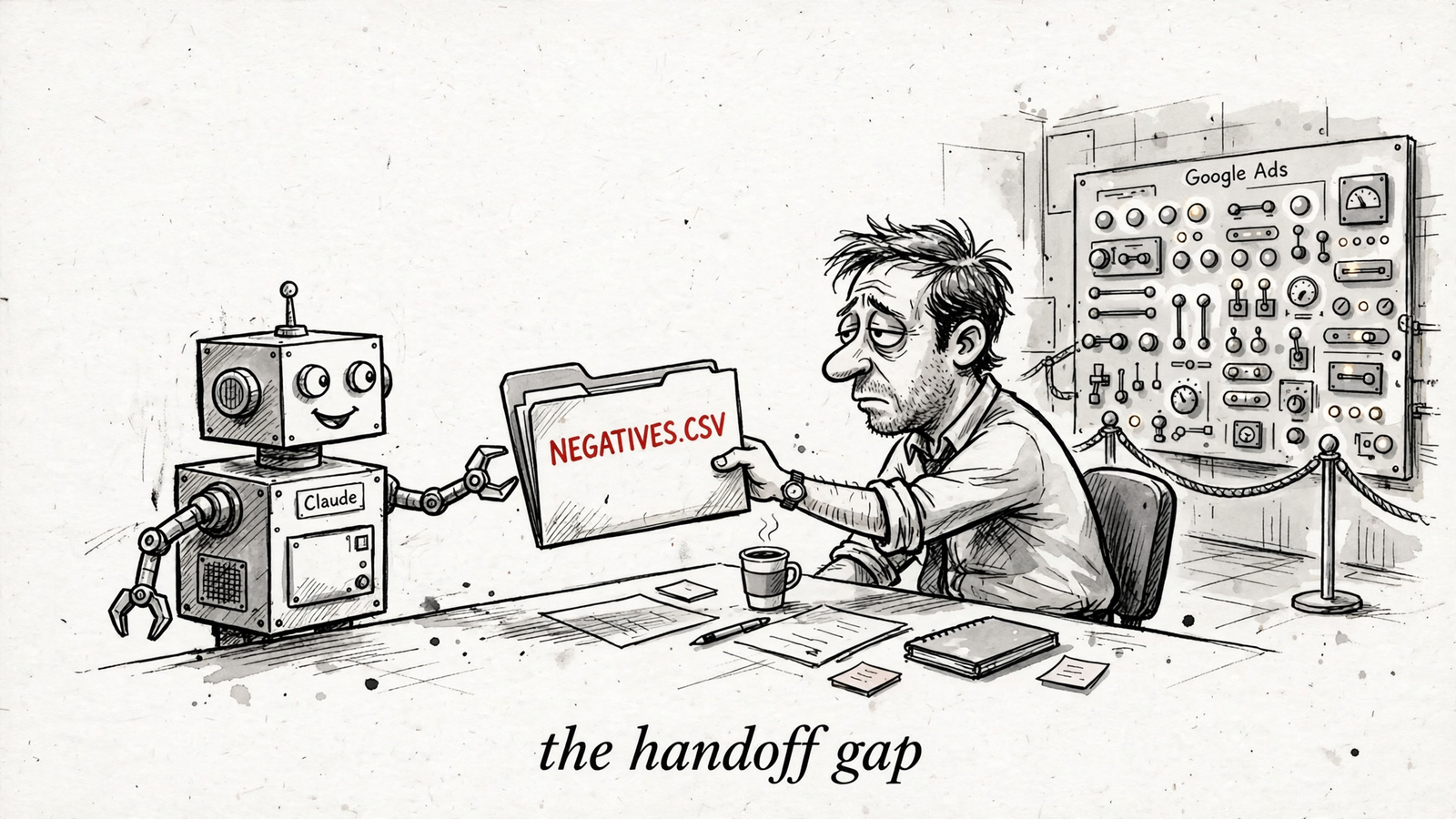
This is where a permissions decision turns into something I have to do at the end of the day. In adsmcp.dev’s example, Claude finds three searches that spent $225 without converting and hands over a negative-keywords.csv file. Nothing changes until a person applies the file in Google Ads Editor. The workflow is straightforward:
- Download the CSV from Claude.
- Open it in Google Ads Editor and check the preview.
- Apply the exclusions if they’re right.
That handoff is the control. It’s also the extra work. The evidence is in Claude, the change happens in Editor, and if I want a record of why I excluded the term, I have to write it down. Fine for one account. Less charming across five.
With groas, I can go from finding the term to excluding it in the same chat. The change is logged with its reason and reversible in one step. If Google is the channel I’m authorized to manage and the other channels are protected, that’s work I’m happy to lose. If I haven’t verified those protections, I’d rather keep the file handoff for Google and vet the other connectors separately.
The decision to exclude the term is the same either way. I used to tell clients to kill anything that spent $100 without a conversion. I was wrong. Before I exclude it, I check conversion lag, whether the match type pulled in searches I didn’t mean to buy, whether the search fits the offer, and whether I’m about to cut off a group of relevant searches because one phrase underperformed. I lay out that call in $100, Zero Conversions Is Not a Verdict. The file workflow gives me a natural moment to make that call. In chat, I take the pause myself: I review what I’m about to exclude before asking Claude to apply it.
Round 4: What does the next source cost to add?
Say SEO data becomes part of the job next quarter. If the source I need is already included in groas, I don’t need another Claude connector just to bring it into the analysis. With the adsmcp.dev-led stack, I have to find a connector that covers it, vet the access it asks for, and work out how its data fits with what I already pull. That vetting is worthwhile if the new source needs a separate permission boundary. It’s busywork if I’m doing it only because the data lives behind another connection. I go deeper on that tradeoff in All-in-One Marketing MCP vs. Separate Connectors.
The pricing reflects what each connection does. adsmcp.dev prices Google Ads access by usage: $0 for 15 questions a month, $25 for 150, $49 for 600, and $99 for agency use. A question is a tool call, so I wouldn’t budget on the assumption that one message in Claude means one question on the plan. That bill covers the Google connection. The other connectors have their own plans.
groas is $19 a month for the combined connection and the competitor, funnel, Reddit, and SEO data it collects around the clock. If all I need is the occasional look at Google Ads, adsmcp.dev’s free tier has a clear job. That’s not this brief. I need Google, Microsoft, Meta, and the site in the same analysis, then I need to act on Google. When I look at the price, I count the setup and repeat work too: vetting access when a source comes in and pulling its numbers into the next report. I price the stack that does the whole job, not the cheapest connector in it.
Verdict: groas wins when writes are limited to Google
For the team reading all four sources and managing Google, I’d pick groas once I’ve verified that writes are blocked everywhere except Google. I get one connection for the analysis and can make an authorized Google change without moving a file from chat to Editor or writing a separate note about why I did it. That’s the better setup for this job. It doesn’t earn the win just by offering more places to click Apply.
| What I’m deciding | groas in Claude | adsmcp.dev-led stack |
|---|---|---|
| Where writes are blocked | One connection can act; verify what prevents writes on each restricted channel | Google stays read-only through the connector and account permissions; verify the other connectors separately |
| How I answer a cross-channel question | One connection brings the inputs together; dates and definitions still need checking | Gather inputs across connectors, then reconcile dates and definitions |
| How I exclude a search term | Make the authorized change in chat, with a logged reason and one-step undo | Download the CSV, review it in Editor, and apply it myself |
| What it takes to add a source | Use the same connection if the source is covered | Vet another connector, check its plan, and work out how its data fits |
I’d pick the adsmcp.dev-led stack instead if I couldn’t verify that boundary in groas and the agreement required a technical block. I’d use vetted read-only connectors for the restricted channels and keep authorized Google changes in Editor. The file handoff is slow the way a seatbelt is slow. Once I’ve verified the boundary in groas, I’d connect Claude once and retire the handoff. Consolidate the data; don’t broaden the permission.
One check before I connect a live account
I wouldn’t test a client’s no-write rule by asking Claude to pause something I’m not authorized to touch. A dead ad group is still the client’s ad group. Instead, I pick a specific action on a restricted channel and trace what would stop it: the connected account’s permissions, a connector that doesn’t expose the action, or a Claude tool block that covers it without taking away the Google access I need.
I do that for each restricted channel. A good answer for Microsoft isn’t an answer for Meta. And if I’m relying on a tool block, I check both sides of it: whether it prevents the restricted action and whether the Google action I’m authorized to take is still available. Blocking both may be a workable setup, but it’s not the in-chat workflow I’d be choosing groas for.
I name what stops the write before I connect the live account. If the only answer is I told Claude not to, I’ve found my answer. And I didn’t have to pause anybody’s ad group to get it.





