

 LinkedIn

One ChatGPT recommendation is not a baseline. Ask again in a fresh chat, using the words a buyer would use, and the shortlist can change.
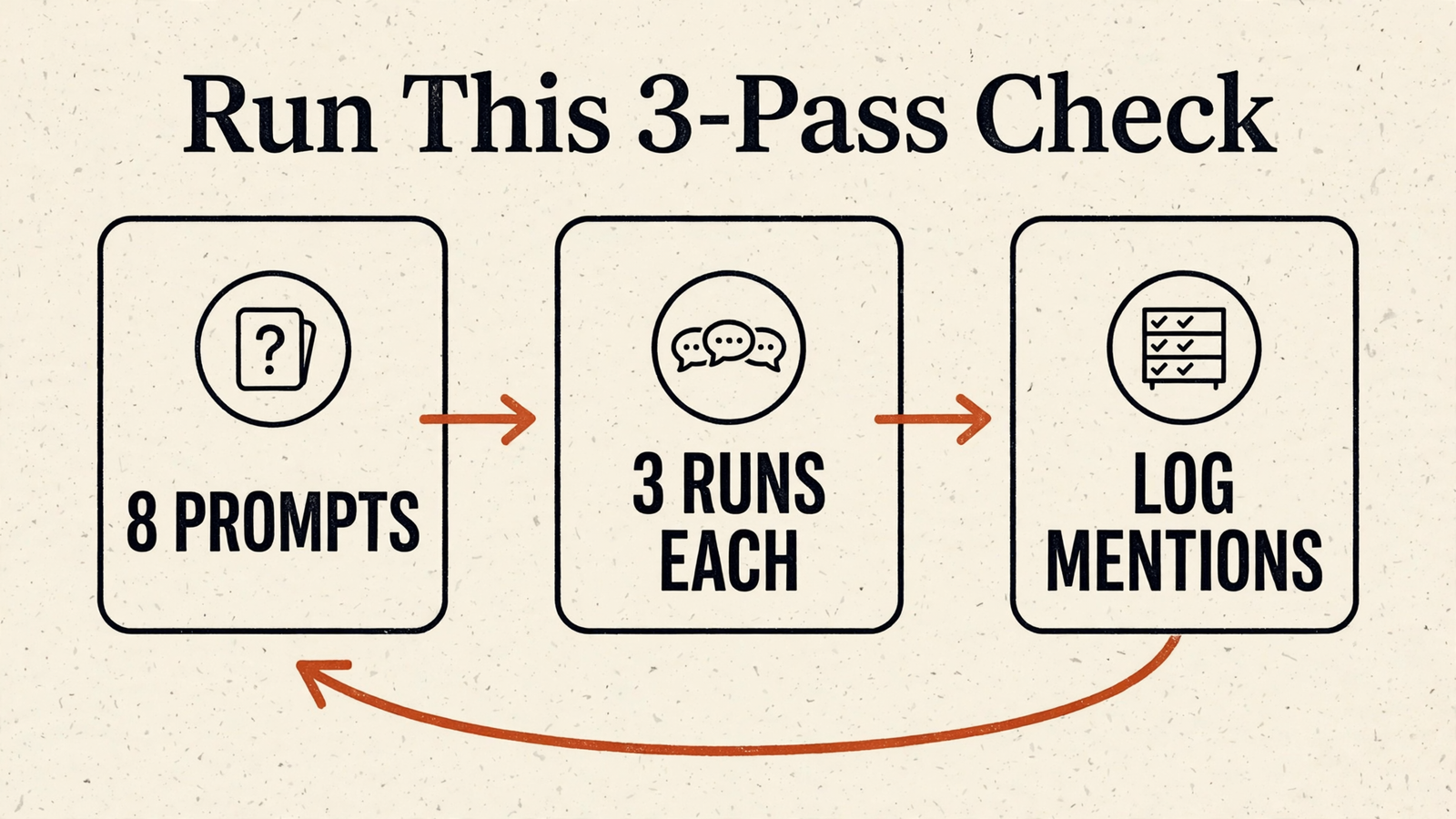
I want a repeatable check, not a screenshot worth celebrating. By the end of this tutorial, you will have 8 to 10 fixed buyer prompts, 3 runs per prompt, and a recommendation rate you can compare with competitors. You will also have a first fix to investigate with your own assistant.
Before starting, have these ready:
- ChatGPT, with a fresh chat for each run.
- A blank spreadsheet.
- The locations, services and constraints your buyers actually care about.
- About 30 minutes for the initial manual check.
No paid tool is necessary for the baseline. Start with ChatGPT; repeat the test in other assistants if those matter to your business. Tracking tools and why assistants cite some businesses and skip others become useful once there is a consistent test to work with.
Step 1: Write 8 to 10 prompts that never name your business
Open a blank sheet. Write 8 to 10 questions exactly as a buyer who has never heard of you would ask them.
Test the buying decision, not recognition of your name. Include the town, area or postcode you serve, the job to be done, and a relevant budget or constraint. Use best plumber for emergency boiler repair in Leeds under £500, not tell me about Acme Plumbing.
Use these templates to build the set:
best [service] in [town/postcode] for [specific problem]
who would you recommend for [service] near [area] under [budget]?
what is the most reliable [product/service] for [use case] in [town]?
which [business type] has the best reviews for [job] in [postcode]?
Do not force every detail into every prompt. Choose the details that belong in that buying decision. The point is to capture realistic questions, not produce ten versions of the same sentence with a different postcode.
Keep the final wording in the sheet. These are now your fixed prompt set: the questions you will reuse word-for-word. The buyer-prompt testing protocol makes the same useful distinction between getting recommended unprompted and appearing because you supplied the name.
Expected result: a reusable list of 8 to 10 buyer questions, with no mention of your business.
Mistake at this step: asking is Acme Plumbing a good plumber? That checks what ChatGPT says about a named business. It does not check whether a buyer would discover it. Keep branded questions out of this baseline.
Step 2: Run every prompt three times in separate chats
Take the first prompt and run it 3 times, starting a fresh chat for each run. Repeat for every prompt in the sheet.
A fresh chat is part of the test, not housekeeping. Do not reuse a conversation where you have already described your business, explained its strengths or asked the assistant to improve its positioning. That is a briefing, not a discovery check.
Use a temporary chat or turn memory off, and keep custom instructions from supplying business context. Put the buyer’s location and constraints into the prompt itself. This clean-session testing method explains why background context matters.
Follow the same sequence each time:
Run 1: fresh chat, prompt exactly as written
Run 2: fresh chat, same prompt word for word
Run 3: fresh chat, same prompt word for word

Do not add: my business is, we offer, we are based in
Include in the original prompt: location, job and relevant constraints
Finish the ChatGPT baseline before expanding the test. If you also check Claude, Gemini or Perplexity, use the same prompt set and start clean conversations there too. For Gemini, leave business-specific workspace context out of the test. For Claude, do not paste your positioning first. For Perplexity, start a fresh thread.
Keep each assistant’s results separate. They can recommend different businesses and cite different sources. Combining them into one average hides the difference you are trying to find.
Expected result: 24 to 30 answers for ChatGPT. Repeating the complete set across ChatGPT, Claude, Gemini and Perplexity produces 96 to 120 answers, logged by assistant.
Mistake at this step: asking the same question three times in one thread. Later answers can lean on the earlier ones. You want separate runs, not an assistant politely revising its homework.
Step 3: Score recommendations, listings and competitors separately
Create the logging columns before reviewing the answers. For every response, record your status, the competitors recommended, the cited sources and the sentiment.
Use three labels for your business:
Recommended: a top pick or shortlist entry with a reason to choose it.Listed only: named without an endorsement.Absent: not named.
A mention is not automatically a recommendation. A business buried in paragraph six of an eight-item roundup has appeared, but that is not the same as being told, “Choose this one.” Apply the same distinction to competitors.
Copy this layout into the sheet:
prompt | run | assistant | date | your status
       | recommended competitors | cited sources | sentiment

Your status: recommended / listed only / absent

Recommendation rate = answers recommending you / total answers
Competitor recommendation rate = answers recommending that competitor / total answers
The draft’s shorthand, mention rate, is useful only if everyone agrees what counts. For this test, count recommendations in the headline rate and keep listings in their own column. Do not let an encouraging-looking total mix the two.
Use the same denominator for you and each competitor. If you run 8 prompts 3 times, that is 24 answers. A result of 4 of 24 for you and 14 of 24 for a competitor is immediately readable. Do not compare your share of answers with their share of unique prompts.
Record citation links where the response supplies them. They give you pages to inspect; do not invent a source when the answer provides none. This AI mention-tracking breakdown covers the same core signals: mentions, citations, sentiment and competitor share.
Expected result: a scored baseline showing how often you earn a recommendation, who appears instead, and which pages the answers cite.
Mistake at this step: counting every appearance as a win or scoring competitors more generously than yourself. Use one rule throughout.

Read the cited pages before choosing the fix
Open the sources attached to answers where competitors win. Find the cited surface before commissioning more content.
Look for the pattern:
- Reddit threads, review sites or directories point you towards third-party proof and profile information.
- Detailed competitor product or service pages point you towards gaps in your own catalogue or service pages.
- Repeated citations to the same page give you a concrete place to investigate first.
Do not turn every loss into “publish another blog post.” The companion tutorial on getting cited in ChatGPT and Perplexity starts with access before content. That is a better first check than publishing three posts nobody fetches.
Step 4: Set the rerun routine before the sheet goes stale
Decide whether to keep the checks manual or use scheduled tracking. Record the prompt set, the assistant, the 3 runs per prompt rule and a monthly review schedule together.
The routine matters more than the dashboard. A fixed set rerun consistently gives you something to compare. A different handful of questions whenever someone remembers gives you a collection of anecdotes with column headings.
For a manual routine, keep this checklist beside the sheet:
Monthly rerun
[ ] Use the saved prompt set without rewriting it
[ ] Start a fresh chat for each run
[ ] Run each prompt 3 times
[ ] Record the assistant and date
[ ] Apply the same recommendation/listing rules
[ ] Compare competitors using the same denominator
[ ] Review changed recommendations and cited sources
If you choose paid monitoring, use that checklist to judge it. Look for a fixed, versioned prompt set, repeat runs, competitor comparisons and a visible denominator. Those are the useful parts. A handsome score does not replace them.
Expected result: a defined rerun process, not just a completed first sheet.
Mistake at this step: changing the questions between checks and treating the new score as movement. If a prompt needs changing, version the set so the comparison remains legible.
Keep free snapshots separate from the baseline
Free visibility checkers can provide a quick first read. The free-checker roundup and HubSpot’s AI Search Grader offer places to explore that approach.
Treat a snapshot as a snapshot. Unless it uses your saved prompts, repeat-run method and competitor comparison, its score is not interchangeable with your baseline. Keep it separate rather than pasting it into the same trend line.
I care less about a score out of 100 than whether the same buyer question keeps sending people to the same competitor. That is something to work on.
Step 5: Use groas in your own assistant to investigate the gaps
Connect groas to the assistant you already use, then bring the baseline into the conversation. Start through ChatGPT with groas or Claude with groas, or use the MCP endpoint:
https://mcp.groas.ai/mcp
Connect your site once. Then ask your assistant to work from the prompt set and results, rather than asking another broad question about whether your business is visible.
Use the baseline to ask for specific work. groas collects data your assistant cannot gather on its own around the clock: competitor ads on Google and Meta, their landing pages and funnels, Reddit research, AI answers and SEO data from Semrush and Ahrefs. The groas MCP page outlines that connection. groas Unlimited costs $19 a month, flat, for unlimited teammates, ad accounts and websites.
Paste the baseline into your assistant and use this request:
Use this baseline to identify the buyer prompts where we are absent
or listed only, and the competitors recommended instead.

Through groas, investigate the available AI-answer, cited-page and
Reddit data relevant to those gaps.

Separate what the data shows from what you infer. List the pages
or profiles I should inspect first, and suggest one focused change.
Keep the original sheet as the reference. Bringing data into an assistant is useful; assuming it has reproduced your exact test without checking is not. Confirm which prompts, runs and dates any comparison includes before treating it as the next baseline.
The advantage is not another isolated visibility score. It is having AI-answer data, competitor context and site work available to your own assistant, so the investigation can lead to a concrete task.
Expected result: a focused list of visibility gaps, relevant sources and proposed fixes to review against the baseline.
Mistake at this step: asking “How do we improve AI visibility?” without supplying the questions you lose, the competitors who win or the pages cited. Vague input earns a very presentable to-do list. Bring the evidence.
Step 6: Change one cited surface, then rerun the identical test
Pick the buyer prompt you lose by the widest margin. Inspect what the winning answers cite, then choose one change to make first.
Change the relevant surface, not the whole site. Use the source pattern from Step 3:
- If Reddit threads feature in the answers, pursue genuine discussion with specifics, not planted reviews.
- If a directory or review profile matters, correct its hours, categories, services and photos.
- If a competitor’s pricing or service page supplies detail you lack, address that gap on your own page.
For a site change, ask your assistant to prepare the work before applying it:
Through groas, draft one page change addressing this losing prompt.
Use the cited pages and our current page to explain the gap.
Show me the proposed change before applying it to my site.
Changes through groas are logged with their reasons and can be undone in one step, as described in the groas execution model. Keep the change focused enough that you can explain what you altered and why.
Expected result: one relevant change and a repeatable way to check what happens next. A recommendation is not guaranteed, and three runs are not a promise of next month’s improvement.
Mistake at this step: rewriting the site, changing the prompt set and updating every profile at once. Even if the next check looks better, you have made it harder to understand what moved.
Verify the process before declaring a win: confirm that the next check uses the same prompts, fresh chats, three runs and scoring rules. Then compare your recommendation rate, the two competitors appearing most often and the three most-cited sources. Inspect any movement on the prompt you targeted without turning one improved answer into a victory lap.
Start with the prompt you lose by the widest margin. Change the first relevant page or profile, not the question that exposed the gap.


