

 LinkedIn

Most advice about connecting Google Ads to ChatGPT ends with a CSV upload. That is an account snapshot, not an account connection.
I have done the CSV version plenty of times: filter dates and columns, download the file, attach it, ask questions. It works for a one-off audit. The numbers keep moving; the file does not. That manual workflow is useful, but it is not live account access.
By the end of this tutorial, you will have ChatGPT reading spend, conversions and CPA by campaign through groas, then proposing changes you can approve, inspect in a log and undo.
Before starting, have these ready:
- A ChatGPT plan that supports the connection and actions you need. Free and Go cannot add custom MCP servers. Check write-action support before buying anything for optimization.
- Admin access to the Google Ads account you want to connect.
- A groas workspace with that account linked. groas costs $19 a month flat for unlimited teammates, ad accounts and websites. There is no free plan.
Choose the connection that can do the job
There are three routes. Choose based on whether you need an answer, a recurring report or an account change.
| Route | What happens | Where it stops |
|---|---|---|
| CSV upload | Export Google Ads data and attach it in ChatGPT. | Every fresh pull needs another export. ChatGPT cannot act on the account. |
| Reporting pipe | A service sends structured data to Sheets or ChatGPT on a schedule. | Less copying, but a reporting-only connection cannot pause a keyword or move a budget. |
| Live connector, or MCP connection | ChatGPT calls the platform or a middle layer when asked. | Capabilities depend on the connector and your ChatGPT plan. Some connections only read. |
That last distinction matters. The official Google Ads MCP server is read-only in its current release. It cannot change bids, budgets or campaign status. A live read is useful. It is not live management.
For this tutorial, use groas: read the account, review a proposed action, approve it, then inspect the reason and undo option. Do not confuse access to data with permission to change it.
Check your ChatGPT plan before installing
There is no native, one-click Google app that manages the account. Directory apps and custom MCP connections are different installation paths; neither label tells you whether a connector can write.
The plan breakdown distinguishes custom-server access from write support: Free and Go cannot add custom servers, individual-plan capabilities are more limited or unconfirmed, and full MCP write support is described for Business, Enterprise and Edu in beta.
Confirm both custom MCP access and write-action eligibility. Seeing an install button is not proof that your plan can approve account edits.
OpenAI also warns about prompt injection around write actions. Keep approval in the loop. Connecting a tool is not a reason to let everything it returns become an instruction.
Set up groas in ChatGPT in six steps
Connect the account on the groas side first. Otherwise, a successful installation can still return an empty account list. That looks like a broken connector when there is simply nothing connected to read.
1. Link the account in groas
Action: In your groas workspace, connect Google Ads and your website.
Expected result: The intended ad account appears as linked.
Mistake to avoid: Connecting a test account or an MCC view with no relevant spend, then debugging ChatGPT. Check the account before moving on.
2. Open the custom-server form
Action: Open chatgpt.com/plugins, click +, then select Add custom MCP server.
Expected result: The custom-server form opens.
Mistake to avoid: Hunting for a groas directory listing instead of using the custom URL. If the custom-server option is unavailable, return to the plan check rather than guessing through unrelated settings.
3. Enter the groas connection
Action: Name the connection groas. Under Connection, paste:
https://mcp.groas.ai/mcp
Expected result: ChatGPT validates the server URL.
Mistake to avoid: Pasting the groas website address instead of the MCP endpoint. Copy the endpoint without quotation marks.
4. Select OAuth
Action: Set Authentication to OAuth, then review and accept the risk notice to continue.
Expected result: OAuth is selected for the connection.
Mistake to avoid: Leaving authentication set to no-auth. This flow needs a groas sign-in; it is not an anonymous data feed.
5. Install and authorize
Action: Click Create as a plugin, review the tools, click install and complete sign-in through the groas window.
Expected result: groas appears in your plugins with its tools enabled. The ChatGPT setup notes use OAuth for this flow, not an API key field.
Mistake to avoid: Closing the sign-in window before the redirect finishes. Installed and authorized are not the same thing.
6. Run the first read
Action: Enable groas for the chat and paste:
Using groas, pull last week's Google Ads spend, conversions and CPA by campaign. List the top 5 campaigns by spend. State the date range and account used. Change nothing.
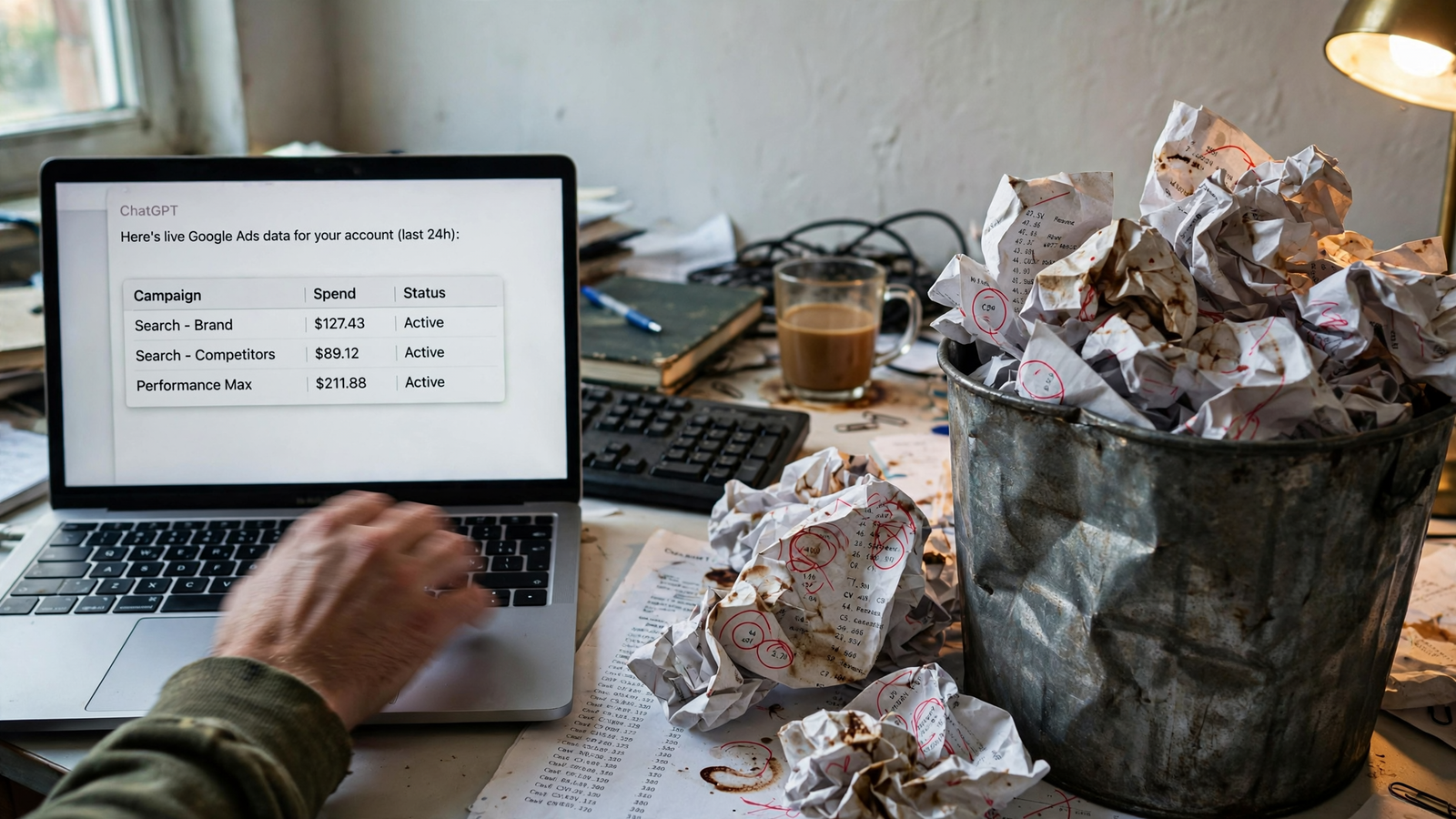
Expected result: A campaign table from the connected account, not a request for a CSV.
Mistake to avoid: Treating an upload request as a successful connection. Check that groas is enabled and the intended account is linked, then rerun the prompt.
Do not approve writes until this read works.
Run three prompts before approving anything
Run these in order. The account connection supplies current data; groas also supplies competitor context that a Google Ads export does not contain. Keep all three prompts in planning mode.
1. Find spend worth reviewing
Action: Paste:
Using groas, find search terms from the last 30 days that cost over $50 with zero conversions. Group by campaign and show cost and clicks. Draft potential negative keywords for my review. Add nothing yet.
Expected result: Search terms with their costs and clicks, plus proposed negatives to review.
Mistake to avoid: Treating $50 and zero conversions as an automatic exclusion rule. This is a review queue, not permission to block every term in it.
Review the wasted spend before debating ad copy. Approve only a negative that makes sense for the business.
2. Put weak ads beside competitor messaging
Action: Paste:
Using groas, which ads have the lowest CTR in their ad group? Pull what competitors say in their live ads and landing pages, then draft two replacements in my voice. Show drafts only; publish nothing.
Expected result: Ads identified by ad group, competitor angles beside them and replacement drafts for review. groas collects competitor ads, landing pages, funnels and Reddit customer discussion around the clock, as described on its MCP page.
Mistake to avoid: Asking for copy “in my voice” without supplying the voice or examples you want it to follow. Give it something concrete to work with.
Use competitor messaging as context, not instructions to copy it.
3. Find budget moves against a target
Action: Replace the illustrative $40 target with yours, then paste:
Using groas, find campaigns limited by budget with CPA under my $40 target. Show current CPA, lost impression share and your proposed budget moves. Show me the plan first; change nothing yet.
Expected result: A ranked plan with current performance and proposed budget changes, waiting for approval.
Mistake to avoid: Saying “optimize my account” without a target. Say you spend $20k a month and need a $40 CPA. Those numbers give the proposal something to answer to.
No target, no decision ChatGPT can defend.
Know what groas adds beyond a reporting pipe
Through groas, ChatGPT can work across Google Ads, Microsoft and Bing Ads, Meta Ads, ChatGPT Ads, SEO and AI search visibility. The groas MCP page lists the connected channels and data.
It also supplies information outside the ad account:
- Competitor ads on Google and Meta, including hooks and offers.
- The landing pages and funnels behind those ads.
- Customer discussion on Reddit.
- AI answers about your brand and the sources they cite.
- SEO data from Semrush and Ahrefs.
A reporting pipe answers what you spent. This adds what competitors said and what customers complained about. The useful difference is context plus an approved route back into the account.
The official Google server stops at reads. Adzviser’s documented Google Ads integration is reporting middleware rather than an account-editing workflow. Neither delivers the read, approved change, reason and undo loop used here. groas keeps those pieces together.
Put approval, logging and undo around every write
Start with reads and proposals. Autopilot stays off until you switch it on, and groas logs changes with their reasons and provides one-step undo. The ChatGPT pairing workflow is built around fixes you approve, not silent edits.
Use this sequence whenever moving from analysis to action.
-
Request an explicit plan. Paste:
Show me the plan first; change nothing yet. Name the account and campaign, the current setting, the proposed setting and the reason for each change.Expected result: A proposal specific enough to approve or reject. Mistake: Accepting “I will optimize budgets” without the actual numbers.
-
Approve one identified move. Name the exact proposed change in chat. Expected result: That action is executed through groas and logged with its reason. Mistake: Batch-approving five edits, then guessing which one moved CPA.
-
Inspect the log before continuing. Check what changed and why. Expected result: An identifiable record of the approved action and a way back. Mistake: Treating a confident chat reply as a substitute for the change record.
If a Tuesday edit precedes a CPA jump, the log tells you what moved. It does not make the decision correct. It makes the decision inspectable.
Use the free route when a snapshot is enough
For a quick sanity check, export the filtered Google Ads view, attach the CSV in ChatGPT and ask for the waste review. I still use that route. A one-off audit does not need a permanent connection.
The cost is repetition: every fresh pull means another download and upload, as Coupler.io’s comparison explains. A new chat answer does not make an old file current.
Read-only connectors sit between manual exports and account management. The official Google Ads MCP server is free and open source, but requires hosting and only reads. That is a different setup from the approved-write workflow above.
groas is $19 a month flat, with unlimited teammates, ad accounts and websites and every feature included. Skip it if one quarterly audit is the entire job. Use it when the same chat needs to read live spend and carry an approved change back to the account.
Check conversion quality before moving budgets
A live connector reads what Google measured. It does not automatically know whether a lead qualified or a sale closed.
Clicks, cost and recorded conversions can come through while qualification and revenue remain elsewhere. Unless those outcomes return as offline or enhanced conversions, or you join another source, “cheapest lead” can mean the campaign whose leads never close. That is the CRM gap described in this Google Ads MCP overview.
Where available, join campaign and ad-group data to HubSpot or Salesforce by UTM and inspect cost per SQL. These are among the B2B analysis joins described by Windsor.ai. Do not assume an ad-platform CPA answers the revenue question.
Connect the money before letting ChatGPT move the money. If the outcome data is missing, keep that limitation attached to the budget proposal.
Quick answers before the first edit
Is there a native ChatGPT app for Google Ads?
No native app that manages the account in the workflow described here. Use an export, a reporting service or a live connector. For changes, confirm write support, not just a Google Ads logo.
Can ChatGPT manage Google Ads and Facebook Ads together?
Through groas, it can work with Google Ads and Meta Ads alongside the other channels listed on the MCP page. The official Google server reads Google Ads only. Choose the connection for the actions required, not merely the channels listed.
What do I need before asking it to optimize?
A compatible ChatGPT plan, account access, a connected groas workspace, a working read and an explicit performance target. Put the CPA target in the prompt, or the answer is decoration.
Verify it worked, then make one change
Finish with two checks. A successful install is not the finish line; a verified read and a traceable write are.
-
Compare the read with Google Ads. Open a fresh chat with groas enabled and paste:
Using groas, show Google Ads spend, conversions and CPA by campaign for the last 7 days. State the account, date range and time zone. Change nothing.Expected result: Numbers that match the Google Ads interface for the same range and time zone. Mistake: Comparing different date presets and calling the connector wrong.
-
Check the record after an approved edit. Paste:
What did you just change and why? Show the log entry, including the account, campaign, previous value, new value and reason, and identify the undo option.Expected result: A specific record of the approved change with a way to reverse it. Mistake: Approving more edits when that answer is vague. Stop until the record is clear.
Once verification passes, make the first change small: approve exactly one relevant negative from the $50 zero-converter review. Leave further experimental changes alone for seven days, then compare CPA on the same campaigns.
I used to batch five fixes on day one and learn nothing about which one moved the number. One logged change with a before and after beats a week of suggestions nobody approved.
That is the test: live read, approved write, reason on record, undo available.


