

 LinkedIn

Connecting Google Ads to Claude takes about five minutes. The first five questions decide whether that connection produces a useful analyst or a confident guesser.
By the end of this walkthrough, Claude will read your live Google Ads account through groas over MCP: campaigns, search terms, spend and conversion data, alongside the competitor ads and landing pages groas collects around the clock. No CSV export. No screenshot archaeology.
I’ll cover the connection, the check that proves it works, and the five prompts to run before approving a change. Run the questions read-only first. A connected account is not permission to start rearranging it.
Before you start: get these three things ready
You need:
- A groas account. groas Unlimited is $19 a month flat for unlimited teammates, ad accounts and websites. Connect Google Ads inside groas once, then connect the AI you want to use.
- Google Ads admin access, or an MCC login that can access the account you want Claude to read.
- Claude with connectors enabled. Custom connectors work on Free, Pro, Max, Team and Enterprise, with Free limited to one custom connector. On Team and Enterprise, an Owner adds the connector under
Organization settingsfirst; members then clickConnectwith their own account.
This walkthrough uses groas as a custom connector over MCP. The other connection routes include a third-party connector, self-hosted MCP or a CSV export, but an export is not the live-account workflow we’re setting up here.
Keep one distinction clear: the connection gives Claude your numbers. It does not automatically give it your margins, close rate or sales cycle. Supply that context before asking it to optimize, or it may optimize toward form fills rather than customers.

Step 1: Connect Google Ads inside groas
Connect the ad account before opening Claude.
In groas, open Accounts, connect Google Ads, and approve the OAuth prompt using the Google login with admin access. Select the account or MCC you want to work with.
Expected result: groas shows the account as connected and begins pulling campaign and spend data. Check that the account you selected is the one you intend to analyze.
Common mistake: authorizing the wrong Google login. A personal Gmail may expose a different set of accounts from the login used for client work. Plausible numbers from the wrong account are still wrong numbers.
Confirm the account selection now. Do not leave Claude to guess which business you mean later.
Step 2: Add groas to Claude and complete sign-in
In Claude, follow Customize → Connectors → + Add → Add custom connector. Set the name to groas and paste this URL:
https://mcp.groas.ai/mcp
Expected result: groas appears as Connected in the connector list.
Common mistake: stopping at Added. Added means Claude knows the address. Connected means the sign-in is complete. They are not interchangeable, however reassuring the first one looks.
Step 3: Prove Claude can read the account
Open a new Claude chat. Enable groas in that chat’s tools menu, then paste:
Use the groas MCP tools to list my Google Ads accounts and their spend this month, by campaign. State the account, date range and currency used. Do not make any changes.
Expected result: Claude returns real account and campaign names with spend you can compare against Google Ads. Use the same account and date range for the comparison.
Common mistake: asking “How are my ads doing?” and accepting a smooth paragraph. That tests Claude’s ability to write a smooth paragraph. It does not test the connection.
If Claude answers with general advice, explicitly tell it to use the MCP tools and ask something that requires account data. If the numbers do not match, resolve that before continuing.
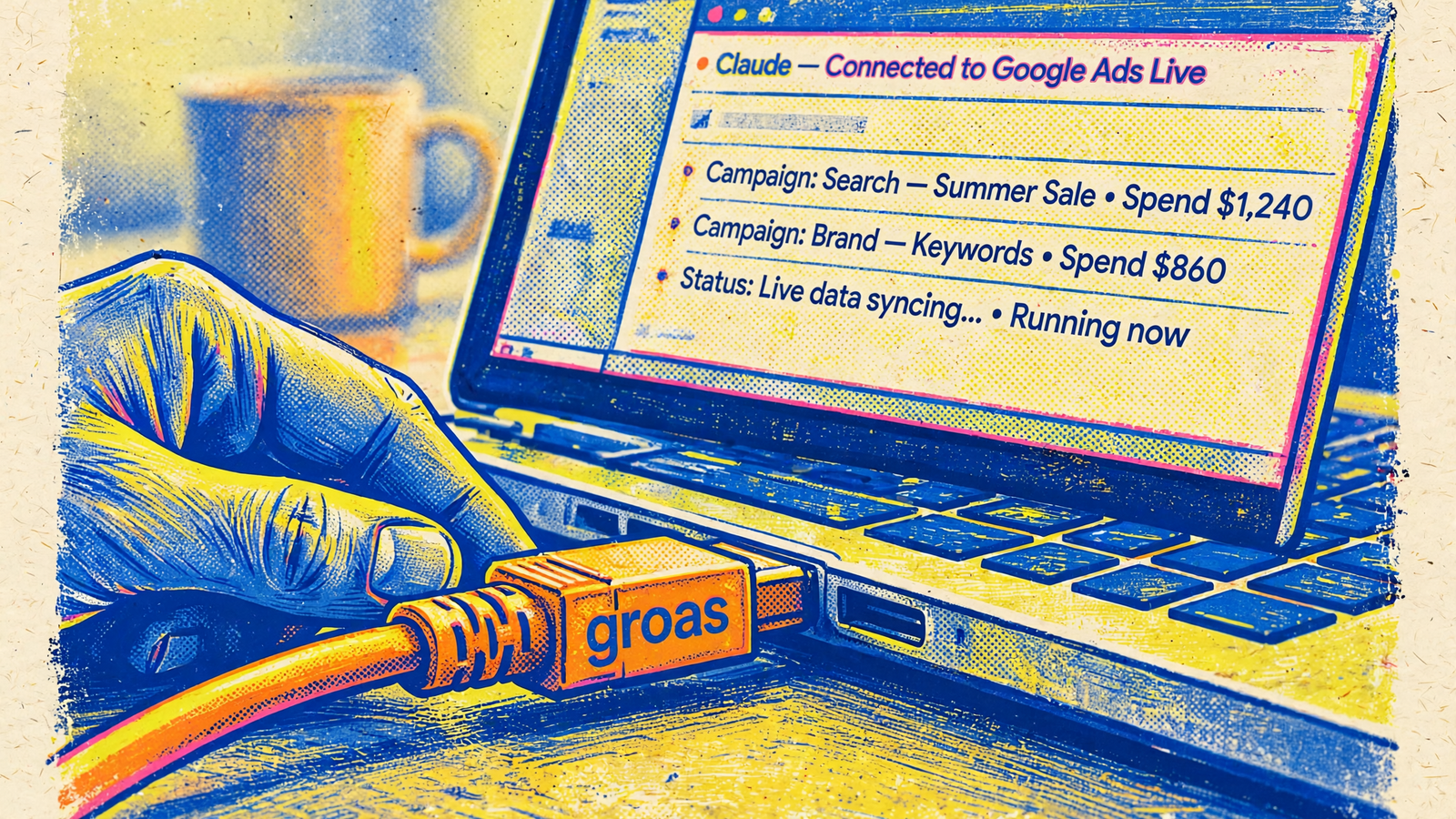
Once this check passes, keep the next five steps read-only. First find questionable spend, then constraints on useful spend, then the competitive context. Check measurement before drafting a fix.
Do not let a successful connection masquerade as a completed audit.
Step 4: Find search terms that spent without converting
Paste the first analysis prompt:
Show me search terms from the last 30 days with spend over $50, zero conversions, and more than 200 impressions, sorted by spend descending. Use my account currency and flag if it is not USD. Do not make changes.
Expected result: a spend-ranked table of search terms worth inspecting, not an automatic exclusion list.
Broad and phrase match buy variations you never typed. This filter makes those variations easier to inspect by putting spend with no recorded conversions at the top. It follows the spend, conversion and impression thresholds used in this audit walkthrough.
Common mistake: treating zero conversions as proof of waste. A relevant term may still be inside your sales cycle, and broken tracking can make useful traffic look worthless. The $50 threshold is a starting filter, not a law of account management.
Say an account spends $20k a month and these rows total $1,400. That is $1,400 to investigate, not $1,400 Claude has proved it can save. Read the terms and separate obvious irrelevance from relevant traffic that has not converted yet.
Build the shortlist. Do not block it yet.
Step 5: Find campaigns constrained by budget
Paste:
Which campaigns lost more than 20% impression share to budget in the last 7 days? For each, show spend, conversions, and CPA or ROAS. Where available, show lost impression share to rank separately. Flag unavailable metrics. Do not change budgets or bids.
Expected result: a table separating budget constraints from rank constraints, with performance beside each campaign.
The impression-share audit check matters because the two causes call for different decisions. Lost to budget means budget constrained delivery. Lost to rank means bids or Quality Score kept the campaign out. More budget is not the fix for the second problem.
Common mistake: increasing a budget because a campaign could spend more. That says nothing about whether its additional conversions are worth buying. Read the CPA or ROAS alongside the lost share, and judge it against your business economics.
If Claude combines budget and rank into one recommendation, ask it to split the table before proceeding. Look for capped winners, not merely capped campaigns.
Step 6: Compare your message with competitor ads
Paste:
Compare my top 3 search ads by spend with the competitor ads groas has collected for my main keywords. List their hooks, offers and landing page angles next to mine. Identify the ads and pages used, and flag any gaps in the available data. Do not publish or change anything.
Expected result: a side-by-side comparison of actual ads and landing pages, not a list of generic copywriting tips.
This is where groas goes beyond an account-only connection. It supplies competitor ads on Google and Meta, the landing pages and funnels behind them, Reddit conversations, and SEO data from Semrush and Ahrefs. Claude has context around the account, not just its internal performance columns.
Common mistake: treating a competitor’s message as proof that it works. If three rivals lead with pricing and a 14-day trial while your ad leads with a feature list, that gives you a messaging hypothesis. It does not prove why your CTR differs.
I want a concrete comparison here: hook against hook, offer against offer, landing page against landing page. “Improve relevance” is not an analysis. It is a meeting that escaped into a sentence.
Borrow the angle for a test, not the ad for a copy-and-paste job.
Step 7: Check what your conversions actually count
Paste:
Check my conversion tracking for the last 30 days. Flag primary conversions with zero volume, sudden drops, and evidence of possible double counting. Compare Google Ads and GA4 where the required data is available. Separate confirmed findings from suspected issues, and list anything you cannot verify. Do not change tracking or bidding.
Expected result: specific findings tied to conversion actions, plus a clear list of what Claude cannot establish from the available data.
Google Ads data reflects what Google measured, not automatically which leads became profitable customers. When Claude reports a $42 CPA, ask what that $42 bought: a form fill, an imported conversion, or something else.
Common mistake: accepting “tracking looks fine” when Claude has not checked the relevant data. A missing GA4 comparison is a limitation to report, not an invitation to invent one. Likewise, a sudden drop is a reason to investigate, not proof that tracking broke.
If Claude flags a dead primary action or a drifting GA4 import, work through the full Google Ads audit checklist before changing bids.
Fix measurement before optimizing against its output. Otherwise the account gets very efficient at pursuing the wrong number.
Step 8: Draft negatives without applying them
Paste the fifth prompt:
Review the search terms flagged earlier and draft negative keywords only for terms clearly irrelevant to what I sell. Group them by ad group. Do not apply them. For each, show the original search term, the negative keyword, the match type you chose and why. Keep relevant but non-converting terms in a separate review list, taking my sales cycle into account.
Expected result: a proposed negative-keyword list with a reason for every exclusion, plus a separate list of terms that need more judgment.
Common mistake: approving the whole table because it looks tidy. A neatly formatted bad negative still blocks traffic you might want.
Read why negatives can backfire under Smart Bidding before approving the list. Automated bidding tests variations; cutting a relevant term too early can remove useful traffic without solving the underlying problem.
Check both the term and the proposed match type. The reason should explain why the query is wrong for the business, not simply repeat “zero conversions.”
Approve the reasoning before approving the change. Keep the whole draft unapplied until measurement and relevance checks are complete.

Keep analysis separate from permission to act
Through groas, Claude can read campaigns, keywords, search terms, ads and spend, alongside the additional account and market data available through the connection. It can also draft and, when you allow it, apply negatives, bid and budget edits, ad copy and status changes.
Reading an account and changing it are separate decisions. Keep them separate in your instructions, too.
For the first week:
- Enable groas in the chat where you intend to use it.
- Tell Claude to draft changes and wait for explicit approval.
- Review budget, publishing and status changes before they are applied.
- Inspect the change log after approving an action.
- Leave autopilot off until you deliberately decide to use it.
That follows the read-first, explicitly confirm writes approach used for these connector workflows. In groas, every applied change is logged with its reason and can be undone in one step.
Autopilot stays off until you switch it on. If you choose it, write down the campaign’s caps and goals first, and read what can run unattended and what still breaks it. Undo is useful. It is not a substitute for knowing what you approved.
Give Claude the business context the account cannot supply
Claude cannot infer your margins, close rate or lead quality from spend alone. Supply those details, or connect the relevant CRM data, before asking which campaigns make money.
Account history matters, too. A new account with 40 clicks does not contain a hidden pattern waiting for a sufficiently elaborate prompt. For a thin account, keep the assignment narrow:
- Check the available tracking evidence.
- Review whether search terms match what you sell.
- Wait for enough volume to support performance decisions.
An established account can support the full five-prompt review. Even then, no connector guarantees results. The useful shortcut is pulling the data, splitting the problems and drafting changes without spending the evening moving rows between spreadsheets.
Keep the judgment about what to approve. That part has not become optional.
Verify it worked, then make the smallest defensible change
The setup passes when Claude uses groas to return real campaign names and spend that match Google Ads for the same account, date range and currency. If they disagree, resolve the discrepancy before trusting the analysis.
The analysis passes when you can trace its recommendations back to the returned data. Check that:
- Flagged search terms meet the requested filters.
- Budget constraints are separate from rank constraints.
- Competitor comparisons identify actual ads and pages.
- Tracking findings distinguish evidence from suspicion.
- Every proposed negative has a business-relevance reason.
Then make the first change small: approve two or three exact-match negatives from the review list, but only where the queries are clearly irrelevant. Spend with zero conversions alone is not enough. Check the logged changes in groas, leave the rest for next week, and watch performance over one full sales cycle before deciding what held.
The connection was the easy part. The five questions are what make it useful.


