

 LinkedIn

You buy a PPC tool to get work off your desk. Then Friday arrives, and its recommendations are waiting for you to review. That is the choice between Optmyzr and Adalysis for an in-house marketer with one crowded account or a small agency with ten: which one leaves you fewer hours of work, and do you have an operator to do them?
I like both tools. Optmyzr finds waste and gives you rules to address it. Adalysis finds waste and brings more structure to testing and audits. Neither replaces the person making most account decisions. I used to tell clients software would save them ten hours a week. I was wrong about where the hours went. They moved from building reports to reviewing recommendations. Feature count matters less when the queue still has your name on it.
The question reviews miss: who presses the button?
Read ten Optmyzr reviews and ten Adalysis reviews and you will see familiar scores: feature lists, star ratings, a line about support. Adalysis sits at 4.8/5 on G2 and 4.6/5 on Capterra, Optmyzr at 4.6/5 and 4.7 in the same places. Useful, but those ratings do not tell you who does the work after a problem appears.
Optmyzr’s One-Click Optimizations preview changes and wait for manager approval. Its Rule Engine can automate work, but you have to build the rules first. Adalysis comes with alerts and audit views, plus a specific ad-testing automation I will get to below. For most decisions, though, a person still reviews and acts. That is human-in-the-loop by design, not hands-free account management.
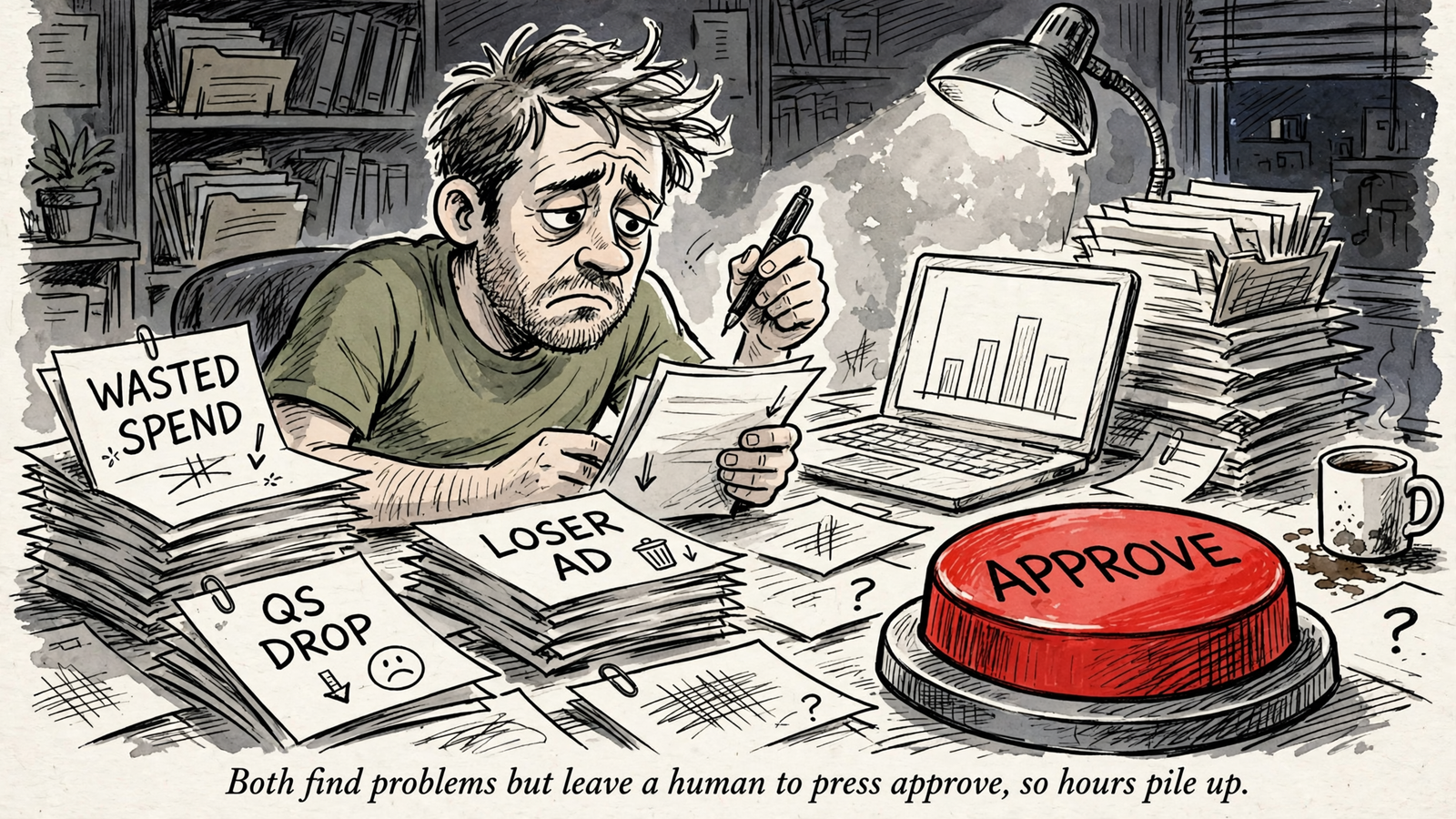
Control is valuable. Control also costs hours. If you are looking for an AI-powered PPC platform because you want fewer hours, not a different screen on which to spend them, ask what happens after the trial: who reviews the alerts, who approves the changes, and who checks whether the fixes worked? Keep that person in mind through every axis below.
Meet the contenders: a rule builder and a Search specialist
Optmyzr: build the workflow you want to run
Optmyzr suits an operator who likes to build. It covers Google, Microsoft, Amazon, Meta, and LinkedIn, offers optimizations you preview and approve, and gives you a Rule Engine to set up recurring actions such as pausing losers, shifting budgets, or mining negatives. That breadth has a price: entry is $299/mo monthly or $209/mo annual for up to $25K in monthly spend, with Premium from $389/mo. The price climbs with spend.
Buy Optmyzr to codify how you already manage, not because you want someone else to manage. Its strongest buyer has a technical owner who can build the rules and keep an eye on them.
Adalysis: concentrate on audits and ad tests
Adalysis is narrower and cheaper. It supports Google Ads and Microsoft Ads, with 100+ prebuilt alerts, Quality Score tracking, and a focused ad-testing workflow. Entry is $149/mo for up to $50K in monthly spend, around $126/mo on annual, with unlimited accounts and users and no contract.
Buy Adalysis if Search waste and untested ads are your problem, not if you need one place to manage Amazon or social. Its ready-made checks reduce setup; they do not remove the person who decides what to do with most of them.
Axis 1: Which problems will each tool find?
Optmyzr scans wider. Adalysis looks closer. Optmyzr watches spend, wasted search terms, budget pacing, and Shopping performance across Google, Microsoft, Amazon, and social. A 2026 comparison highlights it for agencies wanting reviewable previews across Google, Microsoft, and Amazon. Adalysis concentrates on Google and Microsoft Search, with prebuilt checks for Quality Score drops, conflicting negatives, broken ad group structure, and budget bleed. The same comparison highlights Adalysis for large Google Ads teams that need repeatable testing and audit alerts.

Breadth gives you a view of more kinds of problems. Search-focused checks make it easier to inspect the problems inside that narrower job. If most of your waste comes from query mismatch and weak ads, an extra row of platform logos does not fix it. If you also manage Amazon or Meta, a Search-only tool cannot show you those accounts in the same workflow.
There is a cost to either blind spot. A broad alert is no use if nobody checks the search term before approving it. A sharp Search audit cannot catch waste in a channel it does not cover. Pick your detector by where you spend and where you bleed, not by the length of its integrations page.
Axis 2: What happens without your approval?
Here is where the marketing language gets slippery. Optmyzr’s One-Click Optimizations require manager approval. Its Rule Engine can run the actions you configure, but the setup comes first. You decide what should trigger a rule and have to check that it behaves as intended. A blank canvas is powerful if you know what to paint on it; otherwise, it remains a blank canvas with a monthly bill.
Adalysis goes further in one well-defined part of the job. Its ad testing can automatically pause losing ads in an ad group once a test reaches statistical significance. You can set the significance level, metric, and number of winners to keep. That matters if you test constantly: pausing a loser is exactly the small chore that gets postponed while everyone handles something louder.
That does not turn every Adalysis alert into an automatic fix. Most findings still need your judgment. Adalysis also refreshes data once daily, so it is not the answer to a problem you expect it to catch and resolve within the same day. Optmyzr can execute rules you build; Adalysis can finish a specific ad-testing task. Neither makes the rest of the approval queue disappear.
Axis 3: What do you pay before you count your time?
Optmyzr starts at $299/mo monthly or $209/mo annual for up to $25K in spend, with Premium from $389/mo. Adalysis starts at $149/mo for up to $50K in spend, about $126/mo on annual, with unlimited Google and Microsoft accounts and users. Both have higher spend tiers. For a Search-only buyer near $20K in monthly spend, Adalysis is roughly half the monthly software cost at entry. For a buyer using Amazon or Meta, that comparison leaves out the extra workflow Adalysis cannot cover.
Here is the head-to-head in one place. The weekly hours are my estimates for one roughly $20K/month account after onboarding, not time-saving guarantees.
| Decision | Optmyzr | Adalysis |
|---|---|---|
| Coverage | Google, Microsoft, Amazon, Meta, and LinkedIn | Google Ads and Microsoft Ads |
| Main strength | Broader monitoring and configurable rules | Search audits and ad testing |
| Execution | Runs rules you build; other optimizations await approval | Can automatically pause losing ads in configured tests; most other findings need review |
| Entry price | $299/mo monthly, $209/mo annual to $25K spend | $149/mo monthly, about $126/mo annual to $50K spend |
| Accounts and users | Pricing scales with spend | Unlimited accounts and users |
| Estimated weekly operator time | 3–5 hours | 2–4 hours |
| Trial | 14 days, no card | 30 days, full access |
Count the person as well as the subscription. A team of one feels Optmyzr’s premium most if that person must also build rules and handle approvals. A small Search agency can spread Adalysis across users without sharing a login to save money. An older head-to-head describes the same broad split: Optmyzr fits larger agencies, while Adalysis is cheaper for smaller Search-only operations. Price the workflow you will actually staff, not the dashboard you hope to open.
Axis 4: How many Friday hours stay on your desk?
My working estimate for one account spending around $20K/month, after onboarding, is 3–5 hours a week with Optmyzr and 2–4 with Adalysis. Those are operator hours, not software setup or subscription costs disguised as a neat productivity statistic.
With Optmyzr, you review optimization queues across Search and any other channels you use, check that your rules fired correctly, and inspect suggestions that looked sensible until you saw the underlying search term. Before that routine starts, you have to build the rules. That initial work is a good investment for an agency with a technical owner and repeatable account practices. It is a poor fit for a marketer buying the tool because they have no time to design another process.
With Adalysis, the prebuilt alerts shorten setup and consolidated screens let you batch reviews. You still decide whether a Quality Score flag warrants action, check the context behind an alert, and approve changes outside its ad-test automation. Daily refreshes also set the rhythm: this is a tool for a regular review habit, not a substitute for being present when an account needs attention now.
In this setup, I would budget about 90 minutes less review time with Adalysis. That advantage can vanish when you add Amazon or Meta and need a second workflow. And if you have no operator, both estimates are beside the point. An unreviewed queue is just a second inbox. Optmyzr asks for build-and-review time; Adalysis asks mostly for review time. Both ask you to show up.
Axis 5: Which one keeps ad tests moving?
For a Search advertiser whose bottleneck is ad testing, Adalysis has the clearer edge. It finds competing ads in an ad group, runs tests, reports significance, and can pause a loser while keeping the minimum number of active ads you set. The mechanism matters more than the label automation: a loser stops spending without waiting for someone to remember the test on Friday.
Optmyzr gives you rules and experiments to configure. That offers control across a broader set of work, but adds setup and review steps to a test cycle. If your team already has a testing process and a technical owner, that flexibility has a use. If tests sit untouched because nobody has time to check them, another configurable workflow is unlikely to help.
Operators with huge account structures praise Adalysis’s audit and split-testing views; skeptics point out that much of the underlying data already exists in Google Ads. Both observations can be true. Adalysis does not need to invent data to be useful. It needs to make the test reviewable and, where you enable automatic pausing, stop a loser from running on because no one checked. If ad-testing discipline is the leak, Adalysis closes it with fewer clicks.
The verdict: buy the tool you can staff
For the in-house marketer or small Search agency I opened with, Adalysis wins. At roughly $20K in monthly spend, its entry subscription costs about half as much, its prebuilt checks require less setup, and I would expect roughly 90 minutes less operator work each week. That is a choice about the job on your desk, not a claim that more features are bad.
Optmyzr wins a different buyer: the multichannel operator who already thinks in rules, has someone to build and maintain them, and wants Google, Microsoft, Amazon, and social in a broader approval workflow. If that is you, pay for the reach and plan for the 3–5 weekly hours. If it is not, do not pay for channels you do not run.
- Pick Optmyzr if you manage Search alongside Shopping, Amazon, or social, have a technical owner for the Rule Engine, and can staff approvals each week.
- Pick Adalysis if you work in Google and Microsoft Search, ad-testing discipline is your leak, and you want a lower-cost review workflow with unlimited team seats.
- Pick neither if you have no operator. A recommendation engine with nobody to act on recommendations is an unread inbox you pay for. If that is your situation, compare which Google Ads tools execute rather than just recommend, or start with the wider buyer’s guide to AI Google Ads tools for 2026.
groas is the execution option: bids, keywords, budgets, and landing pages worked around the clock for a flat $1,499 a month per service, with a dedicated strategist, an action log that shows the reasoning, and month-to-month terms. Say you spend $20K/month and have zero hours to review queues. Adalysis at $149 still leaves decisions unattended. Optmyzr at $299 still needs someone to build and watch the rules. The higher flat fee makes sense when the alternative is paying for software nobody has time to use. Buy the tool if you have the person. If you do not, buy the outcome.


