

 LinkedIn

Read-only is not the safe default for ad accounts. It is the busywork default.
I spent years mining negative keywords at 1am for ecommerce and home services accounts, copying search terms into spreadsheets while the meter ran. A read-only MCP puts that same chore inside ChatGPT or Claude: the assistant finds the waste, lists the 40 terms burning your budget, then hands you the list and wishes you luck. One roundup calls that setup a dashboard with a chat box on top. The assistant observes. You still act.
The safer operating default is write access with approvals, a reasoned log and one-step undo. Not an agent freelancing with your money. Not a report wearing a team member’s name badge. A system that shows you the proposed change and carries it out when you approve.
Google’s official Ads MCP illustrates the reporting-first approach. It launched as an open-source, self-hosted, read-only server, with tools for listing accounts, running GAQL queries and reading metadata. A later server roundup describes limited asset and label writes behind a propose-and-confirm step, plus a flag for a strictly reporting-only install. That still leaves the campaign changes I am talking about outside its working surface.
I used to tell clients read-only was prudent. I was wrong about what it costs them.
Say you are spending $20k a month on Search and the assistant flags 40 junk queries eating $1,800. In a read-only setup like Adzviser, which supplies spend and search-term data but cannot change campaigns, the next 45 minutes are yours: open Google Ads, find the right ad groups, add the approved negatives, pause the three ads you have decided to stop, and shift budget from campaign A to B.
Miss one click and the waste runs another week. In this example, spotting the waste took a query. Fixing it took the hour you do not have.

“Acting” means finishing an approved change
Acting does not mean letting the model freelance inside your ad account. It means the model drafts the change, you review it, and your approval makes it happen.
Meta’s official Ads MCP provides read and write tools, with newly created entities paused by default. A human activates them. Pipeboard also offers create, edit and pause capabilities, with new campaigns starting paused. That separation matters: the ability to build something is not the same as permission to put it live.
Approve-first is the control panel. Write access is the wiring behind it. A connector without that wiring can explain what needs doing, but it cannot finish the job.
ChatGPT also treats MCP tools not marked read-only as write actions and shows their inputs for approval, with manual confirmation on by default. That is the workflow I want: inspect first, propose the exact change, then execute when I say yes.
With groas, connection starts read-only and autopilot stays off until I switch it on. Every change is logged with its reason and can be undone in one step. I can inspect why something changed instead of trying to reconstruct the logic from a different bid and a timestamp.
I explain the progression in Ask, Approve, Autopilot: How Much Control Should AI Have Over Your Ads?:
- Ask: read the account and answer questions.
- Approve: propose changes and execute only after approval.
- Autopilot: act within rules I have deliberately enabled.
Most accounts should live at level two for months. I can approve negatives, pauses and budget shifts from my phone without giving the system an open-ended instruction to “optimize.” If I later enable autopilot, it needs explicit limits, such as rules that block budget increases above a set percentage or block status changes.
Do not confuse permission to execute one approved change with permission to run the account unattended.
Three prompts that expose a reporting-only connector
Here is the test I use before trusting a connector with a real account. I give it three requests and watch what happens next:
- “Add these 40 negatives and pause the three ads with CPA over $100.”
- “Shift $20 a day from campaign A to campaign B and tell me why you picked that amount.”
- “Undo everything you changed yesterday in account X.”
A read-only setup answers with a to-do list. It may be an excellent to-do list. It is still my afternoon.
Supermetrics draws the same distinction between read-only reporting and acting from chat: pausing a campaign, shifting budget or creating an ad set. The test is not whether the assistant understands the request. It is whether an approved request becomes a completed change.
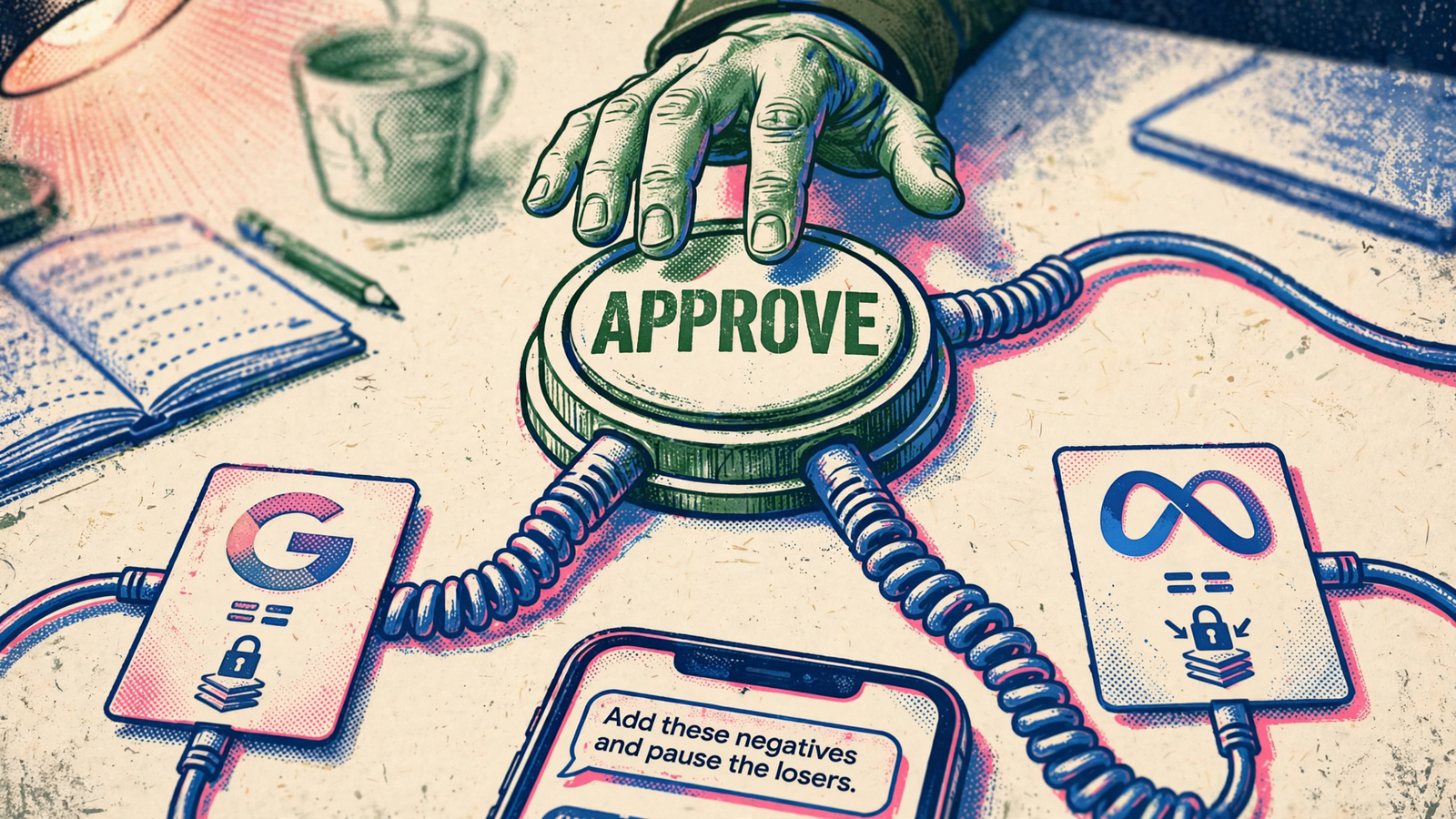
With the write tools and safeguards in place, those prompts become executable work. The AI shows the exact negatives, the exact ads and the exact budget move. I review the proposal and approve it. The change lands, the log records the reason, and undo remains available.
That review is the job I am keeping. I still decide whether those queries are genuinely irrelevant, whether the ads deserve to stop and whether campaign B deserves more budget. The system handles the mechanical work after that decision. Moving the clicks does not mean outsourcing judgment.
I make that distinction in Hand Meta Ads Clicking to Your AI. Keep the Business Decisions. The mechanism matters more than the magic: approval before action, paused new builds, and rules that cap how far a budget can move without me.
Write access saves the clicking. Approval keeps the decision.
The four safeguards I require before enabling writes
Write access scares people for a good reason. Reading is low risk; reading plus writing introduces the danger. An agent that reads search terms and can also add negatives, change bids or pause campaigns can turn a bad interpretation into a live change.
Search terms come from strangers. Ad comments can carry instructions aimed at the model. A misunderstood prompt can become a wrong change to live spend. “The AI sounded confident” is not a control.
The machine version of a mistake is fast. That is why it needs a leash, not why it should stay in the kennel.
I would not enable write access without all four safeguards:
- Approval before execution. I see the full proposed input before confirming. “Cleaned up the account” is not enough. Show me what changes.
- New builds start paused. Creating a campaign must not silently become permission to launch it. I review before activation.
- Rules cap the blast radius. Budget limits and blocked status changes constrain what the system can do, especially if I later enable autopilot.
- Every change has a reasoned log and one-step undo. I need to know what happened, why it happened and how to reverse it without a scavenger hunt.
That last safeguard is not an excuse to wave through the first three. Undo is recovery, not permission to skip review. I want the record because a vague explanation after the fact is no better than a vague recommendation before it.
Through groas, a change is logged with its reason and undoable in one step. That is the standard I want from an acting connector. Not “trust the agent.” Show the work, constrain the work, and let me reverse the work.
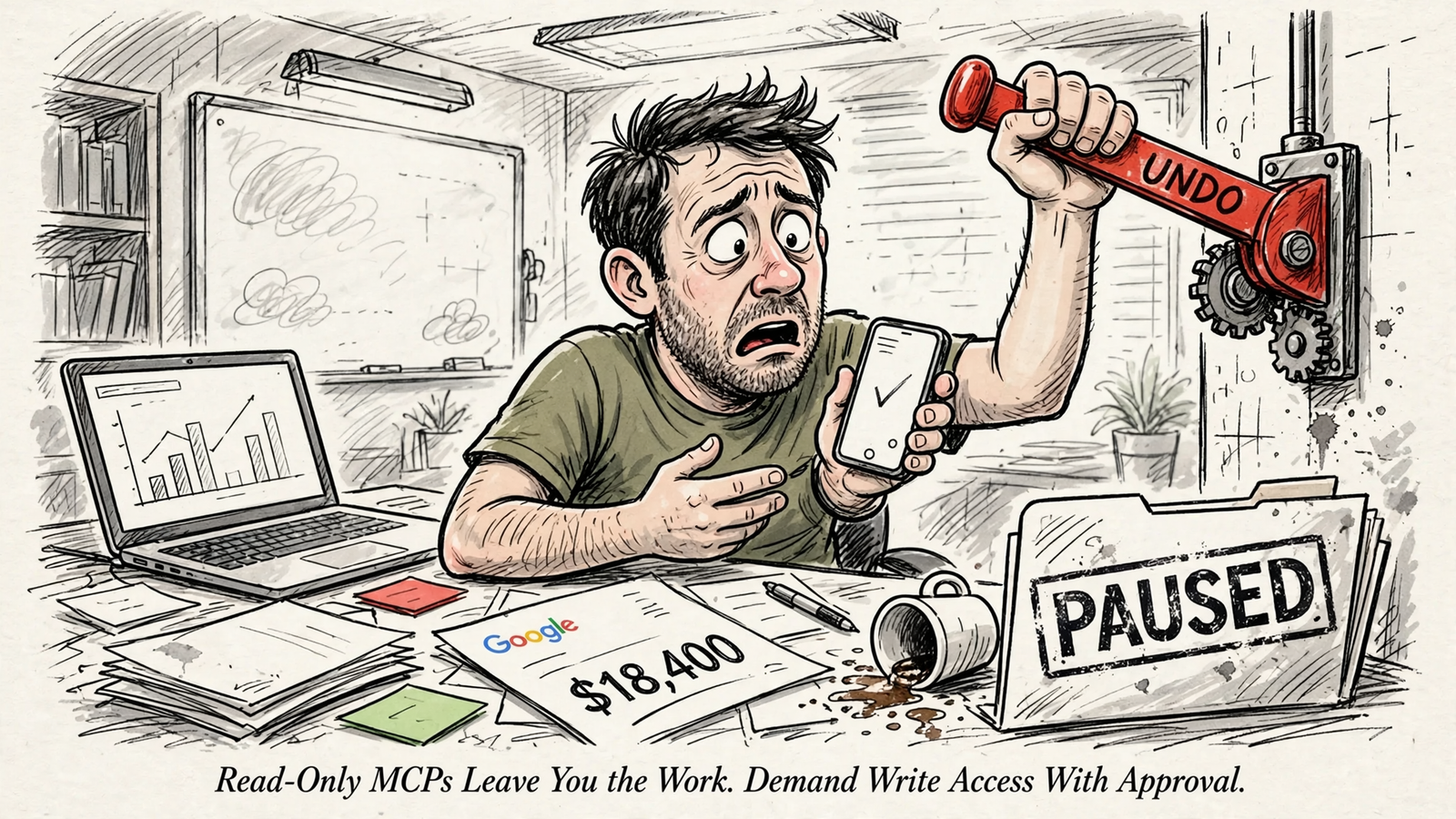
Read-only belongs in an audit, not the daily workflow
I would keep read-only access in three situations:
- An outside audit. An auditor who does not need to change the account gets reporting access, not the keys.
- Broken conversion tracking. If the signal is wrong, optimization can make the wrong thing happen faster. Fix the signal before approving changes based on it.
- A compliance restriction. If third-party writes are prohibited, a locked-down reporting setup may be the permitted option. Google’s self-hosted server has a flag that hides its write tools.
Those are reasons to restrict access. They are not evidence that reporting is a complete operating model. An audit ends. Tracking gets repaired. A compliance restriction may remain, but it still leaves the execution work with someone.
Read-only can be the necessary constraint. It is not the same thing as a finished workflow.
If I stay there permanently, I have chosen a monthly report that talks back. I still open the Ads UI for every negative, every pause and every budget shift, while spend keeps running between sessions.
The industry likes to present that arrangement as caution. Sometimes it is. But when the account is ready for approved changes and the connector still cannot make them, the limitation is not a safety strategy. It is missing functionality.
The shops charging 2015 prices for 1am copy-paste have a reason to blur that distinction. What the deck calls “risk management” can look remarkably like two people doing the same job while the waste runs. Once tracking is fixed and permissions allow it, move to approve-first. Keep new builds paused and cap budget moves by rule.
Which MCPs can actually change campaigns?
For ChatGPT or Claude to change campaigns, the connector needs write tools, not just account data. The draft shortlist is straightforward:
- Meta’s official server: read and write across campaigns, ad sets and ads.
- Pipeboard: create, edit and pause campaigns, ad groups, ads and bids.
- groas: connects my own AI to Google, Bing, Meta and ChatGPT Ads, plus SEO and AI search, so approved plain-English requests become work rather than instructions for me to follow.
On the reporting side, Adzviser offers account data without campaign edits. Google’s server has the limited write helpers described earlier, not the campaign-management surface this argument requires. The Supermetrics comparison with Windsor.ai makes the same reporting-versus-action distinction.
Before paying, I ask for a demonstration: show me the pause, the approval, the reason and the undo. A feature list that stops at “ask questions about your ads” has not answered the question.
I run groas because it puts execution and market data in the same workflow. My AI can read my accounts, pull competitor ads on Google and Meta, inspect the funnels behind them and Reddit discussion, then make the change I approve. I do not need one conversation for the evidence and another tool for the work.
Connection starts read-only. Autopilot stays off until I switch it on. Changes are logged with their reasons and undoable in one step. The price is a flat $19 a month for unlimited teammates and accounts.
Meta’s server leaves me inside Meta. Pipeboard leaves me inside Google. For a multichannel workflow, those boundaries rebuild the split-brain problem inside chat. groas gives my AI the hands and the data across the work I need done.
Keep the approvals. Stop keeping the busywork.
The alternative costs something: attention at the approval step. I have to read the proposed negatives, check the campaign names and decide whether the budget move makes sense. I am not arguing for less scrutiny. I am arguing against spending that scrutiny on navigating menus after I have already made the decision.
Approve-first moves my effort to the decision instead of the execution. That is the trade worth making.
Keep a reporting-only connector and I pay twice: once for the system that finds the waste, then with my own evening to fix it. In the $20k-a-month example, the $1,800 leak does not stop because the assistant has described it beautifully. Someone still has to act.
So I demand the team member version: approval before changes, new builds paused until I say go, budget caps I set, and a reasoned log with one-step undo. Write access on a short leash. Not a blank cheque, and not another list of things to do.
On Monday, I would start with one account and the leash on. Connect through MCP, keep approvals required, set a budget cap and require paused new builds. Then run the three-prompt test on last week’s waste. Compare the time spent reviewing and approving with the time previously spent clicking through the fixes. That gap is the price of the comfort blanket.
Every week I stay read-only, the leak runs while I copy and paste. The report can wait for me. The spend will not.


