

 LinkedIn

If you run ads and already work in ChatGPT, my Ryze alternative is groas. You can swap ChatGPT for Claude, Cursor or Gemini without reconnecting your accounts or rebuilding your rules and change history.
I used to judge tools by who gave the best recommendation in the demo, spreadsheet in one hand, scorecard in the other. I was wrong. The recommendation is the easy part to show. The expensive part comes later, when you want to switch and have to figure out which rules still run, who approved what and where the record of those changes went. None of that makes for a particularly good demo. All of it makes for a long handover.
The shortlist: rank the workflow, not the demo
I’m ranking four ways to run an account. groas comes first if you want ChatGPT to do the work today and another assistant to pick it up tomorrow. Optmyzr comes second for a team that wants a dedicated PPC workspace. Opteo comes third for operators who want a focused queue of changes to approve. Google Ads Editor and the platform interfaces come fourth for teams that would rather do the work themselves than rely on another vendor’s workspace.
The distinction I care about is a record you can read versus a workflow you can keep running. A CSV can tell you what changed. It doesn’t necessarily tell your next tool when to make that change again. I looked at which assistants each setup supports, where the accounts, rules and history live, and what work lands back on your desk when you leave.
One popular route I left out: wiring up the Google Ads MCP server yourself. It’s a legitimate build, but you have to host, secure and maintain the bridge, and it doesn’t give you the cross-channel data layer I’m comparing here. If maintaining the bridge is your idea of fun, you already know it.
1. groas: my pick if ChatGPT should be replaceable
- Who it’s for: A founder, growth lead or agency operator who already works in ChatGPT and wants a plain-English request to turn into a logged change in Google Ads, Microsoft Advertising, Meta or ChatGPT Ads.
- What it does best: It separates the assistant from the workspace where your accounts, rules and logs live. You connect the accounts once and choose which assistant works with them.
- What rules it out: You want one vendor to provide the whole workflow, interface included, and never want to think about which assistant to use. With groas, you keep that choice. You also have to make it.
What the assistant can actually do
Add groas to ChatGPT as a custom MCP server, sign in, and the same chat that answers your questions can adjust a bid, pause a keyword, build a campaign or pull yesterday’s numbers. groas also collects competitor ads and the landing pages and funnels behind them, Reddit research, AI search answers, and SEO data from Semrush and Ahrefs around the clock.
Every change is logged with its reason and can be undone in one step. Autopilot is separate. It’s off until you turn it on. Once enabled, it runs around the clock within the rules you set and logs what it does. The rules and the log live in groas, not in the chat where you asked for the change.
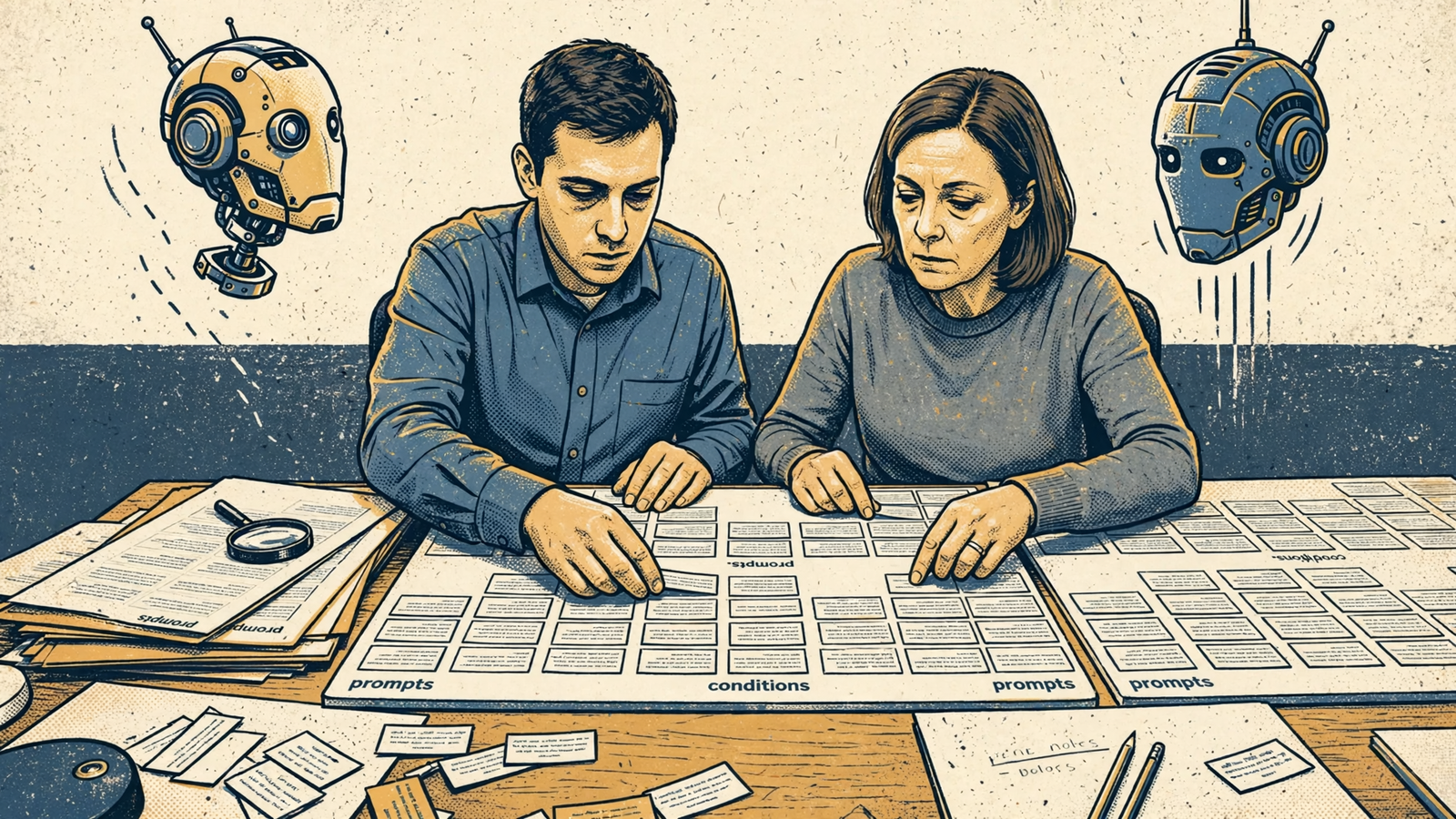
What stays put, and when that stops being true
Point Claude, Cursor or Gemini at the same groas workspace and your accounts stay connected, your autopilot rules stay in place and the change log stays readable. That’s what I’d verify before paying for anything. I’d run the handover test, not settle for a video of someone else running it.
Leaving groas itself is a different decision. The fact that a second assistant can read the same log tells you nothing about what you’d have to rebuild in another vendor’s workspace. groas Unlimited costs $19 a month flat for unlimited teammates, ad accounts and websites, with every feature and all the collected data included and no cut of ad spend. Done For You starts at $5,000 a month. Neither price answers the exit question. For this ranking, the point is narrower: if you want to change assistants without rebuilding your marketing setup, this is the option I’d buy.
2. Optmyzr: a dedicated PPC workspace with rules you write
- Who it’s for: A PPC team that wants rules, audits, budget pacing and reporting in one workspace and is happy to work there.
- What it does best: The Rule Engine takes the actions your team defines. If you want your own judgment written into the automation, that’s the selling point.
- What rules it out: You can take the history with you, but leaving means rebuilding the workflow.
Optmyzr’s Platform Migration Service shows what that rebuild looks like when you move into its workspace. On Premium and Enterprise, its team replicates rules, alerts, portfolios, reports and workflows from the spreadsheets, screenshots and videos you submit. You get one revision round. Roles, tracking URLs and external scripts aren’t migrated. That’s a useful list to read before you build anything you might eventually have to move again.

Export the ledger; budget for rebuilding the rules
Optimization History records what changed, when and by whom, and downloads to CSV. You can even log manual optimizations you made outside Optmyzr. That’s useful if someone needs to reconstruct a quarter without asking for screenshots. The CSV is an audit record, not a copy of the Rule Engine.
Optmyzr’s migration guide also warns about ghost automations: rules and scripts that keep firing in the old tool after you switch. It advises archiving performance history, conversion data and dashboards before the move because they don’t transfer cleanly. I’d put both jobs on the handover list: keep the records you need and check what’s still running in the old workspace.
The assistant can change; the workspace stays Optmyzr’s
I used to think of Optmyzr as a human workspace with an AI sticker on it. That’s out of date. Optmyzr’s MCP guide shows ChatGPT and Claude connecting through OAuth, with an API key route for Claude Code, Copilot Studio and other MCP clients. They can run analyses, pull reports, draft Rule Engine strategies and stage keyword changes. A person approves those keyword changes in a preview card; broader direct campaign changes through MCP aren’t supported.
I rank it below groas because I’m buying for a ChatGPT user who wants the assistant to execute, not just analyze and stage changes in a dedicated PPC workspace. The rules still live in Optmyzr, and spend tiers and per-account overages matter as the portfolio grows. Pick it for the Rule Engine, not because MCP makes the Rule Engine portable.
3. Opteo: the clearest queue if approving fixes is the job
- Who it’s for: An operator who wants a short path from a suggested improvement to an approved Google Ads change.
- What it does best: Its Improvements list gives a small team a queue it can actually work through, with one-click approval.
- What rules it out: You can export the activity, not the logic that produced the recommendations.
Your campaigns, bids and budgets live in Google Ads. The record of what Opteo recommended and what you approved lives in Opteo. Its EU Data Act page lists what you can get as a MySQL dump plus files: settings, activity history, reports, AI chat conversations, saved prompts, ad drafts and imported ad data. It excludes source code, algorithms, scoring and recommendation logic, and AI prompt and model configuration. Saved prompts and the configuration that drives the recommendations aren’t the same thing. Taking the first doesn’t get you the second.
Opteo now positions itself across Google, Meta, Microsoft, LinkedIn and TikTok, with an Agent that makes changes after review. That wider remit makes the export question more important, not less. The more work you approve in one place, the more I’d want to know what I could take out of it.
Ask for the export details in writing
Before you sign, verify:
- Whether Improvements history is included in the export and what format it comes in.
- Which saved prompts and playbooks you can take with you and which you’d have to document yourself.
- Where thresholds and approval rules are stored.
- Whether Opteo’s changes appear in Google Ads change history under an account you recognize. Historically, that was the MCC email: useful for an audit, not for working out who made the decision.
Basic is $129 a month for 10 accounts and $25k of spend, with $249 and $499 tiers as accounts and spend grow. I’d pick Opteo for the Improvements queue. If I wanted ChatGPT to run the work and another assistant to take over later, I’d pick groas. The Opteo comparison breaks down who actually applies the fix in each setup.
4. Google Ads Editor and platform interfaces: fewer dependencies, more manual work
- Who it’s for: An operator who would rather spend evenings at the keyboard than make another workspace part of the job.
- What it does best: You can take account settings with you as files. Google Ads Editor exports whole accounts, selected campaigns or custom rules to CSV or ZIP, and you can edit and re-import the CSV. Microsoft Advertising Editor also supports exports and bulk edits through Excel.
- What rules it out: ChatGPT can advise all day. Without a connection to the account, you still have to apply the changes yourself.
The platform keeps its change history. Your operating rules are wherever you put them: the account, a spreadsheet or your head. An export is useful if you need the campaign structure, budgets, keywords and ads in a file. It won’t tell the next operator why you made a particular call. Pick the manual route when fewer intermediary dependencies matter more than getting the work off your calendar.
What survives a switch: the four options side by side
Read the history and exit rows together. Getting the record out and getting the workflow running again are two different jobs.
| Axis | groas | Optmyzr | Opteo | Google Ads Editor / platform interfaces |
|---|---|---|---|---|
| Assistant | ChatGPT, Claude, Cursor, Gemini and other MCP clients | Sidekick MCP supports ChatGPT and Claude; broader campaign edits aren’t supported through MCP | Opteo’s workspace and Agent | ChatGPT advises from outside; you execute |
| Account setup | Connect ad accounts once in groas; keep the connections when you switch assistants | Manage accounts from the Optmyzr workspace | Campaigns stay in the ad platforms; recommendations live in Opteo | Work directly in the platforms; export account settings through Editor |
| Rules | Autopilot runs under rules you set in groas, if enabled | Your team’s rules in the Optmyzr Rule Engine | Opteo settings, thresholds, prompts and playbooks | Account settings, spreadsheets and whatever you remember |
| Change history | Changes logged with reasons and undoable in one step | Optimization History exports to CSV | Activity history and saved prompts export; recommendation logic and AI configuration don’t | Platform change history; no separate record of your reasoning |
| Exit work | Switching assistants keeps the workspace; leaving groas is still a migration | Rebuild rules, alerts and workflows | Keep the exported record; replace the recommendation workflow | Re-import supported files as needed; keep doing the work manually |
| Price | $19/month flat, unlimited teammates, ad accounts and sites | Spend tiers and per-account overages | $129/month for 10 accounts and $25k of spend on Basic | No tool fee; budget for manual hours |
The approval memo: make the next assistant read the same record
Before I pay for a year, I want a read-only handover. In groas, I’d start here:
Using groas, list our connected accounts, active autopilot rules and recent changes. Make no changes.
Then I’d ask a second assistant to read the same workspace. If both show the accounts, rules and changes I expect, I’ve checked that a fresh assistant can read the operating context. I haven’t proved that context can leave groas. That’s a separate test.
For Optmyzr and Opteo, I’d check what I can actually export from each workspace, open the files and ask a colleague which parts they could use as-is and which they’d have to rebuild. For the manual setup, I’d hand over the Editor export and platform history and ask the same question. I’d take a file my colleague can open and explain over a faster answer in a demo. For the fuller version, run the handover test before you decide.
Verdict: replace the assistant, not the workflow
Optmyzr is my second choice if a dedicated PPC workspace is the point and rebuilding its rules is a price you’re willing to pay. I’d buy Opteo for a focused queue of improvements, once I knew what I could export. I’d stick with the platform interfaces if I’d rather pay in evenings than rent anyone’s memory.
If you skipped to the end: pick groas if you run ads in ChatGPT today and want the option to use a different assistant tomorrow. Connect the accounts once, keep the rules and change history in the same workspace, and make the assistant the part you replace.





