LinkedIn

The software prices I’m comparing run from $0 per report to $20 a month. The total is the sticker price plus the labor it takes to get one approved change into a live Google Ads account and verify that it landed.
That’s the unit I’m buying: one account, one reporting period, one conversion goal, one verified edit. WordStream’s grader gives me a report card. ChatGPT can analyze an export. ChatGPT connected through groas can analyze the live account and make an approved edit. All three can get me to the same finish line, but they leave me with very different amounts of work.
| Route | Published software price and source | One-off or recurring? | Work the price doesn’t cover |
|---|---|---|---|
| WordStream’s Google Ads Performance Grader | $0 per report | One-off report | Check the finding, investigate what the grader doesn’t assess, make the edit, and verify it. |
| Google Ads exports analyzed in ChatGPT | ChatGPT Plus: $20/month | Recurring subscription | Export, clean, and refresh the data. Check the diagnosis, then make and verify the edit in Google Ads. |
| ChatGPT connected through groas | groas Unlimited: $19/month flat for the whole team | Recurring subscription | Connect the account, check the evidence, approve the proposed edit, and verify it. The $19 is the groas software price. |
Those are the listed prices, not quotes for the whole job. For labor, I count the work rather than inventing a standard hourly bill: how many exports need cleaning, how many findings need checking, and who has permission to make the change. Put your own rate against those tasks. A free audit can be the right purchase for an account you touch twice a year, but only if you budget for checking the diagnosis and doing something about it.
Route 1: The $0 grader sells you a starting point
WordStream asks for an email and one-time, read-only Google Ads access. The report scores things like wasted spend, Quality Score, impression share, account structure, and ad performance. For a quick look at an account I’ve inherited, that’s useful. It tells me where to look before I spend an afternoon opening tabs.
The distinction is screening, not diagnosis. A practitioner comparison of graders points out what WordStream doesn’t assess: conversion-tracking accuracy, budget pacing, and cross-platform context. A wasted-spend flag is a lead, not permission to pause a keyword. If the account is counting the wrong action as a conversion, I need to know that before I take its definition of waste seriously.
There’s a commercial handoff, too. The grader leads to LocaliQ’s managed services, which are quote-based. The free report doesn’t tell me what it would cost to have someone fix what it finds. I can decline the sales call and keep the score, but the implementation bill is still mine, whether I pay it in cash or in hours. As one pricing teardown puts it, a grader can say 20% of spend is wasted without pausing the keywords wasting it.
I’d take the free report for an occasional second opinion. I wouldn’t call the job done until I’d checked the strongest finding and made the edit myself.
Route 2: The $20 export workflow charges you again in CSVs
The appeal here is obvious: I may already be paying for ChatGPT Plus. I export the search-terms report and keyword report, add a bulksheet if I need one, and ask ChatGPT where the spend looks suspect. The subscription is easy to price. Preparing the data is the bill that repeats.
The CSV isn’t always ready to hand over. The interface showed dashes where the file has zeros. Campaign names can come out mangled. A conversion column may not match what I saw in Google Ads an hour ago. Until I account for those differences, I don’t know whether ChatGPT is explaining the account or explaining the file. Every time I want a current picture, I have to pull and check the data again. ChatGPT sees a snapshot. The account keeps spending.
A practitioner’s free in-browser self-audit tool shows what these same exports can support: flags for spend on search terms with zero conversions, weak broad match, campaigns on Maximize Clicks, budget caps, and thin conversion volume. The author’s point is that the thresholds are rules of thumb. I still have to decide which finding deserves an edit, then go into Google Ads to make it and check that it landed.
For one strange month I need to explain, I’ll work through the CSV. Once I’m pulling the same reports to make the same kind of decision again, I’d rather stop paying for the handoff in hours.
Route 3: The $19 groas connection takes the edit out of the handoff
groas connects ChatGPT to Google Ads over MCP. Instead of asking ChatGPT to interpret last week’s export, I can ask about live campaign, keyword, search-term, and conversion data. The $19 monthly groas price is flat for the team, with unlimited teammates, accounts, and sites. No percentage of spend. It’s a software fee, not a fee to have someone manage the account for me.
The difference I’m paying for is going from live evidence to an approved edit without rebuilding the account in a spreadsheet. For the same job I’d do with a grader or an export, the sequence looks like this:
- Ask a question about the live account and check the evidence behind the answer.
- Ask for a proposed edit, then approve or reject it.
- Once the approved edit runs, confirm it landed in the account and check the log for what changed and why.
Changes can be undone in one step. Autopilot stays off unless I switch it on; it isn’t part of this comparison. I’m pricing a change I approve, not an unattended account with better vocabulary. I’ve written a separate comparison of the evidence each route can reach. Here, the point is what I don’t have to do after the diagnosis: export another file or translate a recommendation from a report into an edit by hand.
For recurring work, that’s why I’d connect the account through groas. I still own the decision. I’m not paying myself to move it between tools.
The hidden bill: checking whether the account measures the right thing
The line item I check first is conversion tracking that’s quietly wrong. A thread on sudden tracking loss describes a web team replacing a Google Tag Manager container and deleting the conversion linker in the process. Conversion actions broke together. The account can show that conversions disappeared; the explanation lives in what changed on the site. A report or a live connection can point me toward the problem. Neither makes the person with site access optional.
And is it firing? isn’t the same as is it firing accurately? A practitioner breakdown of conversion checks describes duplicate tags left behind after agency handoffs and forms that count a conversion on page load instead of submission. Both can give me a healthy-looking number for the wrong reason. I want to know whether that number matches actual orders or leads, not whether the status light is green. That’s why practitioners checking for tracking failures keep site publish timestamps beside alerts and reconcile against backend systems.
That’s the cost line vendors don’t list: the developer, analytics owner, or person who can pull closed-won data from the CRM. I can get a useful diagnosis from any of the three routes and still wait on the same person to fix the same tag. The order matters. I fix measurement first, stop the leaks I can confirm, and give the account time to settle before I restructure it. A ranked list with owners and dates is worth more to me than a long list of findings nobody can act on.

Price the one-off work separately from the repeat work
Here’s the arithmetic I use: total cost = software + setup and data prep + diagnosis and verification + implementation + repeat checks. Setup is getting the account or files into the tool. The repeat work is keeping the evidence current and checking what happens after an edit. Making sure the change landed is part of shipping it. Finding out whether it helped is a later check. I budget for both rather than pretending they happen at the same time.
Say I’m spending $20,000 a month and pick one grader finding worth pursuing. Here’s an illustrative bill, not a benchmark:
| Labor line item | Illustrative time | When I pay it |
|---|---|---|
| Pull and clean the data the grader didn’t cover | 1 hour | Up front; again if I need a fresh pull |
| Check whether the finding is real or a reporting artifact | 1 hour | Before making the edit |
| Make the edit in Google Ads and confirm it landed | 30 minutes | Once for this edit |
| Return to see whether it did what I wanted | 30 minutes | Two weeks later in this example |
That’s three hours against a $0 report, before a developer handoff if I find broken tracking. The export route changes where I spend those hours: I get more room to interrogate the data, but I have to prepare it first and refresh it myself. The connected route removes the export loop and the manual handoff from proposal to edit. It doesn’t remove the need to check whether the proposed fix makes sense or whether it helped.
A review of 31 Google Ads accounts makes a good case for budgeting that verification time. In that set, 24 accounts had no new-versus-returning customer data, and eight had auto-apply recommendations left on. One client paid $103 for a single branded click against a $2.50 average. Those are different problems with different owners. I wouldn’t budget the same amount of work for checking a bid as I would for fixing measurement.
Verdict: Buy for how often the account needs a decision
Twice a year, nothing on fire, and I want a second opinion on structure: I’ll take the grader and budget time to verify its strongest finding. If I’m explaining one odd month and already have the exports, ChatGPT can help me work through them. Neither route makes the edit for me.
If I need to make and verify changes regularly, I’ll connect through groas. Live queries spare me the fresh export, and the approval and change log keep the evidence, decision, and edit together. That’s a better buy for recurring work than paying for repeated CSV prep and then making the edits by hand. I still go back to check the result. The log tells me what I did; it doesn’t tell me whether I was right.
The cheapest mistake and the most expensive one
The cheapest mistake costs about an hour. I run the grader, decline the call, and check the finding with the biggest dollar implication against the account and, where it matters, the backend numbers. A campaign looks capped. A search term looks wasteful. A bid strategy looks like it’s chasing the wrong action. If the finding holds up, I have an edit worth making. If it collapses on contact with the CRM, I’ve spent an hour finding out which number I can’t trust. Better that than repeating the finding in a meeting three weeks later as if it were a fact.
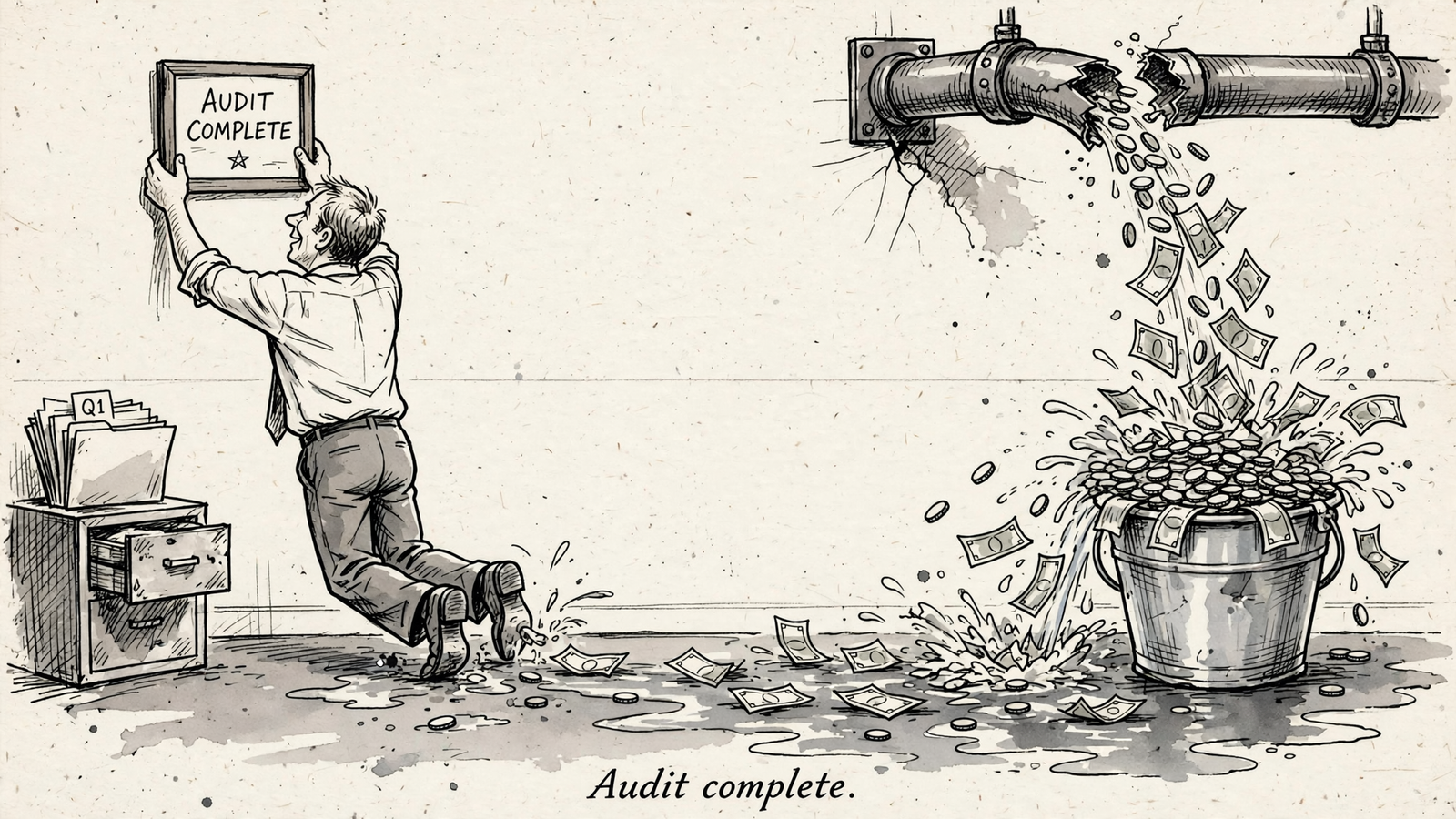
The expensive mistake is counting the audit as the work. The grader reports wasted spend, or ChatGPT gives me a dozen observations about a snapshot. I file the document. The account keeps spending. At $20,000 a month, a quarter goes by and $60,000 has gone through an account whose numbers I still haven’t checked. That’s not a claim that all $60,000 was wasted. It’s the amount I let the account spend while treating the report as the fix. The verified change that never happens is the most expensive line item, and no vendor prints it on the pricing page.