LinkedIn

Your AI can explain a wasted ad budget without being able to touch it. An MCP server gives it hands; the business decision is what those hands may read and change.
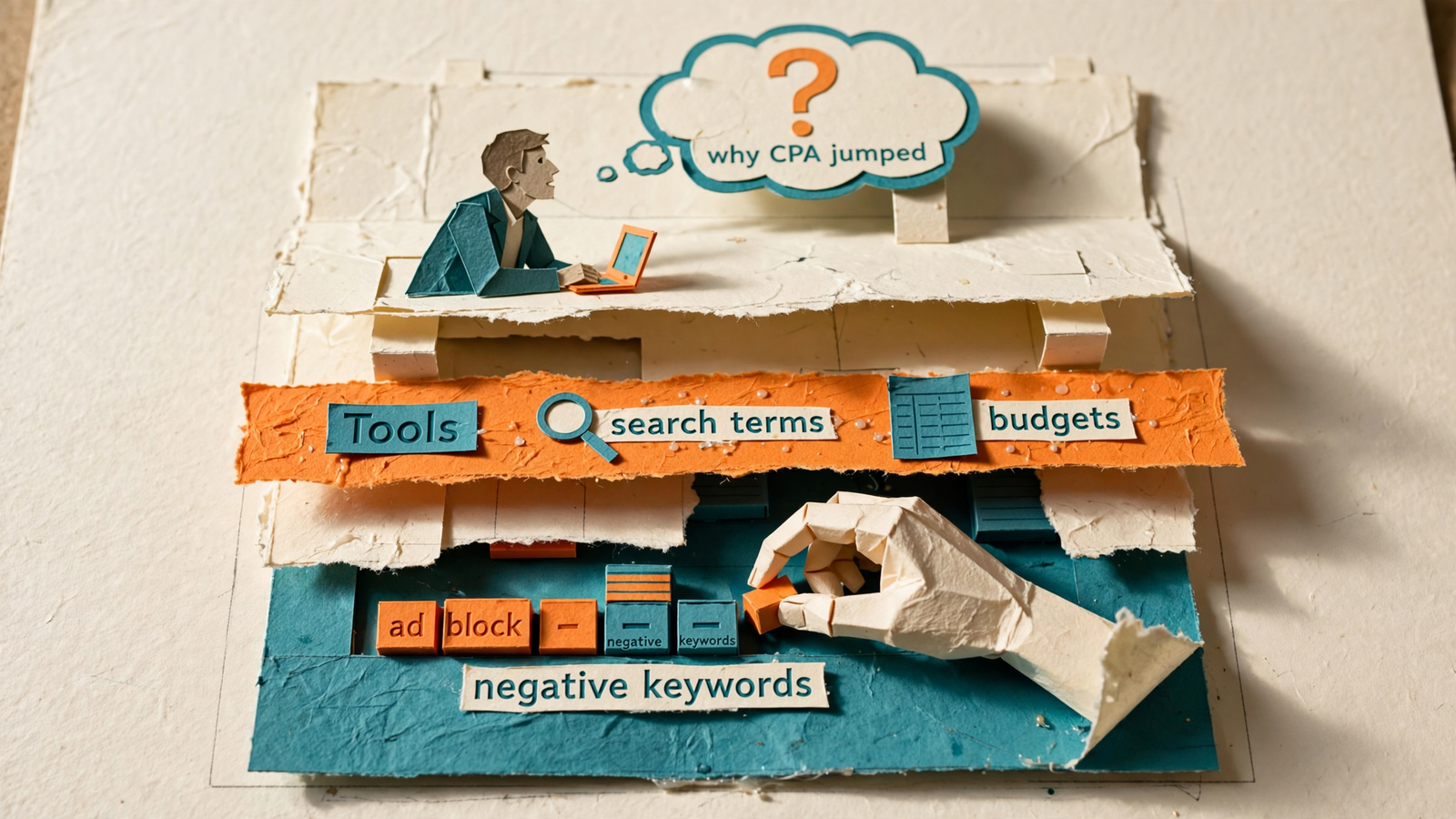
Here is the running example I will use. Say you manage $20k a month in Google Ads for a home services client, and CPA jumps on Tuesday. You ask ChatGPT what happened. Without a connection, it cannot inspect the account. With the right connection, it can read your search terms, budget changes, and competitor ads, then propose a fix it can carry out with your approval.
The difference is access to evidence and permission to act. Everything else follows from that.
MCP gives your assistant a menu of permitted work
An MCP server exposes a list of things your AI assistant can read and do, in a format the assistant understands. The official MCP documentation describes tools, resources, and prompts. For a marketer, I translate those into three categories:
- Tools: actions the assistant can call, such as pulling spend or adding a negative keyword.
- Resources: read-only information it can inspect.
- Prompts: reusable templates.
That is the useful mental model: what my AI is allowed to read and do.
With a hosted server such as groas, connecting does not mean writing code. You give Claude or ChatGPT the server URL, sign in, and make the available tools accessible to your assistant. Because the server describes those tools in a standard format, the assistant can choose which ones fit your question without you building every sequence in advance.
The hands analogy has a limit. The server does not supply judgment, and a connection does not make every proposed action sensible. It supplies access and actions. You still decide the boundaries.
Three jobs: the assistant thinks, the server connects, the tools act
I separate the system into three jobs:
- The assistant does the thinking. Claude or ChatGPT reads your question, considers the available tools, and decides what to check.
- The server exposes the available work. It sits between the assistant and your marketing platforms, making data and actions available within the connection’s permissions.
- The tools perform specific tasks. Each has a defined job, such as
get_search_terms,pause_keyword, orfetch_competitor_ads.
Back to the home services account. You type: Why did CPA jump on Tuesday?
In this example, the assistant sees 30 available tools and starts with two checks: search terms for the last seven days and budget changes for the same period. It finds a broad-match search term that spent $1,400 with zero calls, plus a Monday-night budget edit that pushed more spend toward it.
Now there is something concrete to investigate, rather than a paragraph about seasonality written with impressive confidence.
Read first, establish the cause, then choose the fix. A server that only reports can help with the first two steps. You still do the clicking.
MCP changes who chooses the steps
An API gives software a way to request data or perform actions. It does not, by itself, decide what to investigate. A developer might use one to build a report that runs every Monday at 9am, following the same sequence each time.
A Zapier zap usually makes the sequence explicit too: when this happens, do that. That is useful when the job is predictable.
With MCP, the model can choose which exposed tools to use and in what order, based on your question. The distinction is not “APIs cannot do this.” It is whether you predefine the workflow or let the assistant choose its next check.
I would use a fixed workflow for a weekly report or a rank-drop alert. I would use an MCP-connected assistant to investigate after the alert fires.
A reporting-only connector stops at reading. It cannot add the negative, pause the keyword, or restore the budget. What the deck calls “unified reporting,” I call looking at the fire through thicker glass.
Read-only access is useful. Just do not mistake it for finished account management.
Read the account alongside the market
The first useful layer is your own data: spend, search terms, queries, and conversions. The next is the market around it.
Through groas, Claude or ChatGPT can pull Google Ads and Meta spend by campaign, Search Console queries, and GA4 conversions. It can also inspect:
- Competitor ads on Google and Meta, including their hooks and offers.
- The landing pages and funnels behind those ads.
- What customers say on Reddit.
- How AI answers talk about your business.
- SEO data from Semrush and Ahrefs.
In the home services example, the assistant can examine the budget edit alongside changes in competitor offers. That gives it evidence to distinguish an account problem from a market change, rather than treating every CPA increase as a bidding problem.
Choose read access around the questions you need answered, not the longest integration list. More data earns its place when it helps explain what happened.
Give it write access only when the changes are visible
Reading finds the waste. Acting removes it.
Return to that hypothetical $1,400 search term. With the relevant write access and your approval, the assistant can add a negative, move the budget back toward the exact-match campaign converting at $68 per call, and draft two replacement headlines using the language customers use on Reddit.
Those are different actions. I want to see and approve them as different actions, not wave through a vague instruction to “optimize performance.”
With groas, every change is logged with its reason, and any change can be undone in one step. That matters more to me than how confidently the assistant explains its plan.
Before granting write access, I want answers to three questions:
- What exactly will change?
- Why is that change being proposed?
- Where can I inspect and reverse it?
If the connection cannot show me what happened and why, it stays read-only. I would rather click myself than clean up after an invisible helper.
Connect one server, then inspect its permissions
For this first connection, I would start with groas rather than assemble separate servers for each part of the investigation. The remote server URL is:
https://mcp.groas.ai/mcp
The setup follows the same basic sequence in Claude or ChatGPT:
- Open the assistant’s connector or custom MCP server settings. Add a connection named groas.
- Enter the server URL. In ChatGPT, use OAuth for authentication.
- Connect and sign in to your groas account.
- Review the exposed tools and permissions. Check what the connection can read and what it can change.
- Begin read-only. Require approval before allowing changes.
In Claude, look under Customize and Connectors for the custom connector option. On Team and Enterprise, an Owner may need to add the connector in Organization settings before members connect. In ChatGPT, use the custom MCP server connection flow and review the tools before installing it.
Plan and workspace restrictions matter, so confirm what your account permits before planning a write-enabled workflow. A server exposing a write tool does not mean your assistant’s plan lets you use it.
My first prompt is deliberately boring:
What can you see and do through this connection? List read actions and write actions separately. Do not change anything.
Get the inventory before asking for an optimization.
Set approval rules before touching a budget
Read access does not authorize budget changes. Write access can. I treat that distinction the way I would treat a new junior hire: read first, change nothing for a week, then make small edits with me watching.
The MCP documentation discusses permissions and human oversight, but I do not assume the protocol supplies every safeguard I want. I check the actual connection.
My starting rules are:
- Require approval for each change, rather than remembering a broad approval for future writes.
- Keep client access separate so permissions for one account do not spill into another.
- Set a per-change budget step limit and a monthly budget ceiling before allowing budget moves.
- Check that the change log includes reasons and that undo is available.
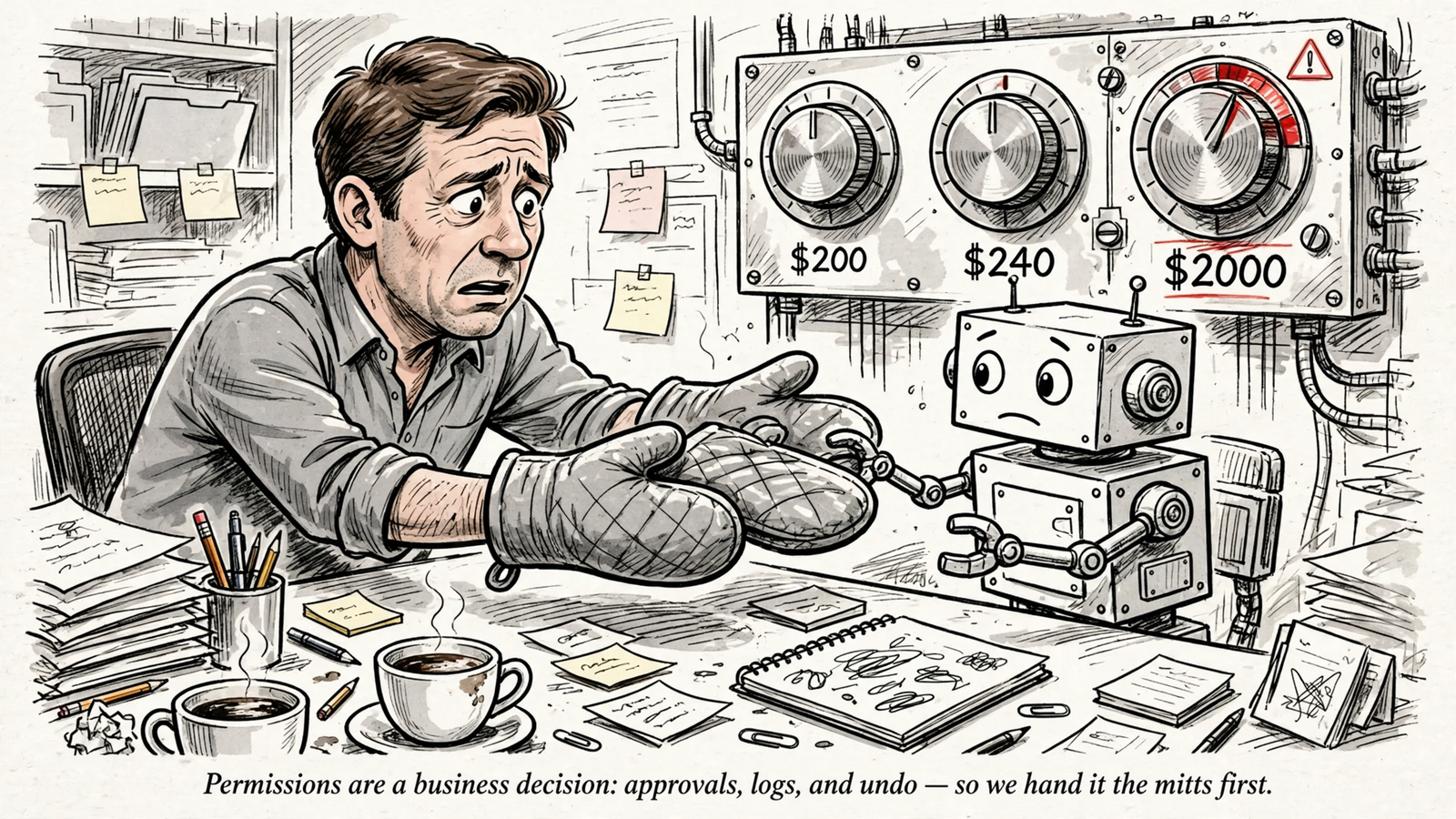
Budget caps make the difference concrete. A mistaken change from $200 to $2,000 a day is a different problem from a change constrained to 20%, or $240. This ad-account safety walkthrough uses that kind of example to explain why limits belong outside the assistant’s good intentions.
Ask where the limit is enforced, not whether the AI promises to remember it. If I cannot establish the guardrails, budget changes remain manual.
Start with one broad connection, not a collection project
You can assemble a marketing stack from separate MCP servers. This marketing MCP stack comparison covers options for GA4, Search Console, Google Ads, Meta, and SERP data.
The cost is not just money. Each connection adds setup, authentication, maintenance, and another set of tools for the assistant to navigate. I do not want five pieces of plumbing to become the main event when the question is still “why did CPA jump?”
Tool definitions can also consume context. The same comparison describes one setup where three servers used 143k of a 200k-token window before the agent did any work. I treat that as a warning about stack size, not a prediction for every connection.
The working rule in that comparison is about 40 tools total. More important than the exact count is avoiding duplicate coverage: two servers answering the same question do not automatically produce a better answer.
Start with one server that covers the investigation, then add a specialist for a demonstrated gap. For this workflow, that first server is groas: ads, analytics, competitor research, Reddit, and SEO data in one connection, with approved writes rather than another reporting dead end.

Three limits to check before relying on it
The first limit is context. A large exposed toolset can crowd out room for the work itself. Count tools, remove overlap, and disable what you do not use. A stack is not better because it takes longer to describe.
The second is coverage. A server can only expose the data and actions it supports. Some marketing connections are read-only; others allow writes. Some are maintained by the platform, others by a community developer. Check the specific job you need rather than treating “has MCP” as a complete feature description.
The third is plans and plumbing. Your assistant’s plan, workspace permissions, and connection method can constrain what works. A locally running server is not interchangeable with a hosted remote endpoint. These Claude connector notes and ChatGPT MCP notes describe restrictions worth checking against your setup.
My practical test stays small: can this assistant, on this plan, read the account and perform the approved action I need? Prove that loop before building the rest of your workflow around it.
Two questions before the first investigation
Do I need a different server for Claude and ChatGPT?
The same remote server URL can work with both. Each assistant still needs its own connection and sign-in. For groas, the endpoint remains https://mcp.groas.ai/mcp.
If you want the audit-to-action workflow inside Claude Code, this Claude Code walkthrough follows the sequence: audit, save the report, apply only the approved fixes.
What if I only want research?
Keep it read-only. Ask which search terms spent without converting, which competitor angles changed this week, or what customers complain about on Reddit.
That is also the useful distinction between connected account analysis and public-web research. This Perplexity breakdown explores that boundary. Public pages and your actual ad account are different evidence. Decide which one your question requires.
Apply the model to a different account
Now change the business. Say you run lead generation for a SaaS trial that books demos, with cost per SQL at $210. Next Monday, your assistant flags $310 per SQL, up 48% in six days.
Run the same model: the assistant thinks, the server exposes permitted work, and the tools perform the checks.
In this hypothetical investigation, it pulls search terms first, then competitor ads and Reddit threads. It finds 22% of spend going to two competitor-brand terms with zero demos. It also finds a rival’s Thursday free-tier launch using the same headline you run.
Those findings lead to separate decisions:
- Review the two terms and approve negatives to stop that spend.
- Rewrite the headline around the integration customers keep asking for in the Reddit threads.
- Approve each change, inspect the logged reason, and keep any budget move within the 20% step limit.
The server does not make those decisions correct by existing. It makes the evidence available and the approved work executable. That is the distinction I care about.
When I look at an MCP server, I ignore the logo and count what it lets my AI read and do. If it reads the account alongside the market, acts with approval, and shows every change with an undo, it earns write access. If it only reports, it belongs with the dashboards.
I started with one groas connection for exactly that reason: one URL, one sign-in, and my assistant finally had hands. The business decision took ten minutes. The clicking I stopped doing keeps paying me back on Tuesdays.