

 LinkedIn

Most store owners judge a Meta ads manager by the creative portfolio. I get it: you can see an ad. You cannot see a duplicated Purchase event quietly making a losing account look healthy. The first month is a plumbing test, not a beauty contest. This list is for ecommerce owners deciding who should run their Facebook and Instagram ads. I have ranked the fixes by their effect on real, margin-aware ROAS. If a manager cannot name the first three before pitching new angles and UGC, they are guessing.
1. Deduplicate the Pixel and Conversions API so one order counts once
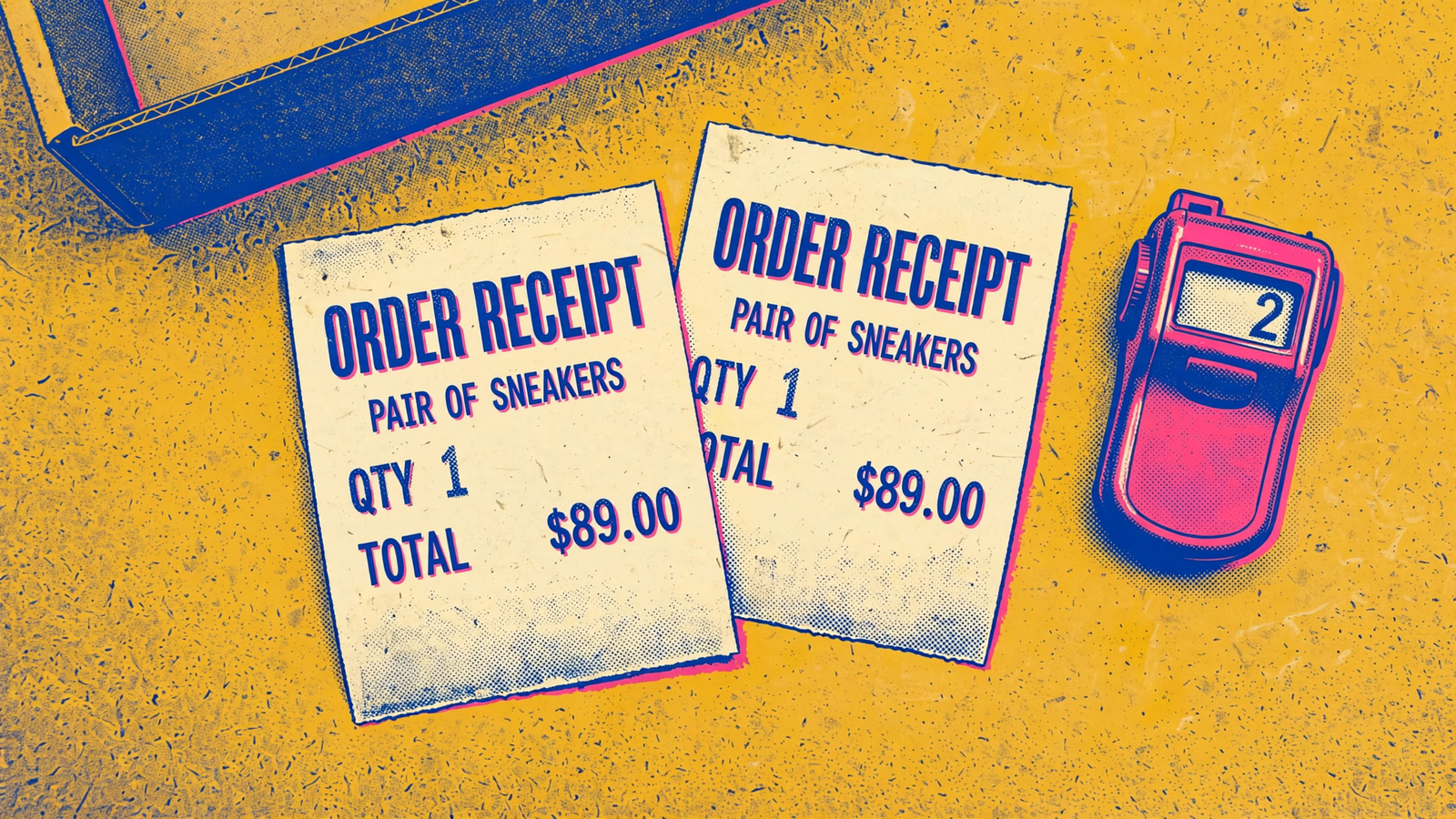
I put this first because every decision below depends on the count. Many stores send the same Purchase from the browser Pixel and the server through the Conversions API. Meta merges them into one purchase only when the browser eventID matches the server event_id and the event names match, within 48 hours of each other. If each side generates its own ID, both events can count. Then reported ROAS looks higher than it is, and bidding learns from the wrong signal. I have seen accounts showing a tidy 3.5x that were closer to 2x after deduplication was fixed. That is not optimization. That is miscounting.
Free tool: the ROAS Calculator works out your return on ad spend, your break-even ROAS and the budget a revenue goal takes.
First step: open the Purchase event in Events Manager. Check for duplicate warnings and look at the split between browser and server events. Then place a test order and inspect the IDs on both sides. The fix is boring work: generate the ID once at checkout, usually from the order ID, and pass the same value to the Pixel and the server event. Do not let two integrations invent two versions of the same sale. Fixed looks like this: one test order equals one counted Purchase. Until that holds, I would not trust a ROAS screenshot from the account.
2. Set the ROAS target from margin, not a benchmark
I used to tell clients 4x was a good target. I was wrong. A target has to come from the store’s own costs. Break-even ROAS is 1 divided by contribution margin. Before shipping, fees and overhead, a 40% gross margin puts cost-of-goods break-even at 2.5x; a 20% margin puts it at 5x. Those other costs push the required return higher. The same 3x can be profitable for one store and loss-making for another. That is why an industry ROAS benchmark cannot tell you whether Meta ads are profitable. It does not know your margin.
First step: ask the manager to show the sheet. I want to see revenue less cost of goods, transaction fees and average shipping cost, followed by the break-even figure and an operating target. If they quote a benchmark first and ask about margin later, they are bidding your account toward someone else’s business. Fixed looks like this: a written target, say 3.1x on a store with 40% gross margin, with the remaining costs and the math beside it. The number matters less than being able to show how the store can afford it.
3. Exclude existing customers from prospecting
Meta’s delivery system looks for conversions it can get efficiently. Someone who already bought from you can be easier to convert than someone who has never heard of you. That is how healthy blended ROAS sits beside flat new-customer growth. As one measurement breakdown explains, blended ROAS hides that split: judge acquisition on new-customer CAC, with new and repeat customers separated. I learned this managing a home-services client whose 4x looked great until we split the orders and found repeat buyers doing the work.
The control became more important in early 2025, when Advantage+ sales campaigns removed the existing-customer budget cap; audits found up to 45% of daily budget going to returning customers. Build a customer-list custom audience from Shopify or your ESP, exclude it from prospecting, and give prospecting and retention separate budgets. Otherwise, calling the campaign prospecting does not make it prospecting.
First step: pull 30 days of orders by customer email in Shopify and separate customers who were already in your file from those who were not. Put that split beside Meta’s reported purchases and ask the manager how much of the apparent acquisition return came from repeat buyers. Fixed looks like this: prospecting judged on new customers, not rescued by retention sales.

4. Clean the catalog feed before touching creative
Catalog ads will happily spend on products you cannot sell. Titles written for site search, images cropped wrong, sale prices that never reached the feed: each gives a shopper a reason to click and then leave. Stale feeds can waste 15 to 30% of daily budget on out-of-stock or mispriced clicks, with one case showing 15% feed issues wasting 20 to 25% of spend. An attractive ad cannot fix a checkout price that contradicts it.
First step: open Commerce Manager, then Catalog and Diagnostics. Clear rejections first. Next, check your top 20 sellers by hand: feed title against product-page title, feed price against checkout price, and listed availability against real stock. If you sell daily volume, switch from a static CSV upload to an hourly scheduled fetch; during promos, use every 15 to 30 minutes. The point is to make the ad reflect what someone can actually buy. Fixed looks like this: zero active errors in Diagnostics and no ad dollars going to SKUs with zero inventory.
5. Lock an attribution window that matches the buying cycle
Change this setting and reported ROAS can move without a single extra sale. On the same $5k of spend, 1-day click showed 1.71x, 7-day click showed 2.30x, and 7-day click plus 1-day view showed 3.06x. Two managers can therefore claim different returns while looking at the same spend. Before debating their results, ask what each number counts.
I would use the buying cycle to choose the window: 1-day click for impulse buys under $50, 7-day click for considered purchases, and view-through only if there is a separate way to check it against Shopify revenue. First step: pick one window and write it beside the ROAS target in every report. Compare like with like. If someone claims a lift after switching from 1-day click to 7-day click plus view, ask what happened to the order count in Shopify. Fixed looks like this: one documented setting, such as 7-day click, that stays consistent across reports.
6. Check what Advantage+ does with the budget
Advantage+ Sales wants breadth: a broad audience, automatic placements and a large budget it can move around. That breadth finds sales fast, which is why I run it for most stores. It can also let money intended for acquisition drift toward people who would have bought anyway. If you want the structure comparison before approving a plan, read Advantage+ Sales vs manually built campaigns.
First step: inspect what is running in week one. Are audience exclusions applied? Is the customer list current? Do acquisition and retention have separate budgets, or does one blended campaign hide the split? What do the placement reports say about where spend lands? These are settings to verify, not boxes to tick on a pitch deck. A manager who launches one Advantage+ campaign, leaves existing customers inside it and calls the blended 3.8x a win has not set targeting. They have set autopilot. Fixed looks like this: prospecting spend tracked apart from retention spend, with the customer list refreshed monthly.
7. Send each click to a page that matches its intent
Cold traffic and warm traffic do not need the same page. The rule I use after too many mismatched tests: retargeting for a single hero product goes to its product page; cold traffic with a new angle, bundle or problem-led hook goes to a dedicated landing page; range or catalog ads go to a filtered collection page. A warm shopper needs the buy button. A cold shopper needs the reason to care. Send both to the homepage and you make each do extra work.
First step: map every active ad to its destination URL on a sheet. On the first screen of each page, check for the product, price, offer and add-to-cart action the ad promised. Same bundle. Same terms. I once watched a 2.9% click-through ad die on a homepage that never mentioned its bundle. Creative got the blame. The landing page did it. Fixed looks like this: each active ad has a deliberate URL type, and a shopper can recognize the ad’s promise at a glance.
8. Test the offer and bundle before testing audiences
Most month-one audits do this backwards: five lookalikes, five interest stacks and the same 10% off for everyone. A better bundle or a sharper threshold changes the value of every order it wins. An audience split only changes who sees the existing offer. Say you spend $20k a month and your average order value is $68. Moving 15% of orders to a 2-pack at $119 can do more for contribution than chasing another audience variation. If the offer math is weak, finding more people to see it will not repair it.
First step: choose one offer comparison. Test a free-shipping threshold against a straight discount, a single item against a bundle, or a landing page that defaults to the bundle against one that defaults to the single item. Change one variable, give the test one week, and use new-customer revenue as the scoreboard. Do not let a blended ROAS bump from repeat buyers answer an acquisition question. Fixed looks like this: the offer test log has entries before the audience test log does.
9. Refresh creative when frequency and response say it is tired
Creative does not die on a schedule. It tires when the same people see the same hook too often. A rule I still use: cold-prospecting fatigue risk rises past 2 to 2.5 frequency over 7 days, with decline typical after 3 to 4; retargeting tolerates 5 to 8. Spend sets the pace because spend buys reach. Under about $10k a month, a good concept can last 6 to 12 weeks. At $50k to $250k a month, expect 2 to 6 weeks and review it weekly. None of that makes a calendar date a diagnosis.
First step: check frequency by ad, then look at CTR and new-customer CPA by week. When frequency crosses the relevant band and CTR slides for two weeks, prepare to replace the ad rather than wait for the next scheduled creative meeting. Keep two new hooks ready before the winner tires: same offer, different first three seconds. Fixed looks like this: no prospecting ad spends a third week above 3.5 frequency without a replacement already in test.
10. Put new-customer revenue beside total ROAS every week
Total ROAS is the number that gets screenshotted. New-customer revenue is the number I check to see whether acquisition is working. I want both every Monday: Meta-attributed revenue split into new and repeat customers by matching order emails against the customer file, with new-customer CAC beside blended CAC. When prospecting is clean, the lines should move together. When it is not, blended ROAS can hold while new-customer count stalls. That is how a store keeps spending without growing.
First step: export last month’s Meta-attributed orders from Shopify, flag emails that were already in the customer file before the click, and calculate how much of the reported return came from existing customers. Keep the same split in a weekly sheet. Fixed looks like this: new-customer revenue, repeat revenue and new-customer CAC next to total ROAS, not buried beneath it.
Take this list into a sales call, but do not hand it over as homework. Ask the manager to rank the ten fixes for your account and explain the order. A good one will get to counting and margin before proposing fresh creative. A weak one will start at item nine. That is also the order we work in at groas, where Meta Ads is continued management rather than a monthly report. If I could fix only one thing in month one, I would start with deduplication. Bad counting corrupts bidding, budgets and every test that follows. Get one order to count once. Then the rest of the account can finally tell you something useful.


