

 LinkedIn

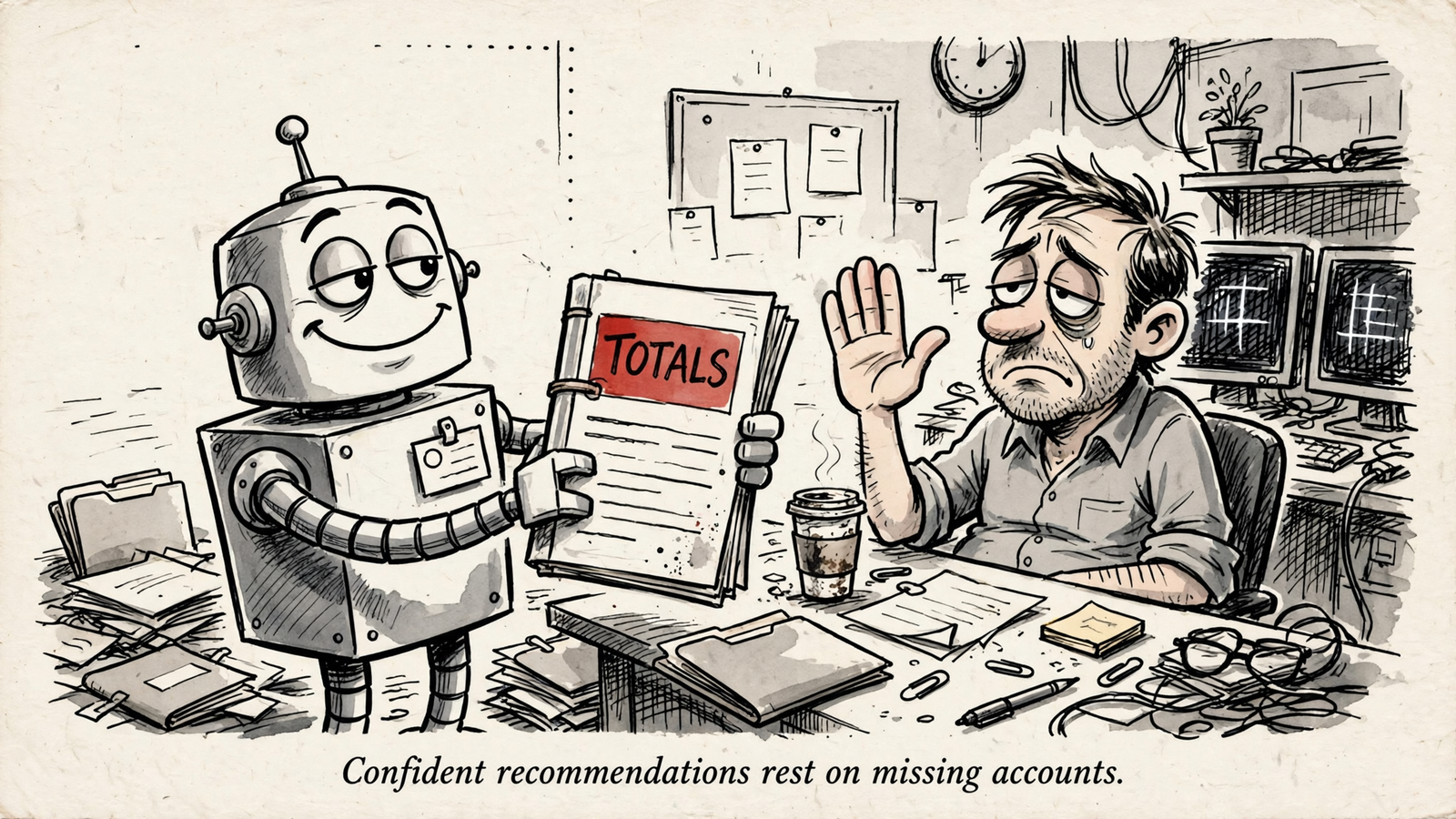
ChatGPT can hand me a report labeled “all accounts” without mentioning the client it couldn’t see. Every number in the table can be right and the total can still be wrong for the business I asked about. No warning, no asterisk. Just a clean table with a missing client. In one test of ChatGPT’s reporting, it treated a visible grid as last month’s data without noting the missing date header. Same habit, different omission. Before I ask ChatGPT for better analysis, I make it tell me which accounts it checked, which are awaiting access, and which it couldn’t verify. Until I see that inventory, I don’t ask for totals or recommendations.

1. “Connected once means every account is covered”
I used to tell clients this one myself. I was wrong. It feels true because a Google Ads manager account lets me compare performance and run reports across multiple accounts from one sign-in. One groas connection can reach the accounts I’ve linked. The word doing the work there is linked.
The connection and the account list aren’t the same thing. Google’s official Ads MCP tool lists the customer IDs the signed-in login can access directly. If that login lacks access to a new client, no prompt can supply it. A client can also unlink a manager account. The connection I used last month can still work while the list of accounts behind it changes. The assistant doesn’t need to throw an error for me to have a coverage problem. It can just carry on with the accounts left.
This is where going from one account to four or six can catch me out. The first plain-English report in ChatGPT comes back quickly, and it’s easy to assume the second, third, and fourth accounts inherited whatever made the first one work. I don’t make that assumption anymore. If a new account is missing from the returned list, I keep it in the report as a gap. Otherwise, the reader has no way to tell whether I left it out on purpose or never saw it in the first place.
I start with my inventory before insight prompt:
List every ad account you can read right now, with its ID, available date range, and currency. Compare that list with the accounts I expect to include. For each missing account, distinguish confirmed lack of access, confirmed pending approval, and a status you couldn’t verify. Don’t guess why an account is missing or calculate totals until I approve the list.
The expected list has to come from me. Asking ChatGPT to tell me what’s missing without giving it anything to compare against is asking it to inspect the same blind spot twice. I check the returned IDs against the accounts I meant to report on. A working connection is not a head count.
2. “An invitation without a resource name has failed”
I get why people believe this. A blank ID looks like a failed operation, and resending the invite feels like doing something about it. But under Google’s scheduled December 2026 invitation change, a blank resource_name can be part of the approval process, not evidence that the invite failed.
The distinction is what Google has created so far. When multi-party approval applies, a second account administrator must approve the request. Under the scheduled change, Google returns the review name while the request is on hold. Google doesn’t create the invitation until approval, so there’s no invitation resource name to return yet. That’s the case groas’s explainer on pending invites with no ID walks through. A review name can tell me there’s a request to approve. It doesn’t tell me ChatGPT can read the account.
I keep those states separate. If I can confirm there’s a review awaiting approval, the account goes under pending approval. If all I have is an empty field and I can’t verify why, it goes under unresolved. Neither belongs under checked. One label tells the reader which approval is outstanding. The other tells them I still need to find out what happened. I don’t give the second account the first label just because I remember sending an invite.
I check the status in Google Ads before resending. A blank field isn’t a diagnosis, and another invite isn’t a coverage check.
3. “‘Across all accounts’ is a sufficient reporting scope”
I hear this one on agency calls: “Summarize spend and CPA across all accounts.” It sounds like a complete instruction. It names the metrics, it names a scope, and it puts the word all right where everyone can see it. What it doesn’t name is a single account.
Say I expect five accounts and one is pending access. The number ChatGPT gives me describes four accounts, not five. That doesn’t mean it describes four-fifths of the spend. I don’t know what’s missing from the total, because the missing account is the one I can’t read. If I report the number, I call it spend across the four checked accounts, not “total spend” with the missing account mentioned somewhere below the table. The label should tell the reader what the number means without making them hunt for it.
Even if I can see all five, I still have to check what I’m adding. One account can use a different date range, another can count a different conversion, and a third can bill in euros. Once those differences disappear into a single row, I’m left with a number I can quote and not much of a number I can use. Matching dates, matching conversions, matching currencies—or separate results. I enforce that before the math, not after a client asks why the numbers don’t tie out.
Currency alone can stop a rollup. In Google Ads manager reporting, the Converted Currency layer lets me see spend totals across accounts with different currencies. In Meta, the single-account scope of Ads Manager means the cross-account rollup has to happen elsewhere. Moving numbers into one report doesn’t make them comparable. And even when the conversion definitions match, I can still count the same buyer twice if two accounts take credit and I add up their attributed conversions.
I put the coverage block above the numbers. Here’s the version I use:
- Checked: Account IDs, date ranges, currencies, and conversion definitions.
- Included in totals: The IDs that actually went into the rollup.
- Excluded from totals: The IDs I left out, with a reason for each.
- Pending approval: Accounts waiting on a confirmed approval, with the review name where available.
- Unresolved: Accounts I couldn’t verify and what I’ll check in Google Ads.
- Conclusions withheld: The calls I’m not making yet and the accounts I need to check before making them.
An account can be readable and still belong outside a particular total. If the dates or conversion definitions don’t match, I want the reader to see that reason rather than assume the connection failed. And if an account is both excluded from the math and pending approval, I want both facts visible. The first tells the reader what the number covers. The second tells me what needs to happen next.
No included list, no excluded list, no totals.
4. “Missing accounts can’t change the recommendation”
This one sounds reasonable because the recommendation usually does. Pause the high-CPA ad group. Shift 20% to the winner. Consolidate the duplicates. I’ve written those lines myself. They look like decisions, which makes it easy to miss that the comparison underneath them isn’t finished.
Say I have four accounts out of six, and the two I can’t see hold the brand search campaigns that close the demand the other four create. The visible prospecting campaign looks like the loser because I can see what it costs but not what happens in the accounts that close the sale. Cut it and I can starve those campaigns of demand. The problem isn’t that ChatGPT needs a more forceful instruction to find savings. It’s that I’m asking it to move money on a comparison that leaves out part of the business.
Agencies already deal with this in their tooling. The agency reporting patchwork makes sense when platforms scope reports differently and someone has to set up client access explicitly. I prefer groas for reporting across linked accounts: one connection can bring those accounts together with rival and market data a plain connector doesn’t provide. That gives me more to work with. It doesn’t turn a pending invite into permission, and I don’t want the recommendation pretending it does.
My follow-up prompt is blunt: Which conclusions depend on accounts you couldn’t check? Withhold those conclusions until we check them. If an observation only describes the visible accounts, I label it that way. I can report that CPA is higher in the prospecting campaign I checked without declaring that cutting it will improve CPA across the business. One is an observation about the data in front of me. The other is a budget decision that depends on data I don’t have.
I don’t move budget on an incomplete comparison. If ChatGPT can’t tell me what a spend recommendation depends on, it stays in draft instead of going into the client report as a decision.
5. “A clean report means someone is still watching”
This is the myth I find hardest to kill, because it feels like gratitude. ChatGPT hands me a tight summary on a Friday. Say CPA is down 12% in the accounts it checked. The coverage block is filled in, the caveats are where they belong, and I close the tab feeling like someone has an eye on things. That last part is the mistake.
A chat report runs on demand. It tells me what the assistant could verify when I asked. It doesn’t go back on Monday to see whether that pending approval came through. It doesn’t notice that a client unlinked the manager account after I sent the report. The report can be perfectly honest about Friday and tell me nothing about Monday. A date on the report is a timestamp, not a promise that someone will check again.
That’s why I keep on-demand reporting and groas autopilot in separate boxes. I use ChatGPT for the question in front of me. Then I decide what work, if any, should keep running after I close the tab. Autopilot stays off until I switch it on. Sending a report is not how I make that choice, and getting a good report back isn’t a reason to assume I already made it.
The same coverage block earns its keep the next time I ask for a report. If an account was pending on Friday and readable on Monday, I want the new report to say the account list changed before it compares the totals. If I want to see what moved in the accounts both reports cover, I compare those accounts and show the newly readable one separately. Otherwise I can end up explaining a change in performance when what changed was the set of accounts I could see. I’d rather send a shorter report that names the difference than a polished one that makes the reader guess.
I still catch myself trusting the clean summary. That’s why this myth stays on my sticky note: coverage first, analysis second, monitoring by choice. Run the inventory, fill the block, and withhold what you can’t prove.





