

 LinkedIn

I don’t give Claude an afternoon’s worth of ad edits just because it has write access. I release one small batch at a time, with a way to verify every edit and a clear condition for stopping. That distinction mattered to me when I read the November 18 report on r/FacebookAds: one advertiser described one or two restrictions a day across profiles, business managers, and ad accounts and blamed agentic connections. The thread carries a Bug/Outage tag, not an enforcement notice. Writing about the March shutdowns, Jon Loomer guessed that API call volume might be the trigger and advised caution with the Meta connector. Another theory points to browser automation rather than official APIs. Meta’s own guidance says it’s “safe to connect your ad account through Meta’s ads MCP server” and that bans are “typically the result of violating Meta’s advertising standards.” The reports don’t establish that edit speed caused a restriction, and no checklist prevents enforcement. This one keeps me in control of what ships and what happens next.
Before the first write: freeze the queue
- Ask Claude for a numbered change queue, grouped by platform and account. “Fix whatever’s underperforming” is a goal, not a queue. I want one list I can scan before Claude touches anything, with every line tied to an account ID. I approve specific edits, not a summary of what the agent hopes to accomplish.
- Record the entity ID, current value, proposed value, and reason for each edit. Names can change between sessions; IDs give me a stable reference. The current value matters just as much as the proposed one: if the account no longer matches the starting point, I want to catch that before approving an edit based on it.
- Use a dry run where the tool supports it. Google’s Ads MCP server gives me a pattern worth copying: run with
validate_only=True, inspect the human-readablechange_items, then commit with the matching checksum. The checksum ties approval to the customer ID and payload, not just to the wording of the request. - Exclude unrelated campaigns and leave autopilot off for the release. Off until I switch it on is exactly what I want from groas here. I’m approving the edits on the list, not handing over the account for the afternoon.
Before approval: set the batch, the budget, and the brakes
- Approve one small, named batch, not the whole queue. Small means I can verify it line by line in a few minutes. I keep it to one account and narrow it to something I can inspect together, like one campaign or one budget family. The rest stays in the proposal. If I can’t say where the batch ends, I haven’t defined it well enough to approve it.
- Pair a percentage budget cap with an absolute ceiling. Meta’s MCP rule model lets me set an
edit_budgettrigger per ad account usingpercentage_change,absolute_change, orabsolute_max. A 20% cap limits the size of a raise, not where the budget ends up. The next raise starts from the new number, so sequential raises compound. The ceiling is what sets the upper limit. - Name the edits that need their own sign-off. I call out budget increases, new campaigns, status flips on anything live, and targeting rewrites. Approval to work on a campaign doesn’t also mean approval to change who sees it or whether it’s running.
- Keep the client-side approval prompt on. The gate isn’t real if the tool is set to always allow. That setting can turn a supervised release into an unsupervised one without anybody changing the plan on paper.
- Stop on permission errors, policy warnings, unexpected account state, or a result I can’t interpret. An agent that treats every error as something to push past can keep calling the API after it returns
RESOURCE_EXHAUSTED. The point I take from Porter Metrics’ warning about retries is simple: hit the limit, stop, and find out what happened. Don’t let the retry make the decision for me. - Check current platform requirements instead of borrowing a supposedly safe edit rate. A published quota is not a release plan. I treat platform limits as constraints, not targets, and size the batch by what I can inspect. Even a batch that fits under a quota can be too big for me to check properly.
After each batch: read the account, not the success message
- Retrieve the affected entities and compare them with the approved proposal. I want the account’s actual IDs, statuses, budgets, and any other values the batch touched. A summary of what Claude says it did is not a read-back. I don’t mark the batch complete until the retrieved values match what I approved.
- Name the entities explicitly if the run limits how many it can fetch. Ask for the specific entities, not “the campaigns we just worked on.” This is why the queue carries IDs. The verification step shouldn’t have to guess which campaigns the approval covered.
- Reconcile the action log line by line. With groas, each change is logged with its reason and can be undone in one step. I compare three things: the proposal tells me what I approved, the log tells me what the tool recorded, and the retrieved state tells me what the platform shows now. I need all three; a reason in the log isn’t a substitute for a value in the account.
- Stop if an approved change is missing or an unapproved change appears. A batch can get partway through before something fails. Sending the whole batch again assumes nothing landed, which is exactly what I haven’t established. I work out what happened to each affected item before deciding what to do next.
- Require fresh approval for the next batch. I approve against the account as it stands now, not the plan I wrote before the first batch ran. If the read-back gives me a different starting point, I check the next proposal against it. The first sign-off covers the first batch. It isn’t a standing order with good formatting.
If something goes wrong: stop before touching anything else
- Don’t blindly retry a failed or unclear write. I read the affected entity first. If the edit landed, there’s nothing to resend. If I can’t establish whether it landed, the release stays stopped. An ambiguous response is not permission to try harder.
- Don’t recreate campaigns or open replacement accounts to work around a restriction. Meta’s guidance on evading enforcement is why I don’t treat replacement assets as a recovery plan. A restriction is not another failed write to route around.
- Preserve the evidence before making another change. I keep the platform notice exactly as sent, the affected asset IDs, the timestamps, the connector or tool name, and the action log with its stated reasons. I save the activity history while the sequence is clear and keep passwords and tokens out of any thread asking for help.
- Separate undoing an account change from responding to enforcement. groas’s one-step undo is for a logged change I need to reverse. It doesn’t appeal a restriction, restore a disabled profile, or answer a policy notice. I don’t spend the appeal window retrying an edit that can’t solve the problem.
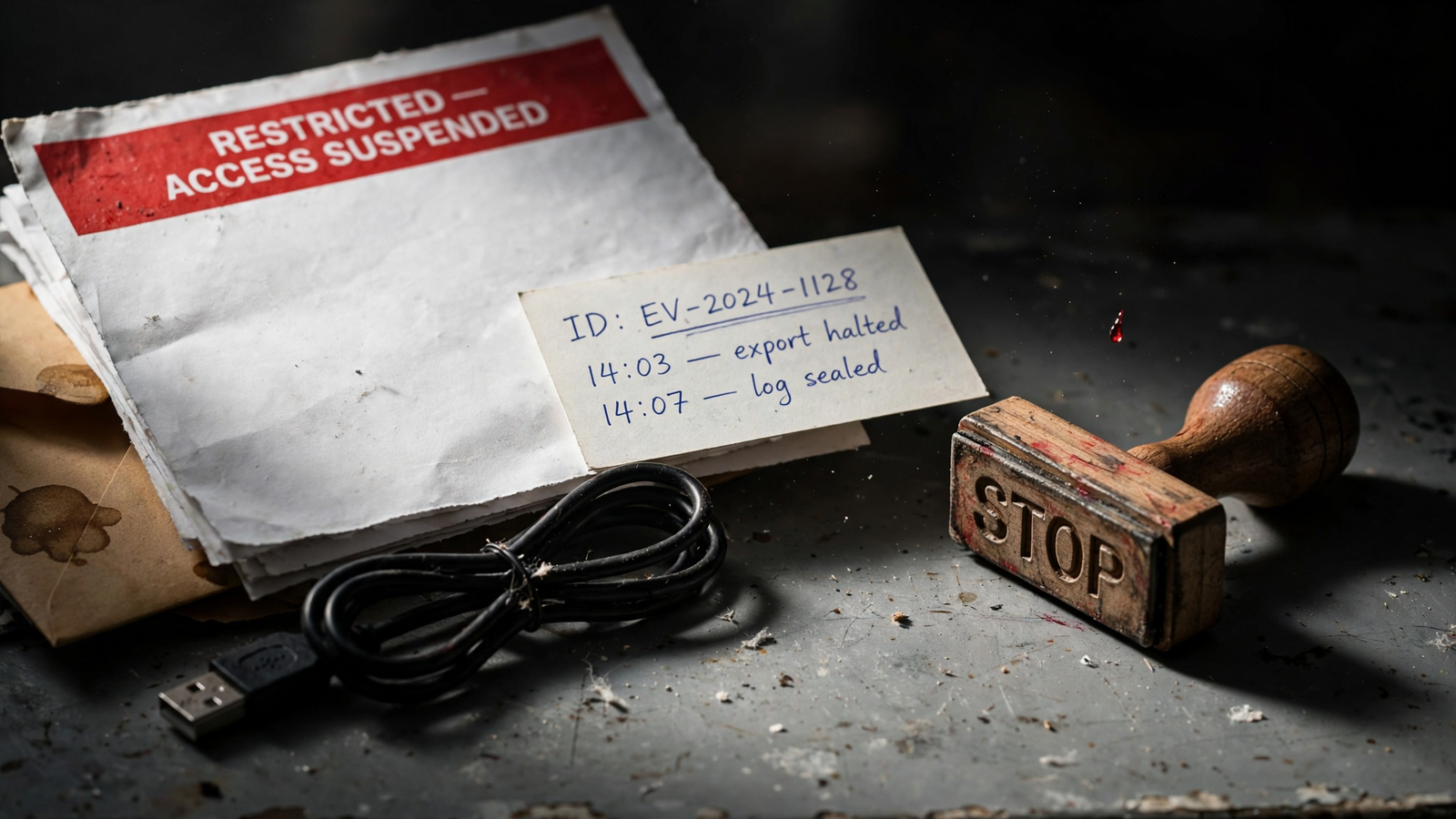
Paste this stop rule above the bulk-edit request
- Put the release instruction in the first message, above the task. I want the boundary next to the request, not buried in a previous session or implied by the word “carefully.”
Propose the full queue. Execute only the batch I approve. Verify the actual account state against that batch, then stop for fresh approval. Do not retry an unclear write without checking whether it succeeded.
- Apply the instruction in order. The queue sets scope. Approval limits what ships. Verification checks what landed. The stop keeps the next batch from inheriting a mistake. “Keep going if it looks good” removes the last gate and leaves Claude to decide whether the very changes it just made look right.
- If a call fails mid-batch, follow the stop, check, and retry order. The check comes before the retry, not after it. An unclear response calls for a read-back; a quota error calls for a stop, not another attempt to finish the list.
Check what the connection can actually do
- Verify that the connector can make the edits on the queue. A reporting connector moves numbers into chat and stops there. No batch risk, but no fix at 11 p.m. when a budget is bleeding, either. Google’s Ads MCP server gives me a useful validation pattern, but it can’t modify bids, pause campaigns, or create new assets. I’ll borrow the pattern, not plan a repair around actions the connector can’t take.
- Don’t mistake browser automation for a platform connector. Driving the interface with a very fast mouse is not the same as using the platform’s own interfaces. I put browser automation higher on my risk list without pretending that proves what happened to the accounts in the reports.
- Require a change log with reasons and a way to undo changes. That’s why I use groas for this release pattern. I connect the ad accounts and website once, add groas to Claude, and use the same chat for work across Google Ads, Microsoft and Bing Ads, Meta Ads, ChatGPT Ads, and SEO. The log and one-step undo are what matter here: I can inspect what shipped and reverse a logged change if I need to.
- Price the connection for the team that uses it. groas Unlimited is $19 a month flat for the whole team, with unlimited teammates, ad accounts, and websites. The same flat price applies to agencies across their clients. I don’t need a separate setup for the person approving the batch and the person checking it.
- Stay on the approval rung of ask, approve, autopilot. Asking is useful for building the plan, but it doesn’t ship the fix. Autopilot is a separate decision. For this release, Claude proposes the work, I approve a batch, and it stops after the read-back.
The item most often skipped: the read-back
- Compare the retrieved account state with the proposal I signed. A clean queue and a disciplined approval can still end with a success message that doesn’t match the account. That message is a claim. The read-back is the check. For a small batch, this is the one-call, one-minute item I don’t trade away to save time.
- Don’t release the next batch on the strength of that success message. Skip the read-back and the queue can diverge from the account without anyone noticing. A budget increase that landed can get retried. An unexpected status change can carry into the next release while I’m still approving against the old state. The read-back doesn’t prevent a platform enforcement decision. It keeps a quick comparison from turning into a day spent reconstructing what shipped three batches ago. Run it every time.





