

 LinkedIn

You get three permissions for an AI agent touching your ad accounts and no fourth option: Alone, With a yes, or Never. Adding a negative keyword and doubling a daily budget are not the same decision, so I refuse to answer “Should the AI be allowed to make changes?” with one account-wide yes.
Say you are spending $20k a month. Blanket permission leaves too much money exposed. Blanket refusal leaves you approving negatives one by one, which is account management by doorbell.
My plan is narrower: sort each change by money at risk and reversibility, assign it to one of the three bins, then write those permissions into the rules your agent follows through groas. Start tight. Widen the permissions only when the log earns it.
1. Cut the master toggle out of the decision
Cost against the constraint: classify actions instead of granting one account-wide permission. What it buys: control over the changes that actually move money.
Approval modes are useful, but they are not a risk assessment. Supermetrics documents four approval modes for AI campaign changes: No human approval, Going live, Budget and going live, and All live changes, set per ad account.
That menu recognizes the problem. A paused draft and a live budget change need different treatment. But even “live changes” is too broad. Pausing an ad stops spend. Launching it starts spend. Both are status changes; they belong in different bins.
The same problem shows up in tool menus. Windsor.ai lists Google Ads and Meta write actions across status, budget and bidding, targeting, and creative. Those categories help an agent find an action. They do not tell me whether it should take that action alone.
What gets cut: the blanket yes, the blanket no, and the idea that clicking more approval prompts automatically makes an account safer. Approval without sorting is just fatigue with extra steps.
My first deliverable is a list of actions, not a permission toggle.
2. Score each action on money at risk and reversibility
Cost against the constraint: twenty minutes with a spreadsheet. What it buys: a reason for each bin beyond “this feels important.”
I score every proposed change twice:
- Money at risk: can it start spend or increase the rate of spend? A 20% daily budget lift on a $500 campaign exposes another $100 a day until someone intervenes.
- Reversibility: can I restore the previous setting quickly, or does the action remove something I cannot simply put back?
A negative keyword does not authorize extra spend. Removing that negative is straightforward. Deleting an ad is a different proposition. Google Ads change history supports undoing many changes, but removed objects are not something I treat as recoverable. Meta has activity history rather than a general undo button, and duplicating a deleted ad is not restoring the original.
There is one distinction I will not let the spreadsheet hide: undoing a setting does not undo its consequences. Reversing a budget increase does not recover the money already spent. Removing a bad negative does not recover the opportunities it blocked. Lowering a budget can protect cash and still hurt volume.
That is why Alone means limited financial exposure and a quick reversal, not “incapable of doing harm.” The account still needs review.
I rank the action by what it can cost and what I can restore. Importance is too vague to run permissions on.
3. Put low-exposure, quickly reversible work in Alone
Cost against the constraint: narrow eligibility and explicit caps. What it buys: fewer interruptions for work that does not authorize more spend.
My starting rule is strict: the agent may act alone only when the change cannot increase authorized spend and I can reverse it quickly. Confidence is not a substitute. An agent can be 95% sure about a budget lift and still be wrong in the expensive 5%.
My opening Alone list is deliberately short:
- Add exact-match negatives when a query has spent at least $50 with zero conversions over 14 days. The agent logs the query, spend, period, and reason.
- Pause one losing ad or ad set under a performance rule I have already defined. Pausing stops spend; it does not create it.
- Build campaigns and ad groups as paused drafts. Drafting belongs here only while nothing can spend.
- Rename, tag, annotate, and queue copy variants as drafts. The agent can organize work without publishing it.
- Lower a bid or daily budget within a limit I set. Lowering can hurt volume, so this is bounded permission, not an instruction to keep cutting until the dashboard looks tidy.
The $50 and 14-day lines are starter rules, not a universal definition of a bad query. I adjust them to the account before turning anything on. “Pause losers” is not a usable instruction until I define what qualifies.
What gets cut here is agent discretion about the boundary. If an action falls outside the written conditions, it waits. The agent does not get to call a budget increase “basically maintenance.”
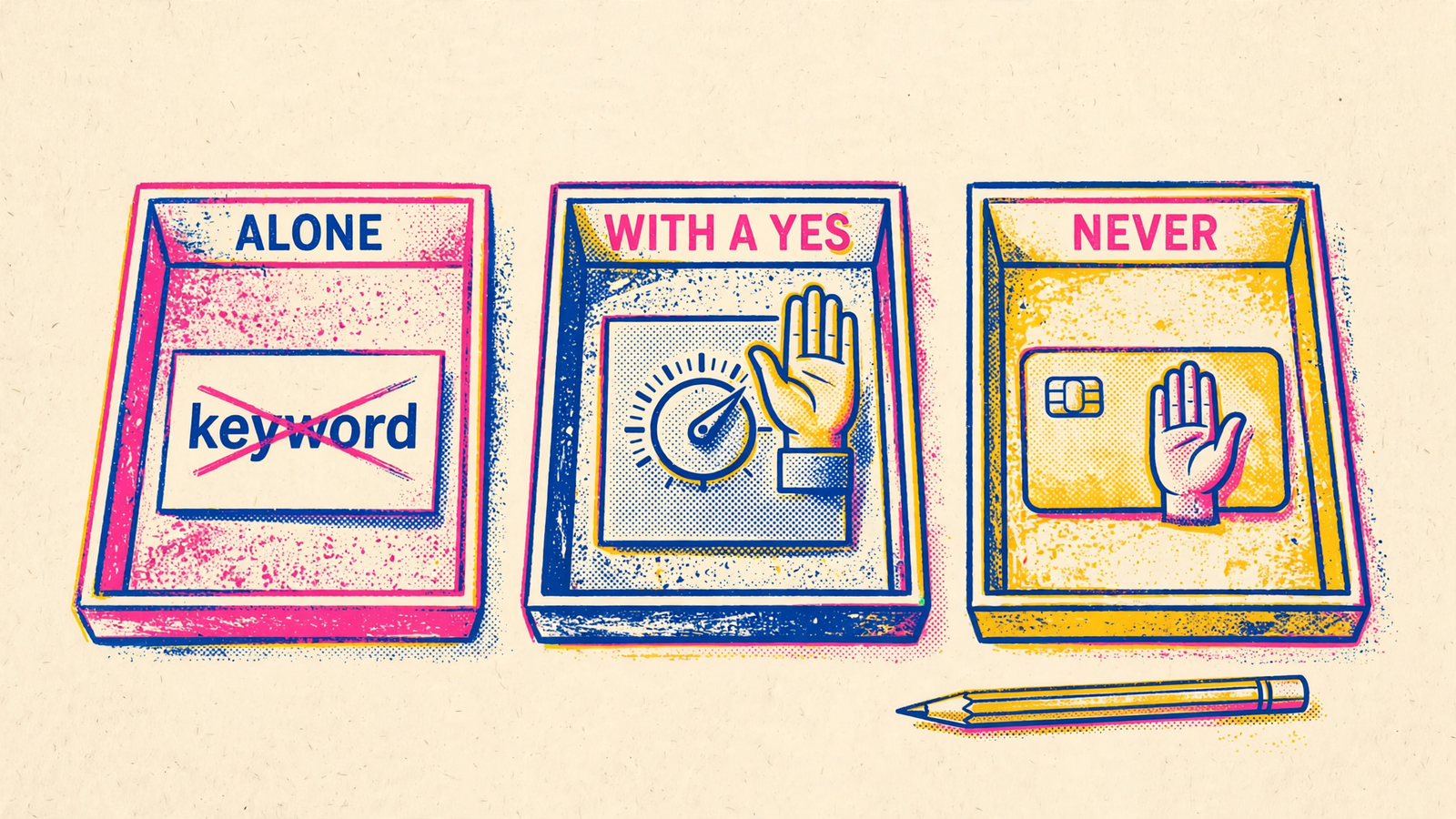
4. Require a named yes for spend increases and live launches
Cost against the constraint: one explicit decision per proposed change. What it buys: a human check before more money or a different audience enters the picture.
At launch, every budget or bid increase needs approval. No quiet exception for a small percentage. A 10% increase is still an increase, and a percentage tells me little without the underlying spend.
My With a yes list includes:
- Raise any daily budget or bid. Show the old value, proposed value, and, where calculable, the daily budget difference.
- Take a paused campaign, ad set, or ad live. Permission to build is not permission to launch.
- Change bid strategy, add broad match, expand an audience, or change a destination URL. These alter how the campaign competes or where it sends people.
- Apply three or more changes to the same campaign in one session. A pile of individually reasonable edits can become a rebuild.
The approval must describe the actual action. MCP security guidance calls for showing the tool name and its arguments with an Allow or Deny choice. In plain English: I should know what I am signing for.
For a budget change, I want the old and new limits. For a bid change, I want the old and new bids, without pretending the exact spend difference is knowable. For a launch, I want the object and its budget. “Optimize campaign?” is not an approval request. It is a guess with my name on it.
What gets cut: bulk accept. The agent can present related proposals together, but each change needs a legible reason and a specific decision. If I cannot explain what I approved afterward, the interface saved clicks by spending control.
5. Reserve Never for actions a human must execute
Cost against the constraint: some work stays manual. What it buys: a hard boundary around destructive actions, measurement, and business commitments.
Never does not mean “ask more politely.” It means the agent does not execute the action, even after a yes. A named human handles it. The agent can investigate, draft, or explain where appropriate.
My Never list is:
- Edit conversion tracking, CRM values, or attribution settings. Bad inputs can corrupt the bidding decisions that follow.
- Delete campaigns, ad sets, ads, or history. Pausing preserves an option. Deleting can remove it.
- Change billing, payment methods, account ownership, or advertiser verification. Financial and legal identity stays with a person.
- Publish new live copy, offers, or price claims. The agent drafts; a human signs off and publishes the promise the business has to keep.
- Connect or disconnect ad accounts, audiences, or data sources. Access changes are infrastructure, not routine optimization.
This also resolves an easy ambiguity. Launching a paused object whose content is already approved belongs in With a yes. Publishing a new offer does not sneak through that permission. Nor does approval for a destination URL change authorize edits to tracking or the page itself.
What gets cut is the argument that enough confidence turns an irreversible action into a reversible one. It does not.
I keep Never short enough to remember and explicit enough that neither the agent nor I can negotiate around it at midnight.
6. Translate the matrix into groas operating rules
Cost against the constraint: one setup pass that feels slow. What it buys: a repeatable brief instead of a fresh negotiation on every run.
In groas, I connect the ad accounts and website, then connect the AI I use through MCP or an API key. The AI supplies the reasoning; groas supplies the marketing access and data. Autopilot stays off until I switch it on, and it runs under the rules I set. Changes are logged with their reasons and can be undone in one step.
That undo is useful. It is not a refund for a bad decision, and it is not a reason to let the agent delete things.
I translate the three bins into operating instructions before enabling autopilot: Alone becomes bounded autonomous work, With a yes requires an approval, and Never excludes execution by the agent. I do not treat a sentence in a prompt as proof that a technical permission has been enforced. I check the available controls and leave excluded actions out of the workflow.
The broader control choices are covered in Ask, Approve, Autopilot: How Much Control Should AI Have Over Your Ads?. Here, the job is to make each action belong to exactly one bin.
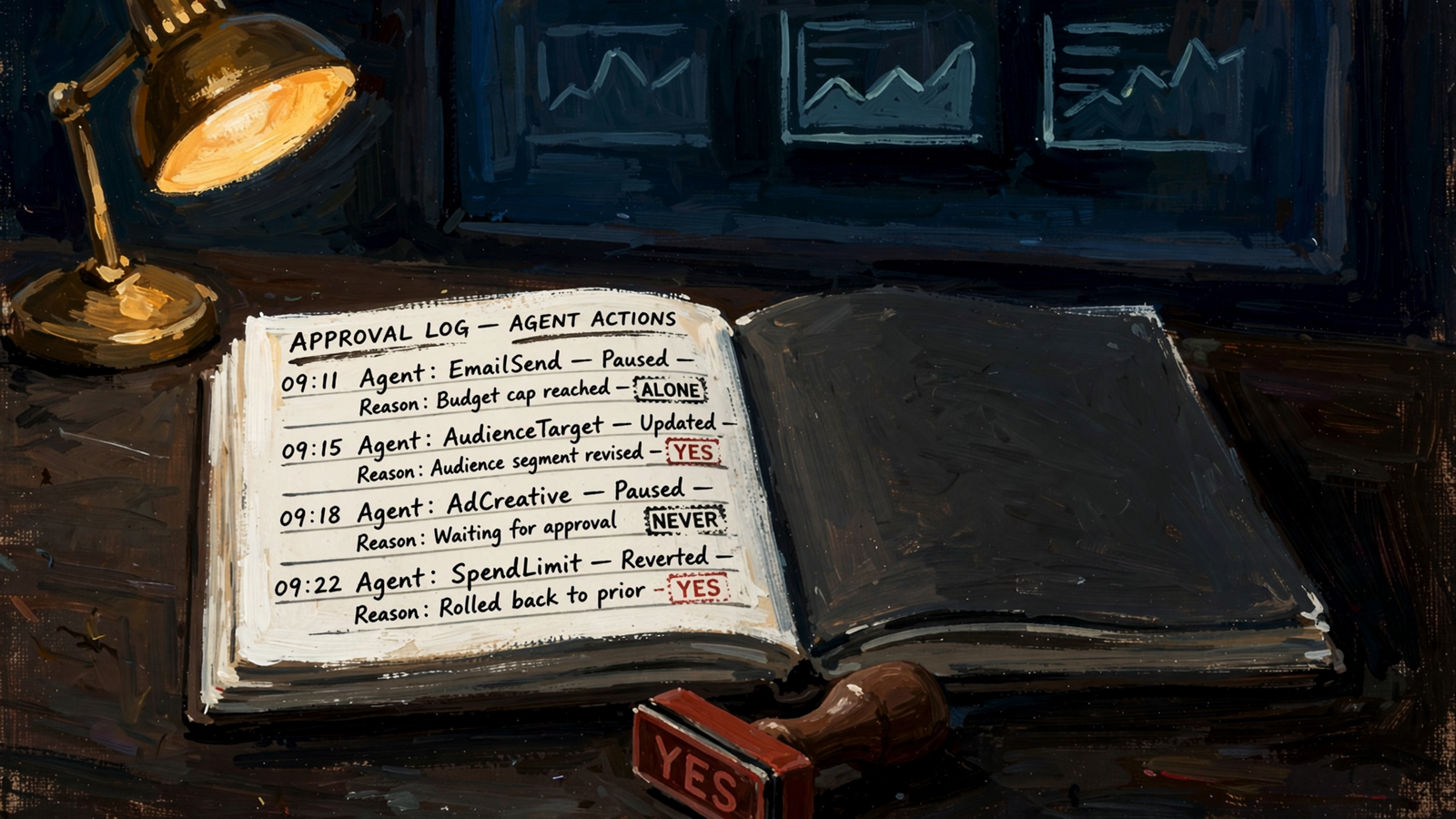
My brief starts in plain English:
Alone: add exact negatives only under the stated spend and conversion rule; pause only under the defined performance rule; build paused drafts; lower bids or budgets only within the written limit. Log each action and its reason.
With a yes: request approval for every increase, launch, strategy change, audience expansion, or destination URL change. Show the current setting and the proposal. Do not execute while waiting.
Never: do not edit tracking, delete objects, change billing or access, or publish new live copy and offers. Prepare recommendations for a human instead.
I then add the account-specific thresholds. If those are missing, setup is unfinished. The log matters just as much as the prompt; the composite week in Claude, Google Ads and One Bad Pause makes that problem concrete.
My test: I should be able to read the brief in under a page and identify what the agent may do next.
7. Review the log every Friday, including the reversals
Cost against the constraint: thirty minutes a week. What it buys: evidence that the permissions still fit the account.
A matrix I never review is a suggestion. My Friday check follows the same order every time:
- Inspect Alone actions. Check volume, scope, and reason. Were those 40 exact negatives or 400 broad ones? Did pauses protect spend or just shrink volume?
- Inspect approval requests. Look at what I accepted, rejected, and left waiting. Repeated rejection points to a poor proposal rule. Repeated acceptance may reveal a candidate for later delegation, not permission to auto-accept tomorrow.
- Scan for Never actions. Anything touching that boundary needs attention before more autonomy.
- Review reversals. Count the undos and ask what each mistake cost before the setting changed back.
A clean activity log is not the same as a good result. I still look at CPA and volume. Otherwise the agent can follow the rules perfectly while the rules produce an account I do not want.
One reversed pause is not the same as repeated harmful cuts. If the same action keeps needing an undo, I tighten its conditions or move it out of Alone. I do not keep granting the same permission and call the reversals oversight.
What gets cut is automatic promotion based on a busy dashboard or a streak of approvals. The point is less waste, not a higher count of autonomous actions.
8. Paste in the starter matrix, then earn a wider Alone
Cost against the constraint: keep the starting permissions deliberately tight. What it buys: a baseline I can widen one action at a time.
For an illustrative $20k-a-month account, I start here. I adjust the dollar lines and define the pause and reduction limits before use. The underlying access-and-control setup is covered in Can ChatGPT Manage Your Ads? Only With These Three Things.
| Change | Bin | Starting condition |
|---|---|---|
| Add an exact negative | Alone | At least $50 spent, zero conversions over 14 days; log the reason |
| Pause a losing ad or ad set | Alone | Must meet the account’s written performance rule |
| Build new campaigns or ad groups | Alone | Paused drafts only |
| Rename, tag, annotate, draft copy | Alone | No live publication |
| Lower a bid or budget | Alone | Within the written reduction limit; log old and new values |
| Raise any budget or bid | With a yes | Show old and new values and the budget difference where calculable |
| Launch approved content; change strategy, audience, or destination URL | With a yes | Specific approval per change; no bulk accept |
| Edit tracking, delete objects, change billing or access, publish new live copy or offers | Never | Human executes; agent recommends or drafts at most |
When the constraint lifts, I do not add a fourth bin. I earn a wider Alone. After four clean Fridays with no surprise undos and CPA holding, I can promote exactly one change type from With a yes. For example: budget raises up to 15% on campaigns under $200 a day. That becomes an explicit exception to the starting rule, not an unwritten favor.
I run it for two weeks. If the log stays clean, I keep it. If a raise needs an undo, that permission drops back.
Never stays Never. Tracking, deletes, billing, access, and new live offers do not graduate because the agent sounds more confident. Start tight, prove it in the log, then let groas run more of the nights while keeping the mornings that matter.


