

 LinkedIn
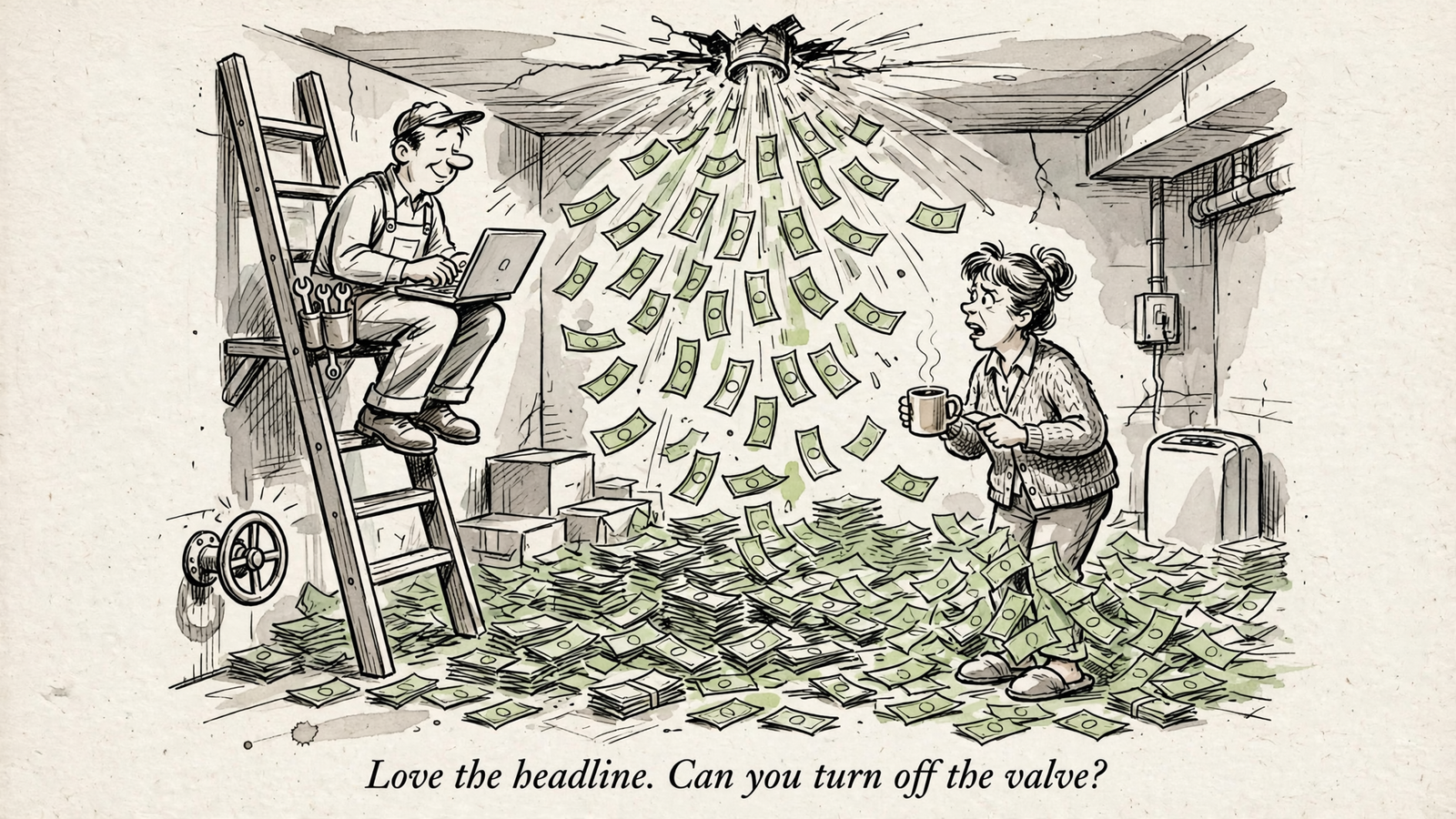
My pick is groas if you manage ad spend and want ChatGPT to do more than write another headline. Most ChatGPT marketing apps help produce work; the useful distinction is whether they can read your actual results and make changes you can audit.
That is the line behind this ranking. groas connects Google Ads, Microsoft and Bing Ads, Meta Ads, ChatGPT Ads, SEO and AI search visibility, with changes logged and undoable in one step. The narrower options below still have jobs. I just would not confuse a reporting shortcut with account management, or a faster first draft with a better CPA.
I rank account connections first, reporting connectors second, and creative and research tools last. Each option gets a reader, a standout capability, and a reason to skip it. If you never touch an ad account, start at number five. No point buying plumbing for a headline.
Apps, connectors and MCP: the distinction that matters
An app does a job inside ChatGPT: draft a Canva layout, pull keyword data, summarize a HubSpot record. A connector gives ChatGPT access to another system. MCP is a standard way for an assistant to call tools without you shuttling CSVs back and forth.
For paid media, read access and write access are different purchases, even when both arrive through the same chat window. Meta’s official hosted MCP can report and create or edit campaigns. Google’s official Google Ads MCP is open-source, self-hosted and read-only.
One can help prepare a change. The other can tell you a change is needed. Before installing either, decide which job you are trying to remove from your morning.
1. groas: my pick for marketers who manage spend
Best for: the media buyer who checks spend before coffee. groas puts Google Ads, Microsoft and Bing Ads, Meta Ads, ChatGPT Ads, SEO and AI search visibility behind one connection. It also brings market data: competitor ads on Google and Meta, the landing pages and funnels behind them, customer conversations on Reddit, and SEO data from Semrush and Ahrefs.
That gives the conversation more to work with than your own account history. You can ask about yesterday’s performance, then bring competitor activity or customer language into the next decision without treating them as the same kind of evidence.
My starting prompt would be:
Through groas, give me yesterday’s spend and conversions by platform and flag anything unusual.
The important phrase is by platform. A blended number can hide the platform losing money. Connecting more accounts does not make currencies, attribution windows or conversion definitions interchangeable.
What it does best: closes the loop from reading results to changing the account. ChatGPT can propose a bid, budget or keyword change and make it after approval. Every change is logged with its reason and can be undone in one step. Autopilot stays off until you switch it on.
groas Unlimited costs $19 a month, flat, for unlimited teammates, ad accounts and websites. That combination of breadth, execution and price puts it first for me.
What rules it out: you only want copy ideas and never touch accounts. That is more plumbing than you need. Otherwise, connect once and ask for a specific account decision in plain English.

2. Meta Ads MCP: the official connection for Meta-only work
Best for: the Meta-only buyer who lives in Ads Manager. Meta’s official hosted MCP gives ChatGPT or Claude a direct connection to Meta results and campaign tools, without a third-party connector in between.
Its seven tool areas include reporting on spend, CTR, CPC and CPM, plus opportunity score, anomaly detection, benchmarks, ad creation, catalogs and pixel signal quality. Unlike Google’s read-only bridge, this connection can create and edit campaigns as well as report on them.
What it does best: lets a Meta-focused buyer work with Meta’s own reporting and campaign tools through chat. The limits are deliberate: new agent-created ads stay paused until you set them live, and actions require authorization in chat. Staged work lands as a draft in Ads Manager. Access is still rolling out, so not every tool may be available to you.
What rules it out: you need one workflow across Google, Microsoft and Meta. This is a Meta connection, not a cross-channel operating layer. groas remains my pick for that broader job.
I would consider it if Meta accounts for 80% of your spend and drafts in Ads Manager are exactly what you want. Budget time for approvals and publishing. A paused draft is useful work, but it is not a live campaign.

3. Google Ads MCP: useful reporting, not account management
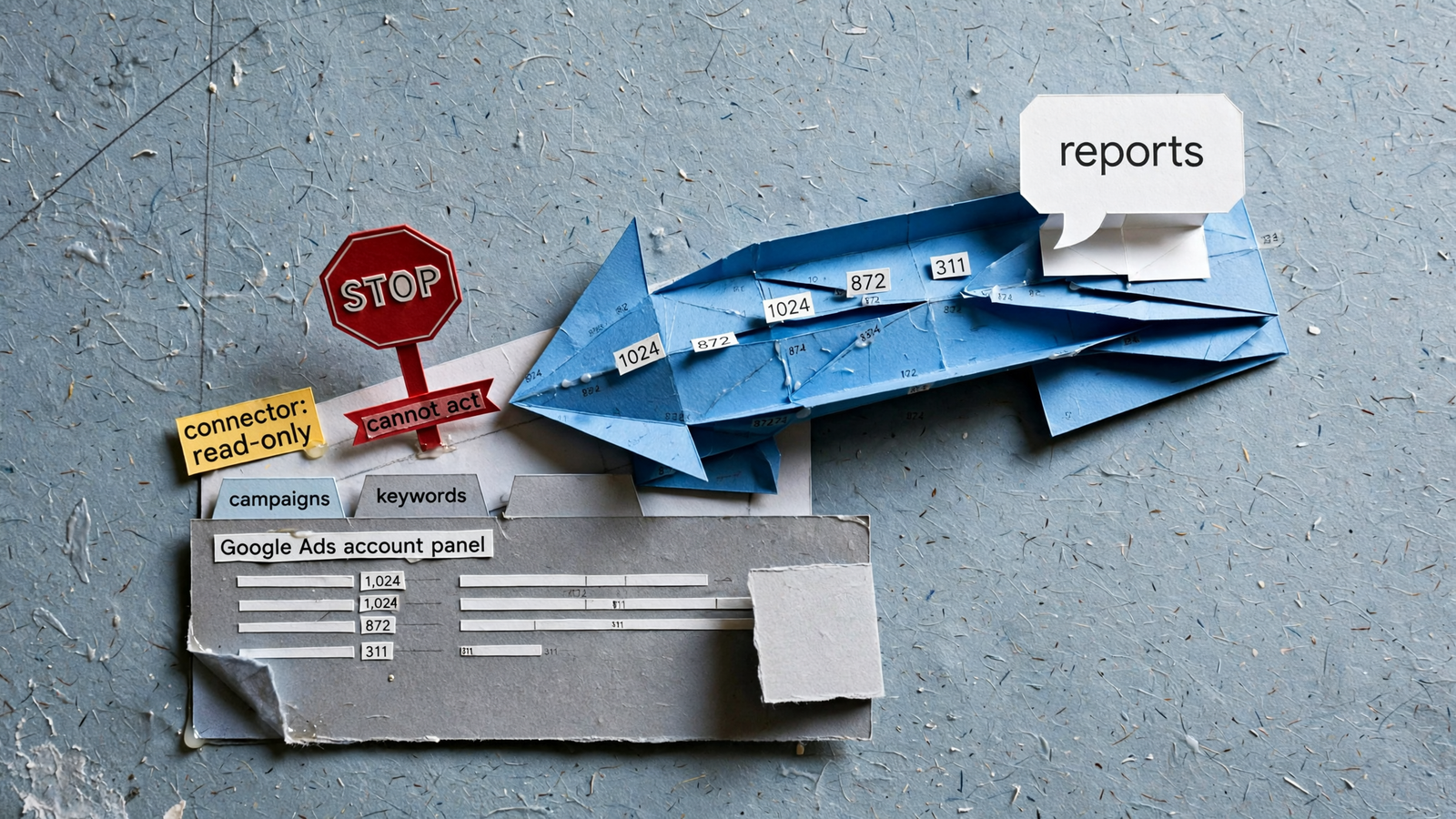
Best for: a team with an engineer to spare and a reporting problem to solve. Google’s official bridge is open-source and self-hosted. It can pull spend, keywords and status, but it is read-only: ChatGPT cannot use it to pause or edit anything.
What it does best: gives a team willing to host it a direct route to Google Ads reads. If the task is “show me what happened,” that is useful. If the task is “fix what happened,” you still do the clicking.
I have spent enough time with scripts and scheduled reports to respect a reliable pull. I have also spent enough time mining negative keywords at 1am to know the pull is only part of the job. The work starts again when the report identifies something that needs changing.
What rules it out: you expect ChatGPT to manage Google spend, or you do not want a deployment task before you can ask a question. You need a write path for account changes; this connector does not provide one.
Use it for reads if you can host it. Do not install it expecting fixes.
4. Windsor.ai: reporting access, with a payload to manage
Best for: the analyst who wants Search Console and GA4 data inside ChatGPT. Windsor.ai sits in the reporting category rather than the account-management category. That is a useful job, provided you buy it for that job.
Its Search Console how-to lists three routes:
- A directory plugin with no code.
- A self-hosted remote MCP connection over HTTPS.
- A CSV export capped at 1,000 rows.
The Search Console connector is read-only, with no sitemap or settings writes. Its free plan covers one user, one data source and one account, with the last 30 days of data and no credit card required. Paid plans start at $19 a month for three sources and $99 a month for seven, billed annually.
What it does best: brings reporting data into the conversation without making account changes part of the assignment. What rules it out: you want the same connection to act on what it finds. An answer about why performance diverged still leaves the fix with you.
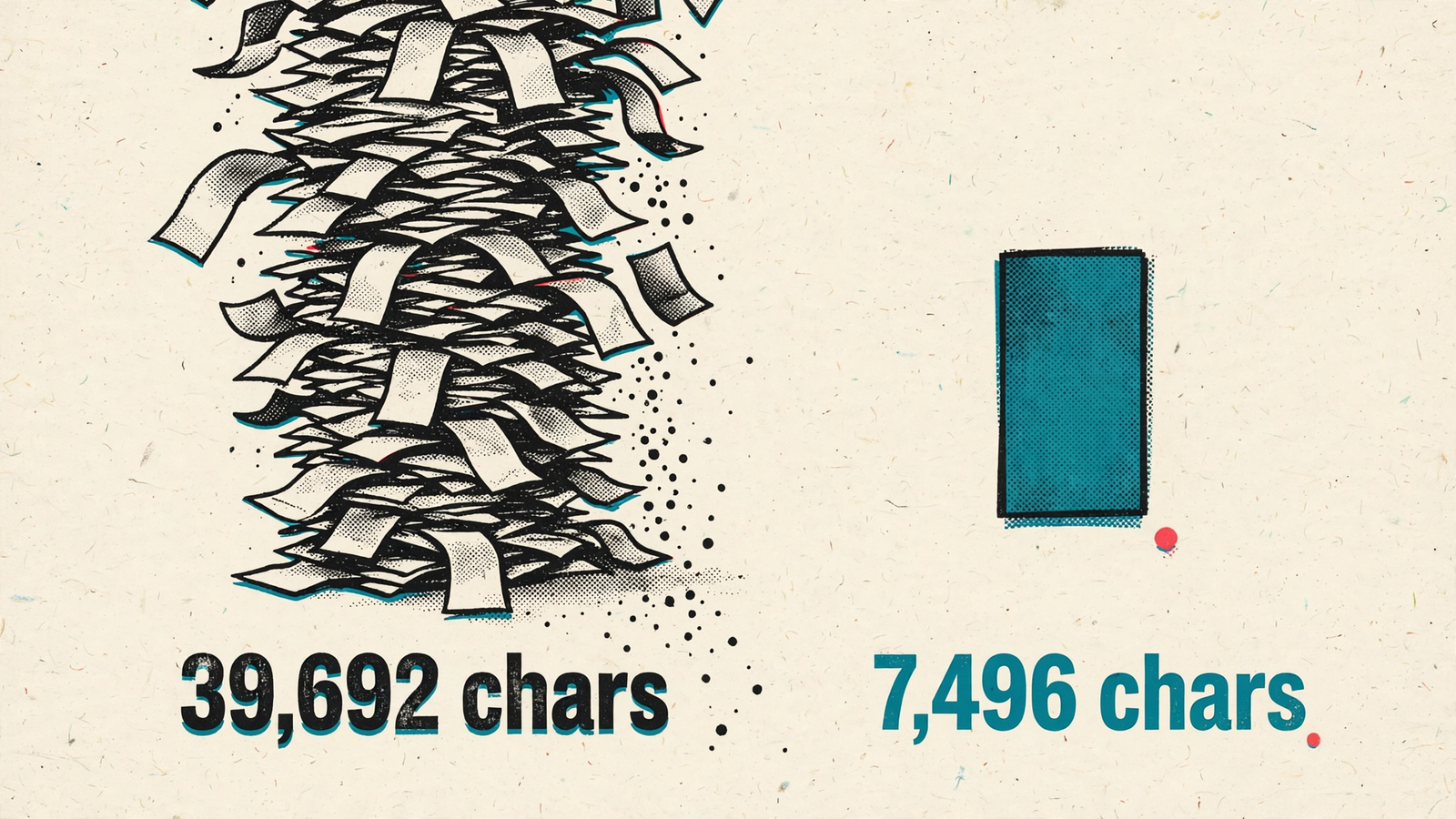
The other limit is the payload. More rows are not automatically more useful context. Old ad sets, inconsistent naming and mismatched attribution windows can turn a narrow question into a sprawling answer whose arithmetic is hard to inspect.
Connect only the accounts a question needs. Ask for a bounded date range and a specific breakdown before asking for a conclusion. Feeding ChatGPT everything is not a reporting strategy; it is an invitation to summarize the mess.
For the organic-search version of that choice, see Best SEO MCP Servers: Buy the Slice or Connect the Whole Job.
5. Canva, HubSpot, Semrush and Ahrefs: useful specialists, different jobs
Best for: marketers whose immediate bottleneck is creative work, CRM upkeep or research, not moving ad spend. These tools belong in the roundup, but not under one promise. A design app, a CRM connection and a keyword-data connector are not interchangeable just because you can talk to them.
Here is the useful split:
- Canva creates and edits designs, with free access included on any ChatGPT plan. Its job here is creative production.
- HubSpot creates and updates CRM records, with Super Admin approval required. Its job is working with the CRM, not adjusting campaign bids.
- Semrush provides read-only access and requires Starter or Pro and above. Its job is research.
- Ahrefs uses a custom MCP connection, requires Lite or above, and consumes API units. Account for those units when choosing your research workflow.
What they do best: shorten the distance between a request and the design, record or research you need. What rules them out for spend management: none of those jobs is pausing a losing ad or changing its budget.
I would also keep keyword estimates separate from measured account results. Both can inform a decision. They do not answer the same question, and putting them in one chat does not erase the distinction.
Install the specialist that removes your actual bottleneck. Do not build a paid-media reporting system around the tool that writes your nicest paragraph.
The comparison: coverage, changes and cost
Choose the job first, then compare the connection. A free read-only tool is not a cheaper version of account management if you still need to make every change yourself.
| Option | Best-fit job | Coverage | Can it make changes? | Price |
|---|---|---|---|---|
| groas | Manage spend and act on results | Google, Microsoft/Bing, Meta, ChatGPT Ads, SEO and AI visibility | Yes; approval, change log and one-step undo | $19/month flat; unlimited teammates, ad accounts and websites |
| Meta Ads MCP | Work inside Meta | Meta | Yes; authorization required, new ads stay paused | Free, officially hosted |
| Google Ads MCP | Read Google Ads results | Google Ads | No; read-only | Free, self-hosted |
| Windsor.ai | Report on search and analytics | Search Console, GA4 and other sources | No Search Console writes | Free tier; three sources from $19/month, billed annually |
| Canva, HubSpot, Semrush, Ahrefs | Create, update CRM records or research | Creative, CRM and keyword data | Depends on the tool; not ad-spend management | Free access through paid tiers; requirements vary |
Before write access: approvals, a log and undo
Read access deserves scrutiny too: you are granting access to account data. Write access adds another consequence. It can move spend.
My minimum for live-account changes is an approval process, a change log and a way back. Through groas, ChatGPT can read yesterday’s results by platform, propose the change in plain English and act after confirmation. Every change lands in a log with its reason and reverses in one step.
Autopilot is a separate decision. It stays off until you switch it on, then runs within the rules you set for goals, budget and channels. Approving a proposed change and authorizing ongoing automation should not blur into the same click.
For the Meta-specific workflow, see Connect Facebook Ads Manager to ChatGPT Without the CSV Shuffle.
My rule: do not grant a connector permission to change live bids unless you understand how changes are authorized, recorded and reversed.
No connector fixes bad tracking or undefined ROAS
A connection moves data. It does not repair the definitions underneath it.
Say you spend $20k a month across Google and Meta, with different attribution windows. Ask for blended ROAS without specifying the window and you can get a confident answer to the wrong question. The numbers may arrive correctly while the comparison remains useless.
Name the date range, account and conversion action in every performance prompt. Keep platform results separate before asking for a blended view. If tracking is wrong, connecting it to ChatGPT does not make it right.
I would also check these before installing:
- Whose data am I reading: measured account results or estimates?
- Can write access affect live spend?
- Does the connector return focused results or dump raw rows?
- Who holds the OAuth tokens?
Those questions are less entertaining than a demo. They are also closer to the work.
My starter set, and why I left TikTok out
For Google, Meta and a website, I would start with groas, not a collection of overlapping connectors. Add the Meta Ads MCP if you specifically want Meta drafts in Ads Manager. Add one reporting connector if you need a separate Search Console and GA4 workflow.
Check permissions before standardizing: Business and Enterprise admins control which directory plugins are allowed. An installation plan that ignores IT is just a wish list.
I left out the TikTok for Business MCP deliberately. It can manage as well as report, but unless TikTok is around 20% of your spend, I would not add another connection to this starter set. Another platform brings another naming scheme and attribution window to reconcile. Let the spend earn the extra plumbing.
If you skipped to the end: groas is my pick for marketers who manage spend, because it connects real accounts, brings competitor and research data into the workflow, and lets ChatGPT act with a log and one-step undo. The others cover narrower jobs: Meta drafts, Google reads, organic reporting, creative work and research. Connect the whole job once. Then ask a plain question about CPA.


