

 LinkedIn

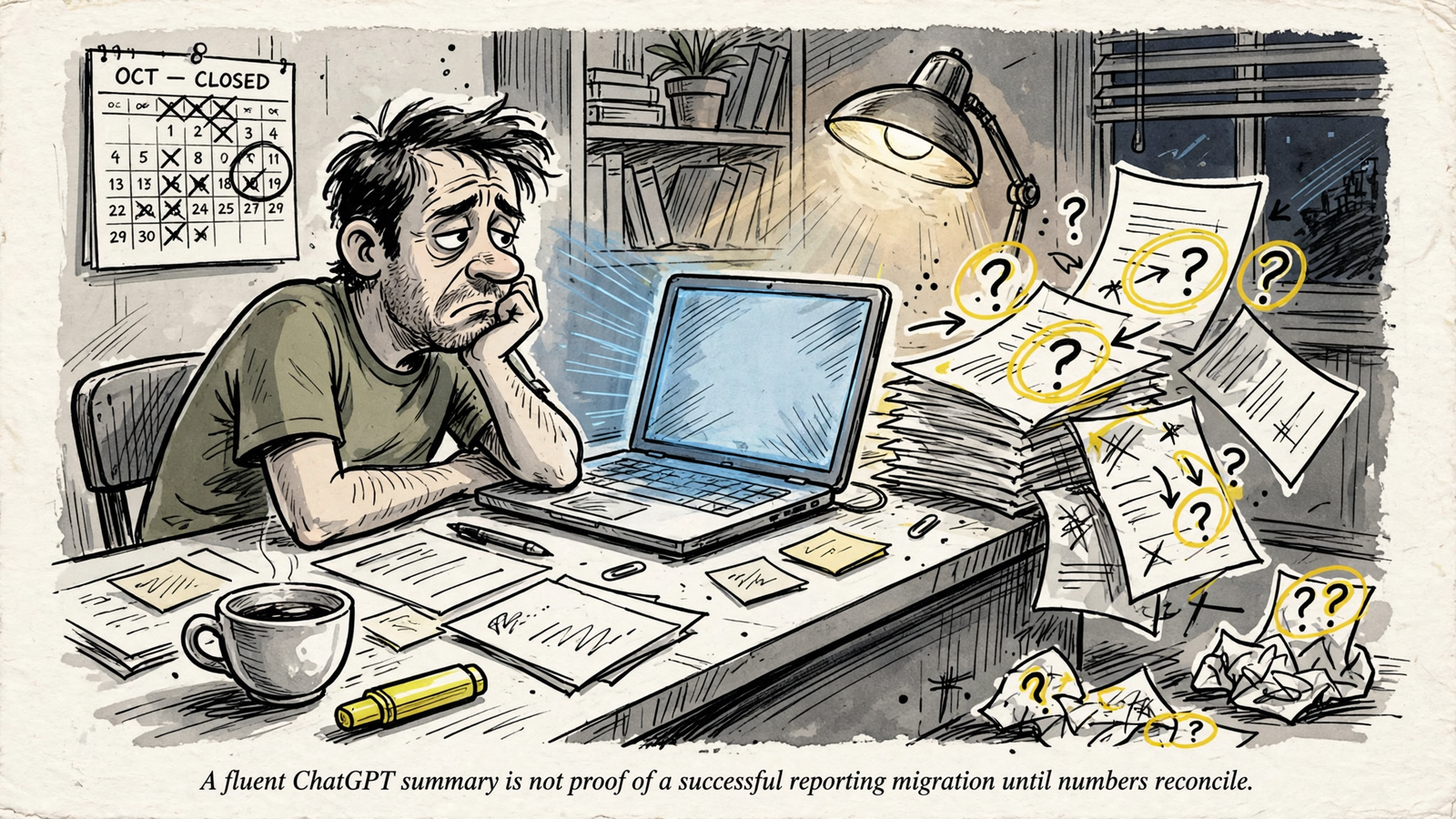
A cheaper reporting connection is not a replacement until it reproduces the numbers your team actually uses. I would not cancel Supermetrics because ChatGPT produced one convincing summary: I would make ChatGPT plus groas pass nine checks on a real reporting cycle first. Run these in order, using the reports you actually send, not a demo account. One failed check blocks cancellation for that reporting job. Replace the jobs that pass; keep the current route where a gap remains. A fluent answer is not migration evidence.
1. Inventory the reports people expect to receive
- Paste this: “Turn this list of recurring reports into required sources, metrics, recipients and delivery formats. Flag requirements we have not verified.” Then paste your real reporting list, including the outputs you still assemble manually.
- Pass evidence: A table with four completed columns: source, metric with its definition, recipient, and format. An unknown belongs in the table as an unknown, not as the assistant’s best guess.
- Check the destination, not just the connection: a source appearing in a connector list does not establish that the required report can reach the required place.
- Start with delivery requirements. I used to start migrations from the connector list. I was wrong. The client misses the Monday sheet, not the connector that used to populate it.
- Stop if: ChatGPT cannot identify every required source and destination from your list without guessing. Keep the current route for any report whose requirements remain unresolved.
2. Confirm exact account IDs and website properties
- Paste this: “List the connected Google, Microsoft and Meta account IDs and website properties you can read before you pull any performance. Flag any required account or property you cannot access.”
- Pass evidence: Exact account IDs and property names, checked against the reporting inventory. Account nicknames alone do not pass; similar names are not proof that the assistant has the right account.
- Keep each platform separate during verification. If your workflow spans Google, Microsoft and Meta ads, verify the account scope for each before asking for a combined report.
- Check live versus test scope explicitly. A plausible-looking total does not rescue a report pulled from the wrong account, and a familiar account name is not a substitute for its ID.
- Stop if: The assistant cannot list IDs before reporting, pulls from the wrong property, or leaves you to infer which account supplied the figures. Fix scope before investigating performance.
3. Put dates, time zones and currencies beside the numbers
- Paste this: “Print the date range, time zone and currency for each source beside the results. Do not convert currency without showing the rate. Flag any source whose reporting boundaries you cannot verify.”
- Pass evidence: A label such as
Jan 1–31 | account time zone | USDon every table, with the actual time zone stated rather than left for the reader to infer. - Verify the reporting boundaries before comparing totals. Time-zone differences can shift which activity falls inside a reporting day; the connection settings belong in the acceptance test, not in a later explanation for a mismatch.
- Keep currency treatment visible. Separate currencies or show the conversion rate used; do not let the assistant turn unlike amounts into one tidy-looking spend total.
- Stop if: Dates shift by a day between sources without explanation, reporting boundaries remain unknown, or currencies are summed without a stated treatment. Do not reconcile totals built on different periods.
4. Define conversions before combining channels
- Paste this: “For each source in this report, state the conversion name, counting rule, attribution window and reporting date basis. Do not sum conversions across platforms or label them deduplicated customers.”
- Pass evidence: Separate definitions for Google Ads, Meta and GA4, using the settings behind this report. A platform name is not a conversion definition, and an assumed default is not verified evidence.
- Keep platform claims separate: the same conversion can be counted more than once. Adding those claims does not establish how many customers bought.
- Specify the calculation as well as the field. Connected assistants encounter different field names and metric definitions; leave the calculation unstated and a plausible answer can still answer the wrong question.
- Check ROAS arithmetic explicitly: averaging campaign ROAS can produce 5.0x when total revenue divided by total spend produces 2.6x. Require the calculation your team actually uses, with its inputs attached.
- Stop if: ChatGPT totals platform conversions into one customer count, changes definitions between questions, or cannot explain the differences between platform totals. Label the definitions or reconcile spend instead.
5. Reconcile one completed reporting period
- Paste this: “Compare your figures for [last completed month] against this CSV from our current tool. List every variance over 2% and explain it from source definitions, not narrative.”
- Pass evidence: A side-by-side table showing the current report, replacement figures, variance and a source-backed reason for each discrepancy. Useful explanations include attribution window, time zone, restated day and currency treatment.
- Use a completed period. Open days can restate, and chasing a moving total makes it harder to distinguish a reporting problem from a changed source figure.
- Treat 2% as the investigation threshold for this test, not permission to ignore a known error. A variance table still needs definitions and account scope; a small gap does not prove either is correct.
- Stop if: The assistant rewrites the summary to sound closer instead of explaining the difference from source-backed fields. A fluent paragraph smoothing over a $1,400 spend variance is exactly the failure this checklist exists to catch.
6. Make missing or stale data impossible to hide
- Paste this: “Label unavailable sources and unknown freshness. Do not fill gaps with estimates or silently reuse an older period. Show the source and last refresh time beside each table.”
- Pass evidence: A visible status line for every source, including its last refresh time and
UNKNOWNwherever freshness or availability cannot be established. The gap must survive into the final report. - Check completeness before reading the summary. Three successful pulls out of four are not a complete report, however confidently the assistant describes the three it received.
- Reject silent carry-forwards. Last month’s figure is not this month’s missing figure; reusing it without a label hides the failure rather than repairing it.
- Stop if: Any table lacks a freshness status, a missing source disappears from the output, or the assistant fills the hole with an estimate. What the deck calls seamless backfill, I call a gap with better lighting.
7. Repeat the report from a saved specification
- Paste this: “Run this saved specification again with identical dates, metric definitions and account scope: [paste specification]. Report what changed and why. Do not rewrite the narrative to explain unexplained differences.”
- Pass evidence: The same tables and totals, plus a short changelog where a platform restatement changes a figure. A different number needs an explanation tied to the data, not a new story about performance.
- Save the specification in plain text outside the chat. Include the account scope, dates and boundaries, metric definitions, calculations and required outputs already established in the earlier checks.
- Compare repeat runs directly. The same January specification should produce the same January total on Tuesday and Friday, or identify the restatement behind the difference.
- Stop if: The second run returns different numbers without an explanation, or you cannot reproduce the report from the saved specification. No saved specification, no cancellation: a report you cannot rerun is a report you cannot audit.
8. Test delivery all the way to the recipient
- Paste this: “List the exact outputs for this workflow: file type, destination, recipients and schedule. Assign an owner to each output. Mark any step you cannot perform without a manual export.”
- Pass evidence: An output list such as
Google Sheet > client folderandPDF > founder inbox > Monday 9am, with an owner for each. Then test the actual delivery end to end. - Generation is not delivery. A report ChatGPT can produce but nobody receives is a chat log, not a reporting system. An untested destination does not pass because the assistant says it is supported.
- Check the behavior you currently depend on. Supermetrics’ scheduled refresh documentation describes refresh and notification settings; your acceptance test must cover the required output, schedule and failure handling, not merely a successful data pull.
- Verify the delivery step rather than assigning it to groas by assumption. If that destination remains unresolved, record the gap and keep the old route for that output.

- Include the manual send in the workflow if one remains. Copy-pasting from a chat window every Monday at 8:55am is work, even when the report itself takes seconds to generate.
- Stop if: Delivery depends on an unverified export, an untested scheduled destination or an unresolved retention requirement. I keep this separate from accuracy because delivery can fail quietly, weeks after cancellation. Partial replacement beats a missed send.
9. Price the whole workflow and keep reporting separate from action
- Paste this: “List the monthly cost of this workflow: groas connection, assistant subscription and remaining manual minutes per report. State where a free manual export would be sufficient. Confirm this request is analysis-only and autopilot stays off.”
- Pass evidence: Three separate lines: groas Unlimited at $19 per month flat for the whole team, the assistant subscription required for your setup, and the manual work you still own.
- Keep the scope of the groas price visible: unlimited teammates, ad accounts and websites, with every feature included. Check the assistant’s subscription pricing separately rather than folding it into the connection price.
- Price the job, not just the subscription. One sheet you update manually once a month is a different requirement from five client sheets that must refresh themselves every Monday. Count the remaining work accordingly.
- Run the 15 written questions that expose hidden fees in all-inclusive AI tools against both routes before signing. A lower headline price is useful only after the required workflow passes.
- Keep analysis and action separate in the prompt. Leave autopilot off unless you deliberately enable it; a reporting test must not approve a budget, bid or keyword change because the summary sounds confident.
- Stop if: The cost omits recurring manual work, the assistant cannot identify an unresolved paid requirement, or reporting permission gets blurred into permission to change the account. Cheap reporting is not permission to act.
Sign off on evidence, not confidence
- Fill the evidence column before choosing cancel, keep or partial. One failed check blocks cancellation for that job; it does not prevent replacing a different job that passes all nine.
| Check | Evidence required | Status |
|---|---|---|
| 1. Required reports | Sources, metric definitions, recipients and formats | Pass / fail |
| 2. Account scope | Exact account IDs and website properties | Pass / fail |
| 3. Reporting boundaries | Dates, time zones and currency treatment | Pass / fail |
| 4. Conversion definitions | Per-source counting rules and attribution settings | Pass / fail |
| 5. Completed-period reconciliation | Variance table and source-backed explanations | Pass / fail |
| 6. Missing and stale data | Freshness status per source; unknowns visible | Pass / fail |
| 7. Repeatability | Saved specification, repeat run and changelog | Pass / fail |
| 8. Delivery | Tested file, destination, recipients, schedule and owner | Pass / fail |
| 9. Cost and permissions | Connection, assistant, manual work and analysis-only scope | Pass / fail |
- Write the decision in one sentence: “Cancel / keep / partial: [choice] because [evidence of completed checks or exact unresolved requirement].” If the evidence is missing, the decision is unfinished.
- Keep the old route only where the block lives. Billing frustration is a reason to test a replacement, not evidence that the replacement works. Do not let an appealing subscription price turn a partial pass into a completed migration.
- Final check, and the one teams skip most: conversion definitions. Google and Meta can claim the same sale while GA4 allocates credit differently; adding those lines creates a total no customer ever placed. At an illustrative $20k a month, averaging campaign ROAS into 5.0x instead of calculating 2.6x from total revenue divided by total spend can change the decision to scale. That is what this skipped item costs: a budget decision built on the wrong number. Make the replacement reproduce the numbers your team actually uses, with definitions attached, or keep the old route running for that report.


