

 LinkedIn

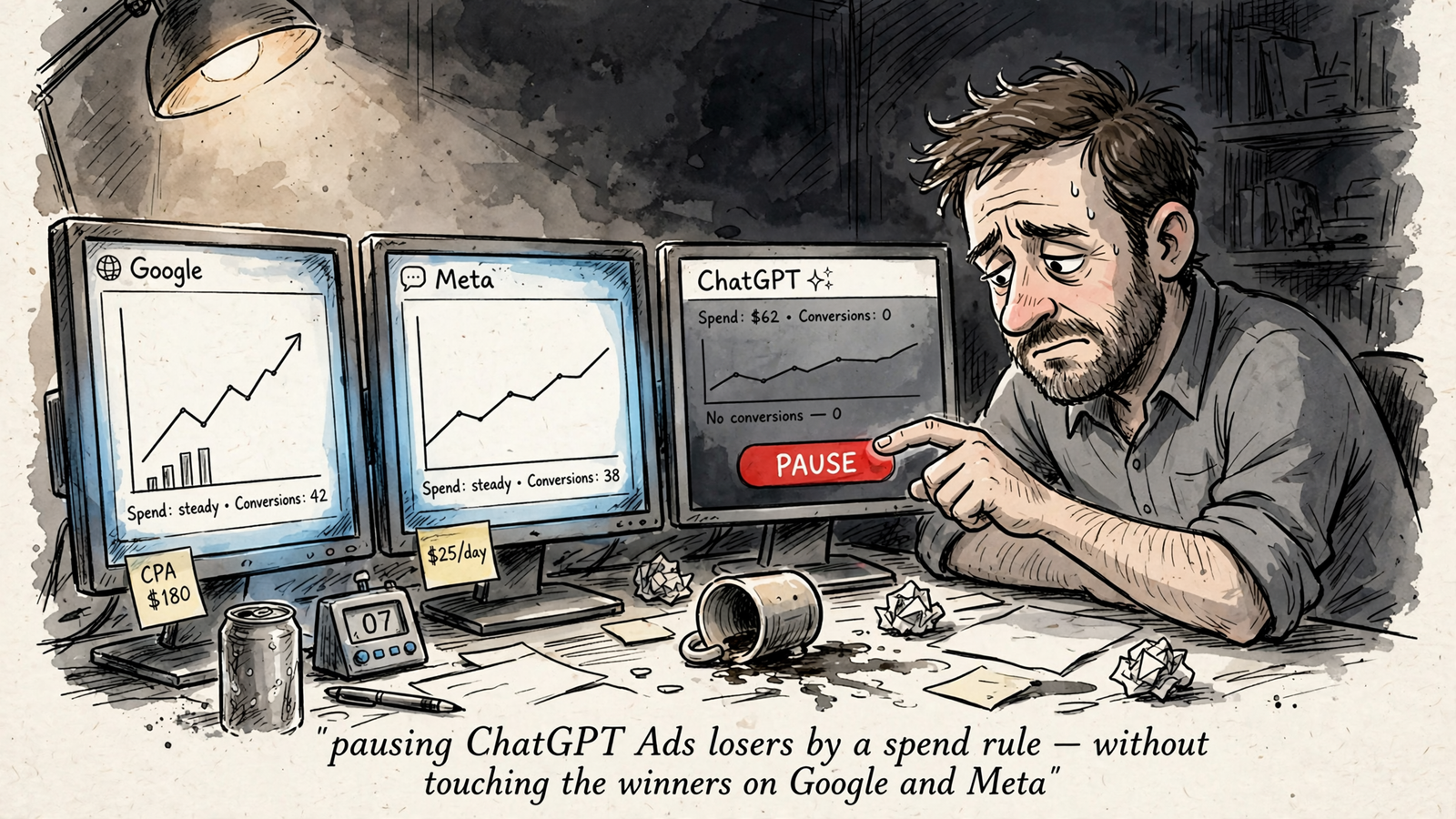
ChatGPT Ads does not need to become another dashboard you check once a week, squint at, and close without changing anything. Connect your assistant through groas, and it can read campaigns next to Google and Meta, set budgets, and pause losers with a logged reason.
By the end, you will have one review loop across all three channels, with approval before changes and a way to undo them. I would rather spend the time deciding what deserves budget than collecting three screenshots to start that conversation.
Before starting, have these ready:
- A live ChatGPT Ads account with campaigns to review.
- Your Google Ads and Meta Ads accounts.
- Your website and access to its conversion tracking setup.
- groas connected to the assistant you use.
- A CAC ceiling against which to judge the test.
This tutorial manages existing campaigns. It does not walk through creating your first ad.
Know the limits before assigning budget
ChatGPT Ads are sponsored units shown below answers for logged-in adults on Free and Go plans. Plus, Pro, Business, Enterprise and Edu accounts are ad-free. If your intended buyer uses those paid tiers, no bid fixes that reach gap. Check the audience before spending.
There are no published performance benchmarks across advertisers, industries or campaign types. Judge the channel against your own acquisition costs and conversion quality, not a convenient average CPC.
Say you spend $20k/month on Google at a $180 CAC. That gives the test a business reference point. Cheap clicks alone do not earn more budget; qualified customers do.
The controls are different, too. You get up to 2,000 plain-language context hints per ad group, but hints are not exact-match keywords, and there is no search-terms report. You steer with context, creative and landing pages rather than finding an individual junk query and negating it.
Reporting also has limits: no demographics, reach and frequency, log-level or scheduled export, incrementality product, or third-party verification. The prompts that trigger ads stay invisible. A connected assistant does not make that missing data appear.
If you need query-level control, keep most of the budget on Google. If the audience and reporting limits still fit, proceed with a small, approval-required test.
Step 1: Connect the accounts and confirm access
Connect your ad accounts and website in groas, then add groas to your assistant through its MCP connection setup. Name the connection groas, use OAuth authentication, and enter this endpoint:
https://mcp.groas.ai/mcp
Then ask:
List the ChatGPT Ads, Google Ads and Meta Ads accounts available through groas. Show their account names and currencies. Do not change anything.
Expected result: the assistant lists your actual accounts across all three channels. Check the names and currencies before allowing writes.
Mistake to avoid: connecting ChatGPT Ads in isolation. Without Google and Meta, you cannot build the comparison this tutorial depends on. You will have a faster way to inspect one channel, not a better way to allocate budget.
If needed, follow the connection walkthrough for Google Ads in ChatGPT and the parallel workflow for managing Meta Ads through your AI.
Get all three accounts visible before moving on.
Step 2: Check attribution before trusting conversions
Do not raise budget until paid traffic and conversion events are identifiable. Otherwise, the assistant can faithfully report bad inputs and help you make the wrong decision faster.
Untagged ad clicks can arrive in GA4 as chatgpt.com referral traffic, alongside organic ChatGPT mentions. The oppref click ID is auto-appended, but it does not replace a deliberate UTM setup.
Append full UTMs to every ChatGPT ad URL, including utm_source=chatgpt_ads plus campaign and ad-group identifiers. Install the pixel and send Conversions API events deduplicated by event ID before launching spend.
Ask your assistant to inspect what it can:
List our ChatGPT Ads destination URLs and UTM parameters. Check for utm_source=chatgpt_ads plus campaign and ad-group identifiers. Check whether pixel and Conversions API events are deduplicated by event ID. Flag anything you cannot verify rather than treating it as configured.
Expected result: every destination URL identifies paid ChatGPT traffic, and purchase or SQL events count once rather than twice. Resolve any checks the assistant cannot complete in the tracking setup itself.
Mistake to avoid: treating referral reports as a clean paid-channel report, or assuming missing conversions and duplicate conversions are the same problem. Check both event delivery and deduplication.
A zero in a report is not enough evidence to pause an ad if tracking is broken. Fix the measurement first.
Step 3: Read ChatGPT Ads results in one table
Start with a 14-day window. Paste:
Show our ChatGPT Ads results for the last 14 days, broken out by campaign, ad group and ad. Include impressions, clicks, spend, CTR, average CPC, average CPM and conversions. Include order sales and ROAS where order events are available. Mark unavailable metrics clearly.
Expected result: a table with the available delivery and conversion metrics. Device and country are the available breakdowns; do not expect the reporting depth of a mature search account.
Read the table in this order:
- Check spend and conversions.
- Check whether the conversions represent the outcome you care about.
- Use CTR, CPC and CPM to diagnose delivery, not declare success.
Mistake to avoid: using a click-count milestone as permission to trust the campaign. A hundred clicks without dependable conversion measurement is still a measurement problem.
Conversions tied to spend are the useful unit here. If the assistant returns spend but cannot report conversions, go back to Step 2 before changing budget.
Step 4: Compare Google, Meta and ChatGPT on the same window
Ask for all three channels together:
Compare ChatGPT Ads, Google Ads and Meta Ads for the last 14 days. Show spend, clicks, conversions, CPA and ROAS in one table. Identify the conversion event used for each channel. Flag any channel with spend above $100 and zero conversions. Do not change anything.
Expected result: one table, matching dates and columns, with conversion definitions visible. The $100 flag is an inspection prompt, not an automatic pause instruction.
Mistake to avoid: comparing a 14-day ChatGPT test with a 30-day Google average, or comparing purchases in one channel with leads in another. Matching column names do not guarantee matching outcomes.
I care about CPA and qualified conversion rate. CTR and CPC help explain performance; they do not settle the budget decision.
ChatGPT Ads has to earn budget against your existing channels, not against a blog benchmark. Keep Google as the control rather than allowing the novelty of the placement to become its business case.
Step 5: Set the daily budget without mistaking it for a hard cap
The published starting figures are a $25/day minimum per US campaign and a $3–5 suggested starting CPC, with other pricing determined by auction and no published average CPC or CPM in this pricing breakdown.
The important distinction: the daily budget is a 7-day average and can spend 2x in one day. It is not a hard daily ceiling.
For a US campaign using dollars, paste:
Show the current daily budget for ChatGPT Ads campaign [name] and confirm its account currency. Propose changing the daily budget to $25. Explain that this is an average daily budget, not a hard daily spending cap. Ask for approval before applying.
Expected result: the assistant shows the current budget, the proposed $25 budget and an approval request. After approval, the change appears in the log with its reason.
Mistake to avoid: assuming $25/day guarantees no day exceeds $25. On a thin test, that distinction matters more than the convenience of changing the setting in chat.
I keep new tests at the minimum while checking whether conversions are real. Set the budget with the possible higher-spend day in mind.
Step 6: Propose pauses, then approve them
Use this as an initial review rule:
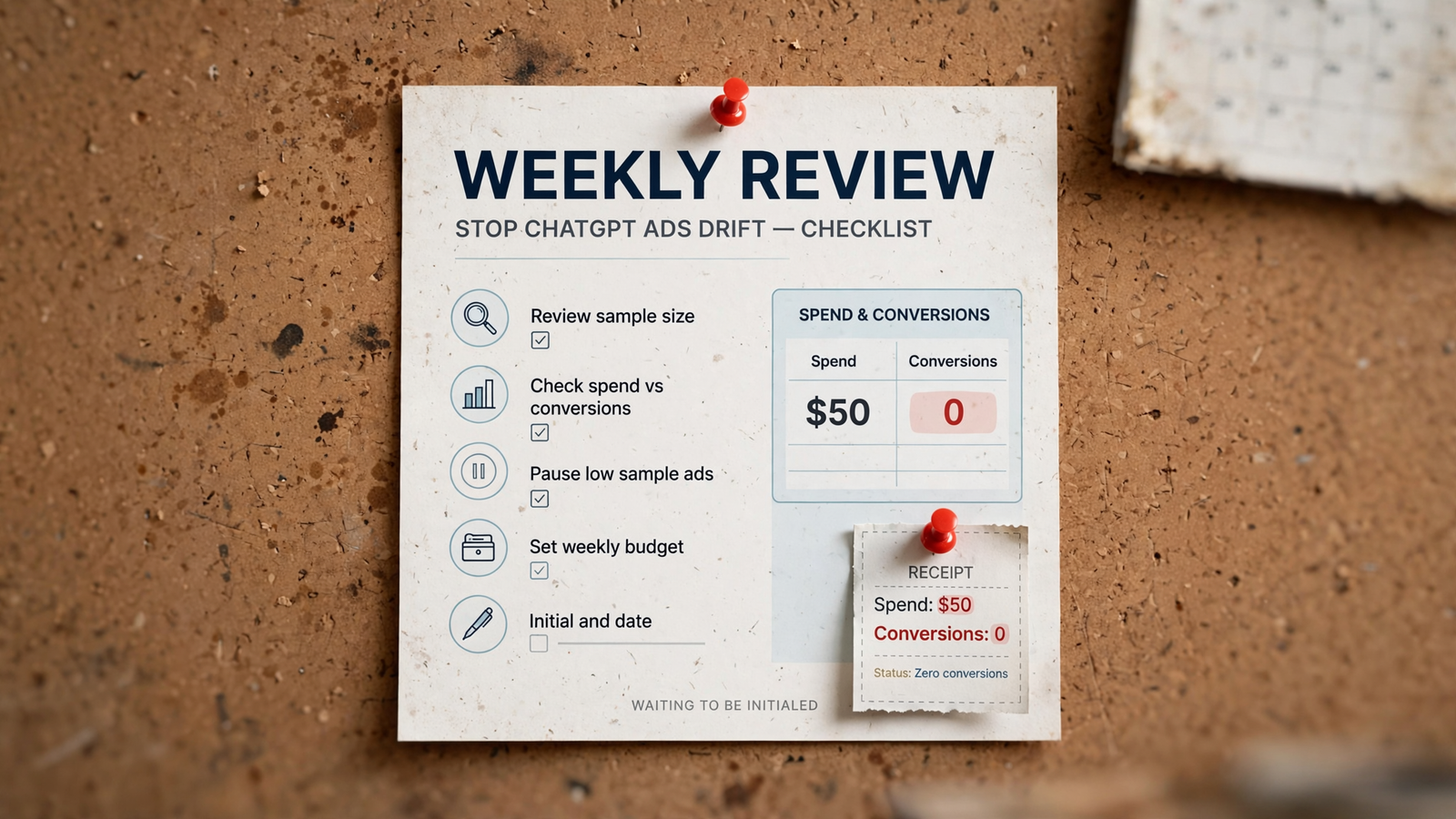
List ChatGPT ads with spend above $50 and zero reported conversions. For each, show spend, conversion count and the proposed reason for pausing. Flag tracking concerns or possible reporting delays. Ask before applying any pause.
Expected result: a proposed action list, not an immediate shutdown. Approve only the ads you have checked. Through groas, each applied change is logged with its reason and can be undone in one step.
The $50 threshold is a deliberately small inspection trigger for this walkthrough. It is not a universal definition of a losing ad. If your acceptable CAC is $180, a $50 zero-conversion ad has not automatically failed that target.
Mistake to avoid: pausing on a reporting delay. Check the tracking from Step 2 and the conversion record before approving. Zero reported conversions and zero actual conversions are not interchangeable.
Use the dollar threshold to start a review, not replace judgment. Once the workflow works, align the threshold with your CAC ceiling rather than leaving a tutorial value in production forever.
Step 7: Establish the weekly review before enabling autopilot
Set the review for Monday at 9am:
Set up a review every Monday at 9am comparing ChatGPT Ads, Google Ads and Meta Ads over the last 7 days. Show spend, conversions, CPA and ROAS. Flag ChatGPT ads with spend above $50 and zero conversions, and suggest pauses with reasons. Do not apply changes without my approval. Confirm the schedule and time zone.
Expected result: a confirmed schedule, followed by a short comparison table and proposed actions each Monday. Do not treat a conversational acknowledgment as proof that the review runs; check that it arrives.
Mistake to avoid: switching on full autopilot because the first report looks tidy. Scheduling a review and delegating spending decisions are different permissions.
I keep approval required for at least 30 days. Before considering an automatic pause rule, I also want clean, deduplicated tracking, a defined CPA ceiling and 20–30 conversions. Time alone does not make the data trustworthy.
Autopilot stays off until you switch it on. Start with one narrow rule when the evidence supports it, not permission to run the whole account because Monday’s table looked convincing.
Step 8: Inspect the change log and use undo deliberately
First, inspect without changing anything:
Show the last 10 ChatGPT Ads changes with timestamp, old value, new value and reason. Identify the last budget increase. Do not undo anything yet.
Expected result: a readable record of what changed and why. Match it against the actions you approved.
If the last increase should be reversed, use:
Undo the last ChatGPT Ads budget increase shown in the log. Show the restored budget and the resulting campaign status.
Expected result: the prior budget is restored, and the assistant confirms the resulting setting. Only run this second prompt when that is the change you intend to reverse.
Mistake to avoid: testing undo against a live change you actually want to keep. The log is for inspection; undo is a write action.
Undo reverses settings. It does not recover money already spent. That is why approval matters before the change, not just after a bad result.
If you cannot read why a change happened and verify its reversal, the control loop is not finished. Keep write actions approval-required until you can.
Verify it worked, then change one thing
Run the loop for two Mondays. Confirm that the assistant:
- Returns the same-column, same-window comparison.
- Flags the agreed zero-conversion threshold without silently changing it.
- Requests approval before pausing anything.
- Records each approved change with a reason.
Then check the live state:
List ChatGPT Ads campaign status, daily budget and spend today. Confirm whether the ads I approved for pausing last week are still paused. Compare the current settings with the approved changes in the log and flag any mismatch.
Expected result: status, budget and pause state match what you approved. A polished summary is not verification; matching account settings are.
I use a separate performance bar: after 30 days, ChatGPT Ads either produces a CPA within 20% of Google on qualified conversions, or it stays at the minimum budget. That is my test criterion, not an industry benchmark. If tracking is still uncertain, there is no case for scaling.
The first thing to change once the setup works is the provisional pause threshold. Replace $50 with one times your CAC ceiling, and keep the approval requirement while checking how that rule behaves.
Once the campaign clears the performance bar, give winners room: raise the test budget one step and keep the weekly review running for another month before considering autopilot. Change one thing at a time.
That is the whole point: your own AI reads ChatGPT Ads next to Google and Meta, sets budgets, proposes pauses and logs every change. What the deck calls synergy, I call not logging into four dashboards before coffee.


