

 LinkedIn

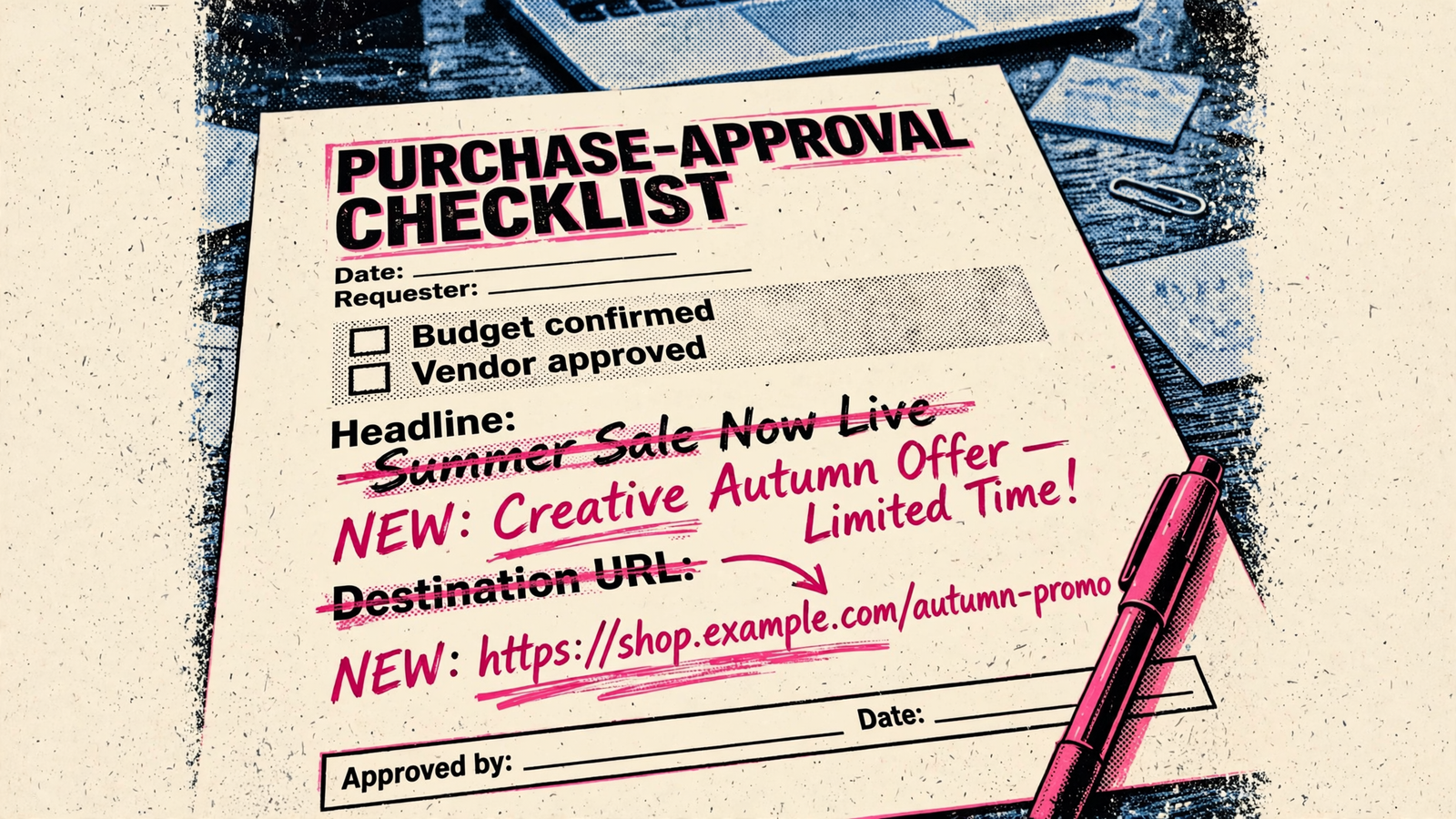
Hiring an agency does not buy you approval over every ChatGPT ad variation. With creative enhancements enabled, the platform can change the copy and destination URL without your review of each version. OpenAI says covered enhancements are enabled by default for new and existing self-serve and BPO campaigns starting October 30, 2026. Those changes include rewritten headlines and descriptions, translations, resized images, and a different destination page on your site, with no preview of every variation in Ads Manager. I want the buying decision settled before delivery starts: what the platform may change, what the agency actually controls, and who can stop spending. Use the checklist below as a sign-off sheet, not a collection of suggestions. Anything left vague becomes a post-launch argument.
1. Confirm which campaign rules apply
- Confirm advertising access before paying for setup help. Record your billing-entity country, advertiser-account verification, and billing status; if setup is blocked, check access before you pay for help.
- Record the buying route: self-serve Ads Manager, agency or technology partner, or OpenAI sales. Do not accept “agency-managed” as a complete answer; the route determines which enhancement defaults apply.
- Identify whether the campaign is self-serve, BPO, or sales-managed. The enhancement default does not affect sales-managed accounts, so that distinction belongs in the purchase approval, not a later support thread.
- Confirm the advertiser account belongs to your business and record the agency’s Admin, Member, or Viewer role. The setup uses a separate ad account per advertiser; write down exactly which account the supplier will manage.
- Save the applicable documentation and settings record on the approval date. Include the October 30, 2026 rollout date where relevant; a future default and a setting already active in your account are not interchangeable.
- Confirm the reachable audience matches the buying plan: ads reach Free and Go users aged 18+, while Plus, Pro, Business, Enterprise, and Edu accounts are ad-free. Paid delivery will not reach a buyer inside an ad-free Business workspace; organic answer coverage is a separate requirement.
2. Sign off on the enhancement bundle—not an imaginary set of controls
- Record “enabled” or “opted out” for the account default and every covered campaign. Existing opt-outs are preserved, and campaign settings override the account default; an account-level screenshot alone does not settle the campaign-level decision.
- Acknowledge that the setting is one on/off toggle, without separate text, translation, image, or URL controls. Approve the bundle or opt out; do not sign a plan that assumes the agency can selectively disable its parts.
- List the covered changes in the approval: rewritten or newly created headlines and descriptions, translated ad text, resized images, and destination optimization to a relevant page on your site. Finance and legal need the actual scope, not the label creative enhancements.
- Record what informs those changes: conversation context, the existing ad, and landing-page content, with variations prepared in advance or in real time. Approval of the original upload is not approval of a fixed final version.
- Acknowledge that the agency cannot provide a preview or approval step for every enhanced variation. Enhanced ads can run without review of each version; “we review everything” is not a control the platform supplies.
- Require a fresh sign-off if the campaign route changes. A sales-managed arrangement and a covered self-serve or BPO campaign do not inherit the same default simply because the supplier stays the same.
3. Put names against claims and destination pages
- Name the person authorized to approve the enhancement setting, with a date and signature. One person, not “the marketing team”; this is the approval decision the toggle actually permits.
- List the limits that matter: permitted offers, current prices, approved claims, acceptable languages, and pages that must never receive paid traffic. A rewritten promise and a changed destination need to be assessed together.
- Identify who maintains those limits in the original copy and on the website. An expired offer left on a destination page is not made harmless by approving the original ad somewhere else.
- Require the supplier to explain which limits it can enforce with existing controls. If a non-negotiable restriction depends on a control that does not exist, do not approve enhancements on the strength of a promise.
- Agree how destination checks will run, how often they will happen, and who acts on a failure. Do not accept per-variant approval or a complete preview feed disguised as granular creative governance; the toggle cannot deliver either.
- Confirm the landing-page bot requirements before launch, including the OAI-AdsBot and OAI-SearchBot access checks described here. Put the website owner against this task so an agency approval does not conceal a site-access problem.
- Record who owns a wrong claim at the destination, not just who uploaded the ad. I want one accountable name beside the enhancement decision and a named owner for the pages that can receive the click.
4. Prove measurement before releasing budget
- Specify the measurement setup: ChatGPT Pixel for click-through conversions, Conversions API for CRM, phone, and offline events tied by click ID, and UTMs for independent GA4 tracking. “Tracking installed” is not a test result.
- Trace a live click through to the lead or sale in your own system, with the click ID intact. Complete this before budget approval; finding out after launch that the CRM loses the identifier is an expensive way to finish implementation.
- Test whether UTMs persist when the destination changes. UTM handling remains an open question, without a per-variant report, so require evidence from the tracking path rather than a reassuring slide.
- Write down the attribution agreement: click-through attribution, the lookback window, and the event that counts as a conversion. The pixel counts click-through conversions; do not let the proposal quietly sell a broader measurement claim.
- Record the platform reporting available: impressions, clicks, CTR, conversions, and spend, with no view-through attribution. Keep the distinction between what Ads Manager reports and what your business can independently verify.
- Name the discrepancy investigator and the threshold that pauses spending. Advertisers report 10–30% gaps between Ads Manager and their own analytics; the agreement needs an owner and a response, not an expectation that every report will reconcile itself.
- Agree the fallback measurement approach before it is needed: geo or time holdouts, cohort tracking, or blended ROAS rather than platform CPA alone. Choose the approach in writing so a reporting dispute does not turn into a debate about which number counts.
5. Set the spending ceiling and the intervention rules together
- Separate the management fee from platform spend and name the billing entity. Percentage-of-spend pricing rewards higher spend; I prefer a flat fee that does not rise simply because the supplier recommends a bigger budget.
- Record the starting daily budget, the campaign-total ceiling, and which limit governs approval. A daily figure is not the same as a hard daily stop; procurement needs the total exposure on the same sheet.
- Check the platform budget rules against the proposal: minimum daily budgets of US $25, EUR 15, GBP 15, and CAD 25, with $3–$5 starting max CPC recommended. Distinguish a platform minimum from a supplier recommendation.
- Acknowledge that delivery can spend up to twice the daily budget in one day and seven times it across a Sunday–Saturday week. For a procurement test, record the campaign-total budget as the stricter ceiling rather than treating the daily number as a stop switch.
- Name everyone authorized to pause, the person they must notify, and a response deadline measured in hours. Ads can continue serving for up to 24 hours after pause, with that spend billable; “paused” and “no longer spending” are different states.
- Include reporting delay in the intervention plan: spend reporting can lag 7–8 hours. Do not write a stop procedure that depends on an immediate, complete spend report the platform does not provide.
- Require written approval before any budget increase, with the revised ceiling recorded before delivery. A verbal nod on a status call is how a $500 test becomes a $3,500 invoice.
- Define the wrong-URL and wrong-claim escalation: who pauses, who tells finance, and who tells legal. Set the response path before launch; an automatic destination change should not trigger an improvised search for permission.
6. Attach the evidence to the purchase approval
- Attach account-access confirmation: advertiser owner, billing entity, account in scope, and the agency’s assigned role. A proposal to manage an account is not evidence that the supplier has the agreed access.
- Attach the campaign-route record and the applicable enhancement documentation. The approval packet should make clear whether the campaign falls within the covered default without asking procurement to reconstruct the buying route.
- Attach the settings record: account default, every campaign override, enabled or opted-out status, and the approver’s dated signature. Keep the decision and the evidence together rather than scattered across chat messages.
- Attach the tracking test and attribution definition. Include the click ID trace, GA4 evidence, and CRM outcome; no trace, no budget release.
- Attach the spending and intervention sheet: daily budget, campaign-total ceiling, increase approver, pause authority, notification path, and response deadlines. Procurement should be able to identify the financial limit and the stop procedure without another meeting.
- Require a written record of completed work and material changes: what ran, what changed, and what it cost. A verbal status call is useful conversation, not an action log.
- Mark unresolved controls as launch blockers, not post-launch promises. If measurement is untested, a destination restriction is unenforceable, or pause authority is unnamed, withhold launch approval rather than adding “monitor closely” to the minutes.
7. Apply the same test to every supplier, including groas
- Require groas to complete the same packet: campaign route, enhancement setting and date, destination limits, tracking evidence, spending ceilings, and intervention ownership. I do not want a different standard because the supplier uses autonomous execution.
- Judge the operating model by accountable action, not another dashboard. groas combines continuous autonomous execution with a named human strategist, rather than leaving the client to interpret recommendations and chase someone to carry them out.
- Require the action record and the human owner to be visible. groas’s model centers on logged actions and strategic accountability; those matter more here than a polished weekly review after an automatic change has already spent money.
- Reject an agency’s assurance that “we review everything” when it depends on seeing every enhanced variation before delivery. groas’s case is continuous execution with human ownership, not a promise to restore a preview the platform does not provide.
- Keep the platform’s limits separate from the supplier’s responsibilities. No management model removes the need to approve the enhancement bundle, verify destination restrictions, test measurement, and identify who can intervene.
- Ask for names and evidence, not comfort: a name beside the toggle, a ceiling beside the budget, and a stop procedure measured in hours. Anything less is an invoice with a management label attached.
8. Fill in the line most likely to stay blank
- Name the pause owner and record how quickly they must act. Budget sheets, tracking sheets, and creative approvals do not cover this decision; a blank signature line leaves a wrong destination buying clicks while everyone waits for someone else to stop it.
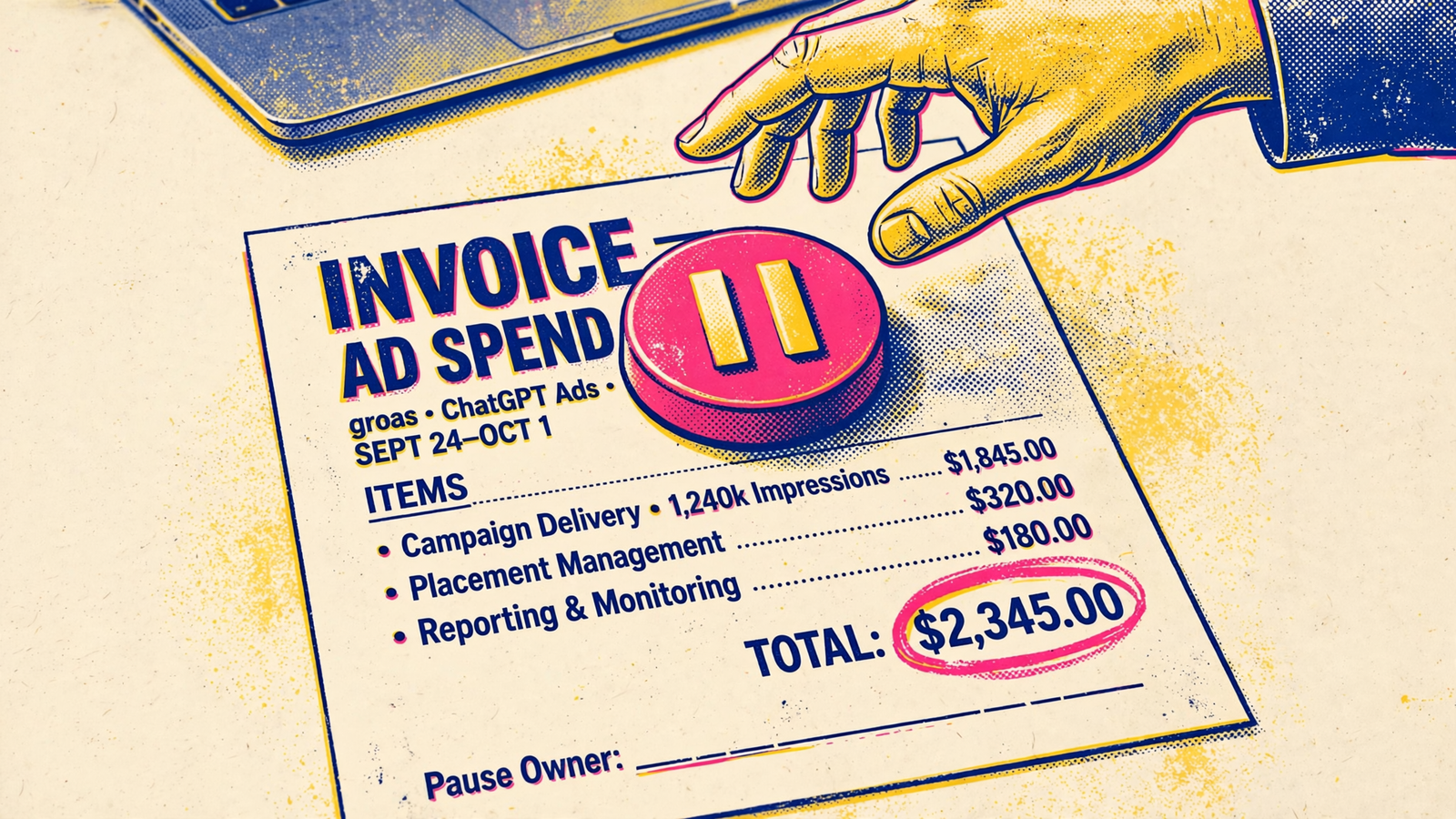
The cost is not theoretical: delivery can continue for up to 24 hours after pause, and that spend remains billable. Say the budget is $20k a month and a rewritten destination sends traffic to an expired price for a day: the business pays for those clicks and inherits the refund or make-good conversation. I want that signature before launch. Name the human, set the hours, and block launch while the line is empty.


