

 LinkedIn

For a PPC specialist or advertiser choosing between Claude, ChatGPT and Gemini to run groas, I’d pick the job before picking the assistant. Monday reporting, a CPA investigation and a landing-page rewrite are not the same assignment. I don’t want the same answer dressed in three different chat windows.
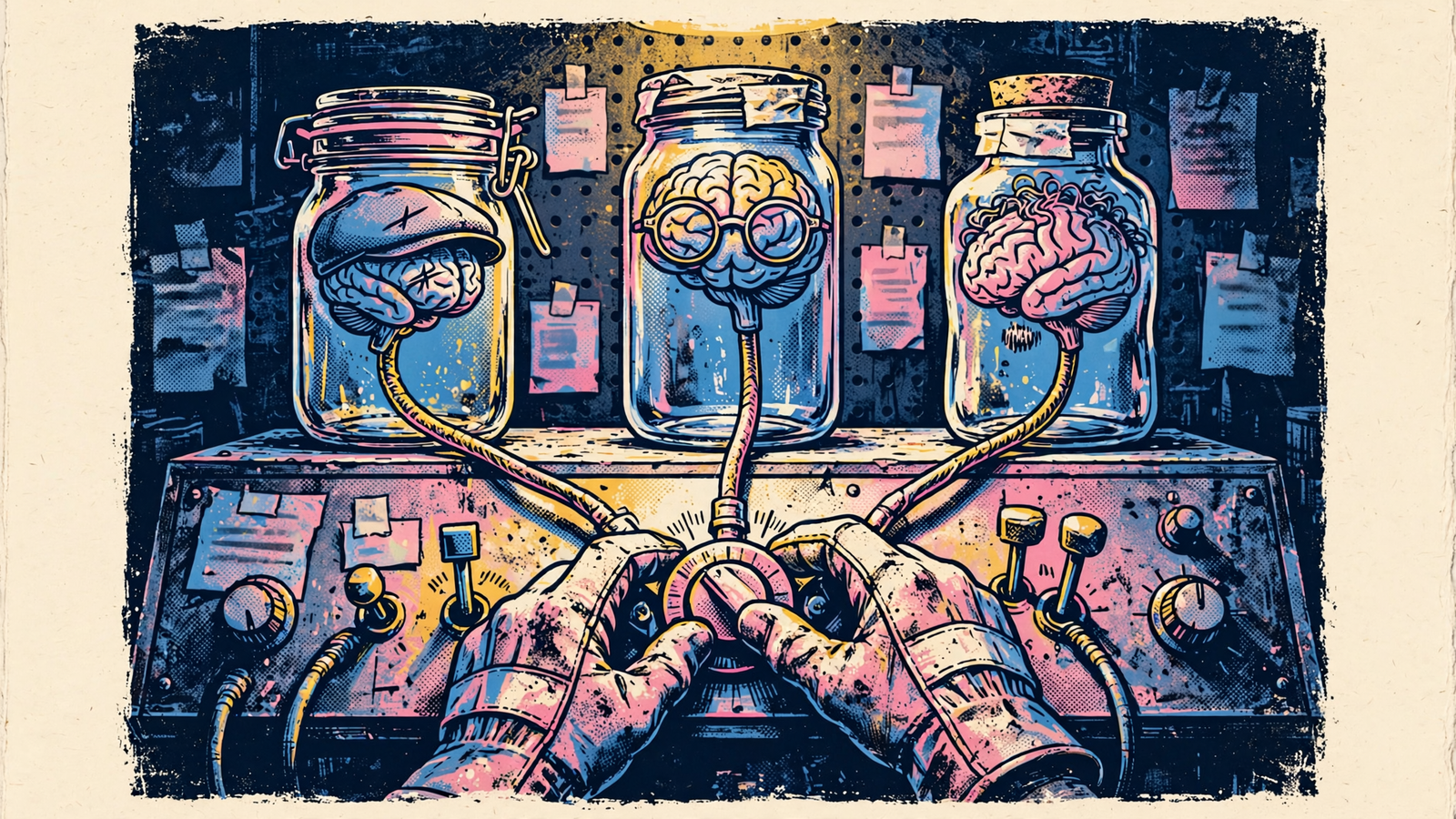
My starting point is simple: your AI is the brain; groas is the hands and the data. The connection to the accounts stays put. What changes is how the assistant interprets the numbers, organizes the work and proposes the next move.
For a paid-search operator who wants one default, I’d start with ChatGPT. I’d bring Claude in for deeper diagnosis and writing, and keep Gemini for Google-centered work where its access fits. That is a lineup, not a loyalty program.
First, keep the machinery constant
I spent years managing Google Ads by hand: mining search terms at 1am, moving budgets and watching CPA change because someone swapped a landing page without telling me. That work teaches a useful distinction. Pulling the data and deciding what it means are different jobs.
Connecting groas to an assistant puts the account tools and marketing data behind the conversation. groas connects to Google Ads, Microsoft and Bing Ads, Meta Ads, ChatGPT Ads, websites, SEO and AI search visibility. It also collects competitor ads and funnels, Reddit conversations, and Semrush and Ahrefs data.
The assistant does not need to become a separate reporting system or another place to maintain account connections. It works through groas. For more on that distinction, see which can actually run your marketing: a packaged bot or a live connector.
The operating controls stay with that infrastructure, too:
- Autopilot stays off until I switch it on.
- Autopilot operates under rules I set.
- Every change is logged with its reason.
- Any change can be undone in one step.
groas Unlimited costs $19 a month flat for unlimited teammates, ad accounts and websites. Choosing an assistant does not require buying a different groas plan for every account or teammate. Assistant subscriptions remain a separate consideration.
That is the useful basis for this head-to-head: keep the hands and data constant, then choose the brain for the work in front of it.
1. Weekly reporting: start with ChatGPT, then demand an explanation
Monday reporting has an order of operations: get the arithmetic right, identify what changed, then explain why it matters. A polished paragraph that reverses a conversion-rate trend is not a report. It is extra work with headings.
In Optmyzr’s five-task PPC stress test, ChatGPT was the only assistant to identify the declines correctly: 21.6% lower cost, 45.6% fewer clicks and 69% fewer conversions. Its chart was accurate, though it needed a follow-up before explaining what the drop meant.
That makes it my starting point for a reporting workflow with groas: pull the channel data into one conversation, establish the changes, then ask for the interpretation. A plain-English report is useful only after the numbers underneath it survive inspection.
Claude’s performance in the same test shows why I separate those stages. It initially claimed conversion rate surged 193% when it had fallen 43%, praising efficiency while conversions collapsed. On a second run, it produced the strongest agency-style report of the three. Good memo. Bad opening calculation.
Gemini extracted a correct July slice from a larger dataset, including accurate peaks and valleys, but offered thin context. That is useful extraction, not a finished account review.
I’d structure the reporting request in this order:
- Show cost, clicks and conversions for both periods.
- Show the absolute and percentage changes.
- Explain which movements matter to the account.
- Write the short version for the person approving the budget.
Those steps do not make any assistant infallible. They make a wrong answer easier to catch before it becomes the opening sentence of a client email.
My pick: ChatGPT for the first reporting pass. Claude gets the rewrite when the arithmetic is settled and the report needs to read like a memo rather than an export.
2. Diagnosing a CPA jump: give Claude the whole problem
Say CPA rises 27% in three weeks. I don’t want an assistant to see that number and immediately prescribe a bid change.
I want cost, clicks, conversions, search terms and landing-page changes considered together. I want the sequence: what moved first, what followed and which explanation fits the dates. Otherwise, “optimization” becomes a respectable name for touching settings until something happens.
That is where I’d use Claude with groas. The appeal is long-context analysis: keeping the account history, supporting data and working explanation together instead of reducing the investigation to a few isolated metrics. My preference for Claude here is about the shape of the work, not a promise that a longer context produces a correct diagnosis.
The same Optmyzr test provides a useful warning. Claude missed a July 17 spike of 560 clicks, showing about 90, and claimed July 24–31 improved when it had not. I would not wave that away because the eventual explanation sounds convincing. A tidy narrative can still rest on the wrong week.
My diagnostic workflow is deliberately less glamorous:
- Pull the relevant period through groas.
- Ask Claude to show the calculation behind each claimed change.
- Re-pull the disputed date range before accepting an explanation.
- Separate observed changes from proposed causes.
- Write the account review only after those checks.
With that discipline, Claude is my choice for the deeper account review: the chronology, the competing explanations and the write-up a team can actually follow.
ChatGPT remains the runner-up when the question is narrow. If I only need last week checked, I would not turn it into a quarter-long investigation for the pleasure of having more context.
My pick: Claude for the full diagnosis; ChatGPT for a bounded check. Make either one show the subtraction before accepting the story.
3. Live changes: use ChatGPT, but keep approval outside the prose
Analysis and execution deserve different standards. I can reject a weak paragraph after reading it. A budget change has already touched a spending account.
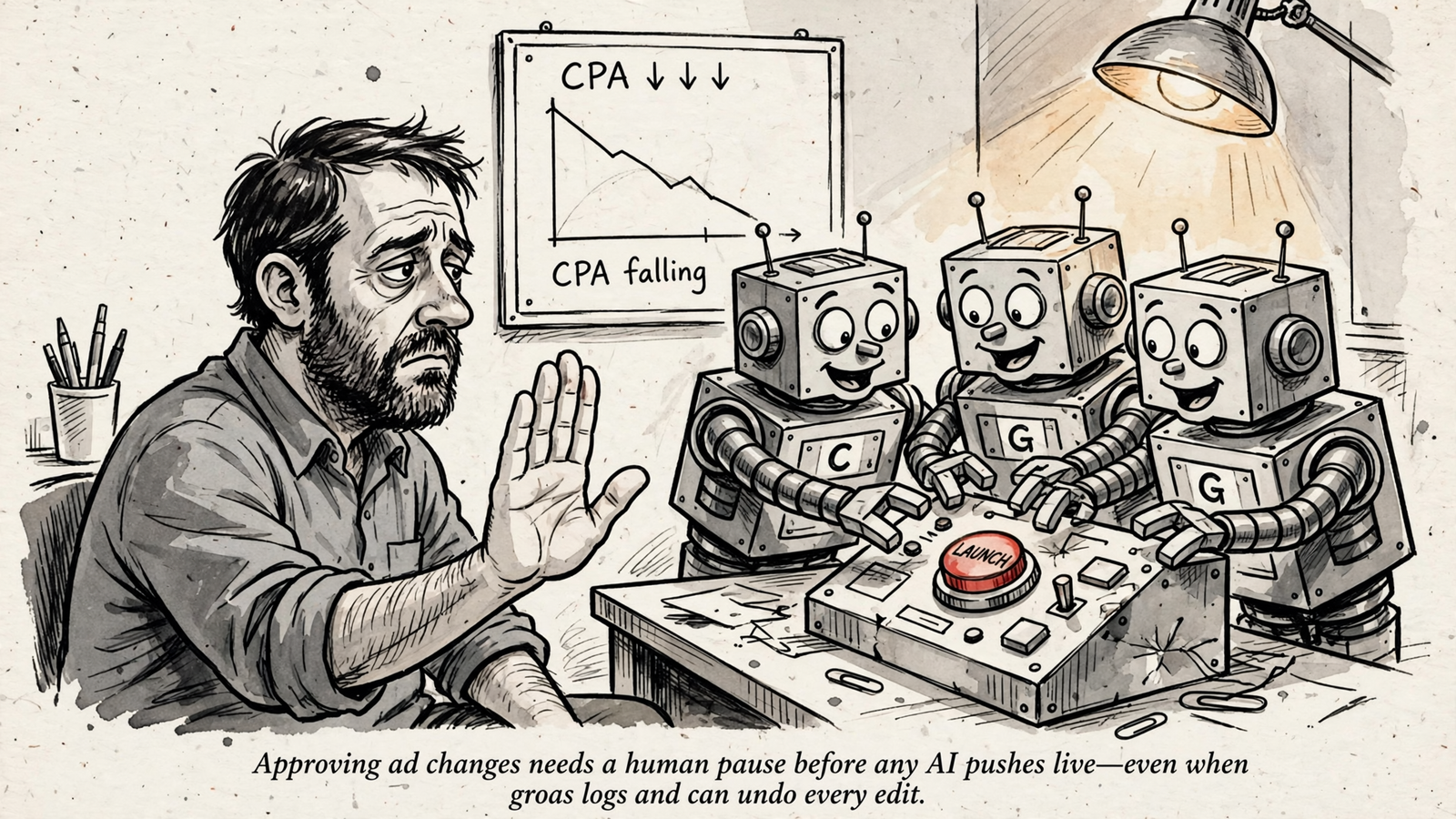
I prefer ChatGPT for an approval-led workflow with groas, but I would not confuse that preference with a guarantee that an assistant will always ask the right question. A reassuring sentence in a chat is not the same thing as an operating control.
groas supplies the durable part: autopilot is off until enabled, its rules are mine to set, and changes carry a reason in the log with a one-step undo. My working habit adds another layer: I want to see the proposed bid, budget or keyword change before it happens.
For a live change, I keep the sequence explicit:
- Ask for the proposed action and its reason.
- Review the scope before approving it.
- Check the groas change log afterward.
That is the workflow I’d use in ChatGPT with groas. It keeps the conversation focused on a defined action rather than an enthusiastic multi-step rescue plan.
Gemini has a useful distinction here: its custom-app writes require manual confirmation, according to Google’s setup guidance. That can suit someone who specifically wants that confirmation flow. Access requirements still need to fit the account being used; a workflow is no use if the team cannot connect it.
Claude can work within an approval-led process, too. I would simply keep its diagnostic assignment separate from permission to execute the resulting plan. “Find the problem” and “make all the changes” are not interchangeable instructions.
My pick: ChatGPT for reviewed, live account changes. Keep Gemini as the alternative when its confirmation flow and account access fit, and check the groas log regardless of which assistant gets the job.
4. Ads, pages and AI visibility: Claude for the keeper, ChatGPT for the batch
I still think about hooks the way I think about ad tests: ten variants, one control, keep the winner. Generating the variants and deciding what deserves to stay are different assignments.
I’d choose Claude for sustained brand voice and ChatGPT for bulk variation. Claude is my pick for the landing page, the central message and the small set of headlines carrying that message. ChatGPT is where I’d start when I need 20 headline options rather than another discussion about the perfect opening.
Neither assignment ends at generation. Twenty assets are not twenty useful assets, and a polished page can still say very little. I want the final copy checked against the offer and the voice, not approved because the assistant sounds pleased with it.
That division also makes sense for AI visibility work. groas supplies the raw material: what AI answers say about the brand, whom they cite, competitor pages and customer language from Reddit. The assistant’s job is to turn that material into a useful review, not invent a visibility story from its own answer.
I’d use the repeatable AI mention audit across the engines, then build a fix list tied to pages. A score alone does not tell me what to rewrite on Tuesday.
Gemini has a place on the Google side of that work. Gemini with groas is positioned for search trends and Google-heavy accounts. That makes it a useful participant, not a reason to skip the rest of the audit.
After the review, I’d move the writing to Claude with groas: clearer category copy, page rewrites and a consistent brand voice. I do not need the assistant that helps inspect the problem to be the one that writes the fix.
My division of labor is straightforward:
- Claude: the core message, longer pages and the final voice pass.
- ChatGPT: headline batches, alternative angles and asset backups.
- Gemini: Google-centered review and supporting checks.
My pick: Claude for what stays on the page, ChatGPT for the options around it. Audit across engines; do not turn one assistant’s view into the whole visibility strategy.
5. Team fit: keep groas where the briefs already live
The best individual workflow can still be the wrong team workflow. If the account brief sits in one assistant and every useful decision happens in another, someone gets the unpaid job of carrying context between them.
That is why I would look at shared briefs, projects and existing habits before moving a team. ChatGPT and Claude both offer team-oriented workflows. Their differences matter, but they do not erase the value of keeping the account history where colleagues can find it.
If the team already works in ChatGPT or Claude, I’d connect groas there first. A second assistant can handle a defined job without becoming another place everyone has to maintain everything.
Gemini needs a more careful access check. The Google custom-app guidance cited here limits the workflow to eligible personal Google accounts rather than Workspace work accounts. A company living in Gmail and Drive is not automatically a company that can run this groas workflow through its work-account Gemini setup.
I would settle that before planning the process around it. The same goes for read and write access in the other assistants: connector availability differs by assistant and plan. A familiar chat window is not proof that the required connection is available.
My team checklist is short:
- Can the people doing the work access the connector?
- Does the plan support the read or write workflow required?
- Where do the shared briefs and account decisions already live?
- Is a second assistant solving a specific problem, or just duplicating the first?
My pick: keep the existing ChatGPT or Claude team workflow unless a specific job earns the switch. Choose Gemini for convenience only after its account requirements fit.
The lineup at a glance
For a paid-search operator choosing one default, ChatGPT wins. Here is where I would hand work to another assistant instead.
| Decision | My pick | Why | When I’d choose another |
|---|---|---|---|
| Weekly reporting | ChatGPT | Stronger arithmetic in the cited PPC test | Claude for the memo after checking the numbers |
| Diagnosing a CPA jump | Claude | Better fit for a long, connected investigation | ChatGPT for a narrow period check |
| Reviewed live changes | ChatGPT | My preferred approval-led workflow | Gemini when its confirmation flow and access fit |
| Ads, pages and visibility fixes | Claude for final copy; ChatGPT for batches | Sustained voice and bulk variation are different jobs | Gemini for Google-centered review |
| Team workflow | The existing ChatGPT or Claude workspace | Keeps briefs and decisions together | Gemini when personal-account access fits the work |
My verdict: ChatGPT first, Claude for depth
If I’m choosing one assistant to start running paid search through groas, I pick ChatGPT. Reporting and reviewed account changes make it the practical default.
I’d pick Claude instead if the bulk of my work were deep account diagnosis, client-facing explanations and landing-page copy. Gemini is the narrower choice: Google-centered work, with account access that actually supports the connection.
I would not ask one assistant to win every category just to make the subscription feel justified. groas keeps the hands and data in place; the brain can change with the assignment.
Start with the job you repeat every week. Run the same prompt in two windows, and keep the answer that shows its math.


