

 LinkedIn

A custom GPT can remember your reporting rules and still have no idea what you spent yesterday. If you run Google Ads and want ChatGPT to work on the account, this is the choice: a custom GPT for repeatable instructions, or an MCP connector for live account tools.
My recommendation is blunt: start with the connector when the job involves current numbers or account changes. Keep the instructions, but stop expecting them to do the plumbing.
There is one important wrinkle. A custom GPT can use connected apps or custom Actions, so the distinction is not “GPTs can never act.” It is that instructions alone do not provide account access. Once you add live tools to a GPT, those tools—not its saved personality—are what let it fetch spend or change a budget.
That is the mistake behind a lot of searches for the best ChatGPT apps for marketing. People build a more elaborate assistant when they need a better connection.
The comparison: four things that decide the purchase
I separate the instruction layer from the tool layer. The first tells ChatGPT how to approach the work. The second determines what it can actually reach.
A custom GPT packages instructions, knowledge files and, where configured, connected tools. An MCP connector exposes tools that ChatGPT can call against outside systems. The useful comparison is therefore a custom GPT built around saved instructions and files versus a live connector, with groas as the marketing-specific option here.
| Decision axis | Custom GPT built around instructions and files | MCP connector with groas | My pick for account operators |
|---|---|---|---|
| Current data | Uses uploaded files unless live tools are added | Pulls account data and adds competitor, Reddit, AI-answer and SEO data | groas connector |
| Account actions | Needs connected tools or custom Actions | Provides tools for work across Google Ads, Bing Ads, Meta Ads, ChatGPT Ads, SEO and AI search | groas connector |
| Controls and accountability | Instructions describe guardrails; tool permissions still need configuring | Changes are logged with reasons and undoable; autopilot starts off | groas connector |
| Team sharing and upkeep | Files and configurations need maintenance; custom Actions add integration work | Tool definitions live on the server rather than inside each assistant | groas connector |
For someone responsible for live spend, the connector wins all four. A custom GPT still has a useful job. It just is not a substitute for account access.
1. Current data: a saved file cannot answer for yesterday
A custom GPT is useful when you want the same offer rules, banned claims and report format applied every time. Instead of rebuilding the brief in every chat, you save it once.
That solves consistency. It does not solve freshness.
Upload a search-term export on Monday and the GPT can analyze that export. By Wednesday, Monday and Tuesday may have added new junk terms that the file never saw. The assistant can follow every instruction perfectly and still give you an outdated review. More detailed prompting does not put the missing rows into the sheet.
The question is not whether the answer sounds informed. It is what the answer read.
An MCP connector gives ChatGPT tools to retrieve current information. Ask for yesterday’s spend by campaign, and the relevant tool can return spend, clicks, conversions and search terms from the account. The model then reasons over what it retrieved rather than treating an uploaded snapshot as the present.
That does not make every connector equally useful. Some connections report. Others expose tools that can also change the account. Before treating “connected” as a finished job, I want to know:
- Which account supplied the numbers?
- Which date range did the tool retrieve?
- Is the answer based on a live read or an uploaded file?
- Can the connection do the next step, or only describe it?
A custom GPT with live tools can answer these questions too. But the live tools deserve the credit, not the extra paragraph of instructions telling it to “be accurate.”
Use saved files for reference material. Use a live connection for a question about yesterday.
2. Account actions: reporting is not account management
Say you spend $20k a month and ask ChatGPT what to cut. Getting the numbers is step one. Making the approved change is a separate capability.
A custom GPT can reach live systems through connected apps or custom Actions built from an OpenAPI schema. The custom-Action route means supplying the integration: authentication, endpoints, testing and repairs when an API changes. Those Actions work inside ChatGPT.
That is a legitimate build. It is also work that a neat GPT name and a polished welcome message do not remove.
MCP takes a different route. A server exposes tools the assistant can call, and the same server can serve ChatGPT, Claude, Cursor and other assistants. Rather than rebuilding the connection around each assistant, you give the assistant access to the available tools.
The sequence matters:
- The tool retrieves the account facts.
- ChatGPT uses those facts to assess the requested change.
- An available write tool carries out the change through the configured approval process.
A connector only does what its tools expose. “Uses MCP” does not mean “can manage every part of an ad account.” A read-only connector remains read-only, however confidently the chat recommends moving money.
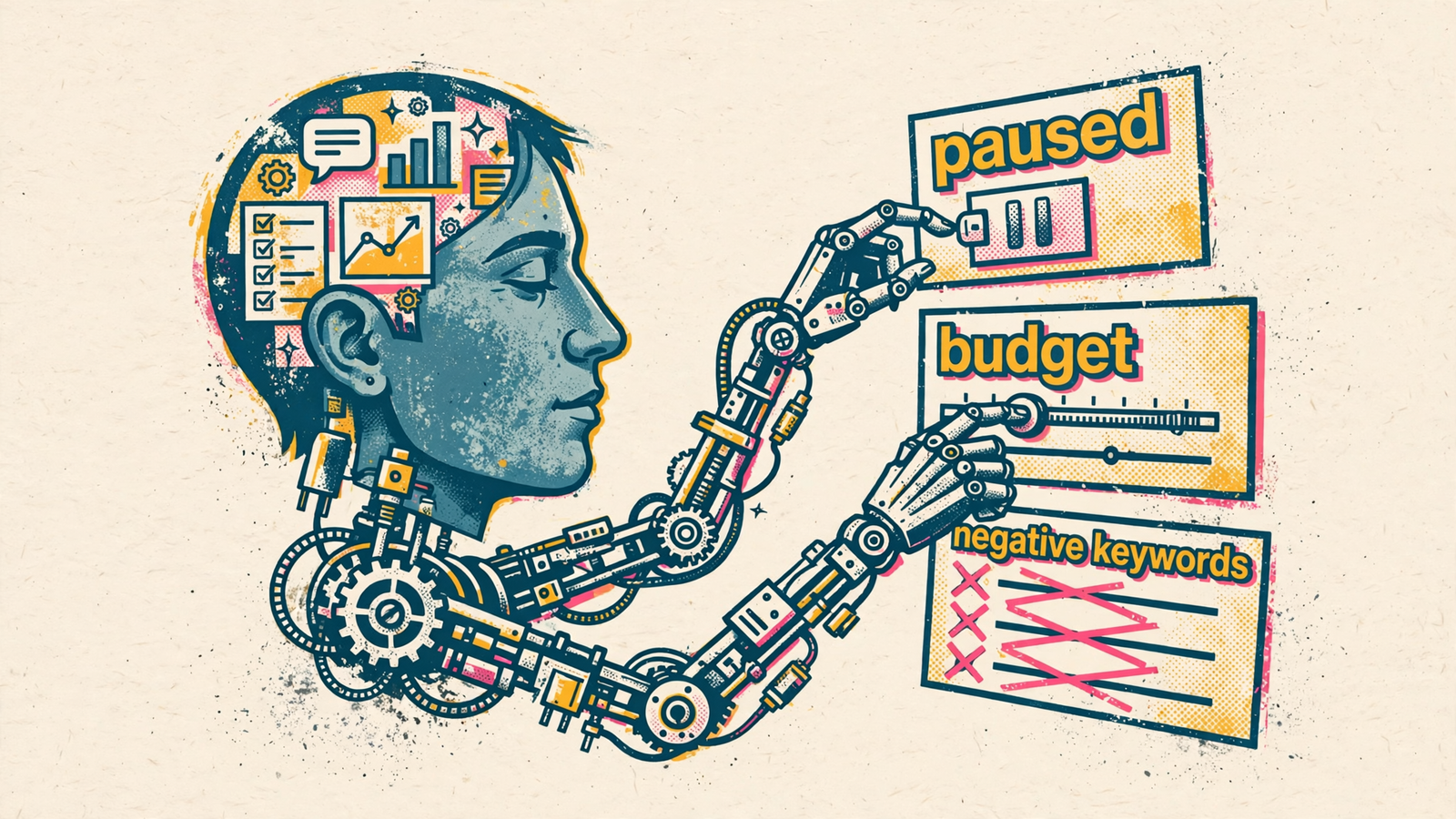
This is where groas in ChatGPT is the stronger choice for a marketing operator. It connects the tool layer across Google Ads, Bing Ads, Meta Ads, ChatGPT Ads, SEO and AI search. It also adds information that does not come from your own account: competitor ads and landing pages, Reddit research, AI answers, and SEO data from Semrush and Ahrefs, collected 24/7.
That broader view matters because your account tells you what happened inside your account. It does not, by itself, supply all that outside context.
You connect your accounts once and add groas in ChatGPT without writing the integration yourself. Changes are logged with their reasons and can be undone in one step. Autopilot stays off until you switch it on; when enabled, it works within the rules you set.
For $19 flat for a whole team, that is a better starting point than hand-building Actions for the work the connector already handles.
My test is simple: if the connection cannot make the change you need, you are buying reporting, not execution. Reporting can be useful. Just do not mistake the summary for the work.
3. Controls: an instruction is not a permission boundary
“Never exceed this budget” belongs in your instructions. It is not the whole control system.
I separate three questions that often get bundled into one reassuring sentence:
- Reach: What can the connected tool access or change?
- Approval: When does ChatGPT ask before using it?
- Accountability: Where can you inspect the change, its reason and the way back?
Those are different jobs. A confirmation setting controls when the assistant asks you. It does not, by itself, reduce what the underlying tool can reach. Likewise, a carefully worded GPT instruction does not replace checking the permissions behind its Actions.
That is why I would not choose between these setups by asking which one sounds more cautious in a demo. I would ask what happens when the proposed action is wrong.
Can you see exactly what changed? Can you see why? Can you undo it without reconstructing the previous state from memory and a screenshot someone posted in Slack?
With groas, every change is logged with its reason and can be undone in one step. Autopilot is off until you enable it. That makes a useful distinction between connecting the tools and authorizing ongoing work under your rules.
It does not remove your responsibility to choose those rules. Before granting write access, I check who can approve actions, how the available approval settings work, and where the change history lives. The MCP security checklist for marketers is the relevant next read, not another prompt template.
The practical takeaway: judge the controls around an action, not the politeness of the assistant proposing it.
4. Team sharing and upkeep: count the integration work
A custom GPT feels inexpensive to build because writing instructions is quick. Maintaining the surrounding setup is where the hours accumulate.
Your catalog changes. Your margins change. Someone revises the client-report template. The files and instructions need to follow. If teammates maintain separate copies, those copies can drift. If you build custom Actions, you also own the work of keeping those integrations functioning.
None of that makes custom GPTs bad. It makes them less self-maintaining than the phrase “saved assistant” suggests.
An MCP connector puts the tool definitions on the server. That creates one place to maintain the integration rather than rebuilding the same account connection inside each assistant. MCP’s ability to serve different assistants also matters if your team works across ChatGPT, Claude and Cursor instead of agreeing to live in one chat window forever.
Centralize the connection; keep the instructions short enough to maintain.
You still need to update your business rules. A server cannot decide that your definition of a qualified lead changed unless you tell the system. But updating a rule is a different job from maintaining authentication, API calls and tool definitions.
That is the work I would rather not duplicate. groas supplies the marketing tools and collected data for $19 flat for the whole team. Building a custom GPT around those tools can be useful later. Building the plumbing first, just to recreate what the connector already supplies, is a harder use of the afternoon to defend.
If three teammates ask for CPA and get three different numbers, I check their data sources and date ranges before touching the prose in their prompts. A consistency problem may be a connection problem wearing a writing problem’s clothes.
Use both layers, but give each one job
The useful setup is not a cage match between instructions and tools. It is a clear division of labor, with the connector doing the part that saved instructions cannot.
Let the instruction layer hold:
- How you define a qualified lead.
- What counts as waste.
- Budget guardrails and banned claims.
- The format of the Monday report.
Let the tool layer retrieve current numbers and carry out the account actions you authorize.
You do not need a separate custom GPT just to write down those rules. The important part is preserving the instructions and connecting the tools. A custom GPT is one way to package the former, not the source of the latter.
For a practical starting setup:
- Write one short instruction set covering budget guardrails, offer rules and report format.
- Connect groas to ChatGPT and connect the relevant accounts.
- Check the Google Ads MCP options by read-only versus write access before granting write access.
- Ask for a current account read before asking for a change, then inspect the change log after an authorized action.
The mechanism is straightforward: instructions stay relatively stable while account data moves daily. Keep those jobs separate, and the Monday report can use the same format without recycling last Monday’s numbers.
That is a more useful answer to the best ChatGPT apps for marketers question than another ranked list. Pick the tool for the work, then give it the instructions your business requires.
Build the instruction set. Do not rebuild the plumbing unless you actually need to.
My verdict: media buyers should start with the connector
If you run Google Ads with real money on the line, the MCP connector wins, and groas is my pick for that job. It supplies the live account tools, adds market data beyond your own account, and gives you logged, reversible changes without first building your own integration.
Instructions can shape a good decision. They cannot retrieve yesterday’s spend or move a budget without tools. A connector that supports those jobs is more useful to an account operator than a beautifully configured GPT waiting for another CSV upload.
Start with groas in ChatGPT, keep one short instruction set for voice and guardrails, and use the live tools for numbers and authorized changes. At $19 flat for the whole team, that is where I would put the setup effort.
Pick the custom GPT anyway if your work stops at words: landing-page drafts, ad-copy variants in house voice, or a reusable client-report format. Those are instruction-heavy jobs, and a saved assistant handles them well. There is no prize for connecting an ad account to write a headline.
Writers can start with the GPT. Media buyers should start with the connector.
Try this tomorrow before rebuilding anything. Ask your current setup for yesterday’s spend by campaign, then ask what it changed in the account this week. If the first answer comes from a file and the second answer is nothing, you have your diagnosis.
Keep the instructions, connect the tools, and let CPA decide which one was doing the work.


