

 LinkedIn

My pick is Codex for anyone managing multiple ad accounts or enough campaigns that bulk edits eat the afternoon. But I would not switch assistants just to run marketing: Codex, Gemini CLI, Grok and other MCP-capable agents can reach the same ad, SEO and AI-visibility data through one groas connection.
That distinction matters more than another model leaderboard. I spent years mining search terms at 1am for ecommerce brands and home services clients. The useful work was never choosing which screen to stare at. It was getting spend, search terms, competitor ads and site data together, then doing something about them.
Your AI is the brain. groas is the hands and the data. My ranking is about which agent makes that work least annoying:
- Codex for bulk changes and repeatable checks.
- Gemini CLI for Google-heavy paid and organic work.
- Grok for a quick read on competitor ads and offers.
- Manus for handing off a chore and getting a deliverable back.
- A DeepSeek host or another self-run agent for people who want their own setup.
If an agent already fits the way you work, start there. The connection is the part I would standardize.
What every option gets through groas
Connect your ad accounts and website once, then add groas to your agent over MCP at https://mcp.groas.ai/mcp. Depending on the host, you sign in or supply an API key.
The agent can then reach the same marketing layer:
- Account data and actions: Google Ads, Meta, Microsoft and Bing Ads, and ChatGPT Ads.
- Competitor research: Google and Meta ads, plus the landing pages and funnels behind them.
- Customer language: what people say on Reddit.
- Search visibility: SEO data from Semrush and Ahrefs, plus how AI answers describe your business and whom they cite.
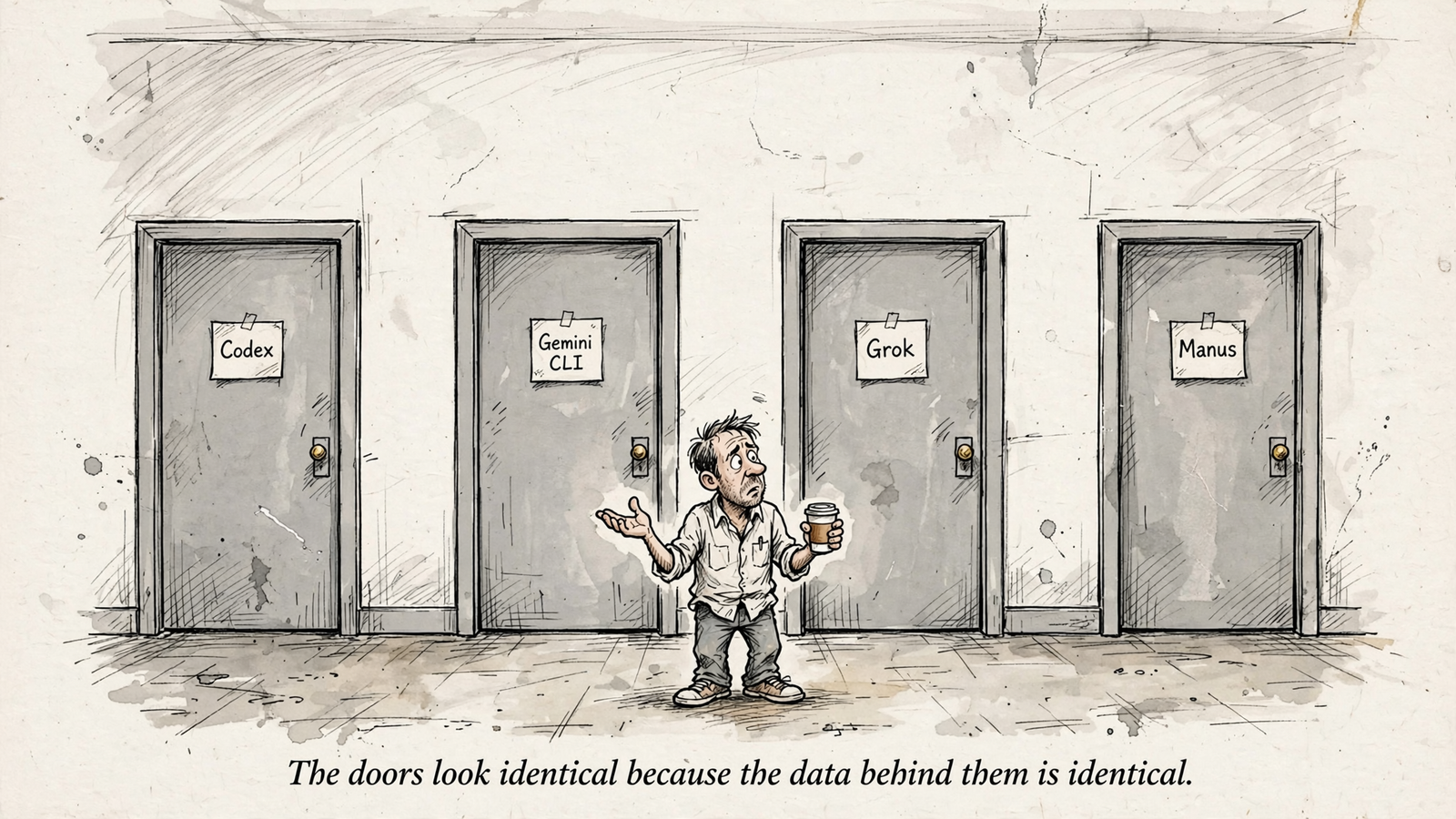
That shared layer is why this is not a contest over which model writes prettier prose. The agent is interchangeable. The connection is the product. I used to tell clients to export this stuff into spreadsheets by hand. I was wrong to accept that as normal work.
The guardrails belong in the decision, too. Changes require permission, every change is logged with its reason, and any change can be undone in one step. Autopilot stays off until you switch it on under rules you set. groas Unlimited is $19 a month, flat, for unlimited teammates, ad accounts and websites. Agencies pay the same for their clients.
1. Codex: my pick for bulk work across accounts
Best for: operators whose bottleneck is repeated work, not another dashboard. If several accounts need the same check, or dozens of campaigns need the same update, this is where I would start.
Codex is OpenAI’s coding agent. With groas connected, it can turn a plain-English request into a repeatable job: build checks, apply updates across campaigns, crunch cross-channel numbers and save the report as a file.
That last part sounds boring. Good. A check you can run again is more useful than an impressive answer you have to reconstruct next Monday.
Connect Codex and run a read-only audit
- Add the server:
codex mcp add groas --url https://mcp.groas.ai/mcp - Sign in:
codex mcp login groas - Check the connection:
codex mcp list
Codex stores MCP server configuration in ~/.codex/config.toml; the setup notes cover the configuration. If you prefer an API key, create one under Account settings → API Keys and follow the GROAS_API_KEY instructions on the Codex connection page.
Start with this:
Audit wasted spend in all Google Ads accounts for the last 30 days. List search terms with spend and zero conversions, propose negatives and a pause list, and save it as a report. Do not apply changes.
There is a hands-on walkthrough of the wasted-spend prompt if you want each step. Notice the separation: finding a zero-conversion term is an audit finding. Adding it as a negative is a decision. I want the proposal before the account changes.
What rules it out: if you never want to touch a terminal or coding workspace, this workflow will feel like homework. Codex rewards saved checks and bulk fixes. If all you need is a quick competitor summary, I would not build a machine around it.
My takeaway: pick Codex when the same task keeps coming back across campaigns or accounts.
2. Gemini CLI: my pick for Google-heavy paid and organic work
Best for: operators whose week revolves around Google Ads, Search Console and Analytics. The useful job here is joining paid and organic performance around the same query, rather than treating them as separate reporting departments.
Gemini is Google’s assistant. With groas connected, it can work across that Google-heavy workflow alongside Meta, Bing and ChatGPT Ads. My reason for ranking it second is the paid-and-organic question: what did Search Console earn, and what did Google Ads pay for?
That is a better starting point than two exports and a VLOOKUP. It also gives the agent a concrete question instead of asking it to “optimize search,” which is how a vague brief becomes a confident paragraph.
Use the CLI setup, not an app configuration pasted into a terminal
Gemini CLI reads MCP configuration from settings.json. The connection command is:
gemini mcp add --transport http groas https://mcp.groas.ai/mcp
Then check it with:
gemini mcp list
The default scope is the project; use -s user for your home configuration. If you edit the file yourself, the CLI setup notes distinguish httpUrl for Streamable HTTP from url for SSE. Copying another client’s configuration without checking the field names is an efficient way to spend an afternoon doing no marketing.
The Gemini app has a separate connector route and its own account and availability limits. I would not treat app instructions and CLI instructions as interchangeable.
Try this prompt:
Compare Search Console clicks with Google Ads spend on the same queries for the last 28 days. Flag queries where I may be paying for clicks I already win organically. Show the underlying figures before recommending changes.
There is also a walkthrough for connecting Gemini to ad accounts and verifying changes.
What rules it out: if most of your work is Meta, or your main problem is repeating changes across client accounts, I would put Codex ahead of it. This ranking is about the job, not loyalty to a logo.
My takeaway: choose Gemini CLI when paid-and-organic questions run your day.
3. Grok: my pick for a quick read on competitor launches
Best for: operators who want to know what rivals are running without turning the question into a reporting project.
Grok is xAI’s assistant. My reason to use it here is straightforward competitor monitoring: ask what changed across Google and Meta ads, then inspect the offers, landing pages and funnels behind them.
The mechanism matters. groas watches competitor ads and funnels around the clock, so the agent has collected material to summarize rather than guessing from old training data. The useful output is not “competitors are investing in value messaging.” It is the ad, the offer and the page it sends people to.
Add the connector in settings
- Open
grok.com/connectors. - Choose New Connector, then Custom.
- Enter
https://mcp.groas.ai/mcpand sign in.
Grok requires a publicly accessible server using Streamable HTTP or SSE; adding it happens in settings, not by asking in chat. The connector notes explain that pattern. On Business or Enterprise, an admin pre-provisions it first.
Try this:
Summarize competitor Meta ads launched in the last 7 days in my category. Include the landing-page angle and offer for each.
What rules it out: if your goal is saved checks and bulk edits across forty client accounts, Codex remains my pick. A quick read and a repeatable operating routine are different jobs. I would not choose the first and expect it to become the second by enthusiasm alone.
My takeaway: choose Grok when Monday starts with “What did competitors launch?”
4. Manus: my pick for handing off a defined chore
Best for: operators who want a finished deliverable without living in a terminal. The appeal is handing over a task rather than assembling a recurring workflow yourself.
Manus accepts groas as a remote MCP server under Settings → Integrations → Custom MCP Servers. Supply a name, the HTTPS server URL and a credential such as an API key or bearer token. The setup walkthrough distinguishes custom MCP servers from its prebuilt OAuth connectors.
The job I would give it is bounded: investigate something and return the finished file. That is the reason to choose it over a setup you mainly use to build and maintain checks.
What rules it out: approval control needs attention. The custom-server page does not promise per-tool approval, so I would not assume that protection exists. If your workflow requires that control and you cannot verify it, keep the task read-only rather than handing it permission to change client accounts.
My takeaway: choose Manus for a defined deliverable, not an open-ended instruction to take care of the marketing.
5. DeepSeek hosts and self-run agents: my pick for an existing custom setup
Best for: operators who already run their own agent host and want marketing inside it. This is the route I would consider last for a nontechnical operator, but it makes sense if the setup already exists.
The important distinction is the host. For DeepSeek, MCP connectivity comes from the application or framework running the model. The model name alone does not tell you where to paste a server URL or how credentials work.
The same principle applies to Hermes, NanoClaw and other self-run agents: if the host supports the connection, give it the groas MCP URL and the API key through that host’s configuration. Do not go looking for an OAuth button that the host does not provide.
What this route does better is let you keep your own environment and rules. It does not require a new assistant just to reach the same marketing data.
What rules it out: if you want a connector screen and no configuration work, skip it. An API key is a credential, not a substitute for an MCP-capable host or a permission system.
My takeaway: use this route because you already want your own host, not because a configuration file sounds more professional.
The comparison: pick the bottleneck first
I would choose by the work that keeps piling up, not by which assistant has the loudest launch week.
| Rank and agent | How groas connects | My reason to pick it | What rules it out |
|---|---|---|---|
| 1. Codex | MCP command and sign-in, or API-key setup | Bulk changes and repeatable checks across accounts | You do not want a terminal or coding workspace |
| 2. Gemini CLI | MCP command or settings.json | Paid and organic work on the same queries | Most of your work sits outside Google |
| 3. Grok | Custom connector in settings | Quick competitor-ad and offer summaries | You need saved checks and recurring bulk work |
| 4. Manus | Custom MCP server with credentials | Hand off a defined task and get a deliverable | You require approval controls you cannot verify |
| 5. DeepSeek host or self-run agent | Host-specific MCP configuration and key | Keep your existing custom environment | You want a one-click connector screen |
The table ranks workflow fit. The account data does not become better because a different assistant reads it.
The rule before any agent touches spend
Read first. Propose second. Change only with permission. That is the sequence I recommend regardless of the connector.
My first prompt asks for an audit, not an account rewrite. Once the findings make sense, I ask for proposed changes. Only then do I allow writes. Approval controls vary by host, so I check them rather than assuming every connector behaves like ChatGPT.
With groas, every change is logged with its reason and can be undone in one step. Autopilot stays off until explicitly enabled under the rules you set. Those are operating controls, not an invitation to stop paying attention.
I still want to inspect the log the way I used to inspect change history. Cause comes before trust. If I cannot see what changed and undo it, I do not let it touch spend.
Why ChatGPT and Claude are not ranked here
I left ChatGPT and Claude out deliberately: they are the default picks, and groas already documents Claude Code and ChatGPT approval flows. This list is for the operator wondering whether another assistant means another disconnected marketing setup.
It does not. If chat is already where the work happens, start there. There is no prize for moving into a terminal when the existing workflow does the job.
For the reader who skipped to the end, my pick is still Codex when bulk account work is the bottleneck. Gemini CLI gets my vote for Google-heavy paid and organic work; Grok gets it for competitor monitoring. Manus and self-run hosts serve more specific preferences.
But I would not switch assistants just to get started. Connect the agent you already use to https://mcp.groas.ai/mcp, check its permissions and begin with a read-only audit. What the deck calls synergy, I call one connection with a log and an undo button.


