

 LinkedIn

I’d connect ChatGPT to Microsoft Advertising for two weeks, on one Bing campaign, without raising the spend ceiling. If the connection needs a bigger budget to prove it’s useful, I wouldn’t buy it on the strength of a ROAS forecast.
I want three things I can check: whether the answers match Microsoft Advertising, how many operator minutes I get back and whether one approved change lands exactly as written. Microsoft’s Advertising MCP use cases cover reporting and analysis, including spend, conversions, CPA and ROAS. That’s useful for answering questions. It doesn’t cover the campaign edit I want to verify, which is why I’d connect ChatGPT through groas for this pilot.
The media ceiling stays put. The software and operator time go on the scorecard. Those are two different bills, and I want to see both.
1. Day 0: Write the contract before connecting anything
This step costs one manual baseline pull and one written agreement. It buys a fair comparison and a pass bar nobody gets to move after seeing the results.
Put the contract on one page:
- The Microsoft Advertising account, the one campaign ID, its current daily budget and the exact spend ceiling you won’t cross.
- The business goal in one line: booked demos or orders, not clicks.
- The person who can approve the one campaign change and the date you’ll decide whether to adopt, extend or stop.
- What’s out: autopilot, bidding changes, targeting changes and new launches. None is needed to tell you whether an answer is right or an approved edit landed.
In Microsoft Advertising, export or screenshot spend, conversions and CPA for the previous 14 days. Save the current campaign settings alongside the report. Record the currency, account time zone and exact dates. Microsoft’s reporting docs explain how the time zone determines what counts as “today”, and downloaded reports can flag incomplete data. I’d rather spend a minute writing down the dates now than spend the pilot investigating a discrepancy I created myself.
Set the thresholds before Day 1. My example: at least 9 of 10 checks correct, at least 60 operator minutes saved across Days 3–5 after correction work, and zero unintended changes on the one write task. Use thresholds that make sense for your team. Just don’t pick them on Day 10.
2. Days 1–2: Connect groas and prove you’re in the right account
This step costs setup time, not media budget. It buys a connection you can test without wondering which account ChatGPT is reading or what it can change.
Follow the current setup on the groas ChatGPT page: add a custom MCP server named groas, paste the groas connection link, select OAuth and sign in. groas describes this as a no-code setup. I’d still time the whole job, including plan and permission checks. The clock doesn’t stop because the next step belongs to an admin.
I’d skip a second setup for this pilot. Microsoft’s own MCP setup involves an Entra ID app registration, an OAuth client and a callback URL, and it still doesn’t cover the write I’m testing. Check OpenAI’s requirements for custom MCP write actions before starting. A connection that can read isn’t proof that your plan supports writes. OpenAI says write actions require confirmation by default and puts the responsibility for vetting third-party servers on you.
Once connected, start with one prompt:
Identify the connected Microsoft Advertising account and campaign [campaign ID]. Use [start date] through [end date] as the reporting window. Read only; make no changes.
Check the account name and ID, campaign ID, currency, time zone and reporting dates against Microsoft Advertising. Confirm that the connection can see only the intended account, that a write requires your confirmation and that you know how to disconnect. Autopilot stays off.
If the account, currency or dates are wrong, stop and fix the connection before you score anything. Wrong rows make for a useless accuracy test, however quickly the answer comes back.
3. Days 3–5: Time three prompts and score ten checks
This step costs two runs of the same work. It buys a comparison against the way you actually operate the account, not against a demo where nobody starts a stopwatch.
Use the same campaign and the same fixed reporting window on both routes. Run the questions manually in Microsoft Advertising, then ask ChatGPT through groas:
- Spend and conversions: How much did the campaign spend, how many conversions did it report and what was CPA?
- Costly queries: Which search terms cost the most in that window? Show me the report rows behind the answer.
- Recent changes: What changed during that window, and what evidence, if any, explains why?
Three prompts aren’t three grades. Decide which ten claims or pieces of evidence you’ll check before scoring: individual totals, specific search-term rows and evidence for reported changes. Keep the prompts fixed. Record the time on both routes, then track correction time separately: checking a suspect row, asking again or fixing an answer before you can use it. Mark an incorrect answer, an unsupported answer and an unanswered question separately. None gets a pass. A number without a row you can check is a miss. So is an explanation that sounds plausible but has no evidence behind it.
When the routes disagree, name the cause rather than giving the answer a vague grade for “quality.” Start with these traps:
- Search-term rows aren’t campaign totals. The Search Term report includes only terms with a significant number of clicks. Microsoft warns that its impressions can fall short of campaign or keyword report totals. An answer that sums those rows and calls the result campaign impressions is wrong, even if the arithmetic is flawless.
- Recent CPA can look worse while conversions are still coming in. Microsoft attributes conversions to the click date, not the conversion date. Its conversion delay guidance explains the lag. Don’t give the assistant credit for diagnosing a trend if it hasn’t accounted for that delay.
- Two reports can count different things. Use Microsoft’s discrepancy guide to check goal definitions, counting methods, conversion windows, cross-device handling, duplicate UET tags and time zones. The same caution applies when an answer mixes campaign types: check the underlying data before acting on a recommendation.
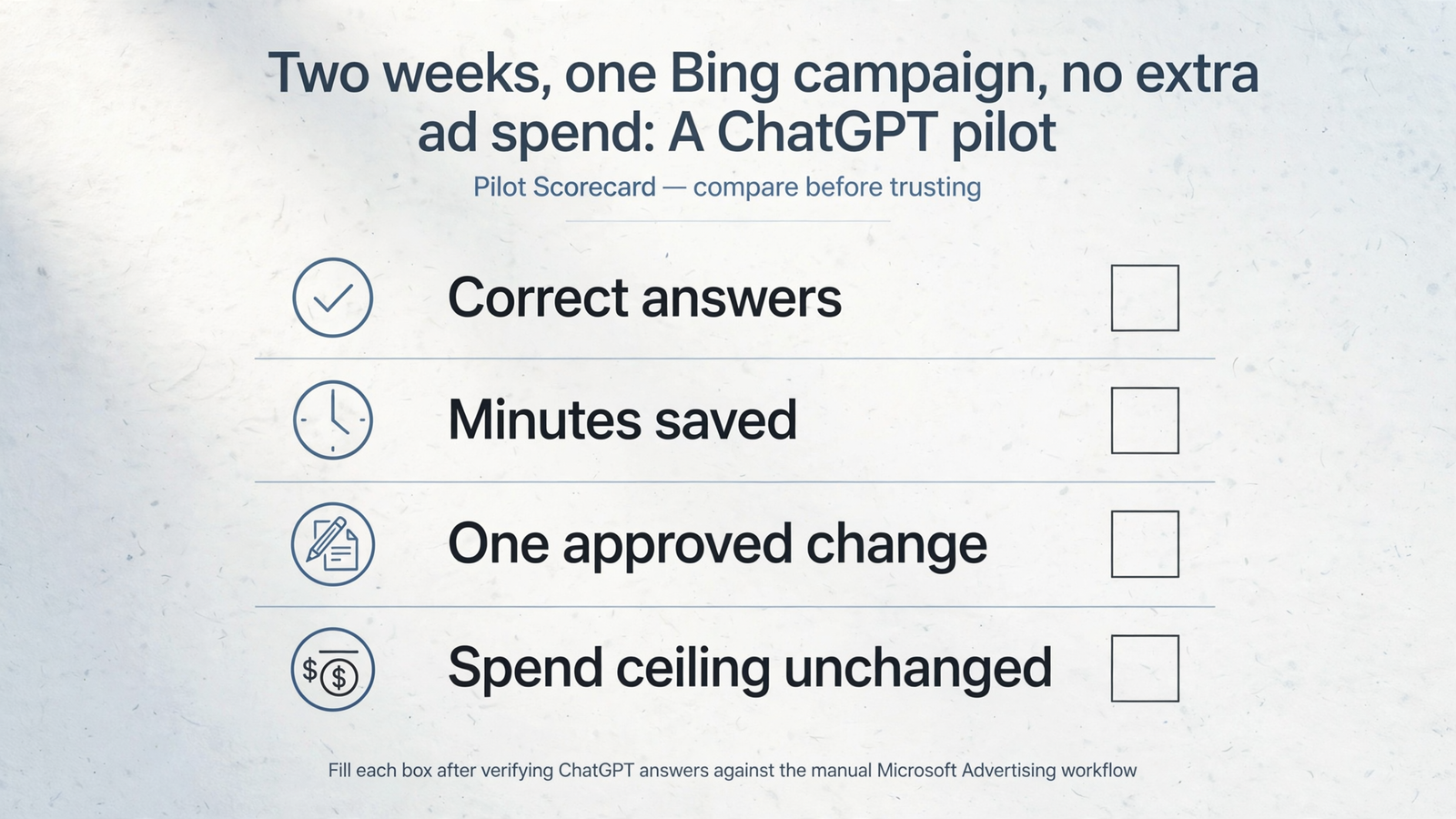
If the answers miss your accuracy bar or the checking eats the time you were supposed to save, skip the write. Record the result. Finding out that a faster first answer makes for a slower workday is a perfectly good use of a pilot.
4. Days 6–8: Approve one negative-keyword change, then verify it
This step costs one proposal review, one approval and a check in two places. It buys proof that an instruction becomes the edit you approved, not a nearby edit the assistant thought you meant. The daily budget and spend ceiling don’t move.
Only proceed if the read-only test clears both bars. Ask ChatGPT through groas to propose a handful of campaign-level negatives, with a match type and a reason tied to search intent for each. No bulk list, no restructure and no bonus cleanup. I want a proposal I can read in five minutes.
Before approving it, cut anything that doesn’t survive these checks:
- The match type and scope are explicit. Microsoft supports exact and phrase negatives, with phrase as the default. Negatives can sit at campaign or ad-group level or in shared lists, but not at the individual keyword level. You can’t edit a match type in place; you have to remove the negative and re-add it. Check Microsoft’s match-type and placement rules. For this task, approve campaign-level additions only.
- The proposal doesn’t assume variants are covered. Plurals, synonyms and common misspellings aren’t automatically filtered. Microsoft explains which terms need separate entries. If the rationale depends on a variant the proposal doesn’t list, send it back.
- The evidence is mature enough to act on. A few clicks and zero conversions aren’t a reason to negate a term. I’ve written separately about why I wouldn’t pause every zero-conversion Bing keyword. If conversion delay could explain what you’re seeing, leave the term alone.
- The rule fits the campaign type. For Performance Max, Microsoft says negatives apply to Search and Shopping inventory. Judge the proposal against that scope, not against what you’d expect from a Search campaign.
If nothing survives, don’t manufacture a write to fill in the scorecard. If something does, have the named approver authorize the exact campaign ID, terms, match types and campaign-level placement in one written approval. Then open Microsoft Advertising and check what landed. Open the groas log and check that the entry matches, includes the reason and offers the undo control. Leave a correct edit in place; use undo if you need to correct a mismatch. A mismatch still fails the execution check, even if you fix it.
A pass means the approved change, and only that change, landed. If the match type drifted or an edit landed at the ad-group level, a better CPA that week doesn’t rescue the result. With Microsoft’s read-only connector, adding the negatives remains a manual job. If you have to do that work yourself here, count the time. Don’t score the manual fallback as a successful write.
5. Days 9–10: Put the decision on one page
This step costs one scorecard and no additional campaign work. It buys a decision you can put in front of whoever pays the bill without asking them to believe a revenue forecast.
Put what the pilot verified on the left:
- Accuracy: checks passed out of ten, with the misses separated into wrong, unsupported and unanswered.
- Net operator time: manual minutes minus ChatGPT minutes and the time spent rechecking or correcting its answers.
- Execution: passed, failed or not attempted. Record what Microsoft Advertising and the groas log showed.
- Cost: groas at $19 a month, any ChatGPT subscription required for the workflow and the setup time you recorded. Keep the one-time setup work separate from the monthly bill. “No code” doesn’t mean nobody spent an afternoon on permissions.
Put observed CPA on the right. Label it observed, not caused. Ten working days, one campaign, at most one small negative-keyword change and conversions still coming in: that’s not a basis for saying ChatGPT moved CPA. Keep the columns apart even if CPA went the way you wanted. Especially then.
6. Day 10: Adopt, extend or stop without moving the ceiling
The decision costs no more media spend. It buys a clear next move instead of another round of “let’s see how it goes.”
- Adopt if accuracy and net time savings clear the Day 0 thresholds, the one edit lands exactly as approved and the cost is less than the time you get back is worth. That makes the case for using the connection. It doesn’t authorize more scope.
- Extend if the evidence is too thin to call it: fewer than ten checked answers, a campaign that barely spent or no negative you can approve because the data hasn’t matured. Make that call on Day 10. Any follow-up gets more time, not a bigger budget.
- Stop if the same errors keep coming back, the assistant mixes metrics across campaign types or you still have to check every number from scratch. If I’m doing the original job and grading the assistant’s work, I haven’t saved time.
When the constraint lifts, widen the scope one approval at a time. Add a second campaign or decide separately whether to turn on autopilot under rules you set. Keep the habit that made the pilot worth running: verify the answer, approve the exact change, check the log. That’s worth more than the connection itself.





