

 LinkedIn

Connect Google and Bing Ads to ChatGPT the right way and you’ll know which CPA gaps are worth acting on. The mistake is asking which platform is cheaper before checking what each one counts as a conversion.
I used to paste two exports into ChatGPT and ask which platform was cheaper. I was wrong to trust the first answer. Google can credit a purchase on a 30-day data-driven path while Microsoft credits the same shopper through LastClick. ChatGPT can put both numbers in one neat table and recommend moving money before it notices what the table actually says.
Getting two numbers into one answer is easy. Knowing whether they measure the same thing is the job. Microsoft’s conversion discrepancy checklist shows where the comparison can go wrong: click date versus conversion date, Unique versus All counting, different windows, duplicate goals and cross-device rules. Then there’s attribution: Google’s data-driven default and Microsoft’s LastClick default can leave both platforms claiming the same shopper. Here’s the sequence I use with groas to keep those differences from turning into a budget decision.
1. What do I need ChatGPT to do after it reads the numbers?
Pick the connection by the last step you want it to handle. There are three honest ways to get PPC data into ChatGPT, and each stops at a different point:
- Export: Upload the last 30 days from Google and Bing for one bounded question. If all you want is a second opinion on a report, stop here.
- Reporting connector: Use it when you ask the same question every Monday and want fresh numbers without re-uploading files. It saves you the upload, not the judgment.
- Action-capable MCP connection: Use it when you want ChatGPT to read both accounts live, propose a change and carry out the specific action you approve, with a record of what it did.
I’ve ranked AI PPC tools for Google and Bing by where the work stops. Before you connect anything, verify support for both platforms. Microsoft lists cross-platform comparison as a use case, but it requires integrations with both Microsoft Advertising and Google Ads. One connected account and a guess about the other still make a fluent answer. They don’t make a comparison.
Microsoft’s own MCP setup for ChatGPT requires ChatGPT on the web with Plus, Pro, Business, Enterprise or Edu, admin-enabled Developer mode on business plans, an Azure app registration with OAuth, and a Microsoft account with access to the ad accounts. Google Ads access doesn’t get you into Microsoft Advertising.
Check what each integration can write, too. Microsoft’s MCP tools retrieve campaign, ad group, ad, keyword and asset data without modifying the account. Google’s MCP server can search with GAQL and manage assets and labels, but it can’t make the campaign, budget or bid changes this workflow is meant to put up for approval.
That’s why I use the groas connection for ChatGPT when the work goes past reporting. It lets ChatGPT work across Google Ads and Bing Ads, make an approved change and leave a log with the reason. Changes are undoable, and autopilot stays off until you switch it on. groas Unlimited is $19 a month flat for the whole team, with unlimited teammates, accounts and sites and every feature included. You still need to connect the ad accounts. If you just want a report, skip execution. If you want the approved change made and logged, don’t stop at a reporting feed.
2. Am I looking at the right accounts and dates?
Once both accounts are connected, I start with an identity check, not a performance question:
List the Google and Microsoft account IDs, currencies, time zones and date ranges you are using. Make no changes.
Check the IDs against the accounts you meant to connect. A default or test account can return perfectly tidy numbers. Then check that the currencies and time zones line up with how you bill and report. Use the same date range for both platforms. Fourteen days of Google against 30 days of Bing is a comparison of reporting periods, not performance. And matching the dates on the calendar doesn’t settle whether conversions are reported by click date or conversion date. Keep that distinction visible for the next step.
If ChatGPT names one account and talks around the other, stop. Connect the missing account and rerun the prompt. I don’t move on until both IDs appear in the same answer.
3. What does each account actually count as a conversion?
Now I ask for the definitions behind the totals:
List the conversion actions behind each reported total, their counting rules and attribution settings where available.
I want a conversion dictionary: one row per action or goal, not a paragraph saying both platforms track leads and sales.
- Google Ads: List each conversion action, whether it’s primary, how it’s counted, its value if it has one, and its attribution model and window.
- Microsoft Advertising: List each conversion goal, its counting rule, its attribution model, its conversion and view-through windows, and whether it’s excluded from bidding. Microsoft’s ConversionGoal documentation names fields such as
CountType,AttributionModelTypeandExcludeFromBidding. All versus Unique belongs in the dictionary, not in a footnote after the CPA.
If a setting isn’t available, write “unknown.” Don’t borrow the other platform’s default or assume a default is what the account actually uses.
Then sort by what happened in the business. A purchase, a qualified lead that reached sales and a form fill that may not have reached anyone are three separate rows. I’ve seen page views make a platform CPA look excellent while downstream revenue told a different story. In one r/SaaS attribution audit, the poster reported that GA4 recorded 43.9% of the purchases in the billing system and that almost all the Google Ads conversions were imported page_view events. The useful advice in the thread was simple: check the billing or backend record before trusting the platform total.
If Bing reports a qualified lead and Google reports a page view, neither is cheaper on the evidence you have. Keep the rows separate.
4. Which CPA comparisons can I actually make?
I ask for two layers, because what a platform claims and what the business records are not interchangeable:
- Platform-reported results: Show spend and conversions for each platform over the same dates, in the same currency, with the dictionary definitions next to the totals. This tells me what each platform claimed on its own terms.
- Comparable business outcomes: Show results only where the evidence supports a like-for-like comparison: the same order event or qualified-lead stage, backed by comparable billing or CRM records. Check the reporting basis, counting and attribution before treating a gap as real. If the evidence isn’t there, leave this layer incomplete instead of blending the first one.
Then I ask ChatGPT to label what it can and can’t use:
Explain which comparisons are valid, which are provisional and which you cannot make.

- Valid: Cost per purchase when both sides use the same order event and the counting and reporting rules support the comparison.
- Provisional: Cost per lead when the lead stage is similar but the attribution windows differ. Look at the gap; don’t use it as a verdict.
- Invalid: A blended CPA that counts a Google page view and a Bing purchase as the same outcome.
Even a valid comparison needs a segment. In one 90-day comparison using the same HubSpot lead form, Microsoft’s cost per lead was about 9% lower on brand and 14% lower in the best-matched non-brand segment, but 14% higher across non-brand overall. Same comparison, different slice, opposite answer.
I ask for brand and non-brand separately, then for product category or intent where the comparison supports it. A budget move applies somewhere specific. Make ChatGPT show you where before it starts talking about which platform wins.
5. What evidence explains the gap?
Once I have a gap worth investigating, I don’t start with “Why is Bing cheaper?” That invites a story. Ask for the account evidence before the explanation, in this order:
- Which campaigns account for the spend in the segment?
- Which search terms converted on one platform but not the other?
- What changed in bidding, budgets, match types or landing pages during the period?
A search-term pattern I can point to is evidence. “Bing users are more commercial” is a story until I test it. A landing-page change in the same period is worth investigating, but finding it in the change history isn’t the same as proving it caused the gap.
If ChatGPT names a cause without showing the campaign, search term or change behind it, send it back to the account. If it comes back with three plausible explanations, I treat all three as untested and pick the cheapest one to test.
6. What’s the one change I can approve or undo?
A recommendation to “shift budget toward the more efficient platform” isn’t a decision I can approve. I use this prompt instead:
Propose one change, its evidence, the budget limit and the condition that would make us reverse it. Do not execute.
One change, one budget limit, one reversal condition. The evidence should name the segment and the matching conversion definition, not the blended CPA. The limit should specify an amount or percentage and a time window. The reversal condition should be measurable before the change starts: cost per purchase above a stated threshold after a stated number of clicks, for example, or no qualified leads by a stated date. If ChatGPT can’t tell me when I’d undo it, it hasn’t finished the proposal.
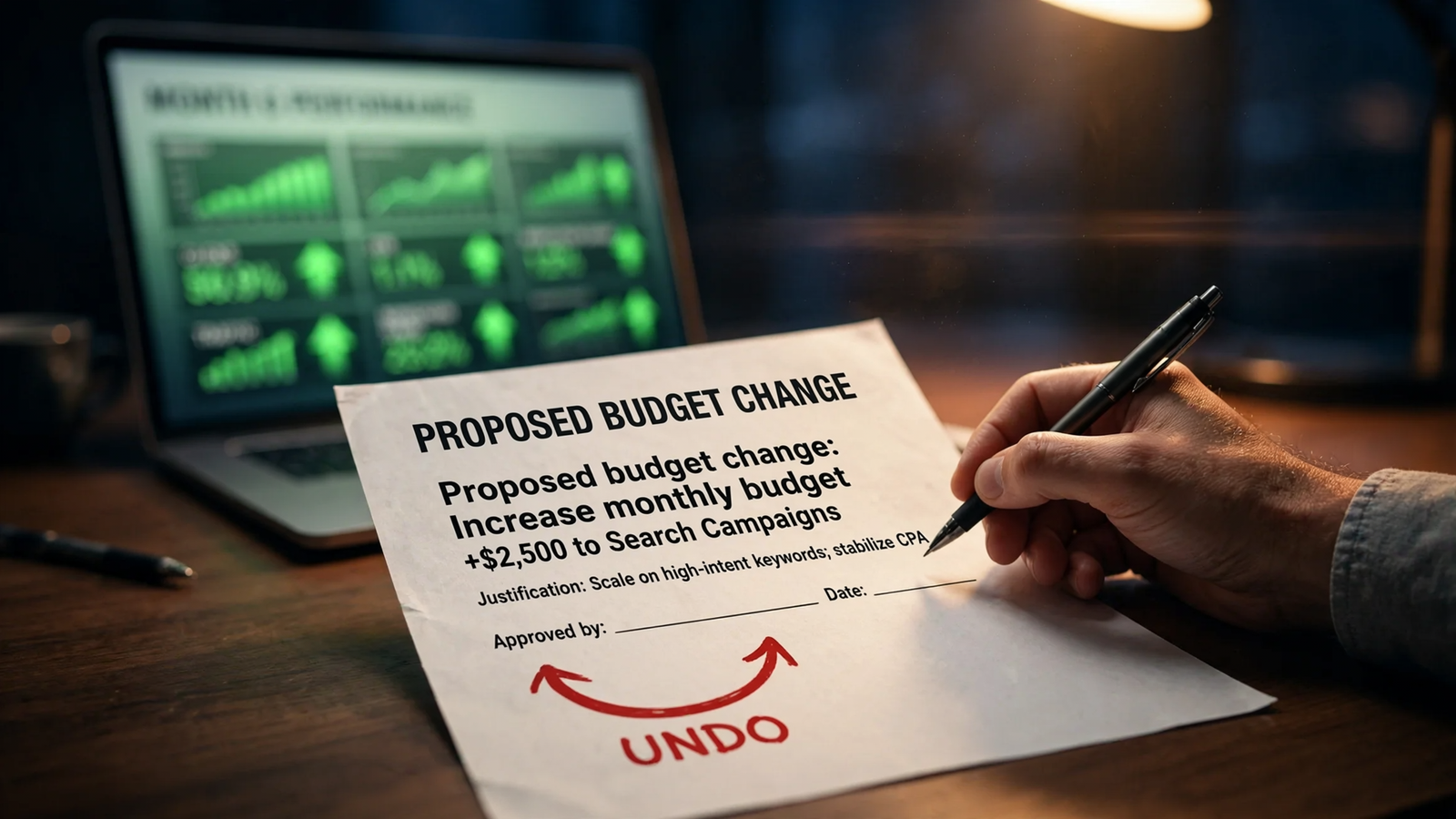
With an action-capable connection, approve only the change you reviewed. In groas, every change is logged with its reason and can be undone in one step. Check that the log matches what you approved before you start reading results.
Keep autopilot off until you’ve decided which accounts it can touch, what budget ceiling applies, what evidence warrants a change and when that change should be reversed. Autopilot running on a bad blended CPA is still a bad decision. It just gets made faster.
7. What can I skip, and what should I do today?
I’d skip three things:
- The Monday export ritual. If you ask the same question every week, use a connection that refreshes the numbers instead of rebuilding the comparison from files.
- The blended Google-and-Bing CPA. Ask for the segment and conversion definition where the gap holds. If you can’t find one, you don’t have a reason to move budget.
- Autopilot as a shortcut around murky tracking. In one r/googleads thread, ChatGPT saw a report with 3.16 ROAS on $1,948 in spend and offered concentration-risk warnings and scaling advice without the context to judge conversion quality or the business. Specific numbers in the input don’t make the advice sound.
I’d rather use groas than stitch together two read-only feeds and a spreadsheet. When the evidence supports a change, I can approve it and check the log in the same workflow. And if the investigation takes me beyond my dashboards, groas also collects competitor ads, funnels and Reddit research. None of that takes the judgment off my plate. That’s the part I want to keep.
Today, connect both accounts and run the identity check, then the conversion dictionary. Mark missing settings as unknown. If both accounts are named and a purchase means the same thing on both sides, you have a comparison worth checking. If the definitions don’t match, fix the tracking before you touch the budget.





