

 LinkedIn

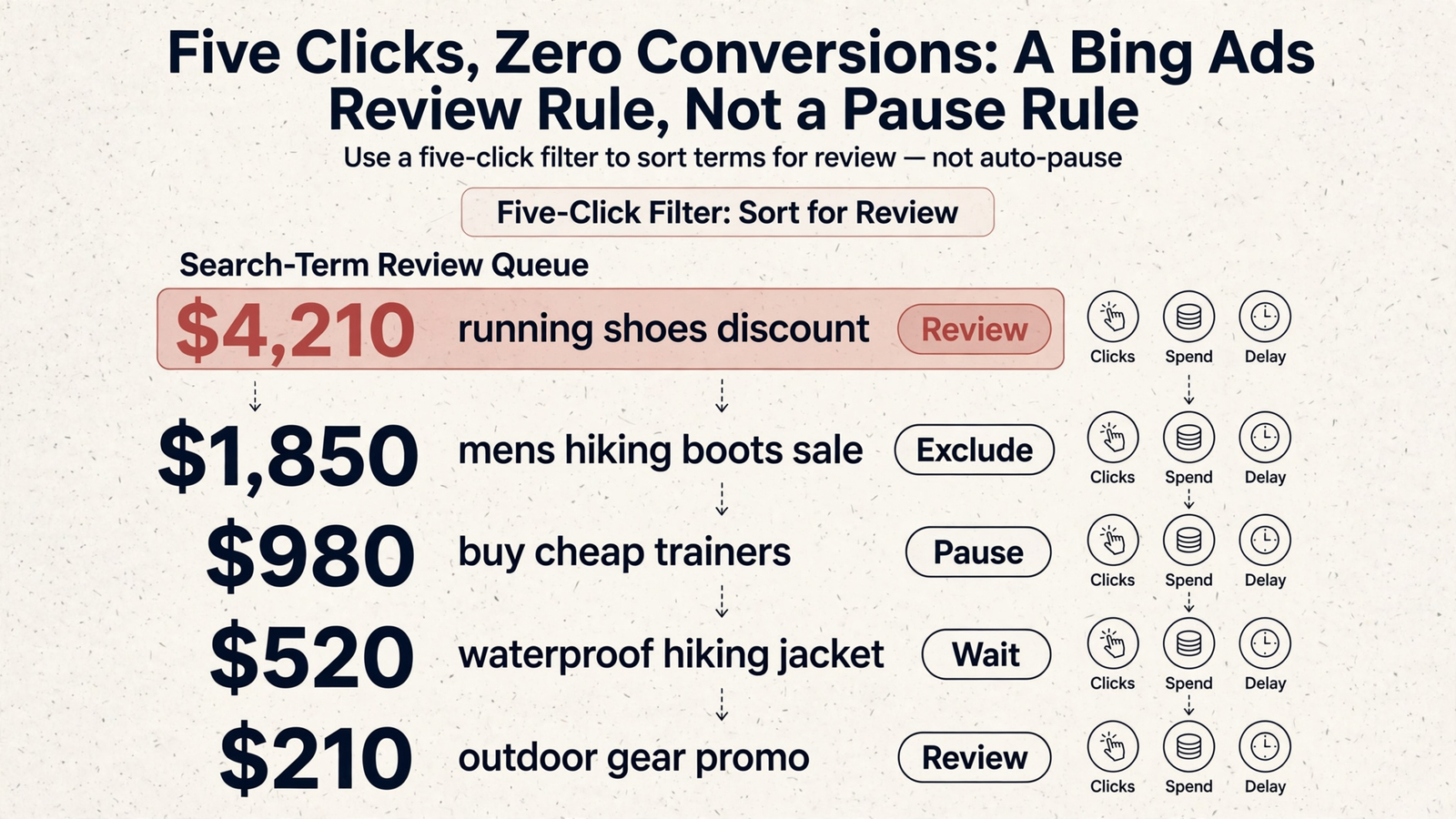
I picked a Reddit post from r/GoogleAdsDiscussion, Search terms routine: 5+ clicks, zero conversions, highest spending first, because it’s exactly the sort of shortcut I’d want at 1 a.m. and exactly the sort I wouldn’t hand to ChatGPT as a rule for changing a Microsoft Advertising account. Five clicks and zero conversions can put a query on my list. They don’t give me permission to pause a keyword or add a negative.
The saved preview says: “Highlight everything with 5+ clicks and zero conversions, then sort everything by spending. Whatever appears first reveals exactly where the …” That’s where it cuts off. I can’t tell what the author recommends next, and the headline doesn’t tell anyone to pause anything. I’m judging what’s on the page: what each part of the filter tells me, what it leaves out, and what happens if I ask ChatGPT to use it on Bing.
Start with one account and a report that shows its limits
Microsoft’s search term guidance describes a report for seeing what people searched when ads showed and using that information to refine keyword and negative lists. It also warns that the report only includes terms with a significant number of clicks in the period. The impressions in it can be a fraction of what other reports show. I’m reviewing the queries the report surfaces, not auditing every search in the account.
For the connected version, I’d connect Microsoft Advertising through groas, add groas to ChatGPT and name the exact account in the first prompt. That gets me live account data instead of a pasted spreadsheet. It doesn’t make the headline any smarter. I want one account, one date range and one queue, with no changes until I approve them.
“5+ clicks”: enough to look, not enough to call it waste
Five clicks with zero conversions sounds worse before I put a baseline under it. One Bing versus Google comparison puts average conversion rates at 2.94% on Bing and 3.75% on Google. Those aren’t forecasts for my account. They’re useful for the arithmetic: at 2.94%, five clicks gets me to an expected 0.15 conversions. Zero is what I’d usually see. Even twenty clicks without a conversion needn’t be surprising at that rate.
I used to like low-click, zero-conversion terms because they made for a tidy waste list. I was wrong about the relevant ones. Five clicks at $0.40 each is $2. Five clicks at $18 each is $90. Same flag, very different reasons to open the report today. And even $90 doesn’t tell me whether the person was looking for something I sell.
For each result, I want ChatGPT to show the query, the keyword and match type that triggered it, the campaign and ad group, clicks, spend, CPC and the date range. The query and keyword are separate fields for a reason: the search someone typed is not the same thing as the keyword I might switch off. My verdict on five clicks: keep it as a flag and leave the pause button alone.
“Zero conversions”: check what counted and how long it had
The first thing I want to know about zero is which column it came from. Microsoft’s reporting column definitions distinguish Conversions, which excludes goals set to ExcludeFromBidding=true, from AllConversions, which includes them. A query can show zero in the first column even when a goal I care about recorded an action. I’d rather read “zero for bidding goals, one for a goal excluded from bidding” than get a clean-looking zero that hides the setup.
Then I want to know whether the clicks have had time to convert. Microsoft reports conversions by click date. Its Conversion Delay guidance explains that the delay column shows how many days it typically takes to collect 90% of conversions for a campaign or goal. That’s not the same as the conversion goal window, which defaults to 30 days in Microsoft’s example and can go up to 90. One tells me when most conversions usually show up. The other tells me how long a conversion can still count. I don’t want ChatGPT treating either as proof that every click in the date range is mature.
There’s a limit on what I can infer from missing rows, too. Microsoft’s Search Query Performance Report documentation describes a moving slice of terms with significant clicks in the last 30 days and points to the keyword performance report for stable keyword metrics. Asking for a longer review doesn’t turn that slice into a complete query history. I wouldn’t use it alone to judge an entire keyword.
A Google Ads thread about 250 clicks without a conversion makes a useful point: if organic traffic converts but paid traffic shows nothing, check tracking before blaming the traffic. That’s a diagnostic question, not Bing performance data. A Bing import thread offers its own caution: one practitioner reported going from about $80 CPA on Google to nearly $200 on Bing after Microsoft’s suggestions expanded the keyword list. Deleting the non-converters didn’t fix it. My verdict on zero: check the goals, tracking and delay in the account I’m actually reviewing. Don’t borrow certainty from Google.
“Highest spending first”: the right order for the wrong decision
This is the part I’d keep. Spend tells me where to look first, not what to cut. A practitioner thread on reviewing search terms at scale suggests looking for terms with fewer than one conversion and spend above five times the account’s average CPA. I wouldn’t make that another universal cutoff. The useful bit is the denominator: spend means more when I compare it with what I normally pay for a conversion. Raw spend still gives me somewhere sensible to start. I don’t need to spend the afternoon on a $3 problem.
Separate the wrong query from the unproven one
A sorted report can’t tell me what the searcher meant. I want ChatGPT to read the query alongside the triggering keyword and the ad, then make a distinction the headline leaves open:
- Irrelevant on its face. Microsoft’s example is “antivirus software downloads” for a company that doesn’t make antivirus software. I don’t need to wait for another click to see the mismatch. I do need to check what a proposed negative would block.
- Relevant but unproven. The search could come from a buyer. The clicks may be recent, or there may simply be too few at a spend that matters. I want a date to look again and a spend threshold tied to the account’s CPA, not a place on a kill list.
Search Engine Land’s guidance on negatives treats click and spend thresholds as signals and warns that too broad a negative can cut relevant traffic. Adalysis’s examples of keyword conflicts show how that happens: a negative meant to clean up one ad group can block a converting keyword in another. If the evidence shows a mismatch, I’ll consider an exclusion. If all it shows is zero, I’ll keep looking.
A negative and a pause solve different problems
A negative blocks matching searches. A pause stops the keyword from serving any of its searches. If one keyword brings in useful traffic alongside the bad query, pausing it is the blunt option. The evidence for a pause has to be about the keyword, not just the row that sent me looking.
In Microsoft Advertising, negatives use exact or phrase match, not broad. They’re applied at the ad group, campaign or account level, not the keyword level. An exact negative for “women’s shoes” blocks that exact query; a phrase negative can also block searches that contain those words in that order. So I want the scope and match type written out. “Add negatives for these terms” leaves the decision I care about unstated.
What survives the teardown: a queue I can approve
I’d keep the five-click flag and the spend sort. I’d make ChatGPT explain the zero before proposing any action. That’s the same distinction I make in my breakdown of zero-conversion Bing keywords: the reporting shortcut gets to pick the next row, not the next account change.
The prompt I’d run in ChatGPT
Review Microsoft Advertising search terms for [account name] over the last 45 days. Flag reported terms with at least five clicks and zero in
Conversions. Sort by spend, highest first. Show the query, triggering keyword, match type, campaign, ad group, clicks, spend and CPC. Name the goals counted, flag any activity inAllConversionsthatConversionsleaves out, and show the conversion window and any available delay data. Say what’s missing, and compare spend with the account’s average CPA where available.For each term, label the recommendation review, exclude, pause or wait. Give the evidence and say what you’re unsure about. Separate plainly irrelevant queries from relevant ones without enough mature data. For a suggested negative, name the exact text, match type and ad group, campaign or account it would apply to. Explain which converting searches you checked it against. For a suggested pause, name the keyword and show what other queries it serves. Do not change anything.
A common Google Ads prompt asks for the search term, keyword, match type, clicks, cost and conversions before recommending exclusions. Those are useful columns. The difference here is that missing evidence stays missing. If ChatGPT can’t show which goals counted, the conversion window or the triggering keyword, I verify the row in Microsoft Advertising before acting on it.
Approve the exact change, not the label
I’d approve one move at a time. For a negative, that means the text, match type and the entity it applies to. For a pause, it means the specific keyword. I’d use the narrowest negative match that fits, especially if I’m working above ad group level. “Add negatives” isn’t approval. “Add phrase negative X at campaign Y” is. Writing that down takes less time than finding the phrase negative that blocked a converting query in another ad group.
Read the reason in the log while it’s still fresh
After I approve a change, I want to see the reason recorded for it. groas logs each change with its reason and lets me undo it in one step. If a phrase negative later turns out to block a converting search, I can read why it went in and reverse it without reconstructing the week from memory. Approval before the change, a reason after it, and a way back if I got it wrong. Without that, I’ve got a suggestion box with a publish button.

What connection actually buys me
ChatGPT can analyse a spreadsheet I paste into it, including one that’s missing the column I forgot to export. That’s why I prefer the connected groas setup for this review: ChatGPT can read the Microsoft Advertising account directly, ask before making a change, and leave a record I can inspect and undo. I still have to make the call. I don’t have to copy the report out, copy the decision back and remember why I made it.
A free, read-only Google Ads audit from Convertus can flag wasted spend and search terms over the last 30 days. It can’t make an approved change in my Bing account. groas Unlimited is $19 a month flat for the whole team, with unlimited teammates, ad accounts and websites. For this teardown, the reason I’d pay is the handoff from live evidence to an approved change I can reverse, not another report that tells me five is more than four.
My verdict on the artefact: “5+ clicks, zero conversions, highest spending first” is a good Monday queue and a bad rule for changing an account. I’d keep the flag and the sort. Before a single negative goes in or a keyword goes quiet, I want to know which goals counted, whether the clicks had time to convert, what the spend means against Bing’s own CPA and whether the query was wrong or merely unproven. Keep the queue. Make ChatGPT show its working before it touches the account.





