

 LinkedIn

The listed software cost is $0 for the official Google Ads MCP or $19 a month for groas. The useful comparison is what the same finished job costs: extra bills, maintenance time and any work the connector leaves for you.
At an illustrative $40 an hour, $19 buys 28.5 minutes. A free local server can genuinely be cheaper if it covers your workflow and takes less extra upkeep than that. But 28.5 minutes is not a universal cutoff. Hosting costs move it down; work you must do on both routes does not belong in the difference.
I used to tell clients free connectors were toys. I was wrong. The official server does real work. The mistake is pricing it as though it does every job a hosted alternative does, then treating the unfinished work as somebody else’s problem.
The listed costs: $0 versus $19 is only the first row
Here is the recurring bill before maintenance and manual execution enter the picture.
| Recurring line item | Self-managed official MCP | groas hosted | Source or pricing basis |
|---|---|---|---|
| Server software | $0 license, open-source Apache-2.0 code you run yourself | $19/month flat, or $228 over twelve months at the stated monthly price | PorterMetrics setup guide; groas pricing |
| Team and connected properties | Your own setup and administration | Unlimited teammates, ad accounts and websites within the flat plan | groas pricing |
| Local hosting | $0 additional hosting bill when you use a machine you already run | Included | PorterMetrics walkthrough; groas pricing |
| Remote hosting | Variable: usage, memory and minimum instances affect the bill | Included | Cloud Run pricing; groas pricing |
| Assistant access | $0 extra if your existing plan supports the workflow; otherwise count the added plan or API cost | Same rule: count any assistant access you add | Claude connector access; ChatGPT custom MCP access |
Separate the server license from the assistant seat. The $0 license is real. So is the $19 groas subscription. Neither makes the assistant you use irrelevant to the bill.
What pricing comparisons often obscure is that last row. Putting a paid ChatGPT seat in one column and leaving it out of the other is not cost analysis. It is arranging the furniture until the preferred answer fits.
If you already pay for an eligible plan and neither route changes that bill, leave it out of the incremental comparison. If one route requires an upgrade, include the upgrade. Ad spend stays separate from both connector prices.
Before the hidden costs, check whether both tools finish the job
Reading account data, changing assets and changing campaigns are different jobs. Price the exact workflow before you price the connector.
The official server queries account data through GAQL search and list_accessible_customers. Its v0.0.6 release added asset and label management behind propose-and-confirm. It is not simply read-only, but it does not change campaigns, budgets, bids or keywords.
That distinction decides which comparison you are making:
- Reporting: pull account data and answer questions.
- Asset and label work: propose supported changes, review them and confirm them.
- Campaign execution: pause keywords, move budgets, edit bids or make other changes outside the official server’s supported tools.
Check the assistant client too. Claude allows custom connectors on every plan, with one slot on Free. Full custom-MCP use, including writes, in ChatGPT on web is available on Business and Enterprise/Edu, while Pro is limited to read and fetch. If the plan you hold cannot perform the required action, the existing subscription does not solve that gap.
My first question is not “Which connector is cheapest?” It is: What must the assistant finish without handing the mouse back to me?
Write that list before opening a pricing page.
One-off setup: record it, but do not call it monthly upkeep
Self-managed setup means a Google Cloud project with Ads API access and OAuth, not a pasted key. Google’s retirement of Ads API developer tokens moved access onto the Cloud project, but you still own the project, consent screen and refresh tokens.
The draft budget for that work is an afternoon, not a recurring subscription. Your actual time belongs in a setup log.
| One-off work | What to record | Cost basis |
|---|---|---|
| Cloud project and OAuth setup | Time spent configuring access and consent | Your recorded time at your chosen hourly value |
| Local or remote deployment | Time spent installing, configuring and connecting the server | Your recorded time; setup walkthrough |
| First working queries | Time spent checking that the required GAQL queries work | Your recorded time |
Keep setup visible and separate. Do not pretend it is free because no vendor sends an invoice. Do not pretend the first installation repeats every month either.
For a short-lived workflow, that initial effort may matter a lot. For an ongoing one, keep the recurring comparison readable rather than burying everything in a single monthly estimate. You need both numbers: what it takes to start and what it takes to keep going.
Hidden cost 1: the machine is free until you have to manage it
Local hosting can mean no additional hosting invoice, provided you use a machine you already run. The setup walkthrough covers local operation and remote deployment. But the laptop under your desk is now part of the service.
It sleeps, the connector sleeps. A dependency breaks, you fix it before looking at search terms. That is not a reason to reject local hosting. It is a reason to stop calling your attention free.

Remote hosting replaces some local-machine constraints with a bill and another thing to administer. Cloud Run pricing includes free allowances and usage-based charges. Your cost depends on how you configure and use it, including:
- Request volume.
- Memory and compute requirements.
- Whether you keep minimum instances running to avoid cold starts.
There is no useful universal hosting price for all of those setups. Anyone presenting one without asking about the workload is selling, not measuring.
For the worksheet, use the incremental bill from your configuration. If it stays inside the free allowance, enter $0. If keeping the service ready costs extra, enter that instead. A free tier is a billing condition, not a maintenance plan.
Hidden cost 2: credentials, updates and breakage
This is where $0 gets expensive in small slices. Authentication needs attention. A library update breaks a query. A client update sends you back into configuration files. Nothing looks large enough to deserve a budget line, so it never gets one.
I used to budget zero for this on self-run tools. I was wrong.
Measure maintenance instead of borrowing somebody else’s monthly estimate. Keep a short log of authentication fixes, dependency updates, configuration changes and troubleshooting. Separate those from time spent deciding what to do with the account.
Security is part of the work, not a reason to take shortcuts. Keep client secrets out of prompts and committed configuration files. Use the documented vault or OAuth flow, limit access to what the job requires, and require human approval before asset or label changes land.
That last point matters to the arithmetic. If you review a proposed asset on both routes, the review is shared operating work. It is not a special tax on the free connector. Count it in the full workflow budget if useful, but do not charge it to only one side of the comparison.
The number you need is the maintenance difference, not every minute spent near an MCP.
The break-even worksheet: compare the difference
Use these lines for the monthly comparison:
- Extra self-managed cash: hosting, minimum instances, logging or other added bills: $____
- Extra self-managed maintenance: upkeep beyond what the hosted route requires: ____ minutes
- Your hourly value: $____ per hour
- Self-managed overhead: extra cash + (extra maintenance minutes ÷ 60 × hourly value)
- Hosted subscription: groas Unlimited at $19 a month, plus any other incremental cost required for the workflow
- Unsupported execution: record separately for each route; do not hide it inside maintenance
With no other cost differences and an illustrative $40 hourly value:
$19 ÷ $40 × 60 = 28.5 minutes a month.
If local hosting adds no bill and self-management takes 20 extra minutes, the free route wins on overhead. If you spend 90 extra minutes fixing authentication and dependencies, plus an illustrative $8 on hosting, that month costs $68 in time and cash against the $19 subscription.
Those are examples, not forecasts. Your machine may run quietly for months. Your next update may eat the morning.

The threshold also changes when your cash cost or hourly value changes. 28.5 minutes belongs to the $40-an-hour, zero-extra-cash example. It is not a law of MCP economics.
Hidden cost 3: the work an unsupported tool leaves behind
Say you spend an illustrative $20k a month and ask Claude to cut waste in an underperforming search campaign. With the official server, Claude can pull the GAQL numbers, flag losing ad groups, and draft assets or tidy labels.
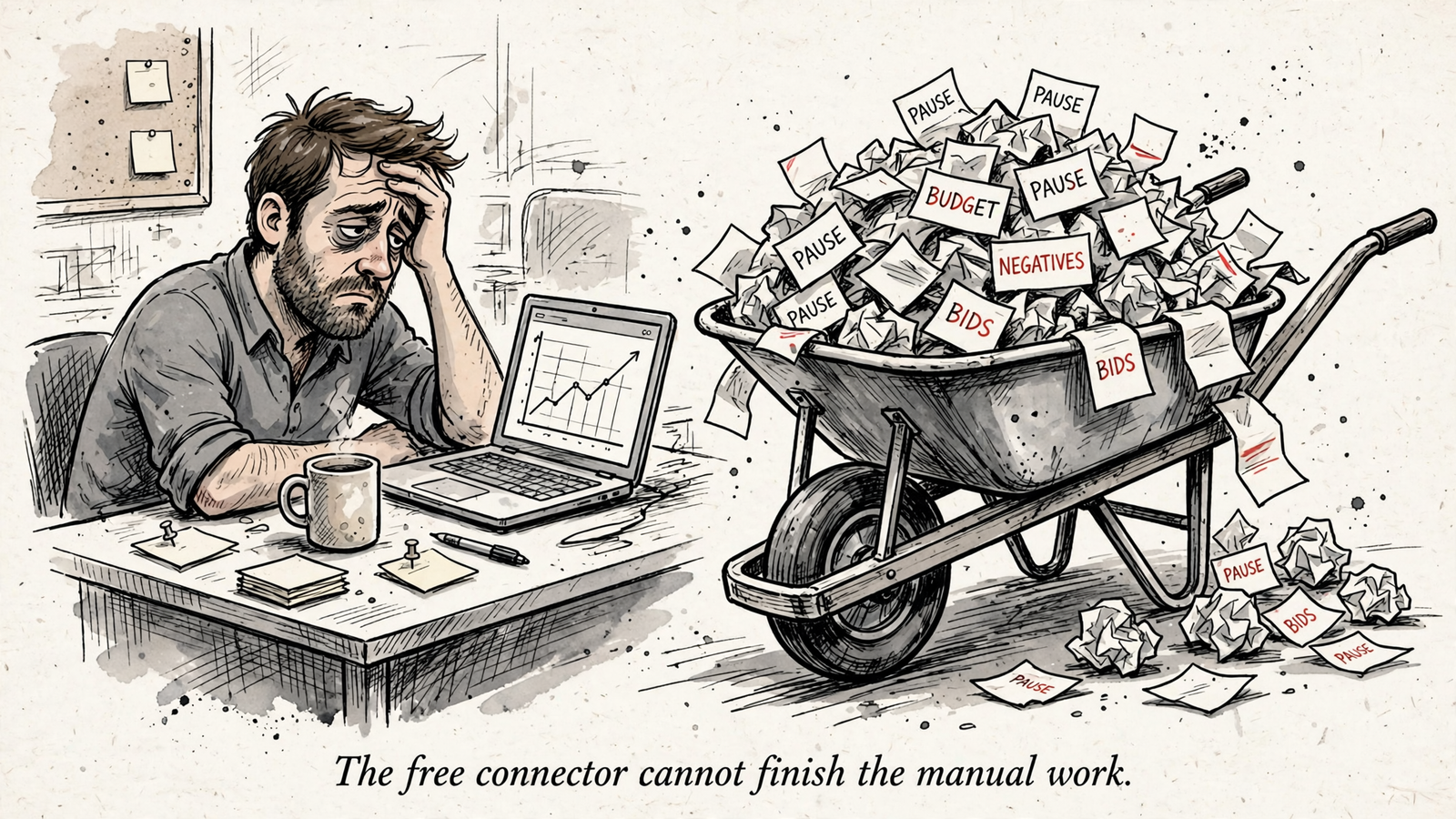
Then the supported tool list runs out. Somebody still opens Google Ads to pause the keyword, move the budget or edit the bid.
That is execution, not maintenance. Fixing the connector keeps the tool working. Making a change the tool cannot perform finishes the advertising job. Mixing the two makes it impossible to see what you are buying.
Before choosing, ask your assistant:
List every action in this workflow your current tools cannot perform, and who must do each one by hand.
Then price that list. If your workflow ends with a report, there may be no execution gap. Do not invent one to justify a subscription. If it ends with budget, bid or keyword changes, do not erase the gap to defend a free license.
The full $0 license breakdown covers the same trap: the server bill is not the cost of finishing the work.
groas Unlimited is the stronger option when you need that execution in the same workflow. It connects work across Google, Bing, Meta and ChatGPT Ads, alongside competitor and Reddit data the assistant cannot fetch alone. Changes are logged and undoable. That is a different scope from a connector that hands campaign execution back to you.
Compare the shared work like for like. Price the additional capability on its own line.
Choose free when the workflow fits; choose groas when it does not
I would self-manage when all of these are true:
- GAQL reads plus supported asset and label writes cover the required workflow.
- The incremental hosting bill stays near zero.
- The existing assistant plan supports the required tools.
- Measured extra upkeep costs less than the hosted subscription.
Free is a legitimate outcome of this calculation. If the local server does the whole job and rarely needs attention, paying for hosting does not become sensible just because someone puts “managed” on the pricing page.
I would choose groas when the work extends beyond that scope: campaign execution, shared work across teammates, web access without managing the server, or execution and market data in one place. Recurring fixes can also settle the decision without any capability gap at all.
Start with reads even if you plan to allow changes later. Run a week of read-only prompts: spend by campaign for the last 30 days, search terms with zero conversions over $50, assets with low performance ratings. Keep human approval on for writes, review proposed changes and read the action log.
That review belongs in either workflow. A cheaper connector does not make a confident assistant less capable of proposing the wrong change.
The cheapest mistake—and the most expensive one
The cheapest mistake is paying $19 before you know your minutes. If the supported tools fit, run the official server locally and track two months of setup and upkeep separately. Record the date, minutes, what broke and who completed anything the tool could not.
If you land at 15 extra maintenance minutes a month, with no extra hosting bill and no execution gap, the illustrative $40 hourly value puts self-management below the subscription. You avoid $228 in annual subscription charges, though your time still has a cost. Take the cheaper route because the numbers support it, not because $0 looks good in a headline.
The most expensive mistake is defending $0 while the meter runs in hours. A connector that cannot pause an illustrative $400-a-day loser, move a budget or add a negative still leaves somebody to finish the job. Count that execution separately from the month authentication breaks. When the extra upkeep and unfinished work cost more than the hosted route, groas at $19 is the cheaper invoice.


