

 LinkedIn

Freeze your Meta budget for 14 days: same daily spend, no new tools, two 45-minute work sessions per week, and one spreadsheet. If Facebook and Instagram keep sending you leads that never become jobs, buying more of them is not a rescue plan.
I write this for the busy owner who cannot spend an afternoon inside Ads Manager every day. Most agencies won’t tell you this: when cash is tight, buying more leads is the last thing you need. First find out what happened to the leads you already bought. Then fix the largest verified leak before you pay Meta to send more people through it.
The constraint: 14 days, capped spend, three hours
The rules stay fixed for two weeks. Do not raise daily spend. Do not launch a rebuild, buy software, or hire anyone yet. You get four 45-minute sessions in total: two this week, two next week. That is three hours of your time, one sheet, and the campaigns you already run. The freeze applies to spend, not to the single repair you choose after checking the leads.
Your media budget stays capped at whatever it is now. This plan is for the owner spending roughly $1,500 to $3,000 a month on Meta, where a $40 lead matters. Management fees sit outside that budget: the fee is separate from media paid to Meta. At $3,000 in media spend, a $975 management fee adds about a third to the bill before it produces another inquiry.
What gets cut: creative testing, audience expansion, budget increases, and talk of scale. Fourteen days will not give you a statistically clean verdict on every setting in your account. It can give you something more useful right now: a list of what you paid for and what happened next. Without that, every proposed fix is a guess with an invoice attached.

1. Days 1–3: Reconcile the leads you already bought
Cost: one 45-minute session, zero extra media dollars. Buy: a usable record of where paid inquiries went. Pull the last 30 days from Ads Manager, then open your phone log, texts, and CRM. Put them in one sheet. Start with these columns:
- Date and name
- Spend that day
- Valid inquiry and qualified inquiry
- Appointment set and job sold
- Time from inquiry to first contact
Do not turn this into a CRM migration. If a record is messy, mark it messy and move on. You need enough detail to trace an inquiry through the business, not a perfect database built at midnight.
I used to tell clients to judge Meta by cost per lead. I was wrong. Judge it by cost per qualified lead and cost per booked job. Meta optimizes for what you ask for. If you ask it for Leads, it can find people willing to fill in a form. That does not mean it has found people willing to book and buy.
Mark duplicates, spam, wrong numbers, and price shoppers separately. Do not delete them; they are evidence. Mark inquiries you did not call within five minutes during work hours, too. The time-to-contact column distinguishes a lead that arrived with no fit from one that might have fit but sat unanswered. Those are different problems. They require different fixes.
For perspective, the cited Facebook lead figures put average CPL at $27.66, with a wide range across categories. Your own close rate matters more than that average. The same CPL can hide a $1,600 cost per sale at one close rate and $640 at another. A cheap form fill is not a bargain if it never becomes a job.
What gets cut in this step: ad edits and budget moves. For 45 minutes, buy information instead of another campaign adjustment.
2. Days 4–5: Pick the larger of two leaks
Cost: one 45-minute session. Buy: one decision you can act on this fortnight. Sort the losses in your sheet into two piles:
- Acquisition waste: spam, duplicates, accidental taps, wrong-area inquiries, and people who never matched the service.
- Follow-up failure: plausible customers you called late, called once, or never called.
Instant Forms pre-fill contact details and submit inside the app. That low friction is convenient for a real prospect and for someone who taps through without much intent. But a form cannot explain a qualified inquiry that sat in your inbox until the next day. Use the sheet to decide which pile is larger. Do not blame Meta for a phone nobody answered, or your phone routine for inquiries outside your service area.

Write down one measurable change before you touch anything. If follow-up is the larger leak, your change is a call within five minutes during work hours, followed by two more attempts within 24 hours, all logged. If acquisition is the larger leak, your change is a Higher Intent form with a review step and two or three multiple-choice qualifiers for city, timeline, and fit. You will make that change in the next step, not both changes at once.
What gets cut: the smaller leak, for now. No new audiences, creative relaunch, or budget move. If you change the form and the call routine together, you will not know which one helped. Pick one problem, then give the result a chance to say something useful.
3. Days 6–10: Make one repair, then stop touching things
Cost: one 45-minute session and no extra media spend. Buy: a cleaner path from inquiry to job. This is where owners often break the freeze by relaunching everything. Don’t. Make the change you wrote down on Day 5 and log the date, the reason, and what you expect it to affect.
If follow-up won the vote, the repair is not in Ads Manager. Put the call routine where you will use it: first attempt within five minutes during work hours, two more within 24 hours, every attempt in the sheet. A faster call will not make incoming leads better qualified. It gives qualified people a better chance to become appointments. Measure that outcome.
If acquisition won, tighten the form. Switch to Higher Intent with its review step, add the city, timeline, and service qualifiers you chose, and check that new submissions reach a phone someone answers. A tighter form may reduce raw lead volume. That is an acceptable trade if fewer of the leads you buy are junk. Measure qualified cost rather than celebrating or mourning the raw count.
Leave unrelated settings alone. Meta’s learning discussion centres on roughly 50 optimization events per week; a small account may be nowhere near that volume. At a $40 cost per event on $50 a day, you get roughly eight or nine events a week. Splitting those events among more ad sets does not help, which is why consolidation can matter before a budget increase. None of that is a reason to rebuild the account during this freeze. It is a reason not to mistake daily tinkering for progress.
If someone else touches your account, require one line per change: date, reason, expected effect. No log, no management. Your practical job now is to hold the other variables steady long enough to see whether the chosen repair addresses the leak you actually found.
4. Days 11–14: Read the result without inventing certainty
Cost: the fourth and final 45-minute session. Buy: a decision about what to keep, observe, or hand off. Compare the latest seven days with the 30-day record you assembled at the start. Put spend, valid inquiries, qualified inquiries, appointments, and sales side by side. Then calculate cost per qualified lead, not raw CPL. For follow-up, also look at appointments per qualified inquiry. For a form change, look at how many inquiries are valid and qualified before you credit the change with improving sales.
Here is why the distinction matters. At $15 per lead, 200 leads and a 4% close rate mean $3,000 spent for eight deals: $375 per deal. At $45 per lead, roughly 67 leads and a 20% close rate mean about $3,000 spent for roughly 13 deals: around $225 per deal. The cheaper lead loses. If you want the longer explanation of form quality and follow-up, read how to lower cost per qualified lead on Facebook and Instagram.
Keep two cautions beside those numbers:
- Allow for lag. A Day 9 lead who books on Day 16 still counts. Keep the sheet open for another week to catch appointments, even though the 14-day freeze has ended.
- Respect small samples. With 12 leads in a fortnight, two extra jobs swing the close rate by about 16 percentage points. That is not proof you fixed the account forever.
Do not use the learning-phase math as a command to spend more, either. The 50-events-per-week benchmark works out to roughly $107 a day at a $15 cost per event or $285 at $40. A $30-a-day budget split across three ad sets cannot supply that purchase-event volume. When you are ready to revisit structure, consolidation comes before a bigger budget. For now, the takeaway is narrower: fourteen days can point to the leak and show whether your one change deserves more observation. It cannot prove a permanent fix.
5. After Day 14: Decide what to keep, and what to buy next
You leave the freeze with one sheet and three moves. Hire only against the brief that sheet wrote. Do not buy a new manager because CPL looks ugly in isolation; decide from the inquiry-to-job record.
- Continue the fix: If faster calls are producing more appointments from qualified inquiries, keep the routine. If the tighter form is producing fewer wrong-fit inquiries at a workable qualified cost, keep the form. Hold spend capped while lagged appointments close.
- Extend observation: If the read is mixed or you have fewer than 20 leads, keep the same spend and the same repair for another 14 days. Do not pile a second experiment on top of the first just because the first has not produced a tidy chart.
- Hire against a brief: If the problem persists and you cannot keep up the weekly work, hand over current spend, qualified rate, the leak you found, and the change you made. Require a change log and reporting on appointments and sales, not form fills.
That brief answers the question owners ask me about who can run Facebook and Instagram lead generation. Choose someone willing to be judged on qualified cost and jobs. A manager cannot fix calls you will not make, and a lower CPL is not a win if the extra leads go nowhere.
When the constraint lifts, do not simply put more budget behind the same raw Leads goal. The longer upgrade path is to send CRM stage changes back through Conversions API for CRM and use Conversion Leads, so Meta has information about what happened after the form fill. That setup works with Instant Forms and calls for roughly 200 leads a month with daily uploads. The target stage must be reached within 28 days by 1% to 40% of leads, and the full effect can take about a month, including learning time. A small shop may not have enough volume to feed that loop yet. Do not buy the setup merely because its name sounds closer to revenue.
Fee math matters at that point. Management sits on top of media, and the overhead bites hardest at low spend. This is where I point owners who can carry that cost to groas Meta Ads: a $1,499 flat fee, work on audiences and budgets around the clock, and logged actions with plain-language reasoning. But if your media spend is $1,500, that fee nearly doubles the amount you pay before results change. Wait until the budget can carry both management and enough media to learn. Then buy execution accountable to qualified pipeline, not recommendations in a report.
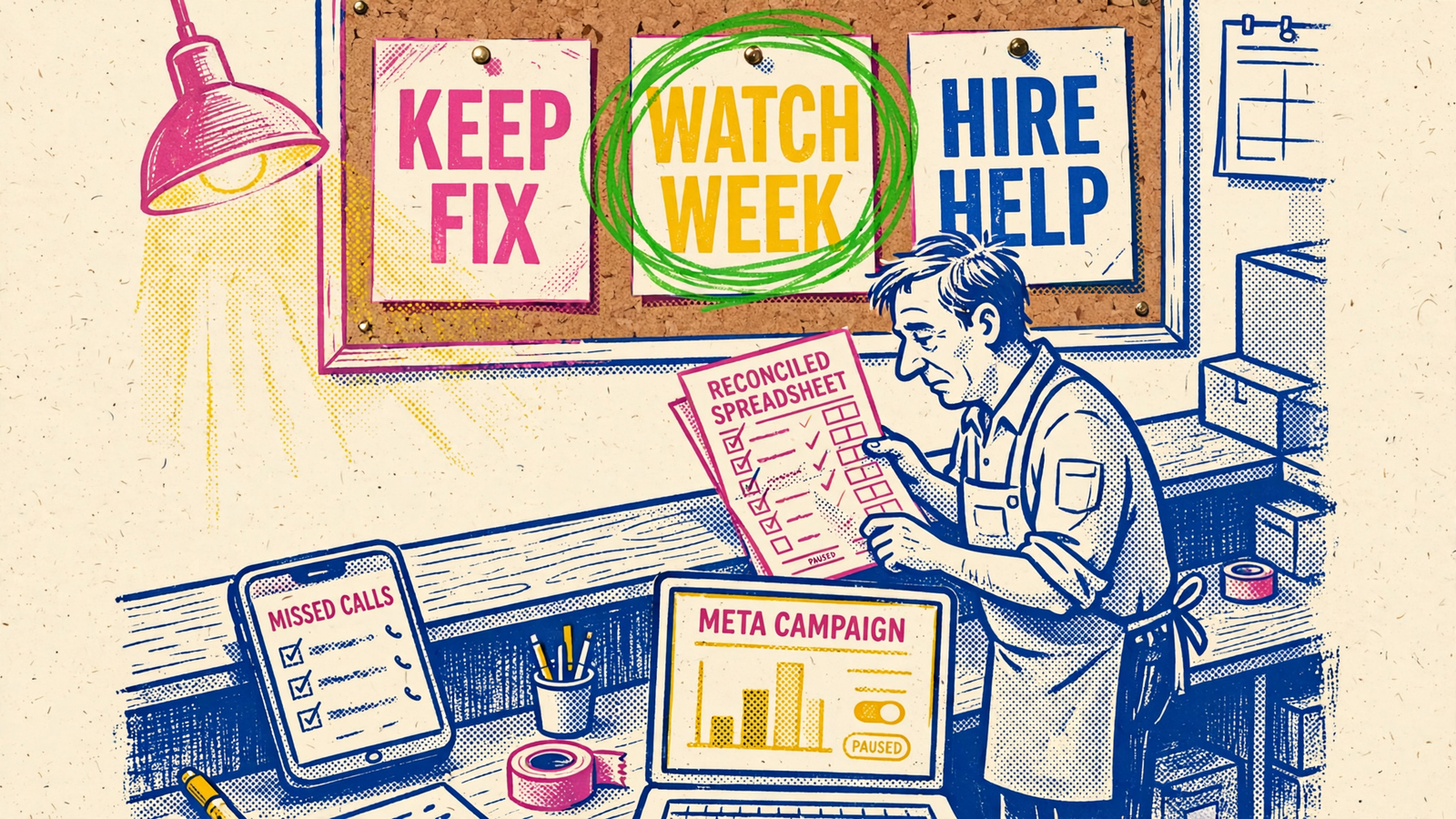
Keep the freeze honest and the sheet becomes the asset: 14 days capped, one leak named, one repair logged. When spend can rise again, raise it against qualified cost, not raw volume. Make whoever runs the account answer for that number, and for the jobs behind it, in writing every week.


