

 LinkedIn
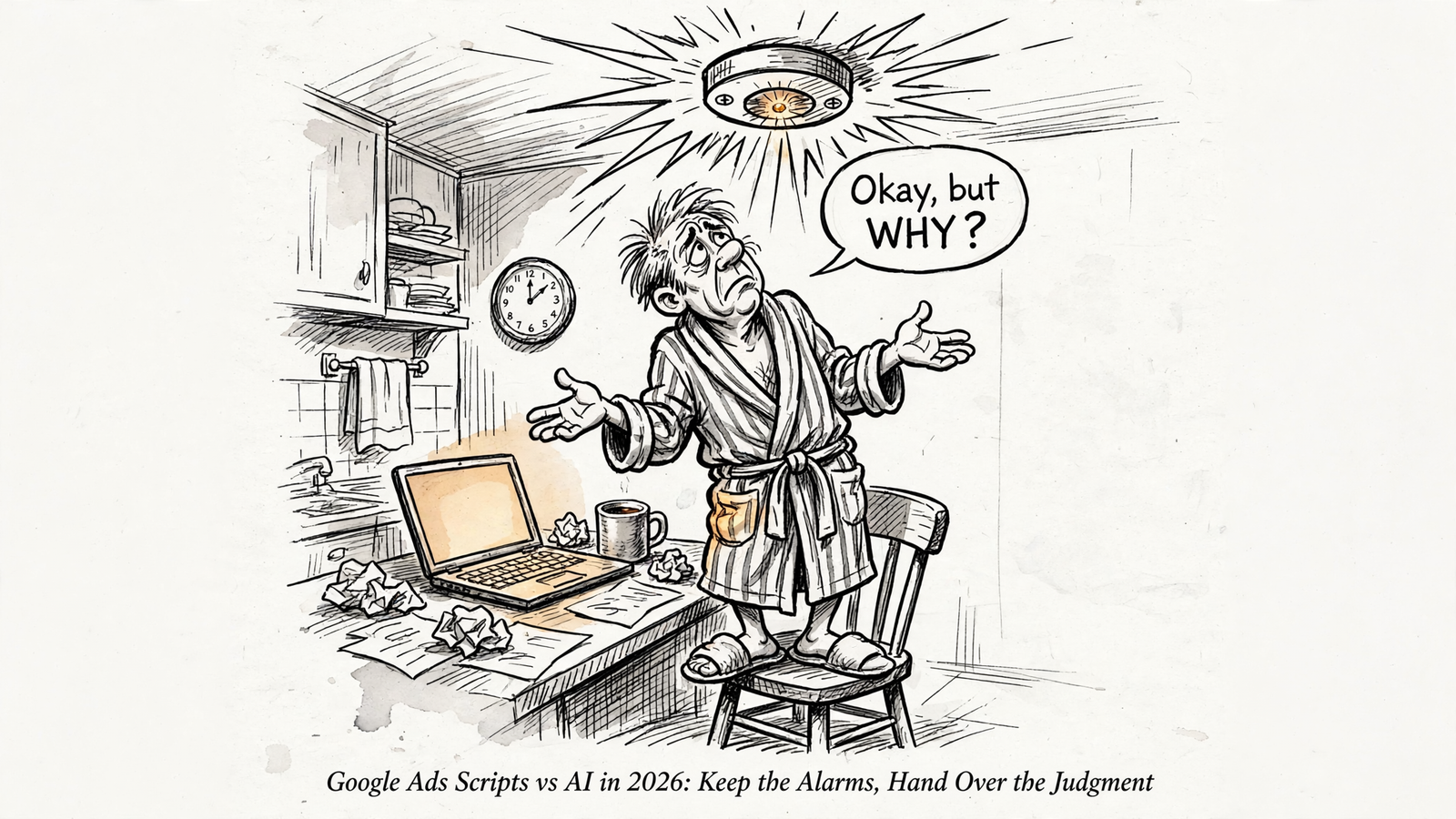
I would keep Google Ads scripts for alarms and choose an AI assistant connected through groas for diagnosis and fixes. If you run a lean Google Ads account without a developer, that is the head-to-head worth settling in 2026: scheduled code versus an assistant that can read the account and act on what it finds.
I installed scripts the same way plenty of operators did. Pasted from a blog at 1am into Tools > Bulk Actions > Scripts, authorized, scheduled weekly, then forgotten until the email alerts stopped making sense. Useful automation, right up until maintaining the automation became another job.
My winner for judgment-heavy work is your AI through groas. Scripts still win the scheduled, deterministic checks. The mistake is asking either one to do the other’s job.
Here is the comparison I would use before keeping another script alive:
| Decision axis | Google Ads scripts | AI assistant through groas |
|---|---|---|
| Setup | Paste, authorize, and schedule. Fast when suitable code already exists | Connect accounts once, add groas to your assistant, and ask in plain English |
| Maintenance | You maintain the code and its assumptions | groas maintains the connection; you define the task and review the work |
| Scheduled execution | Strong fit for recurring checks against explicit thresholds | Chat runs on demand; continuous operation requires switching on autopilot |
| Judgment | Executes the rules you supplied | Groups themes, investigates changes, and proposes fixes |
| Oversight | Logs and any reporting or approval process you build | Every change logged with its reason, with one-step undo |
1. Setup: pasted code is quick until the job changes
Scripts survive partly because getting started is straightforward. Paste code into Google Ads, authorize it, choose a schedule, and it checks account data without an API key or a server to host. If someone has already written exactly what you need, setup can take about 10 minutes (practitioner stack).
That is a perfectly good bargain for a broken-link alert. The task is narrow, the output is obvious, and you do not need a conversation about what “broken” means every morning.
The bargain changes when the request becomes: “Find out why this campaign spent more yesterday, decide whether the extra spend was useful, and show me what to change.” Now you are not installing a check. You are assembling an investigation.
With groas, I connect the accounts once and add it to an assistant such as ChatGPT or Claude. Then I describe the job in plain English. Scripts have the setup advantage when the exact tool already exists; AI wins when the question keeps changing.
Do not turn a changing question into a permanent coding project just because the first script was free.
2. Maintenance: free code still needs an owner
A script does not stop costing you time after authorization. Someone still owns the thresholds, the output, and the repair when a field changes or an alert stops making sense.
The ultimate list of free Google Ads scripts now tracks more than 400 options. That is a useful library, not a recommendation to install a small software department inside your account.
I care less about how many scripts an account has than whether each one still earns its maintenance. A daily email nobody reads is not account management. It is a subscription to your own anxiety.
Through groas, I am not patching the account connection myself. I still have to explain the goal, inspect the diagnosis, and decide which changes deserve approval. The work moves from maintaining code to checking decisions. That is the trade I want.
Keep a script because its output is useful, not because removing it feels like abandoning a safety net. If you cannot say what you do when it fires, start there.
3. Scheduled execution: scripts still earn their keep as alarms
This is the clearest win for scripts. A recurring check with a fixed threshold does not need an opinion. It needs to run.
A single-account script gets a maximum of 30 minutes per run; an MCC script using parallel execution can get up to 60 minutes. Those limits leave room for plenty of small, deterministic jobs. As this 2026 script roundup notes, scheduled execution against live account data remains a reason to use them.
For a lean account, these are the four alarms I would start with:
- Broken-link checker, weekly at minimum. I used to tell clients monthly was fine. I was wrong for stores with real SKU churn. The Nils Rooijmans Broken URL Checker checks final URLs and emails the problems. Paid clicks landing on a dead product page are an expensive bug to ignore.
- Budget pacing, daily. Compare spend with the monthly budget and flag over- or underspend. The practitioner stack includes this kind of check. The script can raise the alarm without deciding whether the extra spend was worthwhile.
- Site-down monitoring and pausing. A Site Down Pauser handles a narrow response to a specific failure. Check what it will pause and how it will re-enable campaigns before letting it write to the account.
- Ad disapproval alerts, daily. Get the problem into view rather than waiting to notice the missing delivery.
The link checker deserves one extra rule: hand-check three flags before acting. A soft-404 can return a 200 status while displaying “product not found.” Bot blocking can return a 403 to a script even when the page loads for customers (redirect failure modes). An alert is evidence to inspect, not an instruction to obey.
Scheduled collectors can earn a place too: a Merchant Center feed monitor, a Quality Score history tracker writing to a Sheet, or an export you need at a fixed interval. Keep those when you actually use the record. Do not collect history merely to own a larger spreadsheet.
Same check, same threshold, same schedule: keep the script. Chat is not a clock. An assistant answers when you ask; continuous operation through groas requires switching on autopilot under rules you set.

4. Judgment: AI wins once the alert becomes a question
The handoff happens when “something changed” becomes “what should I do about it?” That is where I want an assistant rather than another threshold.
Search terms: group the waste, then inspect the exceptions
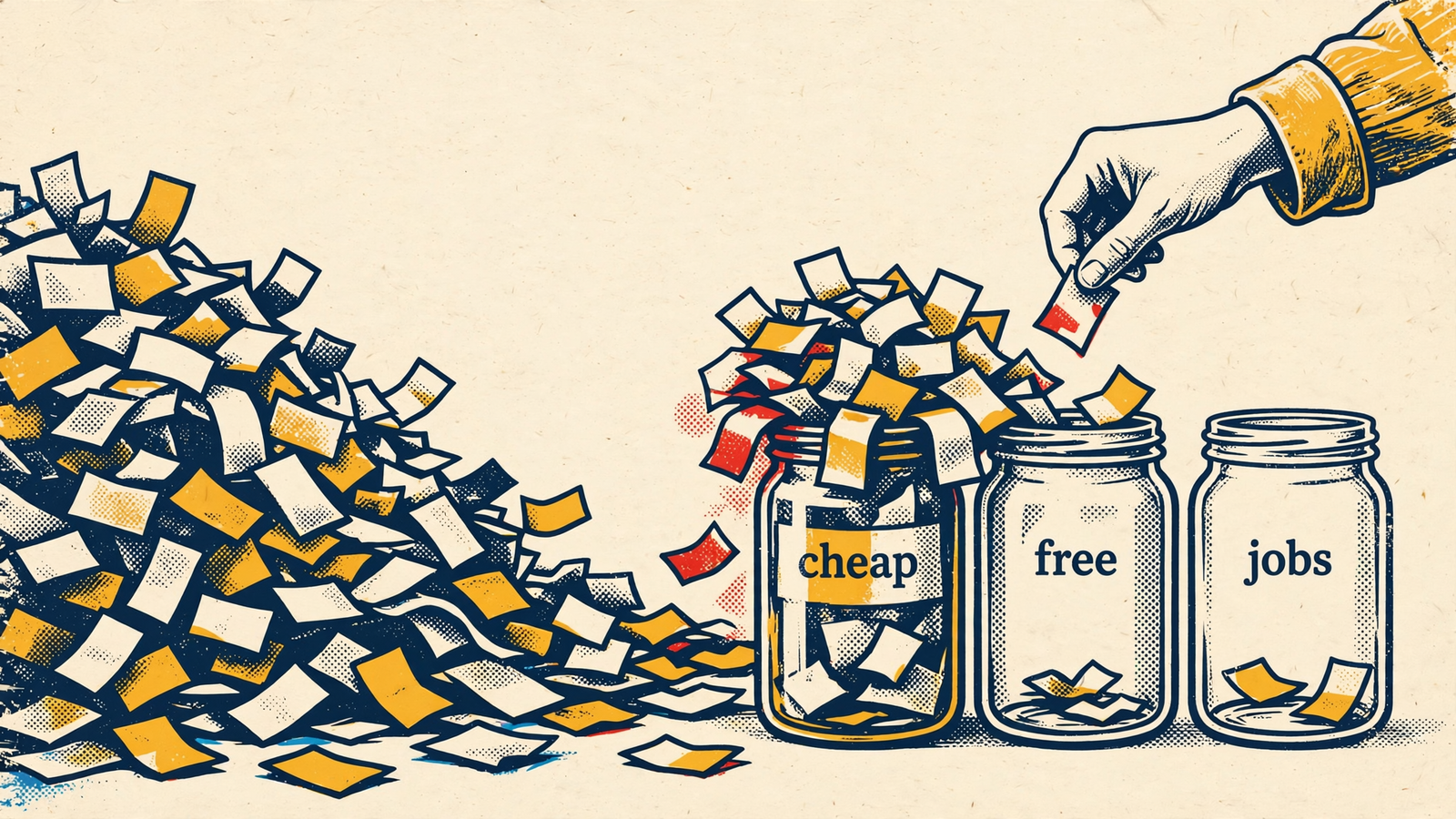
Search term mining is where I burned the most 1am hours. The classic n-gram setup groups queries into one-, two-, and three-word patterns so you can inspect performance by theme. That grouping is useful. It is not the decision.
The trouble starts when a fragment becomes a verdict. Cheap in cheap running shoes may behave differently from cheap in cheap replacement laces. A rule that treats the shared word as sufficient evidence can block something worth keeping.
One practitioner’s failure-mode checklist uses about 3x target CPA in spend and about 100 clicks with zero conversions before considering a cut. It also calls for checking performance within the fragment and avoiding automatic negative additions. Those are useful screening rules, not permission to stop thinking.
My request to the AI through groas is more explicit than “find waste”:
Group last month’s search terms by n-gram. Flag themes with about 3x target CPA in spend and about 100 clicks with zero conversions. Show performance within each fragment, separate the exceptions, and draft negatives for approval.
The useful mechanism is the combination: grouping, thresholds, exceptions, then a proposed action. A losing theme is a place to investigate, not automatically a negative keyword. Keep approval between the analysis and the account change.
Anomalies: an email is not an explanation
A detector can flag a 40% conversion-rate drop or a CPC spike against a baseline and send an email (practitioner stack). Good. That is the alarm doing its job.
Then I ask: Spend jumped yesterday on campaign X. Tell me why. The investigation needs to work through:
- Budget and bidding changes.
- Impression share and CPC.
- Match types and new search terms.
- Assets and disapprovals.
- Feed errors for Shopping.
- Whether tracking dropped.
Those are possible explanations to check, not a list of reasons to paste into a report. I want the assistant to connect the account evidence and show the numbers behind its answer.
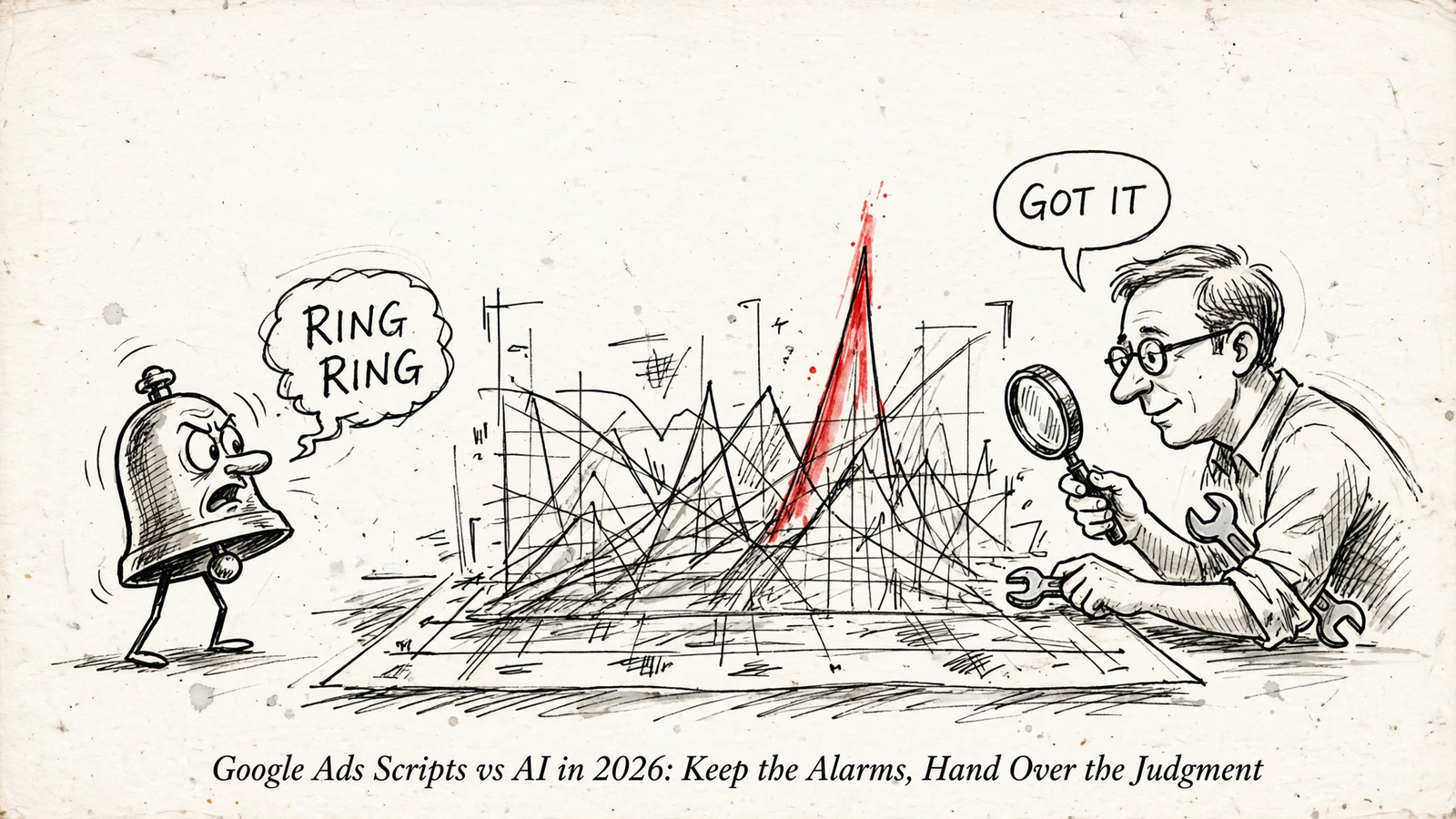
The distinction is not “scripts can only see one table.” It is that a threshold alert does not, by itself, explain what caused the threshold to trip. Let the script tell you when to look. Ask the AI to show why the numbers moved.
Ad copy and competitors: turn information into a response
The same split applies to creative work. The PMax Insights script from Mike Rhodes provides useful visibility into asset-group spend and search categories, with free and paid versions described in this library rundown. But a report still leaves the next decision on your desk: what should the replacement copy say?
I ask my AI to read the asset ratings, pull the queries that converted, and draft three responsive search ads that retain the winning phrases and drop the dead ones. Performance data supplies the direction; the assistant turns it into language I can review. That is more useful than exporting another report and calling it creative strategy.
Competitor research adds another input. groas collects competitor ads on Google and Meta and the landing pages behind them, alongside Reddit discussion, AI-answer mentions, and Semrush and Ahrefs data. My assistant can work with that material rather than stopping at my account’s reporting.
The request becomes: Show me three rival offers, then draft an ad response without breaking policy. I still review the result. The advantage is bringing the offer, the language, and my own performance into the same piece of work.
For a lean operator, AI through groas wins the judgment work: investigate, explain, and propose a response. Keep the scheduled report if you use it. Stop treating its arrival as the end of the job.
5. Oversight: approval first, a readable log always
The tool that can change an account needs more scrutiny than the tool that sends an email. That applies to scripts and AI alike.
My rule is simple: approve consequential changes, require a reason, and keep a way back. A plausible explanation is not enough. I want to see what will change before it changes.
Through groas, every change is logged with its reason, and any change can be undone in one step. Autopilot is off until you switch it on. Those controls matter because the point is not to replace a script you do not understand with an assistant you never question.
For a typical account spending, say, $20k a month without a developer, I would use this workflow:
- Keep the four core alarms scheduled. Broken links, budget pacing, site availability, and disapprovals.
- Give the alert to the assistant with a specific question. For example: Budget pacing says we are 18% ahead on the 15th. Check which campaigns pulled ahead and whether the extra spend bought qualified leads.
- Review the evidence and proposed fix. Do not approve “reduce waste.” Approve a change you can understand.
- Check the change log. Keep the reasoning attached to the action so you can revisit the decision.
Before handing pacing to either tool, write down the monthly cap and what a qualified lead is worth. Neither can guess your business priorities. The four decisions you still have to make belong upstream of automation, not in the postmortem.
For a closer look at the workflow, this week of AI-run Google Ads work covers a mistaken pause and the change log used to undo it. That is the standard I care about: not a promise that nothing goes wrong, but a clear account of what happened and a short route back.
The verdict: choose groas for judgment, scripts for the clock
For the owner running about $20k a month without a developer, my winner is an AI assistant through groas, with a small set of scripts left running as alarms. It handles the changing questions without making you maintain a separate piece of code for each one.
Choose scripts instead for a tightly specified recurring check, an exact scheduled export, or a workflow where someone on your team wants to maintain the code and control its schedule. That is a real use case. It does not justify keeping every script you have ever pasted into the account.
AI chat is not a clock. A scheduled threshold is not a diagnosis. Once you separate those jobs, the account gets simpler: scripts flag the problem, the assistant investigates, and you approve the consequential call.
If you are still paying 2015 prices to maintain that pile of busywork, delete the extra scripts and ask the AI to show its work.


