

 LinkedIn

If you run paid search and paid social in Claude, I’d choose between groas MCP and a self-hosted Google Ads MCP paired with Meta’s hosted Ads MCP by asking one question: Who fixes my workflows after the next update? I don’t care how many tools show up in Claude today if the Monday report loses access halfway through peak season.
groas MCP is the managed option: one custom connector URL, one sign-in, and Claude can read and act across Google Ads, Meta, Bing, and the site work, including SEO and AI search visibility. It also brings in competitor ads and Reddit context. Autopilot stays off until I turn it on. The other option gives me direct platform plumbing: I run Google’s open-source Google Ads MCP locally or on Cloud Run with my own Cloud project and OAuth client, then add Meta’s separate hosted Ads MCP.
I used to tell clients the self-maintained route was the smart cheap option. I was wrong about the word cheap. The licenses are free. Tracking two release schedules, two sets of credentials, and the saved workflows that rely on them is work. The distinction matters most when nothing looks broken at first glance.
November 9: two skills broke, but the ad account was fine
On November 9, practitioner Thomas Wismer reported what happened when he tested Google Ads MCP v0.0.6 in a live client account. The November 2 release added four write tools for assets, video, and labels. It also renamed existing tools: search became search_search, and list_accessible_customers became customers_list_accessible_customers.
The ad account was fine. Two of his saved skills broke anyway. His permission lists and skills still referred to the old names, and they quietly lost access. His fix was to stop running off Git main through pipx and pin @v0.0.6 instead. Pinning didn’t make the renamed tools compatible with his old skills. It gave him a version he could test and keep running instead of taking the next change by default.

Claude Code permission rules match literal mcp__<server>__<tool> names. Change the name and the old rule no longer matches. Nothing about the state of the ad account tells me that’s happened. Now take a cross-channel prompt like Find the cheapest leads across channels. That workflow needs Google and Meta to work on the same morning. One side can be perfectly healthy while the answer I need is incomplete.
That’s the break I plan for. If I host the server, I pin a version I’ve tested. Either way, I check what Claude can actually run rather than assuming a healthy ad account means a healthy workflow.
Round 1: who owns hosting, releases, and credentials?
With groas, the provider owns hosting, releases, and server-side credential plumbing. I add one custom connector in Claude and sign in. That matters on Claude Free, which allows one custom connector: one groas connection covers Google, Meta, Bing, and the site work. A separate Google connector and a separate Meta connector won’t both fit.
With the self-maintained stack, responsibility splits three ways. I own the Google deployment, including the version, Cloud project, and OAuth client. Meta hosts its own endpoint. I still own the pairing in Claude and the saved skills that call tools on either side. On Team and Enterprise, an Owner adds the connector for the organization and members connect with their own accounts. If the connector URL or authentication setup changes, that means removing and re-adding the connector.
Before I commit to either option, I give Claude a narrow job: Inventory the tools these workflows depend on. Make no account changes. I want the servers, tool names, allow-list entries, and saved skills in one place. For groas, the inventory starts with one connector and one sign-in, plus my prompts and rules. For the separate stack, it also includes the Google deployment and version, Meta’s hosted endpoint, both sets of credentials, and the Claude configuration for each.
If I can’t name the dependencies, I can’t say who fixes them. Round 1 goes to groas for teams that would rather run ads than maintain a deployment. I’d make that inventory before choosing, not while trying to work out why a report stopped running.
Round 2: what happens to permissions when tools change?
A rename can strand an allow-list entry or a saved skill even when the account itself is untouched. I separate those tool-name dependencies from the rules I want to enforce: which customer IDs are in scope, what stays read-only, and which actions need someone to say yes. An approval rule is only useful if it still applies to the action Claude is trying to take.
Wismer’s setup shows what that work looks like on the self-maintained side. He describes a Claude Code hook that blocks validate_only=false until a human approves, plus a tools_config.yaml that disables label and asset tools for reporting-only use and limits allowed customer IDs. The release’s propose-and-confirm flow uses validate_only and a checksum to keep the dry run and commit in sync. The checksum is not access control. Third-party templates offer a READ_ONLY flag and validate_only previews, but I still own the configuration and have to check it after an update.
With groas, I manage my Claude-side rules around one connection instead of two. Changes made through groas are logged with their reasons and can be undone in one step. That tells me what ran and gives me a way to reverse a change. Undo can reverse a bad bid change. It can’t restore a missing permission. If groas ships a server-side break, groas owns that repair. If my skill hard-codes a tool name that no longer works, that skill is still on me.
Round 2 goes to groas because I have one connection’s rules to maintain in Claude, not because those rules can’t drift. After a release, I check the permissions my workflows actually use. I don’t ask the action history to tell me what never ran.
Round 3: how do I prove the workflow still works?
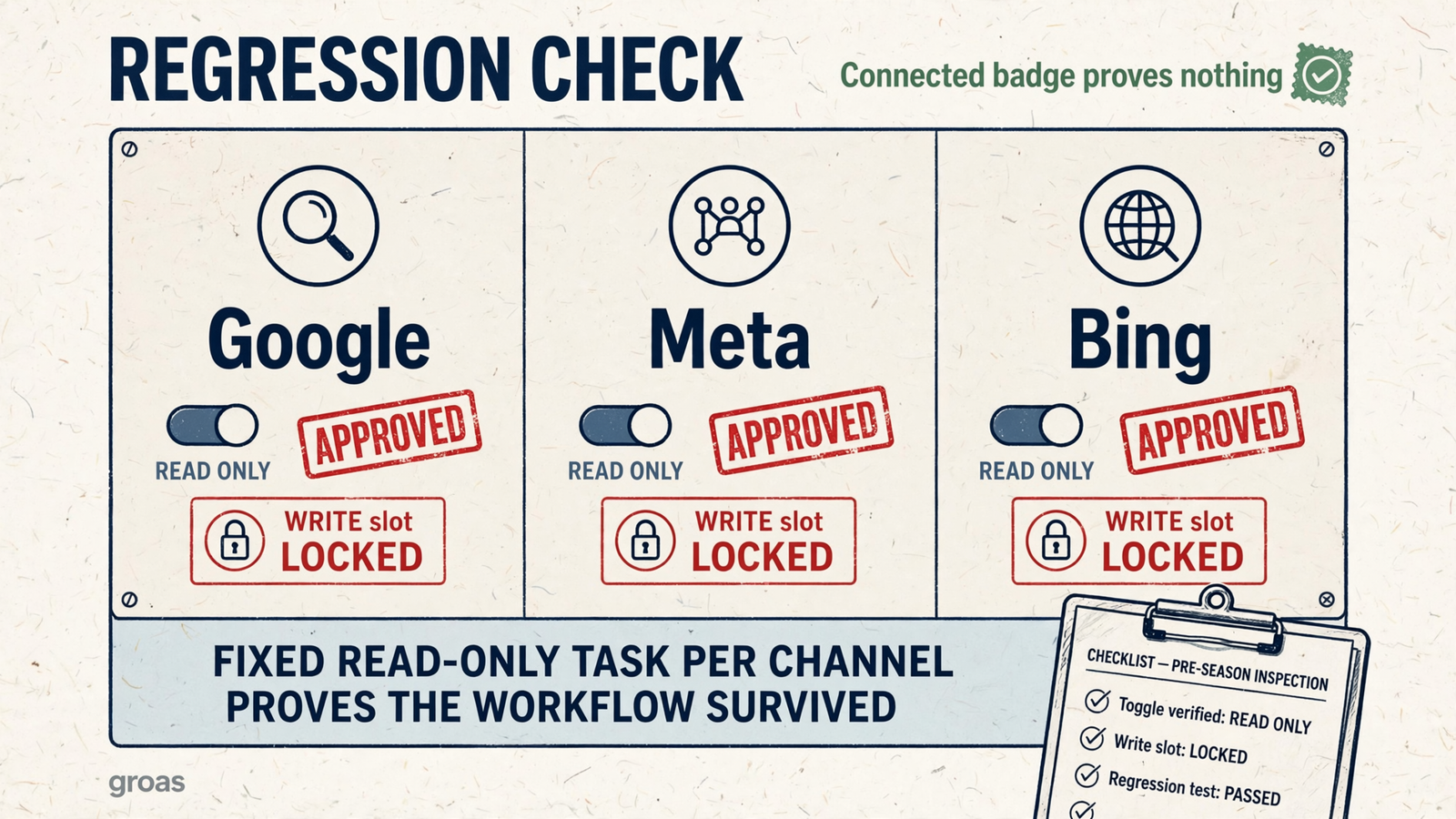
A green Connected badge is not a passing regression test. It tells me Claude is connected. It doesn’t tell me my Monday report still has the right access or returns the same breakdown. After an update, I run the same read-only task per channel, word for word:
- Google Ads: List active campaigns with spend and conversions for the last 7 days. Make no changes.
- Meta: Run the same request, with the same date range and the same instruction not to make changes.
I compare the output with the previous run for what the workflow returns, not whether spend and conversions stayed flat. Did I get both channels? Did I get campaign rows or account totals? Did Claude return the requested metrics or quietly substitute something else? That’s why I test access rather than trusting the connected badge. If I rehearse a write, I keep it behind explicit approval. No auto-confirm, no remembered yes, especially in a live account.
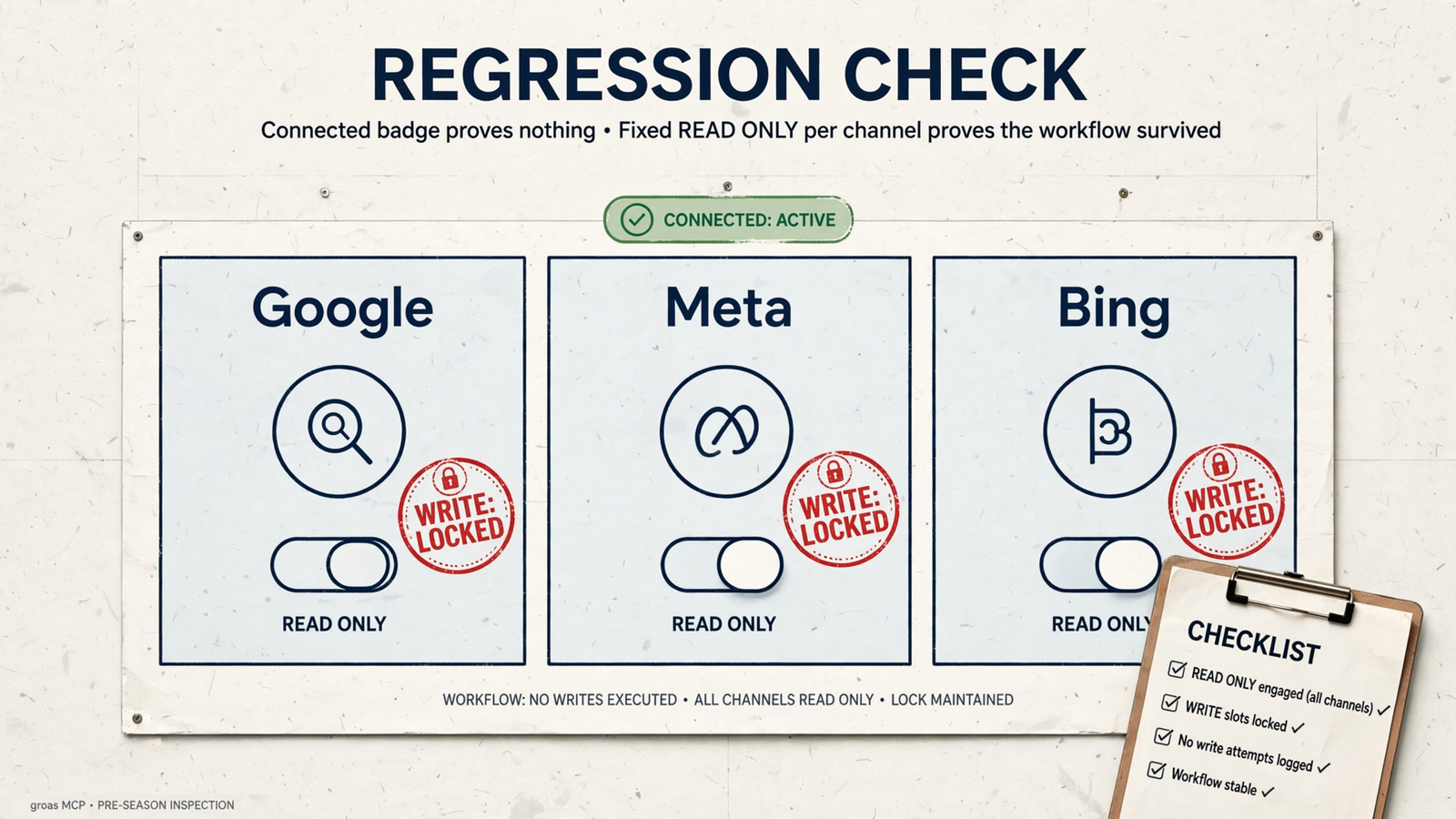
Both setups have to pass on both channels. The difference is what puts the test back on my calendar. With separate connectors, a Google release can change a tool name while Meta changes a permission or approval flow on its own schedule. Each change is a reason to rerun the workflow. If Claude returns Google spend and leaves out Meta, that’s a fail, even if both connectors still show as connected.
If I’m weighing Google’s free self-hosted server against the $19 groas connection, I count the time it takes to track those release schedules and rerun the checks. Round 3 goes to groas because there’s one connection to track. Neither setup gets to skip a channel in the rehearsal.
Round 4: who gets the report running again during peak season?
If my self-hosted Google Ads MCP breaks, I own the rollback. I go back to a version I’ve tested and redeploy it if I’m running it on Cloud Run. Then I check the saved skills and allow lists against the version that’s actually running. I deal with OAuth if authentication is part of the problem, not just because something broke. If the failure is on Meta’s hosted side, I can check my Claude configuration, but Meta owns the server fix. I can’t roll it back for them.
If groas breaks, groas owns the server-side repair; I still own the work that can’t wait. I have one provider to go to for the connection, and I still need the manual fallback: Google Ads for search, Ads Manager for Meta. That’s not the same as undoing a change. Undo is for an action that ran and needs reversing. The fallback is for work I need to do while the connection isn’t doing it.
Round 4 goes to groas because I’d rather have one provider responsible for the server-side recovery than roll back Google myself while waiting on Meta. Either way, I rehearse the manual fallback before I need it. Late November is a bad time to find out the fallback was a sentence in a document.
Verdict: pick groas unless maintaining connectors is part of the job
| What I’m deciding | groas MCP | Self-maintained Google Ads MCP + Meta Ads MCP |
|---|---|---|
| Release ownership | groas hosts and ships one connection | I host and update Google; Meta hosts Meta; I track both |
| Permission drift | One connection to check in Claude; I still own my rules and saved skills | I check separate sets of tool names, rules, and saved skills |
| Regression checks | One read-only check per channel after a connection update | Same checks, with two release schedules to watch |
| Peak-season recovery | groas repairs its server; I fall back to the ad platforms if needed | I roll back Google myself and rely on Meta for its hosted repair |
If my job is CPA and pipeline through peak season, I pick groas. One connection covers Google, Meta, Bing, and the site work. One action history shows what ran. One provider owns the server-side repair. I still run the read-only checks because managed means someone owns the maintenance, not that nothing breaks.
I’d pick the separate stack for a team that needs direct platform plumbing for audit or policy reasons, or for an engineer who specifically wants to fork Google’s server and own the Cloud Run deployment. In either case, the maintenance is part of the job, not a surprise expense attached to a free license. If setup and cross-channel context are also part of the decision, I’d compare one all-in-one server with one connector per platform.
Count maintainers, not tools. The November 9 incident is the failure I’d plan around: two skills lost access without an ad account outage to announce it. Pin what you host, lock customer IDs, keep writes behind approval, and run the same read-only check per channel before December runs the calendar for you.





