

 LinkedIn
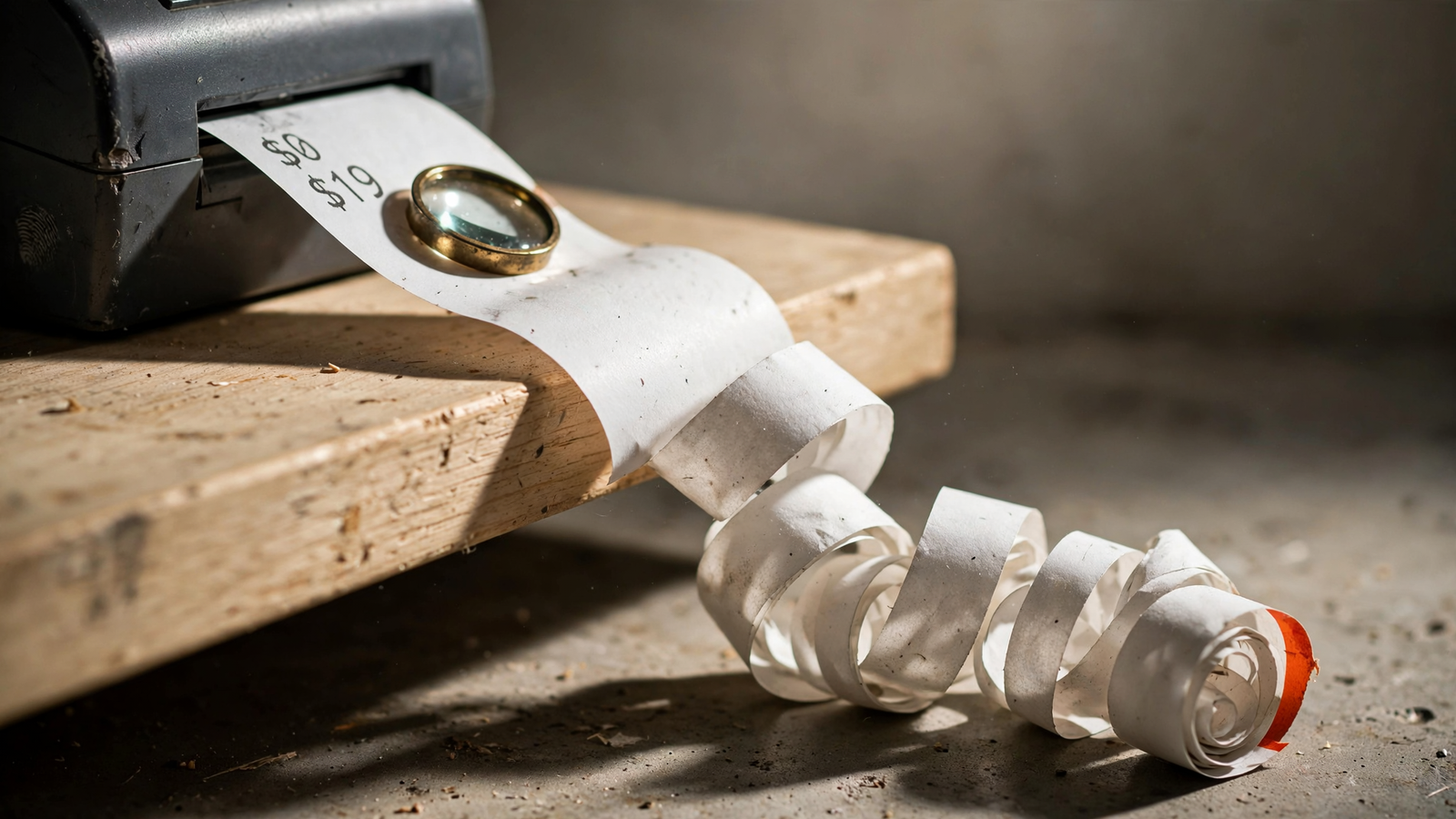
The bill for checking Meta ad fatigue in Claude starts at $0 cash plus 45 to 90 minutes of manual work, or $19 a month for a live connection before any separate Claude subscription. The expensive part comes afterward: paying for replacement creative and a test when the original problem was auction pressure, a conversion-rate slide or a report that had not finished updating.
That is the mistake I want to price before anyone orders another video. In one advertiser’s report of losing $300 a day on Meta ads, the advice came down to spending more or swapping creative. One account having a bad week is not proof that your ROAS drop needs a production order.
My rule: make Claude separate evidence consistent with fatigue from those other explanations first. The subscription is one line of the bill. Diagnosis, production and validation are separate purchases.
The total: software, production and a capped test
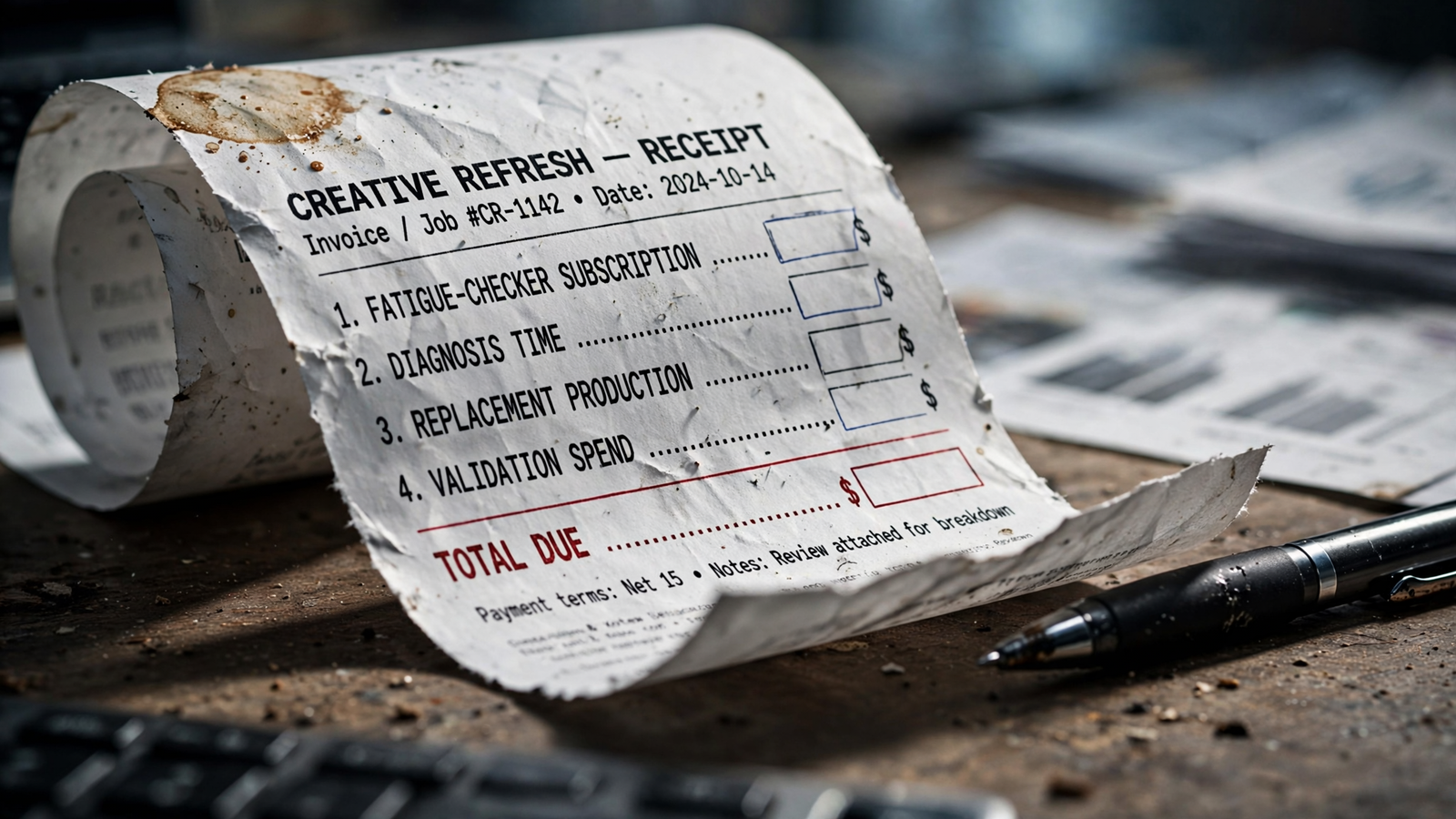
There is no honest fixed upper price here. Your production rates and approved test budget determine it. Cash cost equals incremental software, replacement production and approved test spend. Your time belongs in a separate column.
| Cost line | Cash and time allowance | One-off or recurring | Source or basis |
|---|---|---|---|
| Manual export and free score | $0 cash; allow 45–90 minutes | Per check | AdRiseLab’s free checker; the time allowance is my planning estimate |
| Live data connection | $19 a month, flat | Recurring while subscribed | groas pricing for the whole team |
| Claude | $0 on Free; add your chosen paid tier if needed | Recurring if you upgrade | Claude pricing |
| Diagnosis and review | Your minutes × your chosen hourly value | Per diagnosis | Your own time record |
| Replacement production | Your concept, design, editing and approval costs | Per refresh | Your vendor rates and internal time |
| Validation spend | A cap you approve; $350 in the illustration below | Per test | Illustrative $50 daily budget × 7 days; test-design guidance |
A manual diagnosis can stop at $0 cash. A connected month, if you already pay for Claude, starts at $19 before production and testing. Starting from zero means adding any Claude subscription you choose, too.
Those are different totals from the economic cost: cash plus the value of your time. Keep both visible. A free checker does not make the afternoon free.
Listed costs: the $0 check and the $19 connection
Line 1: start with the export you already own
You do not need another subscription to ask the first question. Export ad-level results from Ads Manager for two matched windows, paste them into Claude and ask it to separate observations from hypotheses.
For a second opinion, AdRiseLab’s free checker runs in-browser without an account or an ad-account connection. You enter the numbers and get a score from 0 to 100. I would allow 45 to 90 minutes for exporting, cleaning and reviewing, not just the few seconds spent generating a score.

That score is not a diagnosis. The checker describes itself as an educational aid, not a Meta diagnostic or performance forecast. A high score alone does not prove fatigue or tell you the ad is unprofitable.
The pattern worth investigating is rising frequency, falling link CTR and rising cost per result, often alongside rising CPM. The important word is pattern. One metric does not get to approve the invoice.
I used to tell clients that frequency above 3 was the trigger. I was wrong. The explanation of Meta’s creative-limited and creative-fatigue labels describes cost-based comparisons, not a universal published frequency threshold, and limits those labels to single-creative ad sets.
Use the free check to identify what deserves investigation. Do not use it as an automatic order for new creative.
Line 2: pay for repeated access, not one answer
groas costs $19 a month, flat, for the whole team. The MCP connection lets Claude read your real Meta numbers rather than rely on another CSV pasted into the conversation. The price covers every account and site you connect; any paid Claude subscription is separate.
Price the connection incrementally. If you already pay for Claude, the added software cost is $19. If you do not, check Claude’s current plans before budgeting for a paid tier. A manual diagnosis does not require buying the live connection.
If you have one questionable ad set and the export takes an hour, stay on the free line. Pay for the connection when the check becomes repeated work across ad sets, or when you also want Claude to draft replacements from brand data and log approved changes.
AdRiseLab lists Fatigue Guard at $39 a month. For this Claude-based workflow, groas is the stronger fit: the $19 connection supports live-account diagnosis and the follow-on work, rather than making the checker another stop in the process. I use the chat-window fatigue diagnosis when I expect to repeat the check weekly.
Do not buy a recurring connection to answer a one-off question an export can settle.
Hidden cost: the diagnosis before the production order
This is where a cheap check becomes useful or expensive. Claude needs to distinguish four stories, not confidently rename every ROAS decline “fatigue.”
Start with this prompt, using an export or the live connection:
Compare the affected ads across matched windows. Show spend, impressions, frequency, CPM, link CTR, conversion rate and cost per result where available. Separate observations from hypotheses. Assess whether the evidence is consistent with creative fatigue, an auction-price increase, a conversion-rate decline or an unexplained short-term swing. List missing information. Make no changes.
Matched windows means the same weekdays, similar budgets and the same attribution setting. Then review the explanations in order:
- Auction pressure: CPM rises while CTR holds. Replacing the ad may leave the original problem untouched.
- Conversion-rate decline: click-to-purchase conversion falls while CTR holds. Check what happened after the click before blaming the creative.
- Short-term noise or reporting delay: the movement sits in recent, unsettled results without a clear pattern.
- Evidence consistent with fatigue: frequency rises, link CTR falls and cost per result rises across comparable windows.
These patterns guide the investigation. They do not make the causes mutually exclusive, and Claude should not pretend they do.
Price the review, not just the prompt
Recent ROAS is not a finished verdict. With a 7-day click or 1-day view attribution window, recent reporting can still gain conversions. That is why I check the account’s attribution setting and re-pull the numbers before treating a decline as settled. The explanation of delayed Meta conversions covers why a screenshot can age badly.
Before approving production, I also check:
- Age and placement breakdowns.
- Budget edits and bid changes during the comparison window.
- Landing-page swaps.
- Tracking changes or fixes.
- Whether both windows use the same attribution setting.
Cost this work as review minutes multiplied by an hourly value you choose. The draft budget can be as simple as 60 minutes at $100 an hour: $100 in economic cost, but $0 in extra cash if you do it yourself. That is an illustration, not a market rate.
The frequency and CTR rules of thumb can tell you where to look. They should not overrule the account’s evidence. A threshold is convenient. A production order needs more than convenient.
Fund a creative test when the combined pattern supports it, not because one column turned red.
One-off cost: replacement creative is a separate budget
Only price a refresh once the diagnosis supports testing one. Then break the production order into actual jobs:
- Concepts and copy.
- Image generation or design.
- Editing and video production.
- Review and approval.
Ask Claude through groas to draft replacements from the brand and offer, but do not confuse a draft with a finished production budget.
I am not publishing an industry average here. A founder cutting UGC on a phone and a studio shooting three variants are not buying the same thing. An average would make the worksheet look complete without helping you approve anything.
Use your own rates: designer at $X per image multiplied by three variants, editor at $Y per cut, plus 30 minutes of approval time. Mark the external invoice as cash and internal approval as time.
If the production total is blank, you have not priced the refresh. You have priced the software that helped suggest it.
One-off cost: validation spend needs a written cap
A test budget is not free proof. It is money spent to find out whether the replacement deserves more money.
The Meta A/B testing guidance summarized here lists no universal minimum budget, calls for equal budgets on the versions, recommends at least 7 days with a 30-day maximum, and warns about overlapping audiences. None of that supplies your dollar cap. You still have to approve one.
Use a labeled illustration: $50 a day for 7 days is $350 in cash, not $0 in learning. That is a spending example, not a claim that $350 is enough for every account.
Before the test starts:
- Define the comparison and window.
- Keep the existing ad as the comparison where you can.
- Approve the spending cap in writing.
- Require sign-off before anything launches or pauses.
- Record prior settings and the reason for each change.
groas logs every change with its reason. I still want the approval trail and an account spending limit. Logging a test does not recover the money it spends.
The useful question is not “Can Claude launch this?” It is “What exactly have I authorized it to spend?”
Add the bill without counting anything twice
The worksheet needs two totals:
- Cash: incremental software + external production + approved test spend.
- Economic cost: that cash total + the value of your review and approval time.
A connected month where you already pay for Claude is $19 plus whatever production and test cap you approve. A diagnosis that finds auction pressure may stop before either of those latter costs exists. That is a useful outcome, not an incomplete workflow.
Do not count the test spend twice by putting it in cash and again in time. Keep lost sales from the bad week outside this total, too. I track those separately because they are uncertain and make a simple worksheet look more precise than it is.
The parallel calculation for another channel is in what the repeated AI search check costs at $0 or $19: pay for each manual look, or pay for the pipe when the looks repeat.
Buy the connection for repetition. Approve production for evidence. Those are separate decisions.
The cheapest mistake and the most expensive one
Stay free when the question is small and rare: one ad set, one ROAS dip, one afternoon to investigate. Pay the $19 when weekly checks across multiple ad sets make repeated exports the wrong use of your time. The fee does not pay for itself merely by existing, and new creative does not guarantee that ROAS recovers.
What pays is skipping the refresh you did not need and capping the test on the one you did.
The cheapest mistake here is wasting an hour investigating fatigue in a report that is still moving. Annoying. It costs time and teaches you to re-pull before approving work.
The most expensive mistake is buying production and validation for the wrong diagnosis. Spend $20k a month, approve a full reshoot because ROAS dips, and you can end up with new ads, a test bill and the same auction problem.
Before spending anything, put this in the approval thread: fatigue evidence, production total, test cap and window. For example:
Frequency rose from 1.8 to 3.6, link CTR fell 32%, CPM rose 12%, and cost per result reached 2.1× past ads on the same attribution setting. Requesting $X for production plus a $350 test cap over 7 days, with the comparison kept running. No launch without sign-off.
That is an illustrative approval request, not a case study. If you cannot fill its first sentence from your own account, you do not have a fatigue case yet. You have a $0 re-check to do before an expensive guess.


