

 LinkedIn

My pick: groas MCP if I’ll need to look twice
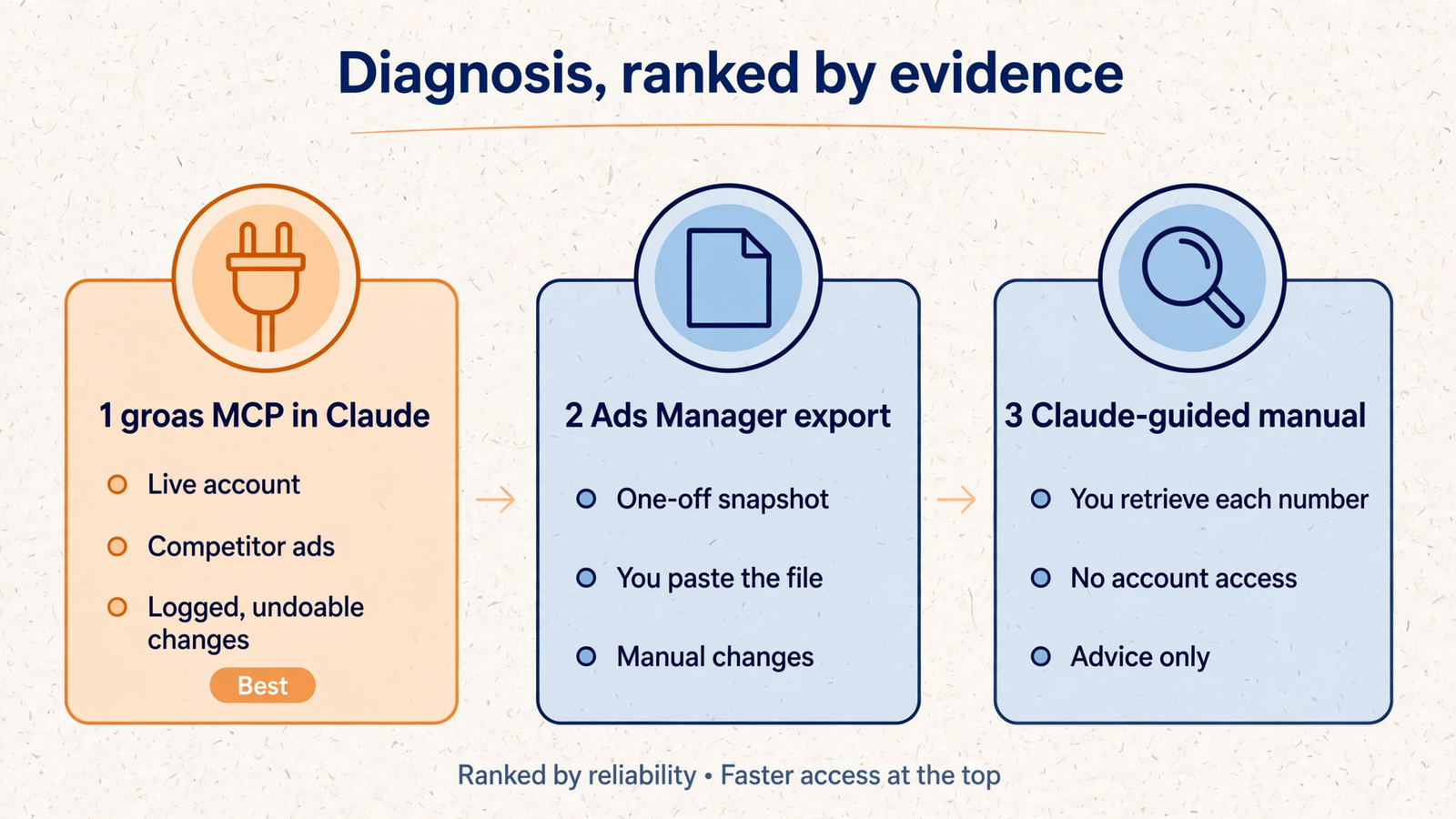
If your Meta account worked last month and fell over this week, buy evidence before you buy more creative. My pick is groas MCP in Claude if you expect to investigate more than once: Claude can pull fresh account numbers, look at competitor ads for context, and check the action log without making you rebuild a report every time you have a follow-up.
For one bounded look, I’d export from Ads Manager instead. If I couldn’t connect the account or export it, I’d have Claude guide the checks while I pulled the numbers by hand. Those are three ways to answer the same question: what changed between the period that worked and the one that didn’t?
One advertiser reported losing roughly $300 a day after ads that had been working stopped delivering the same results. The advice they got didn’t settle it for them. I read that as a reason to investigate, not as proof that the algorithm broke, the creative wore out, or the pixel stopped firing. Those are different explanations. Buying more creative picks one before you’ve checked the others.
I ranked the options on two axes. Evidence access: what can Claude inspect, and how fresh is it? Execution: who makes a change, and can they reverse it? I want the first without accidentally authorizing the second. Before I touch a budget, I want to see where the decline shows up and what evidence would change my mind about the cause.
1. groas MCP in Claude: for a slump that needs more than one look
- Who it’s for: I’d pick this for an advertiser who expects follow-up questions over the next few weeks and for whom a wrong guess costs more than $19 a month.
- What it does better: Connect the Meta account once, then ask Claude to pull fresh performance by campaign, ad set, ad, and placement. No export, paste, re-export, re-paste. The groas MCP connection also brings in competitor data the account itself can’t supply.
- What rules it out: For one fixed snapshot, I wouldn’t pay for a connection I won’t reuse. On Claude’s free plan, there’s also only one custom connector slot. I wouldn’t give it up for an afternoon’s work.
I’d start with a read-only investigation and give Claude this brief:
Compare performance before and after the decline by campaign, ad set, ad, and placement. Separate observations from hypotheses. Make no changes.
Then I’d look for the pattern, not the polish. A drop in click-through rate (CTR) with a steady conversion rate is a different pattern from steady CTR with a falling conversion rate. A jump in CPM with a steady conversion rate is a third. Advertisers in a discussion about a long-running account that started losing money drew those distinctions before touching budgets. If Claude can’t show me which pattern the numbers fit, it hasn’t diagnosed anything. It’s written me a confident paragraph.
I’d treat the competitor feed the same way. groas collects competitors’ Google and Meta ads, their hooks and angles, and the landing pages and funnels behind them. That tells me what rivals are running. It doesn’t tell me what those ads earn. I’d use that context to plan the next test, not to declare my own creative dead.
One distinction matters here: “Make no changes” is an instruction, not a permission setting. Meta’s MCP security guidance warns that agents can take actions their permissions allow without asking first, including when untrusted tool output contains instructions. Meta recommends read-only access unless changes are needed. I’d keep the investigation read-only, approve a specific list before any pause, budget edit, or relaunch, then check the action log against that list. groas logs each change with its reason and lets me undo it in one step. I want the undo button after approval, not instead of it.
2. Ads Manager exports + Claude: for one question with a fixed date range
- Who it’s for: I’d pick this if I wanted an answer this week, didn’t want a live connection, and could build a careful export.
- What it does better: It costs nothing beyond the Claude plan I’m already using, keeps the account off a connector, and makes me choose the fields before Claude starts drawing conclusions.
- What rules it out: The file stops updating when I download it. If the next question needs a different breakdown or a newer date range, I’m back in Ads Manager building another report.
Export the healthy period as well as the bad one. Last week’s totals can tell Claude how bad last week was. They can’t tell it what changed. On desktop, Ads Manager reporting supports custom columns and breakdowns by delivery, action, and time, including placement, age, and device. Meta’s export options include CSV and XLSX. I’d pull the same fields for both periods: spend, impressions, CPM, link CTR, CPC, frequency, conversions, and conversion value. I’d compare campaign, ad set, and ad, and expect to pull placement in a separate export if needed.
Before asking what went wrong, I’d ask what the file leaves out:
What fields would you need to test whether this is CPM inflation, creative fatigue, or a landing page problem? Which of those fields are missing from this file?
Frequency is a good example. Advertisers in a Meta troubleshooting checklist thread look at rising frequency alongside falling return on ad spend as a possible sign of fatigue. If frequency isn’t in the file, Claude can’t check that pattern. A better prompt won’t put the column back.
Then there’s the evidence the export doesn’t give me on its own: link clicks versus landing page views and store sessions, and pixel or CAPI purchases versus actual orders. I’d add those numbers in a second file or a short table. If I don’t have them, I’d ask Claude to leave those hypotheses open rather than fill in the blanks.
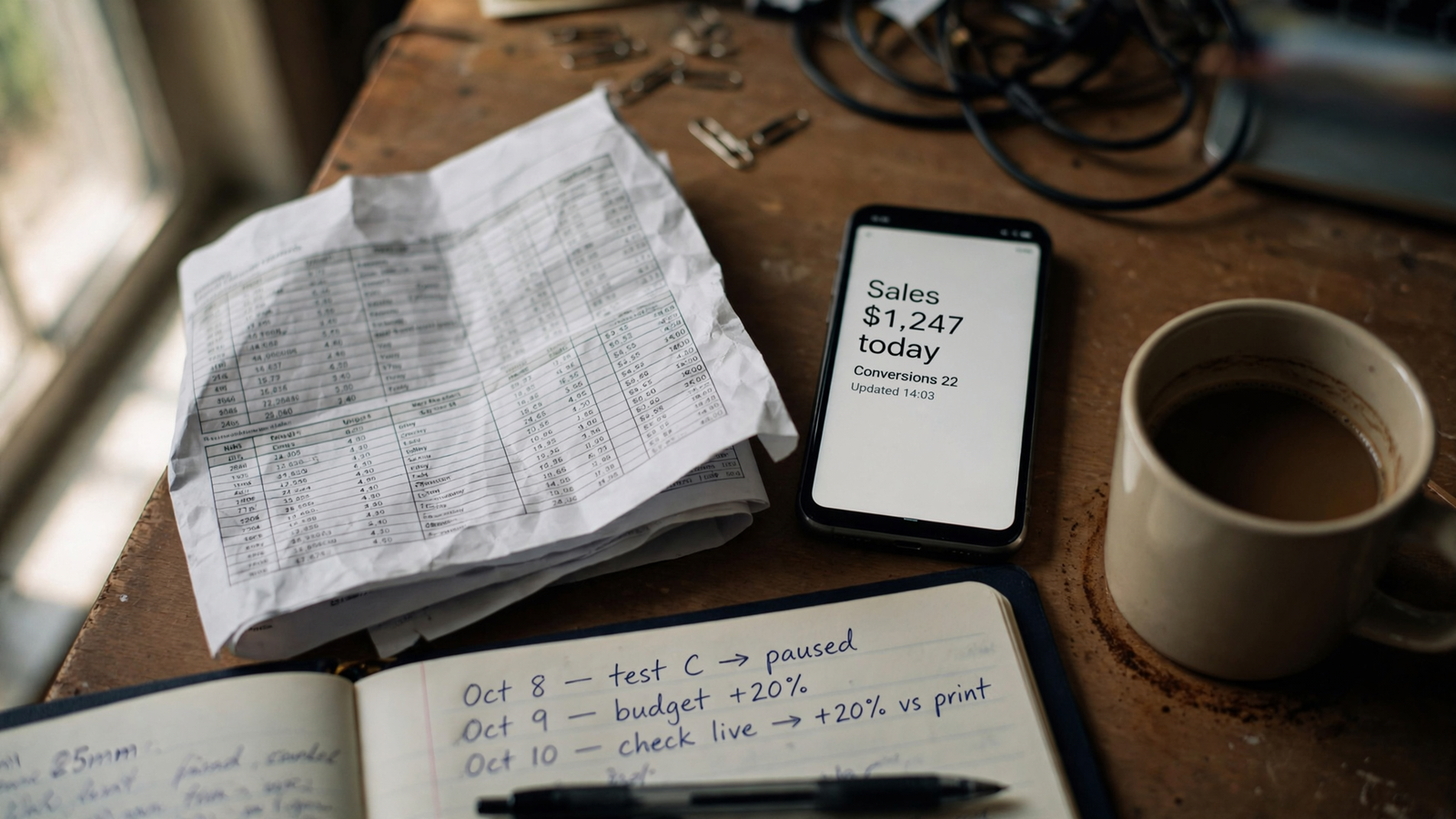
Claude can rank hypotheses from the file and tell me which report to pull next. It can’t see today’s numbers, check the effect of yesterday’s change without another export, or make or undo an edit. That’s a fair trade for a one-off. If I’m checking the same decline again tomorrow, the cost of the free route is another round of report building.
3. Claude-guided Ads Manager checks: for when the data has to stay put
- Who it’s for: I’d pick this when I can view Ads Manager but can’t export it or connect it to Claude, whether that’s a client restriction or a connector slot I can’t spare.
- What it does better: I can start with the access I already have. I don’t need a connector approved or a file prepared before I ask for the first check.
- What rules it out: Claude sees only what I bring back. It can suggest a check, but it can’t run one, monitor the account, or verify a change without me.
Run it one evidence request at a time. I’d open with this:
Based on what I’ve described, what’s the single next number I should check in Ads Manager, and what result would change your hypothesis?
Then I’d bring back the number, the date range, and the breakdown I used. The last two matter: a number on its own doesn’t tell Claude whether I checked the same slice of the account we were talking about. Once Claude has that result, I’d ask for the next check, not a full diagnosis. That keeps the conversation from racing ahead of the evidence.
I’d also let the next check take me outside Ads Manager. Do link clicks line up with landing page views and store sessions? Do reported purchases line up with actual orders? Is Audience Network spending enough to warrant a separate placement check? The point of the loop is to retrieve what matters, not to keep pasting whatever’s already on screen. If I never bring back the store numbers, Claude has no way to compare them with the account numbers.
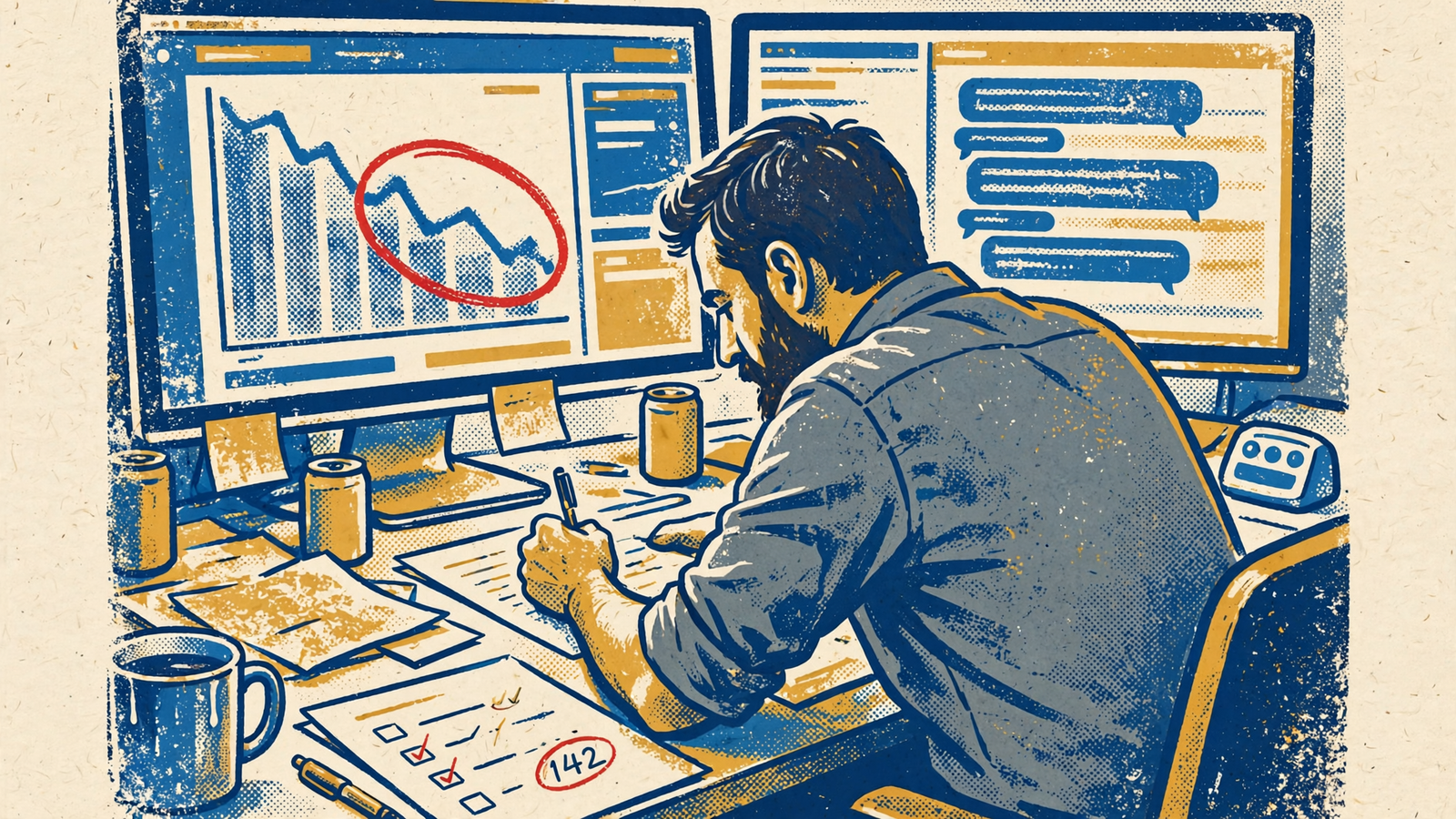
I’d use this when connecting or exporting is genuinely off the table. I wouldn’t make it my routine at $200 a day if I had to re-explain the account every morning. At that point, the bottleneck isn’t Claude’s reasoning. It’s my hands carrying numbers between two windows while the campaign keeps spending.
The buying verdict: pay for fresh evidence, not a confident answer
groas costs $19 a month, with every feature included. Neither fallback adds a connector fee. What separates the three isn’t the price of the first answer. It’s what I have to do to get the second one, and how much control I have if the evidence calls for a change.
| Decision | groas MCP in Claude | Ads Manager export + Claude | Claude-guided checks |
|---|---|---|---|
| Additional cost | $19/month, every feature included | None beyond the Claude plan | None beyond the Claude plan |
| Evidence freshness | Fresh account pulls and 24/7 competitor data collection | Fixed at download | As current as the numbers I relay |
| What Claude can inspect | Campaign, ad set, ad, and placement, plus competitor context | Fields and breakdowns in the files | Only the numbers I retrieve and share |
| Who makes changes | Claude through groas if permitted; changes are logged and reversible | I make any authorized changes in Ads Manager | An authorized person makes changes in Ads Manager |
| Best fit | Repeat investigations while spend is at risk | One bounded investigation | No connector or export access |
The popular omission: Meta’s own Ads MCP server. Meta lists Claude as supported, charges no additional fee to connect, and creates new campaigns as drafts for human review. Its reporting and troubleshooting tools cover performance, signals health, and activity logs. I left it out because the open beta is rolling out in phases, so not every account has access, and because its scope is Meta. I’d rather use my connector slot for groas, which gives me the account evidence and the competitor ads, landing pages, and funnels I want beside it. That’s the difference that earns groas first place for a repeat investigation.
I left out creative generators for a simpler reason. They help once I’ve decided I need new creative. They don’t tell me whether that’s where the account went wrong. Buying more creative first means paying to act on a hypothesis before checking it.
If you skipped to the end: connect groas to Claude if you expect to investigate more than once. Ask for the before-and-after by campaign, ad set, ad, and placement. Make Claude separate observations from hypotheses. If the numbers justify a change, approve the list first and check the log afterward. For a one-off, save the $19 and pull the export. No connector promises to bring your sales back. When the next account falls over at 2 a.m., I’m paying for fresh evidence and a way to undo a change, not another batch of ads.





