

 LinkedIn
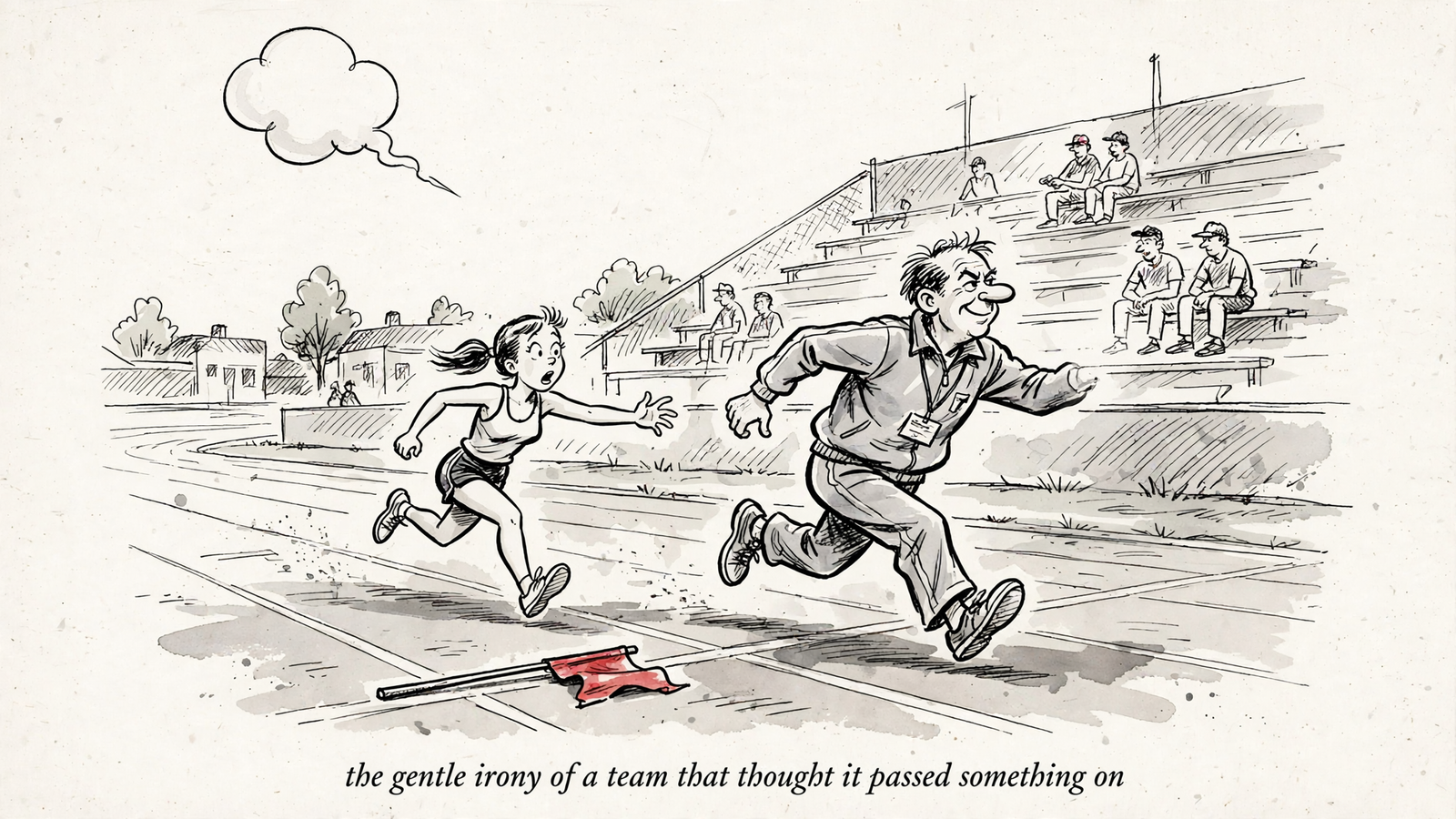
The setup: Sheets, Slack and nowhere for the flag to live
A thread in r/FacebookAds describes a reporting setup held together by “random Google Sheets everywhere” and “Slack messages + notes all over the place.” I chose it because a Claude reply can replace the copying without fixing the part that’s actually broken: who owns the next step? The operator manages multiple Meta and Google accounts and has no single place to see all the clients, track performance, spot what’s broken or assign the work.
The thread is about Google and Meta, not Bing. I’m using it to test a Google-and-Bing workflow because the operator’s follow-up gets right to the handoff. Someone suggests an MCP tool. Fine: ask Claude to “flag anything where CPA spiked above target.” Then where does the flag live? Who fixes it? Can someone else see what’s still open across accounts without asking the person who ran the report?
My verdict up front: Claude through groas can pull the numbers without the spreadsheet shuffle and carry out an approved change with a logged reason. That still leaves someone to take the flag, own it and check whether the fix worked. Swap Sheets and Slack for a cleaner chat transcript and you’ve tidied the pile. You haven’t built a workflow.
1. The spreadsheet makes unlike numbers look alike
The first thing the operator names is the scattering of the numbers. In a Google-and-Bing version of that setup, I pull Google Ads into one sheet, Bing into another, adjust for currency, rename the columns and line up the dates. Google calls the fields Cost and Conv. value; Microsoft calls them Spend and Revenue. The platforms use separate tags, and the reporting can differ in attribution and time zone. Putting the columns side by side makes the table look consistent. It doesn’t make the numbers mean the same thing.
Microsoft’s reporting help spells out one mismatch: Microsoft reports conversions on the date of the ad click, while other tools can report them on the date of the conversion. Add differences in goal setup and attribution, and a discrepancy isn’t necessarily a tracking bug. If a report rolls the platforms into one CPA without explaining what each counts as a conversion, I don’t trust the rollup.

Replace the pull, not the reporting rules
I’d connect the accounts once and plug Claude into groas through MCP. Then I’d give it the account IDs, the date window, the currencies and the conversion definitions before asking what changed. The first run would look like this:
For Google Ads account [ID] and Microsoft Advertising account [CustomerId / AccountId], compare the last 14 days with the prior 14 days. Keep the platforms separate. State the dates, currency and conversion definition for each. Report spend, conversions and CPA. List only exceptions where CPA is more than 20% above the platform’s target or conversion volume is zero. For each exception, give the evidence, what’s still uncertain and the next check. Do not merge the two CPAs.
Keep the definitions attached to the numbers. I don’t need Claude to write a nicer paragraph about CPA. I need it to tell me which account, which dates and which conversions produced the number I’m about to act on.
2. “CPA rose” tells me where to look, not what to fix
The next thing the operator wants is a way to know what’s broken. That’s a bigger ask than spotting what moved. I used to write “CPA rose due to increased competition” in weekly reports because the line went up and competition was always a plausible story. Usually I hadn’t proved it. The sentence sounded finished, which was precisely the problem.
The weekly PPC reporting template makes a useful distinction between what changed, what might explain it, what to do and what remains unanswered. I want the same split in an exception report. “CPA is above target” is the observation. A goal change is a possible explanation. Checking the goal setup is work somebody can actually do.
For a Bing flag, I’d ask for the checks in this order:
- Check conversion volume. Are there enough conversions to take the CPA movement seriously?
- Check the goal and UET setup. Did anything change what counts as a conversion?
- Check budget and bid strategy. Did either shift during the reporting window?
- Check change history for that same window. What does it show that’s worth following up?
The Microsoft Advertising MCP tools ask for an explicit CustomerId, AccountId and reporting window before they return metrics such as spend, conversions and CPA. I want the interpretation to be just as specific. If the reply can’t tell me what it would check next, it’s a flag dressed as a diagnosis. I send it back.

3. An issue in chat still needs an owner
Claude flags the Bing account. I read the reply, nod and decide to check the UET goals tomorrow. Tomorrow arrives with three other clients. The flag is still in a chat thread nobody else can see. This is the part the Reddit operator presses on: after the flag, where can the team see what’s been worked on and what still needs attention?

I’d put every exception in a persistent handoff row with six fields: account, issue, evidence, owner, status and next review date. Use the shared sheet, task tool or project board the team already checks. The project management tool doesn’t need to pull ad metrics. It needs to answer who’s doing what and when the rest of us should check back.
This is one piece of the original setup I wouldn’t rush to throw out. A shared sheet can do the job if it’s the place the team goes for the current status. That’s different from a sheet with the numbers, a Slack message with the suggestion and a decision that lives in somebody’s head.
groas gives me a logged, undoable record of what changed in the account. That record doesn’t tell me who’s checking the landing page or when. If I can’t name the person and the next review date, I haven’t handed off the issue. I’ve just told someone about it.
4. A logged change is not a verified fix
Once the team decides what to do, the connector matters. Microsoft’s official Advertising MCP tools are read-only: they can pull performance metrics and change history, but they don’t modify the account. The setup also involves an Entra app registration and a redirect URI. If all I want is to inspect Bing, the official tools can do that. They can’t carry out the fix.
For this workflow, I’d use groas. Claude surfaces the exception, I approve one scoped change in plain English, and groas makes it. The change is logged with its reason and undoable in one step. I can see what happened without piecing it together from the recommendation in chat and a note someone dropped in Slack.
That gets me to change made, not issue resolved. I’ve closed reports on “bid strategy changed” and later realised nobody had checked the result. The account log answers whether the approved change went through. The issue stays open until its owner checks what happened afterwards. Otherwise I’ve just built a museum of confident edits.
The replacement workflow, in one screen
I’d keep a short operating record for each account: the goal, the CPA or ROAS target, the budget, the conversion actions, the tracking limits, what needs approval, and the primary and backup owners. That gives the report something to check against and the team a place to turn when an exception lands.
For each flag, I’d record one of four decisions: act now, assign it to another owner, put it on the weekly decision list or write down why no action is needed. The issue row outlives the chat. Here’s how I’d run the handoff:
- Pull. Claude through groas reports Google and Bing separately, with account IDs, dates and conversion definitions attached.
- Flag. The exception report shows what crossed the threshold, the evidence and what’s still uncertain.
- Assign. I put the flag in the shared issue record with a named owner, a status and a next review date.
- Approve. If the evidence warrants a change, I approve one scoped action in plain English.
- Log. groas records what changed and why. I can undo the change in one step.
- Verify. The owner checks the result after the agreed window, using the same conversion definition for any comparison, before closing the issue.
Take an illustrative example, not a client result. A Bing account flags CPA 34% above target over 14 days, but conversion volume is low. I’d mark the finding as uncertain. The owner checks the UET goal and finds it counting a page view as a conversion. Only then does the owner approve a scoped change to tighten the goal. A week later, the log can tell me the goal changed. The review tells me what qualified conversion volume and CPA look like under the corrected definition. I wouldn’t compare that CPA directly with the old one: the two figures count different things. If the review doesn’t establish that the issue is resolved, the row stays open.
That’s also the useful detail in Alejandro Arce’s account of automating Monday reporting: automating the API pull and anomaly flags cut the job from six hours to about 45 minutes, but he kept campaign optimisation and strategic notes as human judgment. He automated the copying. He didn’t automate away the owner.
Verdict: keep the handoff, lose the copying
I’d keep almost none of the original plumbing and all of the operator’s insistence on knowing who owns the next step. Sheets and Slack weren’t a problem because they were ugly. They were a problem because the numbers, the decisions and the work lived apart. A chat reply can repeat that setup in a cleaner font.
groas earns its place by giving Claude access to the two accounts, taking the manual pull out of the report and putting approved changes in a log. Keep a separate record for what still needs doing. That’s where the owner, status and next review date belong. I’d keep this prompt and the handoff row beside it:
For Google Ads account [ID] and Microsoft Advertising account [CustomerId / AccountId], compare [start] to [end] against the prior period. Keep platforms separate. Report spend, conversions and CPA using each platform’s own conversion definition. List only exceptions where CPA is more than 20% above [target] or conversion volume is zero. For each, give the evidence, uncertainty and next check. If the evidence warrants a change, offer one scoped action for my approval. Do not merge the two CPAs.
Handoff row: account · issue · evidence · owner · status · next review date
I’d run the report this week and judge it by where the first flag lands. If it ends up with a name and a review date, I’ve replaced the copying and kept the accountability. If it stays in chat, I’ve got a better report and the same old handoff. Recommendations are cheap. Execution with an owner is the product.





