

 LinkedIn

I chose groas’s example prompt because it looks like the perfect ChatGPT job: “Pause the keywords that spent over $100 with no conversions.” I’d use it to find review candidates, not to decide which keywords to kill. Say you spend $20k a month and have connected ChatGPT to your live Google Ads data through groas. You want to find the waste without spending another night in the account. I would have typed that exact sentence five years ago after a 1 a.m. negative keyword session.
I’m keeping the instinct and rejecting the logic. If a sale closes weeks after the click or in a CRM Google never sees, a zero can mean the conversion is missing, delayed, or genuinely absent. Those aren’t three ways of saying “bad keyword.” They’re three different reasons to act or wait. The prompt doesn’t tell ChatGPT how to distinguish them before it asks for a change.
The artefact starts with an order: “Pause”
The first word asks ChatGPT to act before the rest of the sentence has made the case. Through groas, ChatGPT can read the account and make the approved change, with the reason logged and the change undoable in one step. The execution path works. The decision logic doesn’t. A reversible change can still be the wrong change.
My verdict on that opening verb: it belongs at the end of the review, not the start. Before I let it stand, I want to know which keywords we’re talking about, whether the spend is enough to judge them, and whether the conversion column can tell me what I need to know. The next three clauses have to earn that first word.
“The keywords”: name the account and the entity
The sentence says “the keywords” like the account holds one tidy list. Say I run brand, non-brand, and competitor campaigns across two accounts, plus a Performance Max catch-all. Am I asking for enabled keywords in one account or across both? Do I want already-paused keywords on a list of proposed pauses? The prompt leaves those decisions to ChatGPT, then gives me no way to tell whether we meant the same thing by “the keywords.”
There’s a second blur here: a keyword is what I bid on; a search term is what someone typed. I want both on the same line. A keyword can look expensive in the aggregate, but its search terms and match types help explain what it actually bought. Without the terms, I can see what spent the money. I can’t see whether the traffic was wrong for the offer.
My verdict: the entity is named, but the scope isn’t. Specify the account, campaigns, date range, and keyword status. Put the search terms beside each keyword before proposing a change.
“Spent over $100”: a filter pretending to be a business rule
I used to tell clients that a keyword was dead once it passed a round spend number without a conversion. I was wrong. If my target CPA is $15, $100 is almost seven times what I’m willing to pay for an acquisition. I’d want that keyword on the review list well before then. If my target CPA is $400, the same $100 is a quarter of the target. The prompt treats those two keywords as if they’ve failed the same test.
I trust two to three times target CPA with zero conversions as a review threshold, stretching to four to five times for high-ticket offers with long cycles. One automated-rule pattern uses spend above three times target CPA and zero conversions over 30 days. I’d borrow the shape of that rule, not treat its window or threshold as an instruction for every account.
I also want the click count. At a 3% conversion rate, 30 clicks still leaves about a 40% chance of seeing no conversions. That’s why some operators use 100 clicks as a floor before calling a keyword a loser. The point isn’t to swap a round dollar number for a round click count. It’s to see how much evidence the spend actually bought.
My verdict: use the spend threshold to decide what to review, not what to pause. Give ChatGPT the target CPA and the window, then make it return spend as a multiple of CPA alongside clicks.
“No conversions”: missing, delayed, or genuinely absent?
“No conversions” sounds like a finding. I read it as “zero reported conversions” until I know what the account counts and when those outcomes show up. There are three ways to get that zero, and the first two don’t tell me the keyword failed.
- Missing. I’ve seen a form button get renamed and the only primary conversion stop firing. Every keyword reads zero, but the failure is in tracking. I start in Goals > Conversions and check the status and which actions are marked Primary. A report that counts the wrong action isn’t a sound basis for a pause either.
- Delayed. Google’s default click-through conversion window is 30 days, and it can be set from 1 to 90 days. That setting doesn’t make yesterday’s data complete. Rule guides warn against pausing on yesterday’s numbers because even a lag of one to three days can leave recent conversions out of the report.
- Genuinely absent. This is the zero I’m trying to identify, not the one I assume. If the deal closes in month four, it can exist in the CRM and never make it into Google Ads. Offline uploads have a 90-day limit after the click, or 63 days for enhanced conversions for leads. Teams with that problem can bid toward an earlier stage, like a qualified lead that lands inside the window. Until I know what’s being counted, I can’t read the missing sale as a failed keyword.
I also want to know whether the keyword helped bring in a sale that another keyword closed. Last-click reporting can leave that early touch at zero. If there’s evidence of an assist, I want it on the review list, not buried behind the conversion total.
My verdict: “no conversions” fails as written. Ask ChatGPT to name the actions counted, report their status, and distinguish the date range it reads from the conversion window the account uses. If an offline outcome might be missing, mark the keyword unresolved.
Back to “pause”: fix the keyword or fix the query?
Once the data checks out, I still have to choose the right action. Pausing stops bidding on one keyword; it doesn’t stop another enabled keyword from matching the same query. I learned that the expensive way: I paused an exact-match keyword and watched a phrase-match twin buy the same traffic. The keyword changed. The spend didn’t go where I wanted it to.
If the query is the problem, deal with the query. Job seekers, DIY researchers, people looking for something free, and people in the wrong city don’t become better prospects because a different keyword matched them. I’d propose a negative for an irrelevant search term. If the traffic is relevant but the history is thin, I’d hold. I’d also keep brand terms and keywords with assist evidence out of automatic pause logic rather than let a last-click zero make the decision.
My verdict: pause, add a negative, or hold. I want ChatGPT to show which of those three it recommends and why. What actually happens when an assistant pauses a keyword starts with a proposal I can approve, not a deletion I find out about later.
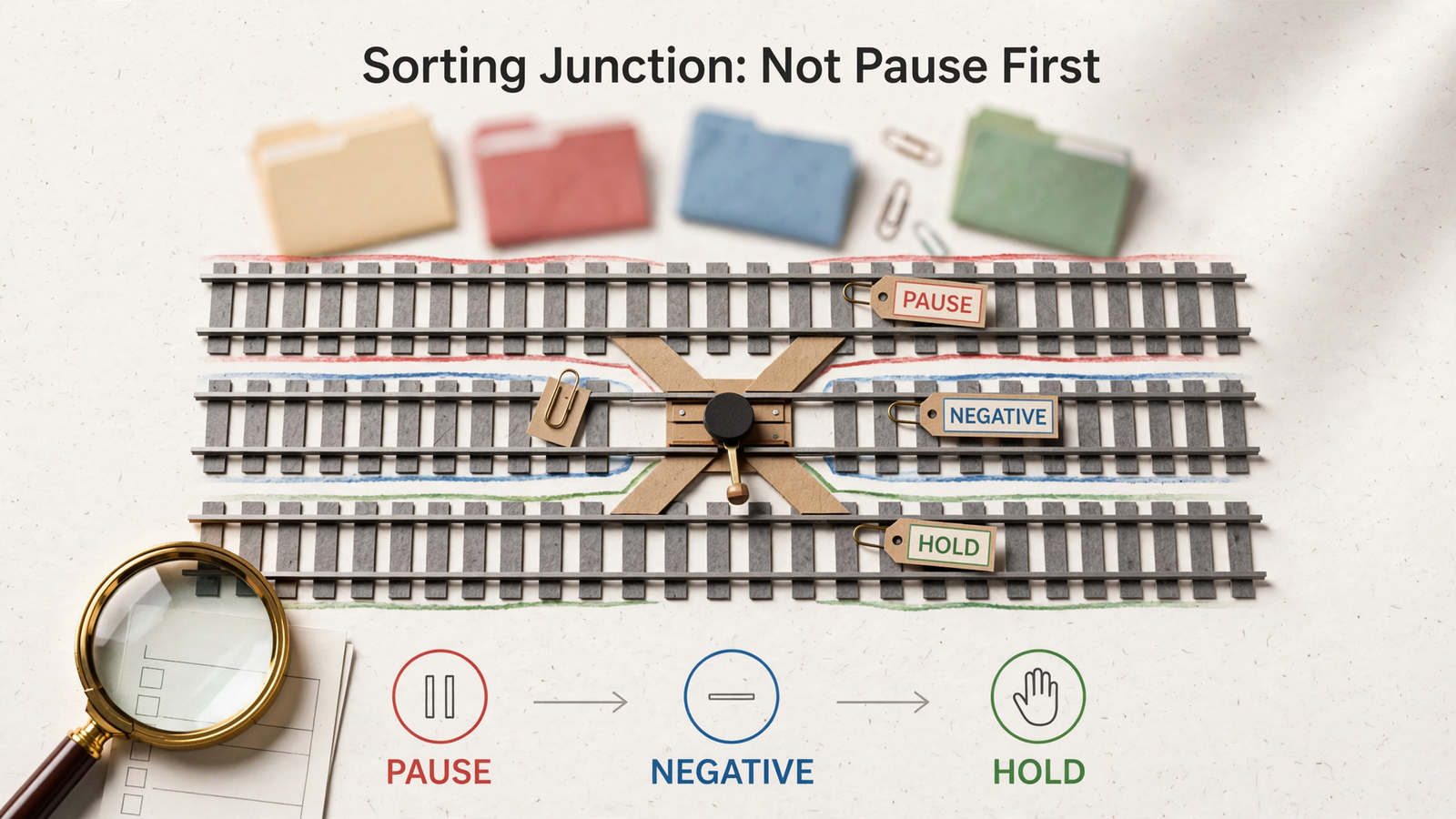
The repaired prompt: read, explain, then wait
Here’s what I’d paste into ChatGPT with groas connected. I’d fill in the brackets from the account rather than let the assistant guess.
Using live Google Ads data via groas, review enabled keywords in [account name] and [campaigns] over [date range]. My target CPA is [$X]. Flag keywords above [3× target CPA] with zero reported conversions for review.
- State which conversion actions are counted, their status, and the conversion window. Flag any tracking gaps, recent data that may be incomplete, and offline outcomes you can’t verify.
- For each candidate, show clicks, spend as a multiple of target CPA, search terms, and any available evidence of assisted conversions.
- Recommend pause, add a negative, or hold, with one line of evidence for each recommendation. Hold any keyword whose offline outcomes are unresolved.
- List the exact keyword IDs to pause and the proposed negatives with the level at which each should be added. Wait for my approval. Apply only the changes I approve, then show what changed and why.
The approval gate comes after the evidence. If all I get is a list of keyword IDs, I can confirm what ChatGPT intends to change, but not why I should let it. With the search terms and conversion checks next to the recommendations, I can spot a query that needs a negative or a keyword that needs more time. That’s the part I want the assistant to do before I touch the account.
Verify the approved changes in the action log
I don’t call the job done when ChatGPT says it’s done. I ask for the groas action log for that session and check what changed, when, and why. Each approved keyword ID should now read Paused. Each approved negative should be at the right level. Nothing else should move. If something did, the logged change is undoable in one step.
Then I check the search terms again over the next seven days. If spend reappears on the same query under a different keyword, I didn’t fix the problem. I moved it. Watch the query, not just the status column.
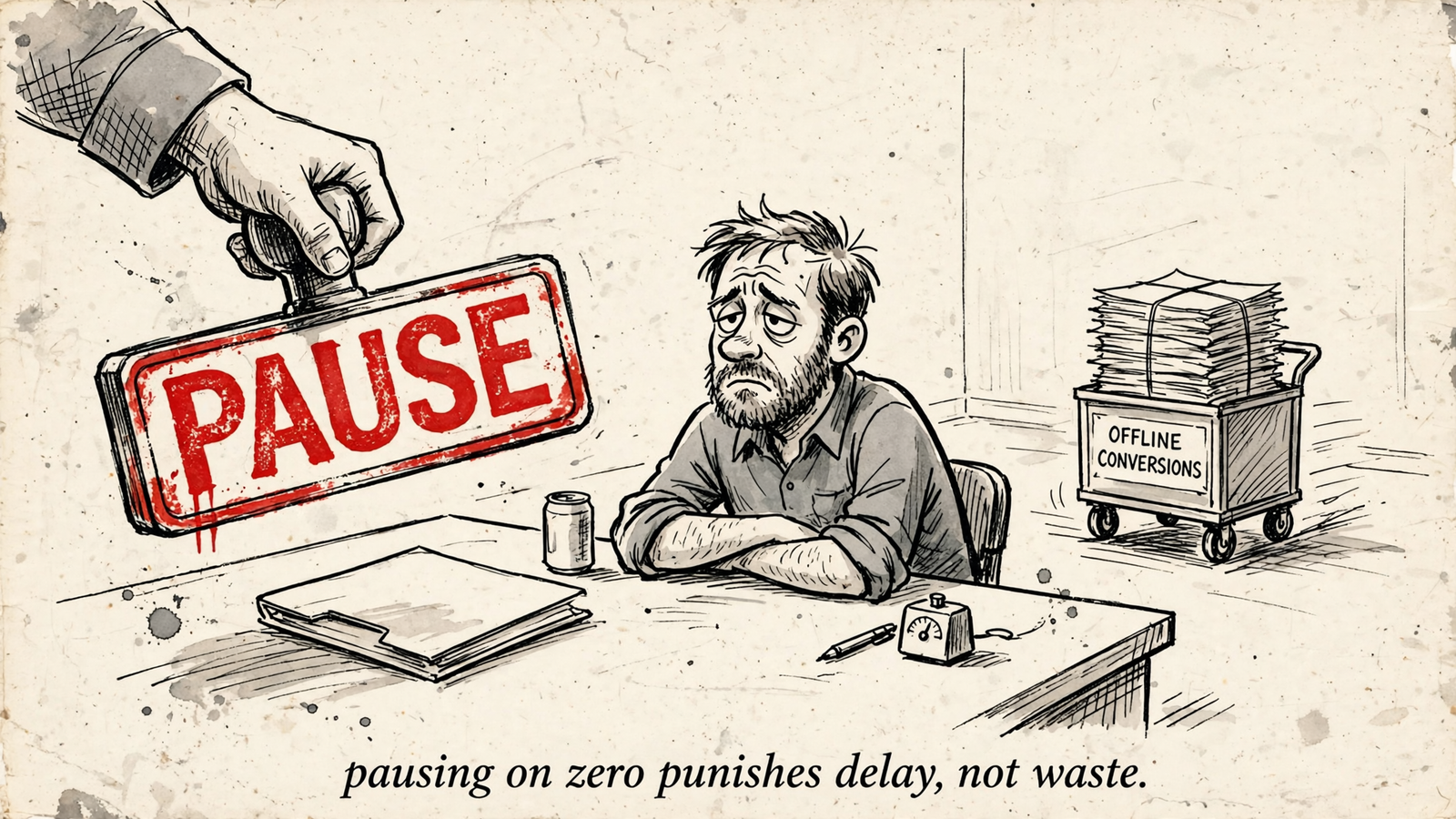
Verdict: keep the blunt question, drop the automatic pause
I’d keep the original prompt’s bluntness. It points at the right shelf: enabled keywords, real spend, zero reported outcomes. But $100 is a reason to look, not a reason to pause. The number isn’t tied to CPA, the zero can hide a tracking gap or a late sale, and a pause won’t fix an irrelevant query that another keyword can still buy. Claude’s $50 keyword pause rule fails the same way at a lower number. The dollar figure is the least interesting part of either sentence.
If the real question is I’m wasting money on Google Ads and can’t tell where, I’d start with the two-evening account audit, not a pause order. Read one account without making live changes on night one. Then check the proposed changes against spend relative to CPA, the actual search terms, and the state of conversion tracking before approving anything.
I’d skip the long version for low-priced products that convert the same day with clean tracking. In that account, I’d start with a tighter window and a lower CPA multiple, not a 90-day read and an assisted-conversion check. But when the sale takes weeks, the CRM holds the real outcome, or one keyword helps another close, I’d keep the original’s directness and change the order: make the case first, then ask me whether to pause.





