

 LinkedIn

To help ChatGPT get your products right, publish the facts a shopper needs to buy: price, specs, compatibility, shipping and returns. Most stores spot a wrong answer and start a blog instead.
That is work in the wrong order. When ChatGPT or Perplexity recommends a product, it pulls specifications, prices, policies and comparisons from wherever it can find them. Publish those facts plainly and consistently, and you give it something accurate to quote. Leave gaps, and resellers, old reviews and Reddit threads get to explain your product for you.
The first job is not publishing more content. It is making your existing product facts worth quoting. Here is what I would fix, where I would put it and what I would skip.
Where does ChatGPT get your product facts?
ChatGPT can draw product information from the open web and merchant product feeds sent to OpenAI. Where a feed exists, OpenAI treats it as the source of truth for pricing and availability. Without one, your public pages and other sites carry more of the burden of keeping those facts current.
The words around the price come from public product information: specifications, reviews, images, availability and policies. Retail sites are part of that picture, not just your own store. The shopping-results overview here explains the role of factors including price, availability and whether the seller is the maker or primary seller.
That creates a very ordinary publishing problem underneath all the AI terminology. If your product page says “built for everyday adventures” while a reseller lists dimensions, materials and compatibility, the reseller has supplied the useful answer.
When you leave factual gaps, someone else fills them. Start by checking what your own pages actually say, not how impressive they sound.
Which product facts should you publish first?
A shopper asking what to buy needs a short set of answers, not your brand story. I would make these easy to find:
- Price and availability: what the product costs and whether it is in stock.
- Specifications: dimensions, materials, capacity and the differences between variants.
- Box contents: what is included, rather than merely pictured.
- Compatibility: what it fits or works with.
- Shipping and returns: delivery times, costs, return windows and conditions.
- Comparisons: how it differs from the products a shopper is considering alongside it.
If those facts are plain, current and easy to find, the model has something accurate to quote. If they are buried in a PDF, a size-chart image or an unlinked policy page, you are making the reseller’s version easier to use than yours. That is why specific product data, clean feeds and category pages belong ahead of another general blog post.
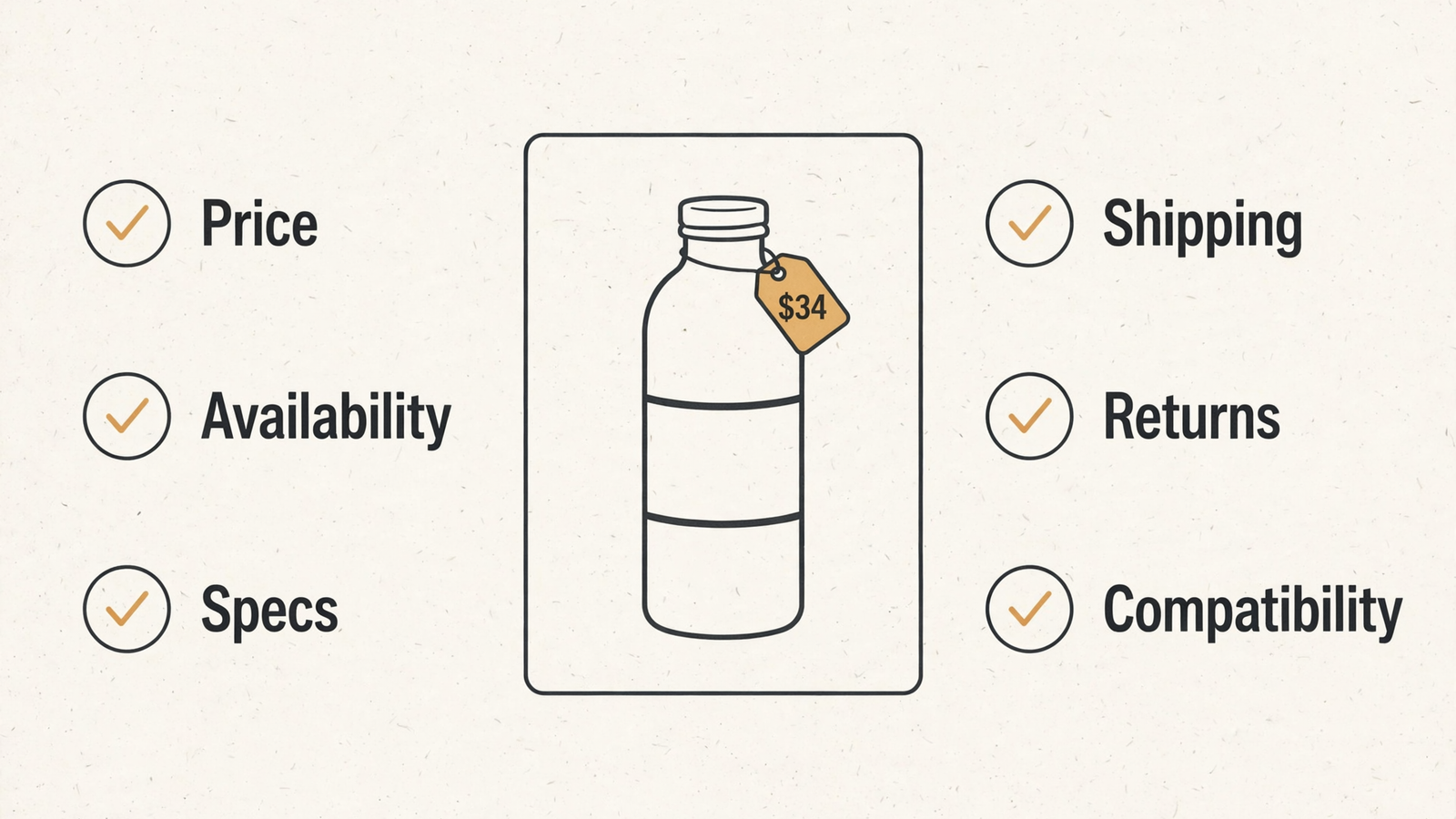
Price is where this gets expensive first. One seller’s account describes a $34 product being quoted at its old $24 launch price from a third-party blog, followed by a frustrated request for a price match (the example). The store had changed the price. The internet had not caught up.
An old number is still a number the model can find. Make the current answer clearer and more consistent than the stale one.
Where should each fact live so AI can quote it?
Step 1: Put the quotable answer on the product page
Put the facts in visible text. Do not treat hidden structured data as a substitute for telling a shopper what the product costs, contains or fits. Google says no special schema is required for AI Overviews or AI Mode; a schema-only project is not the first fix for missing product information.
Write the fact the way you want it quoted:
- One short paragraph near the top covering price, size, material and compatibility.
- A clear line explaining what is in the box.
- A table showing variants with their own SKUs, prices and dimensions.
- Links to shipping and returns beside the buying information.
The point is not to cram the whole store into the first paragraph. It is to stop making readers assemble a basic answer from three tabs and a downloadable document.
Keep price in server-rendered HTML rather than JavaScript only. Google Merchant Center compares feed prices with the landing page, so the price a shopper sees needs to be available to the crawler too.
Write the answer on the page before worrying about clever ways to label it.
Step 2: Give shipping and returns a clear home
“Fast shipping” is not a shipping policy. Neither is “easy returns.” Both sound reassuring until someone asks for a number.
Publish one shipping page with zones, delivery times and costs. Publish one returns page with the return window, required condition and who pays return postage. Then link both from every product page near the price.
Keep the product-page summary consistent with the full policy. If delivery takes 7 to 10 business days in a particular zone, a nearby promise of “fast shipping” does not help explain that. It gives the answer another vague line to choose from.
Use numbers where the buyer needs numbers. Leave the reassuring adjectives to the copy that does not determine whether someone buys.
Step 3: Make feeds and listings agree with the page
Your product feed, landing page and structured data need to agree on price. Google Merchant Center checks for mismatches, which can lead to disapproved products; repeated problems can put the account at risk. Currency, sale prices and variant offers need the same attention.
Say a weekend sale goes live on Saturday but the feed does not update until Monday. You have created two days of conflicting information and a possible listing problem. Meanwhile, an AI answer may still quote an older marketplace price. One delayed update, several versions of the truth. Very efficient, if the goal is confusion.
OpenAI’s feed process uses full daily snapshots, with options including upload, hosted URL and SFTP (feed details). Whatever route you use, sending a different price from the one on the product page does not solve the problem.
Fix the source, then bring the copies into line. A fresh feed carrying the wrong number is still wrong.
How do you keep facts consistent across five places?
Pick a source of truth and make the other versions follow it. For a small store, I would start with the product page and feed, then check marketplace listings against them. Do not let each channel become its own independent pricing department.
A simple sheet can make the mismatch visible:
| SKU | Product-page price | Feed price | Marketplace price |
|---|---|---|---|
| Product and variant | Current page price | Current feed price | Current listing price |
The important part is not the sheet. It is opening it after a price change, a sale or a variant update. A tool you ignore is not a source of truth. It is another subscription.

Use a repeatable sequence:
- Update the product page.
- Push the matching feed the same day.
- Bring Amazon, Walmart and other marketplace listings into line.
- Check that the published versions match, not just the values you intended to send.
Skip the fancy product information management system until the catalog warrants it. A sheet you actually check beats software you pay for and ignore.
Keep each product’s price consistent across its published versions. Otherwise, you are supplying the ingredients for your own wrong answer.
How do you check what AI actually says about you?
Start with a free checker, but read the sources list rather than admiring the score. Tools sample different prompts and engines, so their numbers do not necessarily describe the same thing. This comparison of AI visibility checkers shows how widely their coverage and scores can differ.
A score can flag a problem. It cannot, by itself, tell you which product page needs work.
Run these five buyer prompts yourself before paying for anything:
- “Best [category] under $[price].”
- “[Your product] vs [rival].”
- “[Your product] shipping time.”
- “[Your product] returns.”
- “Is [your product] compatible with [X]?”
For each answer, record the quoted facts and the cited URLs. Pay particular attention to price, shipping, returns and compatibility. Those are buying decisions, not cosmetic details.
If three answers cite an old blog and none cite your product page, you have a concrete place to start. Check whether your page supplies the missing answer clearly before commissioning more content. The explanation of why ChatGPT names one product and skips another is useful here: feeds, reviews and independent mentions all belong in the picture.
I would use groas when that checking needs to become continuous. It tracks AI answers alongside Reddit discussions and competitor pages, so the quoted facts, outside commentary and rival offers can be reviewed together rather than pieced together from separate tools. Monitoring is useful when it points to the next fix, not when it produces a prettier score.
The cited URLs are the work order. Do the free check weekly; pay for monitoring when it makes that work easier to identify and follow.
What should a small store fix first?
For a store with fewer than 200 SKUs, I would work through the sequence below. Start with five best sellers rather than rewriting the entire catalog. That keeps the job small enough to finish and puts the facts shoppers need ahead of the nice-to-have content.
Skip the blog, skip a schema-only project and skip rewriting every description on day one. None is a substitute for correcting the quoted price.
- Make five product pages quotable. Add a short paragraph covering price, size, material, compatibility and box contents. Use a variant table where the differences need one.
- Make the page and feed match. Put the price in plain HTML and push a fresh feed the same day, with matching price, availability and image information.
- Make the policies specific. Publish shipping and returns pages with real numbers, then link them beside the buying information.
- Correct marketplace copies. Check the same five SKUs on Amazon, Walmart and any other marketplace where you list them.
- Repeat the buyer prompts. Record what each engine says and which source it cites. Recheck weekly, then apply the same process to the next five products.
Do not confuse a citation with correctness. Your own page can be cited and still carry a stale price. Equally, an outside page can describe the product accurately. The target is a correct answer backed by current facts, not merely seeing your domain in a list.
The temptation is to buy another dashboard instead. It will tell you that you appeared in 61% of sampled answers and leave you to guess which page to change. That is the part I care about: the fix, the publish and the recheck.
groas earns its place in that workflow by keeping AI answers, Reddit discussions and rival offers under observation. The publishing work still needs to follow what the monitoring reveals. Reports describe the wrong price. Corrections replace it at the source.
What should you do today?
Pick your single best seller. Search for it in ChatGPT and Perplexity using the words a buyer would use, then write down the price each answer quotes and the site it cites.
If the number is wrong, trace it to the source. If your product page is missing from the citations, check whether it supplies the answer plainly. Fix that page and push the matching feed the same day. Then recheck rather than assuming the correction has traveled everywhere.
Start with one product, one wrong answer and one corrected source. Stores that publish product facts plainly and keep them consistent give AI a better answer to quote. Everyone else leaves the explanation to someone else.


