

 LinkedIn

Revealbot, Madgicx, or an AI assistant through groas: if you spend $5k to $25k a month on Meta, I would choose based on how much rule-writing you want to keep doing. All three can take repetitive work off your plate. Only the assistant lets you describe that work in plain English and ask why each pause or budget move happened.
I spent years writing those rules by hand. Pause the losers, shift budget to the winners, catch fatigue before it eats the week. I used to treat a dedicated rules dashboard as the professional answer. Now I care less about where the rule lives and more about how much supervision it creates.
For a lean team running Meta plus one or two other channels, my pick is an AI assistant connected through groas. Revealbot and Madgicx remain useful specialists. But if the job is enforcing familiar rules, I would rather describe the logic, inspect the proposed changes, and approve them than rebuild the logic in another interface.
The contenders: two dedicated tools and the assistant you already use
Birch, the tool most people still call Revealbot, is a rule engine for Meta, Google, TikTok and Snapchat. You build nested AND/OR conditions, compare metrics, and choose from 20+ actions with checks as often as every 15 minutes. Frequency caps and per-rule logs help keep that enforcement organized. Its appeal is straightforward: one place for pause, scale and daypart logic across several ad platforms.
Madgicx makes a narrower bet. It optimizes Meta, while Google Ads, TikTok, Shopify and Klaviyo appear in read-only reporting. Its creative analytics and daily AI audit put more of the workflow inside a Meta-focused dashboard.
The third contender is ChatGPT, Claude or another AI agent connected through groas. Your AI handles the instructions; groas supplies the data and carries out the changes. You connect your ad accounts once, describe the rule, and ask for the proposed actions before allowing any writes. Autopilot stays off until you switch it on.
Here is the comparison I would use before opening another trial account:
| Decision | Birch (Revealbot) | Madgicx | AI assistant + groas |
|---|---|---|---|
| Writing rules | Dropdown builder with nested AND/OR conditions | Manual rules plus an AI audit to approve | Plain-English instructions, with a proposed-action list first |
| Acting on rules | Checks as often as every 15 minutes across supported platforms | Meta-focused automation | On-demand actions, plus 24/7 autopilot when enabled |
| Explaining changes | Per-rule logs | Analytics and recommendations | Plain-English reasons, logged changes and one-step undo |
| Creative context | Rule conditions built around performance metrics | Dedicated creative breakdowns | Meta data plus competitor, customer and website context |
| Cost as you grow | Spend-based pricing | Spend-banded pricing and optional add-ons | $19 a month flat for unlimited teammates, ad accounts and websites |

1. Rule setup: sentences beat rebuilding dropdown logic
Most of the Meta rules I have written come back to a small set of jobs: pause wasted spend, scale within limits, adjust schedules, shift weekend budgets, and flag fatigue. Meta itself offers native Automated Rules in Ads Manager, so buying another tool is not the only way to automate them.
The question is what makes those rules easier to express and maintain.
Birch gives you a structured builder. Once you know it, nested conditions are useful: this metric must cross that threshold, but only if another condition holds. Madgicx keeps its rules and recommendations alongside its Meta analysis. Both approaches make sense if that dashboard is already where you work.
Through groas, I can write the same kind of logic as a sentence and ask the assistant to show its work first:
Through groas, list Meta ads with frequency above 4 and CTR down 30% versus their first week. Show spend and purchases beside each one. Do not pause anything yet.Every morning, propose moving 10% of budget from the worst to the best ad set by CPA in this campaign, within my daily cap. Exclude anything in learning phase or under $50 spend. Ask for approval before making changes.
Those are list-first rules: describe the action, inspect the candidates, then authorize the write. The thresholds are choices to review, not laws of advertising.
The advantage is not that sentences make weak logic clever. They make the logic easier to inspect without translating it into fields first. If I want to change the spend floor or comparison window, I can say so directly.
For familiar pause-and-scale work, I pick the assistant on setup. A rule I can read back in ordinary language is easier to challenge than one scattered across dropdowns.
2. Execution: separate scheduled enforcement from permission to act
Birch has a clear strength here: explicit checks as often as every 15 minutes across its supported platforms. If the requirement is tightly structured, cross-platform enforcement on that cadence, it is built for the job.
Madgicx keeps execution focused on Meta. That suits a team whose buying decisions and creative analysis already live there.
Through groas, the assistant can act on demand. When I want ongoing execution, I can enable autopilot for a campaign or account under rules I set. I would not confuse “available around the clock” with “permission to change anything.” Those are different settings in my head, and they should stay different in the workflow.
The basic loop is simple:
- Ask the assistant for live delivery data by campaign, ad set or ad.
- Have it compare the candidates against the rule and spending limits.
- Review the proposed moves.
- Approve the changes, or enable ongoing execution only within the agreed limits.
For setup details, I would use Connect Meta Ads to Claude: setup, prompts and guardrails.
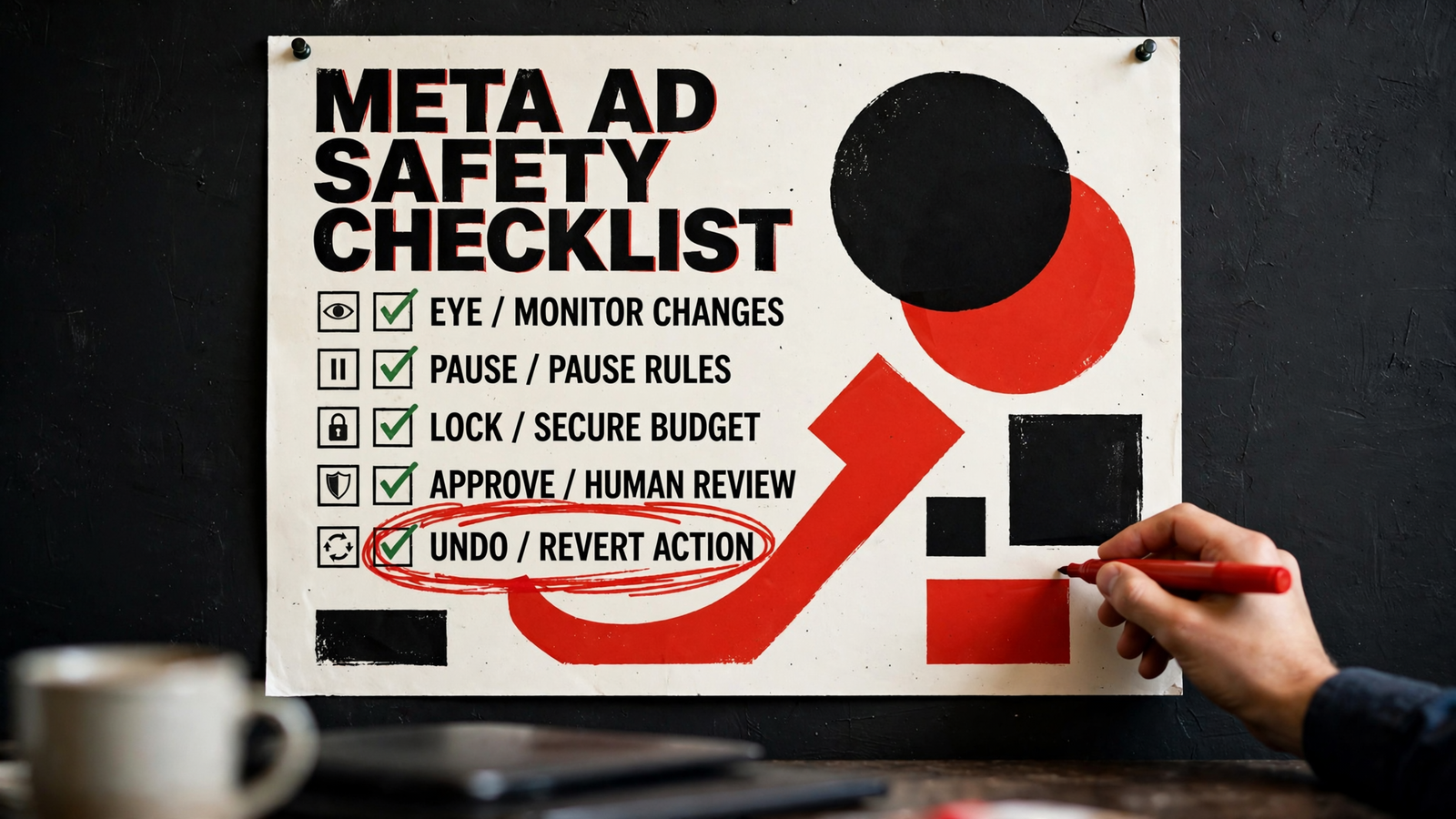
My starting checklist is deliberately boring:
- Start read-only and authorize only the accounts needed.
- Preview a new rule for 48 hours before allowing it to act.
- Keep approval on for writes while checking the decisions.
- Include a learning-phase exclusion and a minimum-spend floor, such as $50 to $100 where appropriate.
- Put the daily cap in the instruction, not in memory.
- Keep approval on until the moves look right for two weeks before handing over routine execution.
A spend floor helps filter thin data; it does not make every decision above that floor correct. Nor would I treat a fixed percentage budget increase as a guarantee against learning disruption.
For a fuller pause workflow, including data floors and trial runs, see how to auto-pause Facebook ads with readable rules.
My call on this axis: Birch earns its place when a specified checking cadence across several platforms is the requirement. For my lean-team pick, groas combines on-demand action with optional ongoing execution. Start with permission to inspect, not permission to spend.
3. Explanations: I want the numbers behind the pause
A log tells me that something happened. The useful next step is understanding why it happened and whether I agree.
Birch provides per-rule logs. Madgicx supplies analytics and recommendations. Through groas, the assistant can explain a proposed pause in the same conversation where I asked for it, with the relevant spend, CPA or fatigue numbers attached. Every change is logged with its reason, and any change can be undone in one step.
That readable explanation is the assistant’s strongest operational advantage. I can reject a borderline move before it happens rather than discover it later in a dashboard. Undo matters, but I would still rather catch a bad decision before execution.
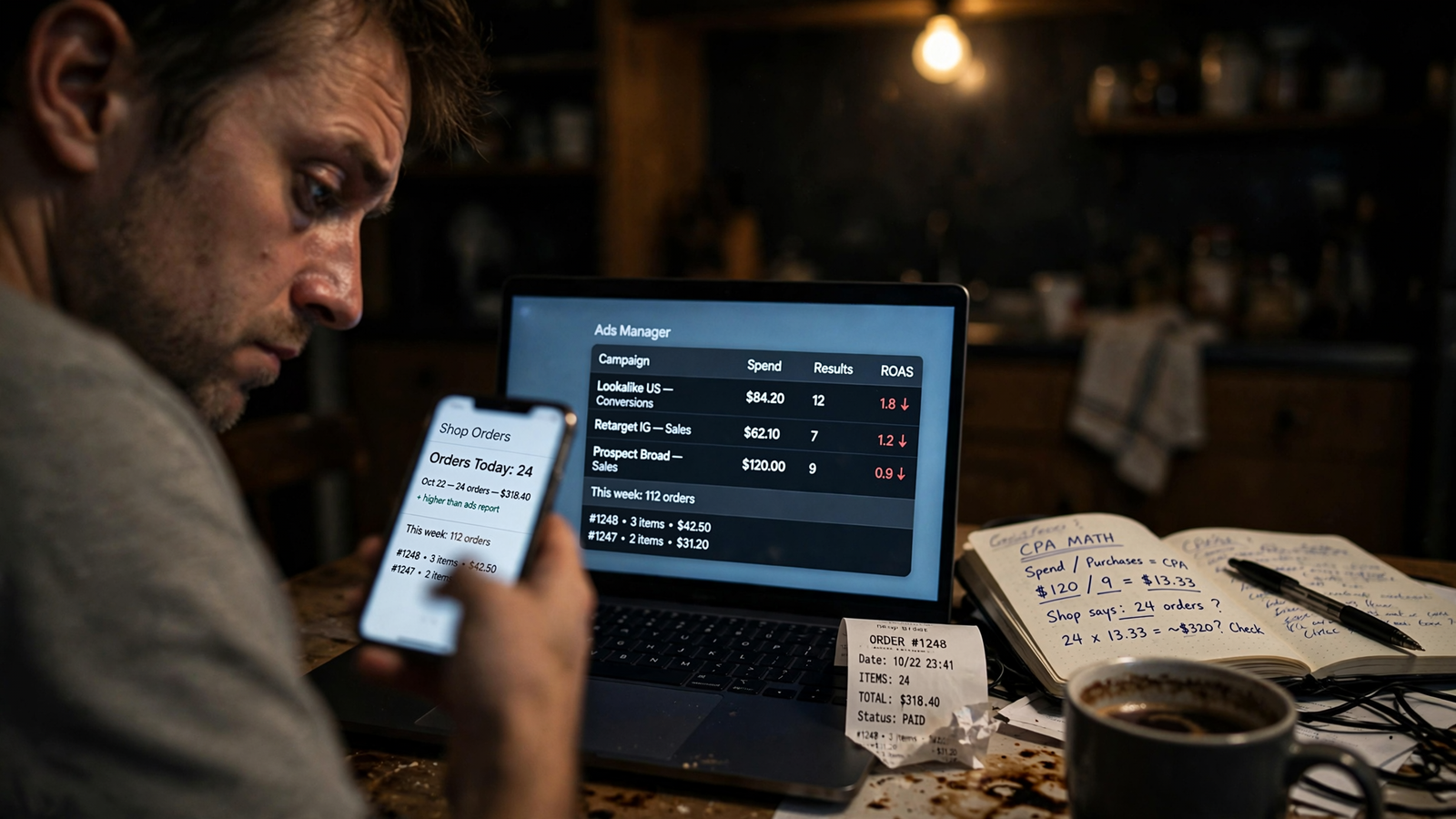
This is also where the quality of the underlying data stops being an abstract tracking discussion. If purchases are missing from Meta, a perfectly enforced ROAS rule can still make the wrong call. Explaining bad numbers clearly does not make them good numbers.
Before allowing ROAS-based pauses, I would check Conversions API and compare Meta purchases with shop orders over four weeks. The point is to understand the gap before building automation around it, not to assume an assistant can reason missing conversions back into existence.
I also want the explanation tied to the actual rule. “Performance declined” is not enough. If the instruction uses a spend floor, a comparison window and a learning-phase exclusion, the proposed action should show how the candidate met those conditions.
My takeaway: fix tracking first, then demand a reason for every move. I pick the assistant here because I can question that reason in plain English before approving the change.
4. Creative analysis: Madgicx keeps the specialist view
Not every Meta problem is a rule problem. Sometimes the account needs better creative, and a faster pause button just clears the shelf more efficiently.
Madgicx’s dedicated breakdowns by hook, format and angle are its strongest reason to exist in this comparison. If a team launches 30-plus creatives a week and lives in those views, rebuilding the same analysis through a general assistant is work, not progress.
I give Madgicx the edge for a dedicated, high-volume Meta creative workflow. That is a specific job, and a purpose-built view can be worth paying for.
The assistant through groas offers a different kind of context. groas collects competitors’ Google and Meta ads and the landing pages behind them, customer discussion on Reddit, and website and search data. That gives the conversation more to work with than an isolated rule threshold.
I would use that context to investigate what to test next. I would not pretend a competitor’s ad or a Reddit comment proves why my CTR fell. Those inputs help form questions; the account’s delivery data still has to support the spending decision.
For a lean team, I prefer having that wider context available in the same conversation as the account review. For a creative production operation, Madgicx’s structured breakdowns may earn their keep immediately.
The practical split is simple: choose a creative dashboard because you need its views, not because pausing an ad requires another subscription.
5. Price: flat pricing removes the spend-band calculation
Birch and Madgicx do not cost the same at every account size, and comparing their entry prices misses the point.
The Birch pricing comparison lists a $49 Essential tier without rules, with Pro starting at $99 up to $10k in spend before overage. The Madgicx pricing breakdown lists spend-banded pricing from $45 to $329 up to $30k in spend, with Tracking Pro an additional $49.
At $25k in monthly Meta spend, the comparison puts Birch Pro at $249 a month and Madgicx at $329 on monthly billing. Annual billing changes that comparison, so I would check the billing term rather than compare whichever number appears largest on the page.
groas Unlimited is $19 a month flat: unlimited teammates, ad accounts and websites, with every feature and all the data. Agencies pay the same for every client.
For routine rules across a lean team’s accounts, groas wins on price. There is no spend band to outgrow as the account scales.
That does not make every specialist subscription wasteful. If a particular enforcement workflow or creative view saves enough work, pay for it. But I want the fee attached to something I actually need, not to the fact that this month’s media budget is larger.
Before paying more, name the missing capability. “We have always used this dashboard” is a habit, not a requirement.
Who should keep a dedicated tool anyway?
I would keep Birch when the job is enforcing different pause and scale rules across Meta, Google, TikTok and Snapchat, with nested conditions and checks as often as every 15 minutes. That is its clearest specialist case.
I would keep Madgicx when creative volume drives the workflow: 30-plus creatives a week, regular hook-level analysis, and a team that uses those breakdowns to decide what to produce next. In that setup, the view is part of the work, not decoration around it.
Neither exception changes my recommendation for the lean team doing familiar Meta housekeeping. Do not buy the specialist workflow unless you will use the specialist part.
There is one reason I would tell a team to skip the assistant route: unwillingness to write constraints. A structured builder makes conditions visible in fields. Plain language gives more freedom, including the freedom to leave out the important bit.
A loose instruction with no spend floor, no comparison window and no approval step invites premature action. My fix is not a cleverer prompt. It is the same discipline every time: explicit limits, proposed changes first, and ongoing execution only after the decisions look right.
A vague prompt can pause good ads faster than a carefully built rule. Convenience does not excuse supervision.
Verdict: the assistant wins for lean teams
If you are the media buyer, the strategist and the person explaining why spend spiked on Tuesday, I would run routine Meta rules through an assistant connected to groas.
You get familiar pause-and-scale logic in plain English, readable reasons for changes, one-step undo and a $19 flat monthly price. That is the better fit for the team trying to reduce account maintenance, not build a second job maintaining its automation.
Keep Birch for its cross-platform enforcement workflow. Keep Madgicx for a high-volume Meta creative operation. For everyone else in this comparison, I would start with the assistant and require a specific reason to add another dashboard.
My Monday brief would be short: show losers over $50 spend with zero purchases, flag fatigue using frequency and CTR trends, and propose one budget shift inside the daily cap. Show the numbers. Ask before changing anything.
Then I can approve the obvious pauses, reject a borderline case, and keep the reason in the log. The rejected case is the point. What the deck calls automation, I call someone else doing my dropdowns. I want the assistant to do that work, show its math, and leave me with the offers and creative that actually move CPA.


