LinkedIn

My pick among Ryze AI alternatives is groas for teams already working in ChatGPT, Claude or Gemini. Connect the assistant you already pay for to your ad accounts instead of buying another dashboard to supervise.
Most alternatives offer a familiar routine: open a suggestions queue, review the fixes, approve the changes, then explain the CPA move to the client. Some automate more of that routine than others. The useful comparison is not whose dashboard looks busiest. It is who spots the problem, who makes the change, and how much work still lands on your desk.
That is the ranking below. groas comes first because it connects your existing AI to the accounts over MCP. The other options make sense when you specifically want a Meta-focused workspace, a rule engine, an audit queue or a direct platform connection.
What a Ryze replacement needs to change
I understand the appeal of Ryze. At $89 a month flat at any ad spend, with a 7-day trial, it covers Google, Meta, TikTok and LinkedIn. That breakdown also lists 50+ integrations and unlimited ad accounts.
Its pitch combines round-the-clock audits, budget adjustments and pauses for non-converting ad sets with an approve/deny inbox for proposed fixes. Optional Managed Campaigns cost 5% down to 0.8% of managed spend. The attraction is straightforward: less time between spotting waste and doing something about it.

The reasons to switch are more specific than “I want better AI.” The same breakdown identifies four:
- You only run Meta and pay for networks you do not use.
- You want a tool built around Meta workflows.
- You want to write your own automation rules.
- You need creative volume rather than account management.
Those are different jobs. A creative library will not replace a rule engine, and an audit queue will not replace a system that acts without waiting for you.
Choose the division of labor first. Choose the interface second.
The three questions behind this ranking
I respect good account management. I have less patience for repetitive account maintenance dressed up as strategic genius. To separate the two, I judge each option on three questions:
- Who spots the problem? Does the system read spend and conversions, or am I still staring at columns at 1am?
- Who makes the change? Does it write back to the account, execute my rules or hand me a suggestion?
- What control do I keep? Can I limit its actions, review what happened and undo a mistake?
If a tool only answers the first question, it has not taken execution off my desk. Better fonts do not change that.
1. groas: best for using the assistant you already have
Who it is for: teams already working in ChatGPT, Claude or Gemini that want to manage ads without adding another operating dashboard. It is especially relevant when Google and Meta both need attention and nobody wants another percentage-of-spend bill for routine changes.
You connect your accounts and website once, add groas to your AI over MCP, then describe the work in plain English. A useful starting prompt is:
Through groas, list every Google and Meta campaign that spent over $200 last week with zero conversions, and propose what to pause.
The distinction matters. You define what counts as waste. Your AI reads the account data through groas and proposes the next action in the conversation where you already work.
What it does better: it makes your existing assistant the working interface. groas Unlimited costs $19 a month, flat, for the whole team. That includes unlimited teammates, ad accounts and websites. Agencies pay the same price across their clients.
The connection covers Google Ads, Microsoft and Bing Ads, Meta Ads, ChatGPT Ads, SEO and AI search visibility. groas also collects competitor ads and funnels, Reddit conversations, AI answers and citations, and Semrush and Ahrefs data. Your assistant gets account data alongside context it cannot collect on its own.
What rules it out: you want someone else to own the work rather than direct your own AI. Unlimited is infrastructure, not a substitute for deciding what the business needs. For a full handoff, groas offers Done For You from $5,000 a month.
From a waste report to an actual change
I would start with the waste report because it makes the workflow concrete. Ask Claude or ChatGPT to identify losers using your definition, then draft the pause, budget shift and next test in the same chat.
Through groas, the work can extend to bids, budgets, keywords, ads, website changes and AI-search changes. The assistant supplies the reasoning; groas supplies the data and execution. You do not have to turn the recommendation back into a checklist for another platform.
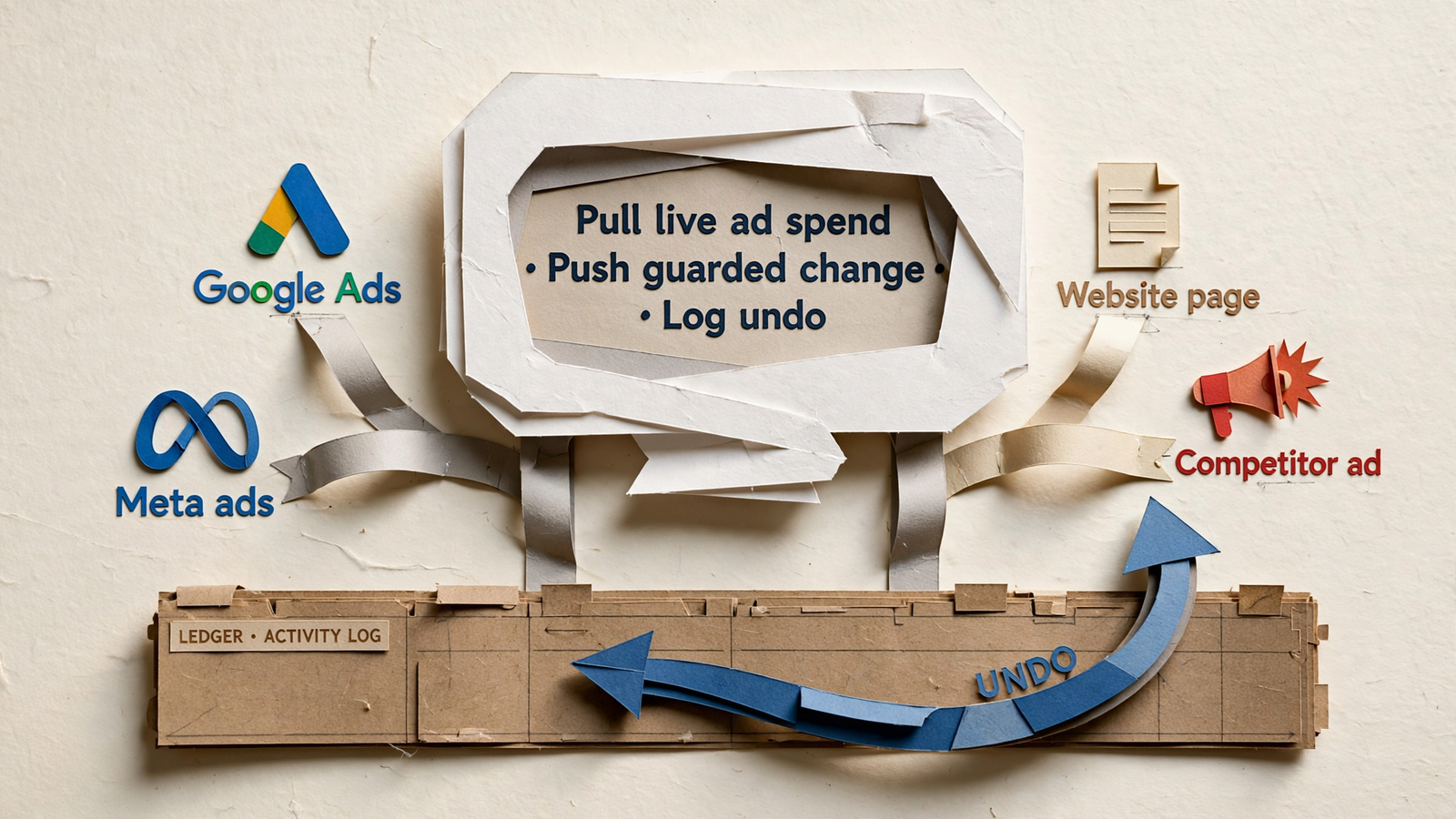
That is the point of the connection: the conversation can lead to an account change, not just another report.
The controls I would insist on
Giving an assistant write access is not a reason to stop paying attention. It is a reason to make the boundaries explicit. My checklist is short:
- Keep access read-only until I allow changes.
- Set the goals, budget and channel limits before delegating work.
- Leave autopilot off until I choose to enable it.
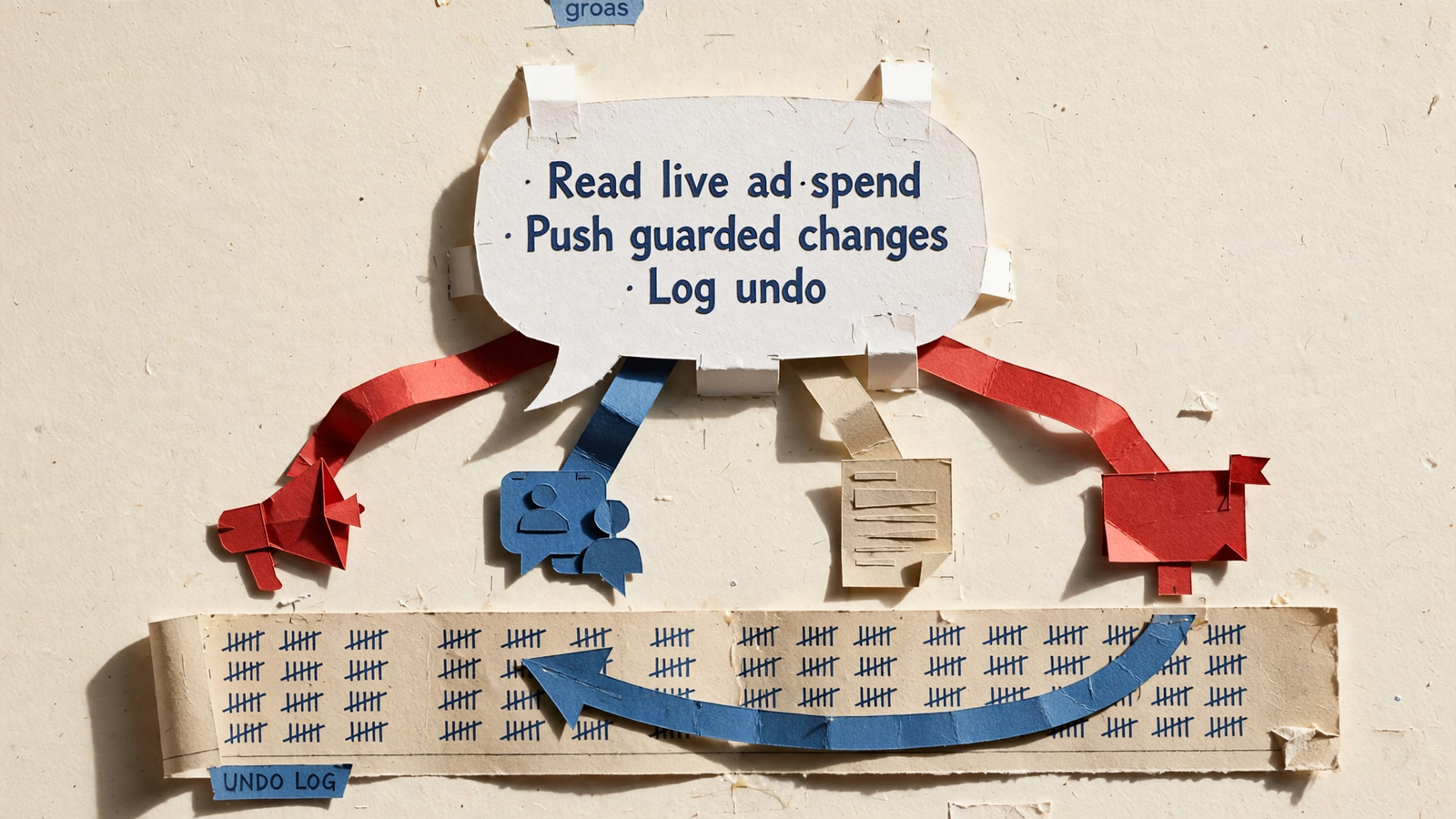
- Log every change with its reason.
- Make any change reversible in one step.
groas provides those controls. Autopilot can run a campaign, account or website around the clock under the rules you set, but it stays off until you switch it on.
If you are switching tools, examine control as closely as automation. This look at Ryze reviews and Trustpilot scores is relevant to that decision. My buying rule is simpler than any feature list: do not delegate changes you cannot inspect and reverse.
2. Madgicx: best for a Meta-focused approval workflow
Who it is for: teams putting nearly all their spend into Meta and wanting a dedicated Meta workspace. If 90% of your spend is there, coverage for TikTok and LinkedIn is not much of a selling point.
Madgicx positions itself as a Meta-focused Ryze alternative. Its offering includes AI recommendations, chat-based campaign building, custom automation rules, AI image ads and ready-made audiences.
Listed pricing starts at $45 a month below $1,000 in Meta spend and reaches $329 a month at $20,000–$30,000 in spend. That spend-based pricing deserves attention before you compare the entry price with a flat subscription.
What it does better: it concentrates Meta workflows in one place. If recommendations, audiences, creative and custom rules are the work you want to manage, that focus is its appeal. The approval-led workflow also suits operators who want to review changes rather than delegate execution outright.
Madgicx’s own comparison highlights Ryze’s agent-run campaigns within set limits, monthly workspace credit caps and the absence of a rule or audience builder it could identify. Those distinctions matter if custom logic is the reason you are shopping around.
What rules it out: you also need Google Search or YouTube management. For that work, this Meta-focused choice leaves you needing another workflow. I would not choose it for a team spending, say, $20,000 a month across Google and Meta whose main objective is fewer places to work.
Choose Madgicx for the Meta workspace. Choose groas if the objective is to run both channels through the assistant you already use.
3. Birch, Optmyzr, Opteo and Adalysis: best for hands-on operators
Who they are for: people who want to define the logic themselves or work through a structured queue of account improvements. I group them together because they preserve more of the operator-led workflow, not because they do identical jobs.
The useful distinctions are:
- Birch: user-written if-this-then-that rules across Meta, Google, Snapchat and TikTok. Essential costs $49 a month for up to $10,000 in spend but does not include rules; Pro starts at $99 a month and adds rules and strategies.
- Optmyzr: a PPC toolkit rather than an agent, covering Google, Microsoft, Amazon, Meta and LinkedIn. Essentials starts at $209 a month billed annually, or $299 monthly, for up to $25,000 in spend. Premium is listed at $272 a month billed annually or $389 monthly.
- Opteo: a Google Ads-only suggestion queue. Basic costs $129 a month for 10 accounts and $25,000 in spend; Agency reaches $499 a month for 75 accounts and $250,000 in spend.
- Adalysis: Google Ads and Microsoft Ads management, starting at $149 a month, tiered by spend, with unlimited accounts.
What they do better: they keep explicit logic and account review close to the operator. If you know the condition you want to enforce, a rule engine gives it a repeatable form. “Pause any ad set over $150 with zero checkouts” is a rule, not a request for strategic inspiration.
But execution frequency matters. Optmyzr’s Rule Engine runs weekly or monthly on Essentials and daily on Premium. Do not buy a scheduled rule expecting continuous intervention.
What rules them out: you want to stop supplying the rules or processing the suggestion queue. These tools can make an operator more effective, but that is different from moving the work into an assistant that can reason over your request and execute it through groas.
If you enjoy writing account logic, this category earns a look. If you are buying back the time spent doing it, start elsewhere. This comparison ranked by work taken off your desk follows the same distinction.
4. Official MCP connections: best for a direct, narrower setup
Who they are for: technically comfortable teams that want to ask an assistant about platform data without adding another paid dashboard, and do not mind assembling the connections themselves.
The platform connections are not interchangeable. The cited breakdown describes Meta’s ads MCP in open beta from 29 April 2026, with read and write access through supported assistants, new ads starting paused, and per-account rules and budget caps.
It describes Google’s official MCP as open-source and read-only, with three tools, requiring a self-hosted Cloud project and OAuth. In that setup, one connection can act within limits while the other lets the assistant inspect data.
What they do better: they provide a direct route to the individual platform. That is useful if a narrow connection is all you want and you are comfortable with the setup.
What rules them out: you want one working connection across your advertising and website rather than separate systems to assemble. That is where groas is the stronger fit: the assistant connects to the broader workflow, with logging and one-step undo, rather than stopping at an individual platform’s boundary.
There is another limit worth keeping separate from MCP: platform reporting is not profit reporting. The attribution comparison describes different attribution approaches and gaps around refunds, costs and fees. Connecting an assistant does not make those accounting differences disappear.
Use direct connections for a deliberately narrow setup. Do not mistake access to platform numbers for a complete view of the business.
Compare the price and the work you keep
| Ranked option | Listed price | Main coverage | Work that stays with you |
|---|---|---|---|
| 1. groas | $19/month flat; unlimited teammates, accounts and websites | Google, Microsoft/Bing, Meta, ChatGPT Ads, SEO and AI search | Set goals and rules; direct your AI; enable autopilot if wanted |
| 2. Madgicx | $45–$329/month at the cited Meta spend tiers | Meta-focused | Review recommendations and manage the approval workflow |
| 3. Birch / Optmyzr / Opteo / Adalysis | $49–$499/month across the cited plans | Varies by tool; Opteo is Google-only, Adalysis covers Google and Microsoft | Write rules or work through account suggestions |
| 4. Official MCP connections | Not priced in this comparison | Separate Meta and Google connections | Assemble the setup and work within each connection’s limits |
Ryze is the baseline, not another entry in its own alternatives ranking. Its cited price is $89 a month, with optional Managed Campaigns charged separately. I have also left creative-volume tools out: if the bottleneck is 20 new UGC variants a week, that is a different purchase. This ranking is about account decisions and execution, not filling a creative library.
No tool here guarantees a lower CPA. Check the current pricing and terms before buying, especially where spend tiers, annual billing and feature limits determine the real cost.
My pick: stop shopping for another place to approve work
For a Meta-focused team that wants an approval workspace, Madgicx makes the shortlist. For operators who want rules or audit queues, choose among Birch, Optmyzr, Opteo and Adalysis according to the channels and workflow you actually need. Direct MCP connections suit a narrower, more technical setup.
For teams already paying for ChatGPT, Claude or Gemini, my pick is groas: run the accounts from the assistant you already use.
Say you spend $20,000 a month across Google and Meta. The question is not which dashboard has prettier suggestions. It is whether you can define the waste, set the limits and have the work done without opening another tab. With autopilot enabled, that includes Sunday night. That is the bet I would place my own budget on.