


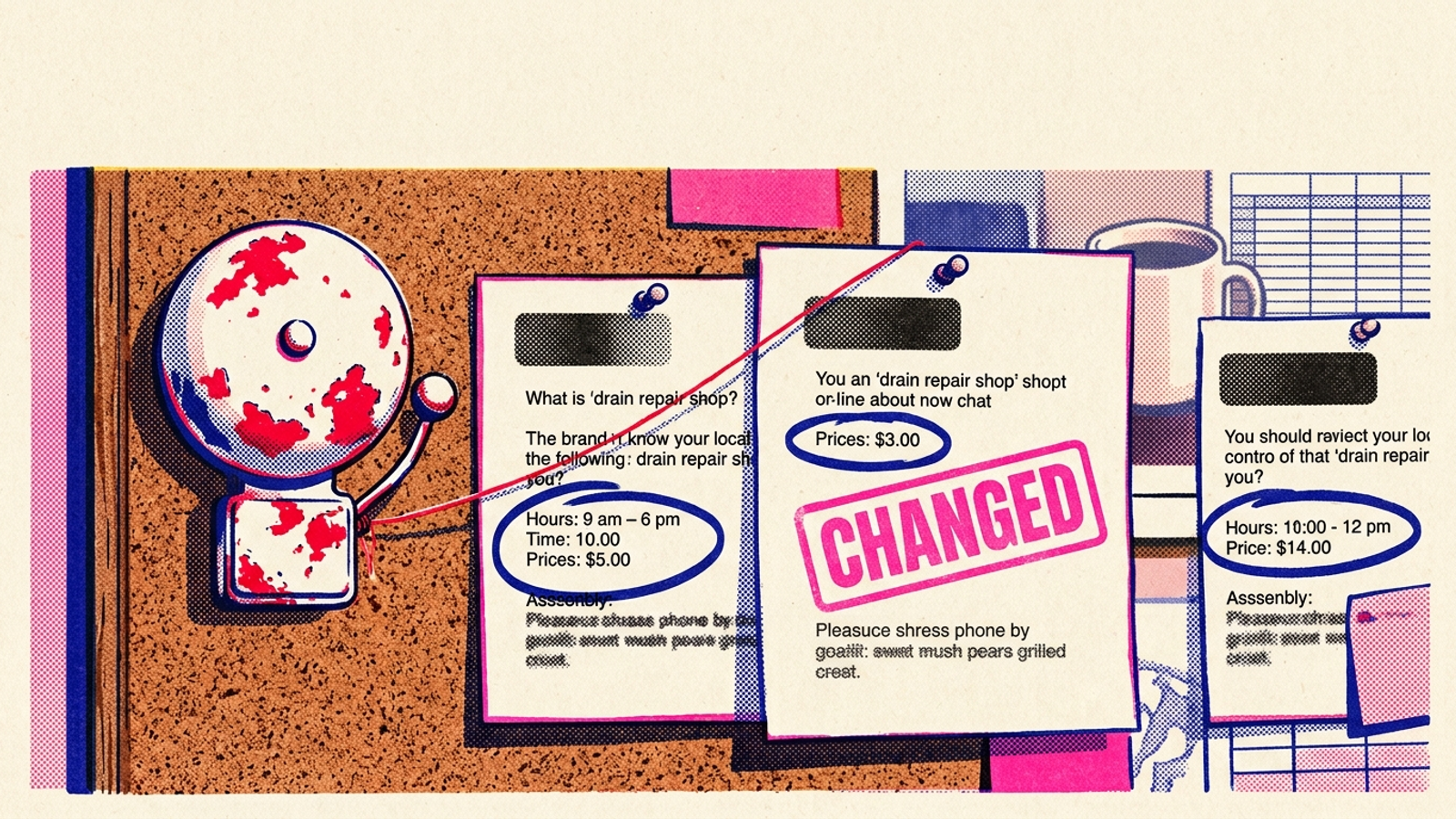
Someone can change a page, and the first sign you get is that search starts describing your business differently. I watched two ad groups slide from 7s to 4s after a drain-repair page became a remodel gallery without anyone telling me. I told that story in The Landing Page Swap That Tanked My Quality Score. This is the second look: paid search eventually gave me a Quality Score that moved. What ChatGPT, Perplexity and Google AI Overviews say about your business can change without a score to tip you off. This time, build the alarm.
By tonight, you can have a weekly check that asks fixed questions, archives the answers and pings you when a change deserves attention. You need an afternoon, a sheet or a short script, 15 buyer-language prompts, access to the APIs you choose to use, and one person who will own the alerts. The API checks can run automatically; the Google AI Overviews check is a weekly browser task. Do not call the whole thing hands-off if nobody has agreed to do that part.
What the finished alarm does
It keeps one dated archive, compares this week’s answers with earlier ones and sends a change alert to email or Slack. You do not need a dashboard to remember to read. You do need a place to store the answers, including ones that never trigger an alert.
Hand-checking tends to disappear from the calendar. One builder of a weekly loop made that case by writing a row per prompt and engine and exporting the results to Sheets automatically (his setup log). My version keeps the same useful habit: store the answer first, decide whether to interrupt someone second. Otherwise, every slightly different adjective becomes a Monday morning emergency.
Step 1: Freeze 15 questions customers might ask
Open a sheet. Put one prompt per row in a prompts tab, with a permanent prompt_id. Write 15 in buyer language, split into four buckets:
- 3 brand prompts: What do reviews say about your business? What services does it offer?
- 5 category prompts: Who provides the service in your city?
- 4 problem prompts: Describe the problem before naming the service.
- 3 comparison prompts: Put your business beside a real competitor.
Use the examples below as a pattern. Replace the business, city and competitor with your own; the block is not the complete 15-prompt list.
What do reviews say about Acme Drain Austin?
Who fixes clogged drains same day in Austin?
Best drain repair Austin upfront pricing?
Water backing up in shower who to call Austin?
Acme Drain vs Roto-Rooter Austin?
Does Acme Drain offer weekend service in Austin?
Keep each prompt’s wording and ID fixed from week to week. That gives you a time series instead of a fresh collection of interesting answers. Score a mention, a citation and a recommendation separately, and note which competitors appear (small-business playbook). Do not put your tagline into every question. Customers do not type taglines.
Expected result: 15 numbered rows that someone else could run without asking what you meant. Common mistake: polishing a prompt after a disappointing answer. If you change a word later, add a new prompt ID and keep the old history intact.
Step 2: Keep three surfaces in separate lanes
Run the same prompts on ChatGPT, Perplexity and Google AI Overviews. Give each surface its own engine value in your archive. Do not average them into one visibility score. A change on one surface is precisely what the alarm needs to show.
Use Perplexity’s Sonar API for its automated check and the ChatGPT API for a second automated signal. For Google AI Overviews, run the prompts in a signed-out browser once a week and paste the answers that appear into the sheet. Keep that browser appointment beside the automated run on your calendar. If an Overview does not appear for a prompt, record that outcome rather than inventing an answer to fill the row.
I used to treat an API answer as a reasonable stand-in for what a customer sees. It is not the same view. In one test of 555 prompts run 47 times each, brand visibility differed between UI and API runs; the apps also searched and cited differently (UI vs API test). The mechanism matters more than the headline number: different retrieval produces different answers. Use the API run as a tripwire, then check a flagged claim in the customer-facing interface before changing your site.
Expected result: three clearly labelled sets of dated observations, with the browser set entered manually. Common mistake: treating an API disappearance as proof that customers no longer see you. It is a reason to investigate, not a verdict.
Step 3: Schedule the run and write rows before building views
Choose one route. For no-code, keep the 15 prompts in column A of your sheet. Add columns for prompt_id, engine, date, answer_text and link. In Make or Zapier, create a weekly repeat set to Every Monday 06:00. For each prompt, send one request to Perplexity Sonar and one to the ChatGPT API, then append each returned answer as a new row. After the browser check, append those Google AI Overviews observations to the same archive.
For light code, save the fixed list in prompts.txt, have monitor.py append the API responses to answers.csv, and schedule the existing script with this cron entry:
0 6 * * 1 python monitor.py
That command schedules a script; it does not write the script for you. If you do not already have the API calls working, use the no-code route rather than mistaking a cron line for a finished monitor. Either way, keep the full answer text. You will want to read it when a fact changes.
Use one row per prompt per engine per week. The archive should have room for the fields you will extract in the next step:
prompt_id,prompt,engine,date,brand_mentioned,competitors_named,facts_stated,cited_urls,answer_text
brand_01,"What do reviews say about Acme Drain Austin?",perplexity,2026-10-06,yes,"Roto-Rooter","weekend service",https://acmedrain.com/austin,"Acme Drain offers..."
That example row shows the shape of the archive, not an answer to copy. Preserve the actual response and any links supplied with it; do not fill in a citation merely because you wish the engine had used your site.
Expected result: up to 45 dated observations each week: 30 from the two API checks and up to 15 from the browser check. Common mistake: building a dashboard before there are rows to compare. Store the evidence first.
Run each prompt once per engine to start. Single answers wobble; practitioner advice often calls for five runs per platform (accuracy guide). A variance study found that identical brand lists rarely repeated across runs (variance study). If you can afford three runs, keep them and look at the majority result. If you run once, require a disappearance to persist before sending the drop alert. One odd answer should not own your morning.
Step 4: Compare fields, not paragraphs
Add four extracted fields to each archived row:
brand_mentioned:yesorno.competitors_named: the names in the answer.facts_stated: any stated prices, hours, locations or offers worth checking.cited_urls: the links the answer actually cites, if any.
Keep answer_text untouched beside them. Compare this Monday’s four fields with the previous dated row for the same prompt_id and engine. In a sheet, use a lookup keyed on prompt ID and engine to populate prev_brand, prev_facts and prev_sources, then set changed to TRUE when a field you care about changes. Do not look up by prompt alone: you could accidentally compare ChatGPT with Perplexity and call the difference a trend.
Do not diff whole paragraphs. Wording shifts even when the underlying description has not meaningfully changed. Citations move around too; one practitioner test found substantial source churn across repeat runs (churn data). Flag the changes, but reserve the alert for the rules in Step 5. A changed URL is not automatically a lost citation from your domain.
Expected result: a dated before-and-after comparison for each prompt on each surface. Common mistake: treating “highly rated” becoming “well reviewed” as an incident. Acme disappearing after a run of mentions deserves a closer look. An adjective swap does not.
Step 5: Send one alert someone can act on
Set four alert rules:
- Brand drop:
brand_mentionedchanges fromyestonoand stays that way for two weekly checks. - Wrong fact:
facts_statedincludes an old hour, retired price or city you do not serve. Confirm that the new value is wrong before treating it as an error. - New competitor: a name enters
competitors_namedon a category prompt where your business previously stood alone. - Lost domain citation:
cited_urlsloses your domain on a prompt that cited it before. Check the stored answer before escalating, especially if the surface did not supply citations consistently.
Route the qualifying change to Slack or email in Make or Zapier. Filter on changed = TRUE, with the two-week condition for brand drops. Put the prompt, engine, old value, new value and a link to the archived answer in one message. Send it to one named owner, not a channel that everyone assumes someone else reads.
Expected result: a message about a meaningful change, not a message for every rewritten sentence. Common mistake: sending every changed = TRUE row straight to Slack without applying the four rules. That turns your alarm into the report you were trying to escape, only louder. If nobody owns the fix, it is still just a report.
Step 6: Triage the claim before editing a page
When an alert fires, open the stored answer. Check the claim in the customer-facing surface, then open the cited links, if the answer provides them. Look for the wrong fact on your own site, your Google Business Profile and relevant listings. Fix the source you control first; correct a stale third-party listing if you can claim it. Record what you changed and the date in the archive. Re-check the flagged prompt by hand the next Monday.
Expected result: a record that connects the alert, the verified problem and the correction. Common mistake: rewriting your homepage because a chatbot used an unflattering phrase. Fix an actual wrong fact where customers encounter it. Then watch whether the answer changes; do not assume your edit will appear immediately.
Build or buy: make the tool pass the sheet test
If you do not want to maintain the loop yourself, judge software by the work this sheet already does. Ask which engines your plan checks, whether you control exact prompt wording, whether it sends change alerts rather than only a PDF score, whether you can export dated answers, and how the plan is priced. Pay for prompt control, answer history and alerts, not logos on a homepage. I used to pay for pretty reports. I was wrong about how useful they were when nobody opened them.
The entry-tier comparison in the draft gives you places to start: Otterly Lite at $29 a month for 15 prompts on four engines, with paid add-ons for Claude, Gemini and AI Mode; Peec Starter at $95 a month for 50 prompts across three models; Profound with an enterprise-oriented offer and a 7-day trial on three engines; and Scrunch Core at $250 a month (entry-tier comparison). Check what the plan actually includes before replacing your own archive. A prompt allowance is not the same thing as a useful change alarm.
I keep my own sheet for small local accounts because I like owning the archive. When the account also needs someone to act on what the alarm finds—pages to correct, listings to clean up, citations to earn—I would hand that wider loop to groas. The distinction is simple: detection tells you what changed; ownership gets the correction made. If you buy, run your 15 frozen prompts beside the sheet during the trial. Keep the option that preserves the answers and gets a real change to the person who can fix it.
Verify the alarm, then improve the prompts
Test the wiring tonight. Do not change a live page and wait for an AI answer to update on command. Instead, enter a clearly labelled test row in your archive with a changed facts_stated value. Confirm that the comparison flags it, that your alert contains the old and new values plus the archive link, and that the message reaches its owner. Remove the test row or mark it as a test so it cannot become part of the next week’s baseline. Then run one real prompt by hand to confirm you can store and retrieve its full answer.
Your working loop has 15 frozen buyer-language prompts, Monday API rows, a weekly Google AI Overviews browser check, a dated four-field comparison, four alert rules and one owner. Once the test message lands correctly, change the problem-prompt bucket first: add the exact phrases from your last ten calls as new prompt IDs. Customers describe the pain better than your tagline does.