

 LinkedIn

A two-minute connection should not require a vocabulary lesson. But connect an AI assistant to an ad account and you hit transport, scope and tool call before you get anywhere near CPA.
I want the setup language to get out of the way. This glossary covers 20 terms you meet when connecting AI to real marketing work, in roughly the order you encounter them. Each starts with a plain-English definition, then the part I care about: what gets confused, where it appears, and what to check before anything touches spend.
If you are setting up a marketing MCP server, keep this beside the connection screen. You should not need to become a developer to ask why a campaign is wasting money.
MCP
MCP is a shared protocol that lets your AI use outside software and data.
The initials stand for Model Context Protocol. Think of it as a shared plug between the assistant you talk to and the software you want it to use. The client-server explanation sounds more technical than the job: let the AI reach something outside its chat window.
You meet it when a vendor offers an “MCP server.” That tells you how the connection works, not what it can do.
My first question is simpler: can it read the account and change it, or only read? Establish that before you connect.
Server
A server is the software your AI connects to for tools and data.
Your AI is the talker; the server provides the hands. If you want the longer version, read What Is an MCP Server? Your AI’s Hands, Your Rules.
Marketers hear “server” and picture a box in a closet. In a hosted setup, what you usually encounter is an address, such as https://mcp.groas.ai/mcp.
I want one marketing connection to reach Google Ads, Meta, the website and competitor data. Otherwise, I end up copying numbers between answers and reconciling them myself. What the deck calls integration, I call being the join key.
Client
The client is the software component that manages a connection to an MCP server.
The terminology gets crowded quickly. In the MCP architecture:
- The host runs the AI experience and holds the conversation.
- The client manages a server connection.
- The server provides tools and data.
In Claude or ChatGPT, you generally do not handle the client directly. You see connection settings and whether the assistant can reach your marketing tools.
If that connection drops, start with those settings. A disconnected assistant is not a reason to rebuild your account setup.
Connector
A connector is the connection you add so your assistant can reach an outside service.
This is the label you encounter in Claude’s setup menu. The important part is not the label; it is the server URL, the sign-in and the access you grant.
For a first check after connecting groas, I use:
List the tools you have through groas and what each does.
Read the answer before asking it to manage anything. A list of reporting tools is not the same as a list that includes actions.
I prefer one all-in-one marketing connection to a collection of isolated platform connections. The reason is less copying and reconciling, not a tidier settings page. Here is the tradeoff between all-in-one and separate connectors.

Transport
Transport is how messages travel between your AI and the server.
Same question, different road. Local connections can use stdio, where your computer launches a helper and exchanges messages with it. Remote connections use internet-based transport, including Streamable HTTP. The transport explainer covers the technical distinction.
Where you meet it: a setup guide asks for a transport type, or gives you a URL instead of a command to run.
For a straightforward marketing setup, I want the hosted URL. If the instructions involve command lines and keeping a laptop awake, check whether you have wandered into the developer setup.
Remote vs local server
A remote server runs on the provider’s computers; a local server runs on yours.
That difference matters more than the terminology. A local setup puts your machine in the working path. A remote setup lets the provider run the server, which suits shared marketing work without making someone’s laptop the office infrastructure.
The remote-versus-local comparison goes deeper. My marketing version is shorter: if I want to check CPA from my phone on the train, I do not want the answer depending on a laptop back at home.
groas runs remotely at its server URL. Before choosing a local-only setup, ask who keeps it running.
OAuth
OAuth is the sign-in and consent flow that grants access without handing over your password.
You click Connect, sign in and approve the requested access. The important screen is the consent screen, not the reassuring paragraph on the marketing page.
I check three things:
- Which account am I signing in with?
- What access am I approving?
- Where can I revoke it?
The OAuth-versus-API-key guide explains the distinction. For a chat setup that offers OAuth, that is my default. I save keys for code rather than turning a credential into something I have to paste around.
API key
An API key is a secret credential that software presents to gain access to a service.
No browser consent screen: the software supplies the credential with its request. That makes keys useful for your own agent code and other setups where nobody is sitting in front of a sign-in window.
In groas, you meet them under Account settings, in API Keys. An agent may ask you to supply one as a Bearer header. That is a credential format, not another marketing platform to learn.
I treat a key like a password, not an account number. Keep it out of Slack, screenshots and shared setup documents. If the assistant offers OAuth, use that instead.
Scope
Scope limits what a token is allowed to request.
Think of it as the job description attached to a credential. A read-only scope can permit looking at CPA without permitting a bid change. A read-and-write scope can permit both.
The distinction that matters: scope is a ceiling, not a grant. The underlying account permissions still matter. The scope mechanics explain why approving write scope does not magically make someone an ad account administrator.
You meet scopes on consent or access-settings screens. My default is narrow access first. Widen it when there is a specific job to justify it, not because the checkbox is there.
Permission
Permission is what your user account is allowed to do in the connected service.
Scope describes what the credential may request. Permission describes what the account is entitled to do. I keep those separate when troubleshooting.
Say a connection permits write requests, but the connected Google Ads user has read-only access. A bid change should fail. That is not the AI being unhelpful; that is the access boundary doing its job.
When a requested action fails, check the account role as well as the connection’s scope. “But I approved it” is not the same as “I have permission to do it.”
Tool
A tool is a function your AI can use to retrieve information or take an action.
Some tools report. Others change things. That difference matters more than whether the vendor calls the whole product “AI-powered.”
For marketing work, the action side might mean pausing an ad group, changing a budget or publishing an ad. The MCP explanation of tools notes that actions can have side effects. In our line of work, some of those side effects have invoices.
Before connecting anything, I ask which tools can change bids, budgets, keywords and ads. A reporting connection may describe the waste perfectly and still leave every click to me.

Tool call
A tool call is one use of a tool with specific inputs.
“Pause the broad-match keyword bleeding $340 this week” is the instruction. The tool call is the concrete request that identifies the keyword and asks the connected service to pause it.
That is where a vague conversation becomes an account action. I want to see what the assistant has selected, not just hear that it understands the assignment.
For a write action, inspect the target and proposed change before approving. Afterward, look for the record of what happened. “Done” in a chat bubble is not enough of an audit trail for spend.
Resource
A resource is read-only data an MCP server makes available for the AI to use.
Think product information, search-term data or competitor material. Resources supply context; they do not make account changes.
The vocabulary can mislead here. A tool can also retrieve information, so “tool” does not automatically mean “write access.” I check what each item actually does rather than trusting the category name.
Read-only also does not mean harmless. Sensitive account data still deserves an access decision. I want broad enough context for a useful answer, not indiscriminate access because nothing can change a bid.
Prompt
An MCP prompt is a reusable instruction template supplied through the server.
The protocol’s prompt concept is narrower than the everyday use of “prompt” to mean anything typed into chat. Neither meaning requires ceremonial language.
What the deck calls prompt engineering, I often call a checklist that finally gets followed.
For recurring marketing work, I save starting instructions for:
- A weekly CPA check.
- Search-term triage.
- Ad-copy drafts in the right voice.
Whether supplied by the server or saved for reuse, the point is consistency. Stop rebuilding the same brief every Monday.
Context window
The context window is the amount of information the AI can work with at once.
Your question uses space. So do tool descriptions, conversation history and returned data. The notes on context and tool results describe why large results need handling rather than endless dumping into chat.
A whole account export is not automatically better context than the report needed for the decision.
I separate tasks. A budget review does not need to sit underneath a long ad-copy workshop just because both concern the same account. Start a fresh chat for a new job and bring the relevant information with it.
Tokens
Tokens are the chunks of text an AI processes and uses to measure context and usage.
These are not the access tokens discussed under OAuth. Same word, different job. One is a credential; the other measures text the model handles.
Tool descriptions can consume context before the useful account data arrives. The too-many-tools breakdown shows why large tool lists deserve attention.
I care about duplicate descriptions and irrelevant tools, not just the number of connections in settings. One all-in-one marketing server is useful when it reduces that duplication and keeps the work together. The goal is room for the actual numbers, not a trophy for connecting everything.
Approval
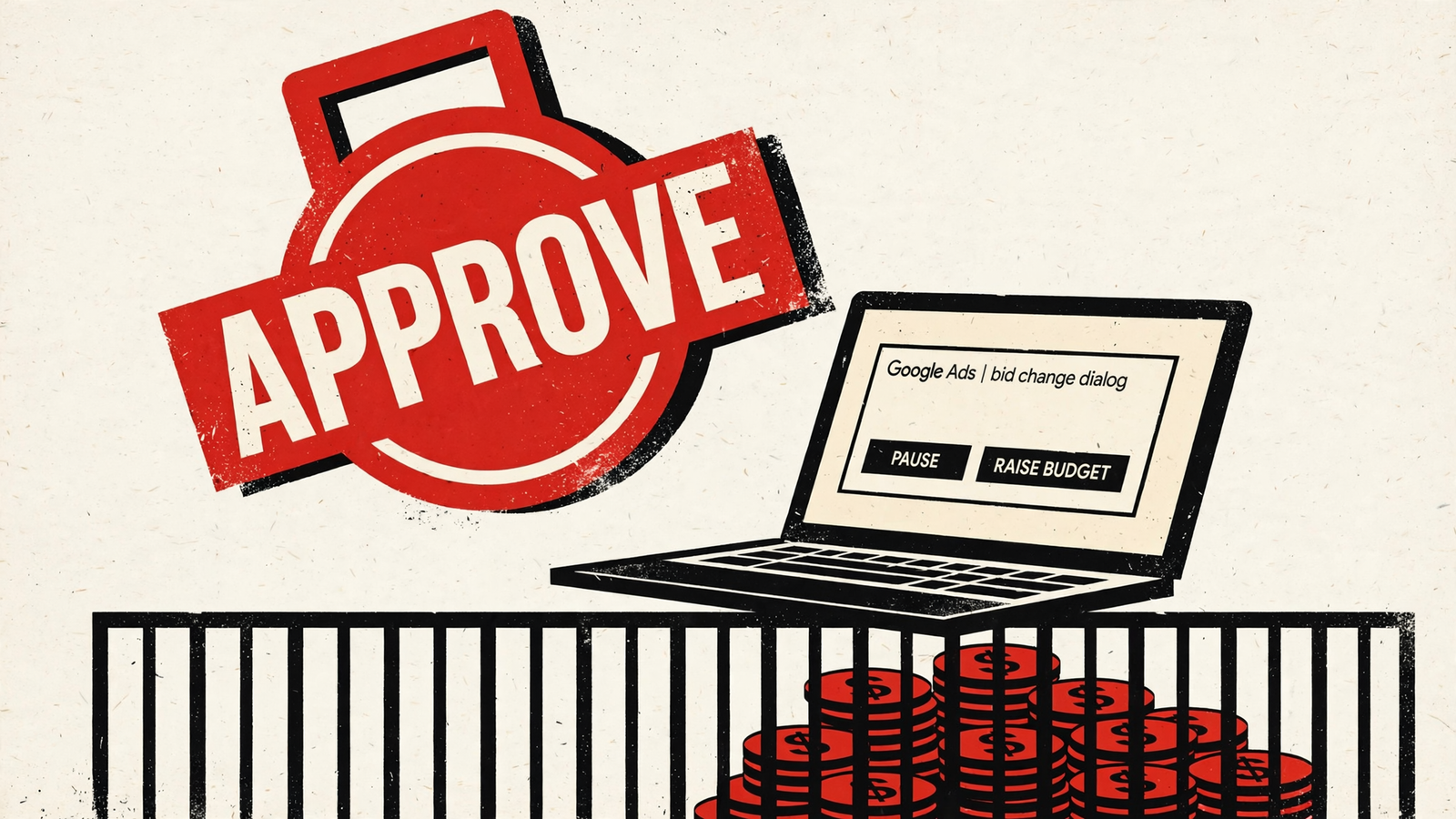
Approval is the explicit yes before an action goes ahead.
It is separate from permission. Permission says an action is allowed; approval says to perform this action now.
Assistants expose approval controls differently, so I read the current settings rather than rely on a remembered menu. My starting point is straightforward:
- Keep bid, budget and status changes on approval.
- Review sensitive reads too.
- Check the account, target and proposed change before confirming.
That pause is not wasted time. It is the last useful place to catch the wrong campaign before a perfectly executed instruction becomes a weekend problem.
Change log
A change log records what changed and why.
Chat history tells me what was discussed. I want the receipt: the action, the previous value, the new value and the instruction or rule behind it.
When groas makes a change, it logs the reason, and any change can be undone in one step. That second part matters. A log without undo is a flight recorder. Useful after the crash.
Before switching on automatic work, I would make one small change and test the undo. And if finding last Tuesday’s changes requires scrolling a conversation, I am still looking for the log.
Autopilot rules
Autopilot rules are the limits that govern automatic work after you enable it.
In groas, autopilot stays off until you switch it on. Your rules then define the boundaries for the campaign, account or website you hand over.
I would write them as instructions, not aspirations. For example:
- Never raise the daily budget more than 20% without approval.
- Never pause a campaign with fewer than 30 clicks this week.
- Never touch brand campaigns.
Those are illustrative guardrails, not universal PPC recommendations. The right limits depend on the account and the job being delegated.
Write rules like you are briefing a junior who works nights and never sleeps. “Improve performance” is not a brief.
Integration
An integration is a connection between systems, without any promise about what that connection actually does.
It is also the term I would retire.
Vendors use it for three different things: a data pull that copies last week’s spend into a sheet, a chat connection that answers questions, and a connection that can pause a loser at 2am and log why.
The first two can leave me doing the clicking. That is the distinction the label conceals, and it is the work I want to stop dressing up as strategy.
Call it what it does: read-only, or read and write with approval. That one change would save more media buyers than another dashboard this year.


