

 LinkedIn

Claude can tell me which Bing campaign is wasting money and still have no way to pause it. Reading a campaign and changing it are separate operations, and Microsoft’s official MCP only does the first.
Say I’m spending $20k a month on Microsoft Advertising. I ask Claude how last week went. It comes back with spend by campaign, a high CPA on Brand US Search, and the brand term eating budget. I type the obvious next sentence: “Pause that campaign.” Claude might apologize, explain how to do it myself, or write a confident paragraph that sounds like it already did the work. Through that connection, it didn’t pause anything.
I used to tell clients that once an assistant could read an account, execution was close behind. I was wrong. A good read tells me the connection works for reporting. It doesn’t tell me whether the connection can change a single setting.
What a successful read actually proves
Microsoft’s official MCP lists nine tools: GetAccounts, GetCampaigns, GetAdGroups, GetAds, GetKeywords, GetAssetGroups, GetAssets, GetAudienceAssociations, and GetChangeHistory. Every name starts with Get. There’s no UpdateCampaign, no PauseAdGroup, and no SetBudget. The docs say it plainly: the tools return information and never modify account data.
That explains why the first half of the conversation goes so well. Claude has a campaign tool to call when I ask where the money went. When I ask it to pause Brand US Search, it can still understand the sentence. What it can’t do is turn that sentence into an operation the server accepts. Even if it knows exactly which campaign I mean and can show me that the status is Active, it still has no way to set that status to Paused.
MCP separates finding tools from calling them: tools/list tells Claude what’s available; tools/call lets it use one of those tools. I think of Microsoft’s tool list as a parts counter with nine bins, all labeled Get. I can ask louder, more politely, or in all caps. The tenth bin still doesn’t exist. That’s where the analogy stops: a bin tells me what’s stocked, not whether I’m authorized to take anything from it.
That last distinction matters. The Microsoft setup guide walks through registering an Entra app and adding redirect URIs, but the registration itself doesn’t grant Microsoft Advertising permissions. The signed-in user still needs access to the account. Broader access can change which campaign rows GetCampaigns returns. It can’t add a pause operation to the server. If the read works and the pause doesn’t, I check the tool list before I touch permissions.
Follow the pause request to the point where it stops
I’ll make the request specific: “Pause Brand US Search, the campaign that spent $4,100 last week at $68 per lead.” Here’s where that sentence goes, and where it doesn’t:
- Claude interprets the request. I want one named campaign’s status set to Paused. The spend and CPA help identify the campaign I mean; neither number is an instruction to change the budget.
- Claude looks for an operation it can call.
GetCampaignscan return the campaign’s status. It can’t set it. Claude can tell me it can’t act through this connection or explain where to make the change in Microsoft Ads. Neither response changes the account. - Microsoft Advertising would have to receive the write. On the official connector, it never does. There’s no pause request for the platform to validate, no status change from that request, and no corresponding entry in change history.
The request stops at step two. That’s why adding the campaign ID to the prompt doesn’t fix this particular failure. A more precise instruction can clear up which campaign. It can’t supply the operation Claude needs to change it.
A paragraph describing a pause is not a pause. If Claude says “done,” I ask it to read the campaign back and check change history. The status tells me where the campaign stands. History helps me tell whether a change actually happened. If Brand US Search still reads Active and there’s no corresponding change, I don’t count the pause as done. I learned to check this the same way I learned to check spend: trust the account state, not the chat.
This isn’t a Bing quirk or a general limit on Claude. Google’s official Ads MCP is read-only too: it can’t pause a campaign or change a bid. Meta’s hosted MCP, by contrast, entered open beta with tools that can create and edit campaigns, ad sets, and ads. Same assistant, different operations. I check the connection in front of me rather than assume that what works on one platform works on another.
Tell a missing tool from a permissions problem
When a pause doesn’t land, I sort it into three buckets. Each calls for a different fix. Making the prompt longer isn’t one of them.
1. The connector has no write operation
There’s nothing for Claude to call. Claude can read Brand US Search because GetCampaigns exists. I ask it to list the Microsoft Advertising operations it can call right now, not the ones it thinks Microsoft Advertising ought to support. If I get nine Get tools and nothing that sets status, I have my answer. I need a different connection to make the change from chat.

2. The account or authorization is wrong
A successful sign-in doesn’t tell me I’m looking at the right account. I might have the wrong CustomerId or AccountId, or I might have signed in through Entra with a user who doesn’t have access to the ad account. The clue is in the read: it fails or returns a different account than the one I expected. Before I troubleshoot a pause, I confirm the account ID in Microsoft Ads and ask Claude to read that exact account back to me. Getting that read right tells me I’ve found the account. I still need to check whether the connector can edit it.
3. The write exists, but the platform rejects it
A tool can be available without the request being allowed. On a write-capable connector, a user with reporting access may still lack permission to edit, or a budget change may be below the platform’s floor. The clue isn’t whether Claude can read the campaign. It’s whether Claude names the write operation it called and shows what came back. I don’t troubleshoot a rejection until I know a write was actually attempted.
Write access also doesn’t mean every edit is available. Windsor’s Microsoft Ads connector documents five write actions, including campaign and ad group pauses and daily budget changes, but doesn’t support changes to keyword bids, keywords, ads, or negative keywords. That’s why I check for the exact operation, not a generic promise that a connector can write. For the pause itself, I use groas so I can make the change, see the reason recorded in the log, and undo it if necessary.
Give Claude a pause tool, then check the result
With Claude plus groas, I connect the Microsoft Advertising account once, then add groas as a custom connector in Claude using the groas MCP URL. Claude can read the live campaign state and call a pause operation. The prompt can stay exactly the same. The tool list is what changes. Where Microsoft’s official connector only lets me look, groas lets me act and gives me a log and an undo option.
I run Brand US Search through the same check I’d use if I were making the change myself. First, I ask Claude to show me the account name and ID, the campaign name and ID, its current status, and its spend and CPA for the last seven days. I want the IDs to pin down the target and the numbers to check that it’s the campaign we were just talking about. Then I authorize the exact change: “Yes, pause Brand US Search, campaign 84219, in account Acme US-1.” I put the target in the confirmation because a pause can be technically successful and still hit the wrong campaign.

After Claude says it acted, I ask it to read the campaign back. I expect its status to go from Active to Paused. Then I open the action log and check the campaign ID, the old and new values, and the recorded reason. If the status is Paused but I can’t find the log entry, I know the campaign’s current state, not whether this request changed it. If the log says Paused but the campaign still reads Active, I don’t treat the log as the final word. I want both traces before I call the job done.
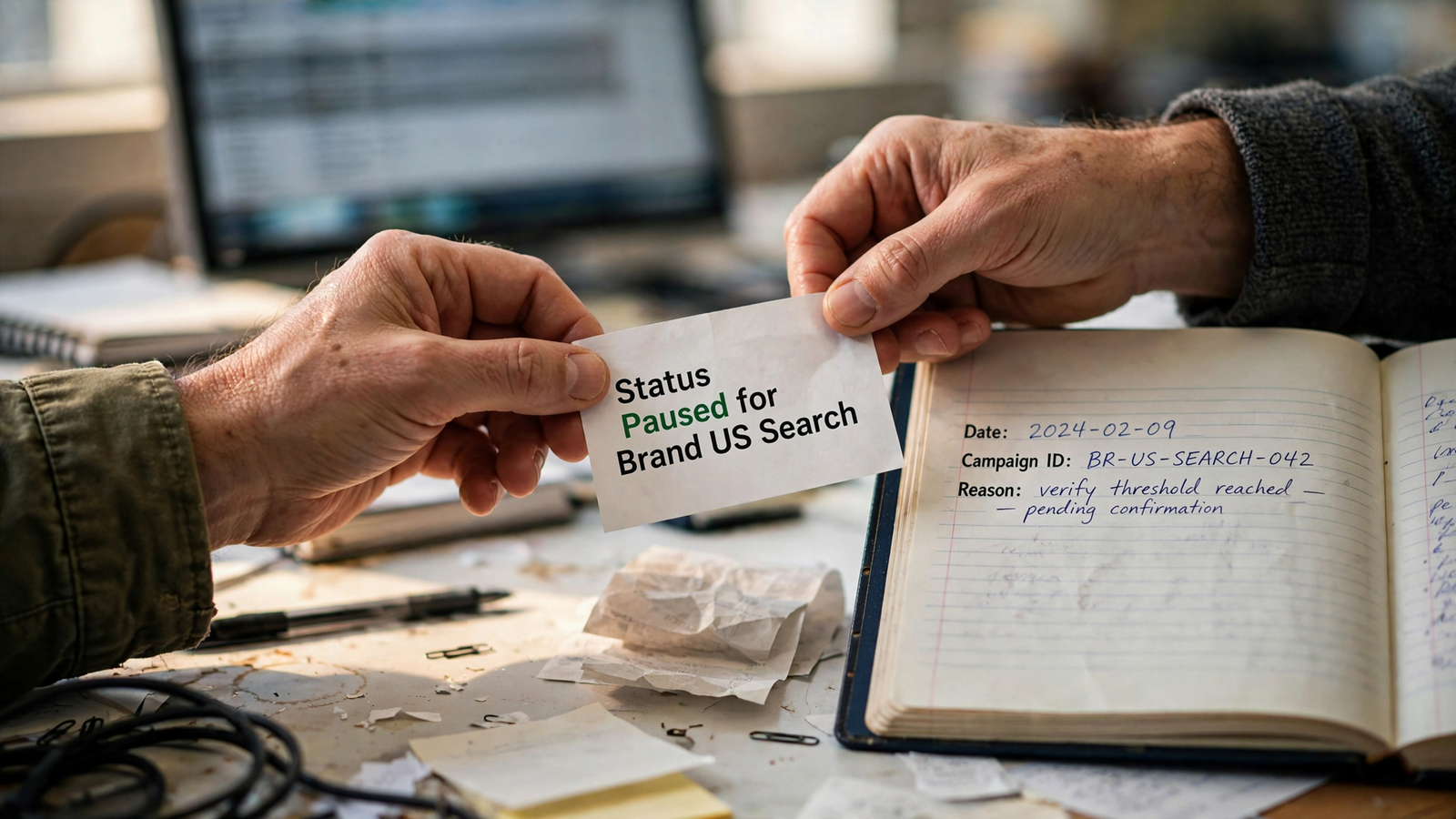
One approved pause isn’t permission to manage the account
A single approval covers one change, not ongoing management. When I approve the Brand US Search pause, I’m not asking Claude to watch spend overnight, pause the next campaign that misses its target, or move the saved budget somewhere else. A connector can execute a change in chat without becoming an autopilot. That’s the distinction behind connecting ChatGPT to ads versus handing over management, and it applies to this Claude session too.
With groas, autopilot stays off until I switch it on under rules I set. I keep the two decisions separate. “Pause Brand US Search now” names a campaign and a change. “Pause any Bing campaign over $70 CPA after $500 spend” is an example of a rule that can keep applying after I close the chat. In the first case, I’ve already picked the campaign. In the second, I’m asking autopilot to decide which campaigns meet the rule as spend comes in. I can authorize the first without enabling the second. One change, one approval, one log row.
Run the same test on a budget increase
Next week, volume dips and I ask Claude to raise the Bing prospecting budget by 20%. Last week’s pause tells me I had a way to set a campaign’s status. It doesn’t tell me I have a way to set a budget. New request, same test:
- Name the operation. I’m asking Claude to set a budget, not report one. The reason for the increase doesn’t change the operation I need.
- Check whether the connection offers that exact write. Microsoft’s official MCP doesn’t, so the answer is no before permissions enter into it. If another connection offers a budget-setting tool, I keep going. A tool that can pause a campaign isn’t proof there’s one that can raise its budget.
- Confirm the target and the proposed change. I ask Claude to identify the prospecting campaign in Acme US-1 and show me the current budget and the proposed one before I approve it. The campaign ID from last week’s pause isn’t the target for this request. And if I see only “up 20%,” I ask for the amounts. I want to know what budget I’m approving, not just how Claude plans to calculate it.
- Read the budget back and check the log. I want to see the new budget on the campaign and the old and new values in the log. I compare them with the amounts I approved, not just with each other. “Done” is no more useful here than it was when I asked for a pause.
If I undo the increase, I restore the old budget setting. I don’t get back money already spent under the higher one, any more than pausing Brand US Search gets back the $4,100 it spent last week. A missing tool can’t be prompted into existence, and spent budget can’t be unspent.





