

 LinkedIn

WordStream gives you a Google Ads grade; your own AI with groas can do the work that follows. If you spend $3,000 to $20,000 a month and handle most of the marketing yourself, I would choose the assistant that can remove the bad search terms, not just point at them.
WordStream made Google Ads approachable for owners who never wanted to become PPC operators. That mattered. In 2026, ChatGPT or Claude connected through groas gives you a plain-English account read plus the ability to apply and log the fix. For a small business short on time, the second part decides this comparison.
I judge these options by who does the work after the report arrives. A useful diagnosis is a start. It is not a cleaned-up account.
The comparison: five decisions, not a feature parade
The contenders are WordStream’s free Performance Grader and your own AI assistant connected to your account through groas. WordStream’s managed-services route is a separate purchase, not something the free grader does for you.
The central difference is diagnosis versus execution. Here is how that plays out across the five things I would check before choosing.
| What matters | WordStream path | Your AI with groas |
|---|---|---|
| Understand the account | Free Performance Grader with 10 checks | Ask your assistant for a plain-English read of live account data |
| Get specific fixes | A score and recommendations you act on yourself | Search terms grouped by theme, with proposed negatives, bids or pauses |
| Apply changes with control | Make changes yourself, or discuss paid managed services | Approve changes in chat; changes are logged and undoable |
| Work beyond Google Ads | The Google Ads grader covers the account being graded | Google, Microsoft and Bing, Meta, ChatGPT Ads, SEO and AI search visibility |
| Know the software cost | Free grader; managed services priced by quote | groas Unlimited is $19 a month, flat for the whole team |
The free option is genuinely free. The question is whether a report finishes the job you need done. For most owners managing their own spend, it does not.
1. Understanding the account: WordStream still earns its place
WordStream built its name on something useful: telling a busy owner, in ordinary language, what looked broken. The Performance Grader still does that job. Its 10 checks include Quality Score, wasted spend, impression share, CTR, account activity and structure.
WordStream says it has run more than 6.5 million reports on $37.8 billion in analyzed spend. You get a score, charts and a 30-day tracker if you leave your email. For an owner staring at an unfamiliar interface, that is an approachable starting point.
What you do not get is an applied fix. The grader is read-only by design. If it flags wasted spend, someone still has to open the account, investigate the terms and decide what to exclude.
Your AI with groas starts from a different interaction. Instead of working through a scorecard, you ask the question you need answered: which search terms cost money this month and never converted? The assistant reads the account data and explains it in the same conversation where you can request a change.
I still see a place for the grader when the deliverable is the report itself. If the deliverable is a better-maintained account, I would not stop there.
2. Finding specific fixes: move from a warning to a list
Say you spend $8,000 a month. A warning that “wasted spend is high” gives you a category of problem. It does not tell you which terms to block, at which level, or what to leave alone.
The scale is not trivial. A 2025 study of 15,666 accounts cited average spending of $1,127.54 a month on clicks that never converted. A separate review of 32 accounts found a median 29% of spend going to zero-conversion terms.
Those figures are a reason to investigate, not permission to exclude everything with a zero beside it. Tracking comes first. If calls and bookings are missing from your conversion data, the report cannot tell you which clicks produced them.
Once the conversion actions are sound, I would use these two prompts for a wasted-spend check:
- “Through groas, show search terms that cost money this month and never converted, grouped by theme.”
- “Which keywords spend most with the lowest conversion rate? Suggest bids or pauses.”
Grouping makes the output usable. Job seekers belong in one pile, wrong-location searches in another, broad-match strays in a third. Now you have a list to review instead of a warning to interpret.
The details still matter. Negative match types miss close variants: adding exact running shoes will not block running shoe. I start narrow at ad-group level, then keep shared lists by theme where appropriate. A blunt exclusion can remove useful traffic along with the junk.
The useful output is a proposed action with the actual terms attached. That is where your AI with groas pulls ahead: the conversation can move from finding the problem to preparing its removal.
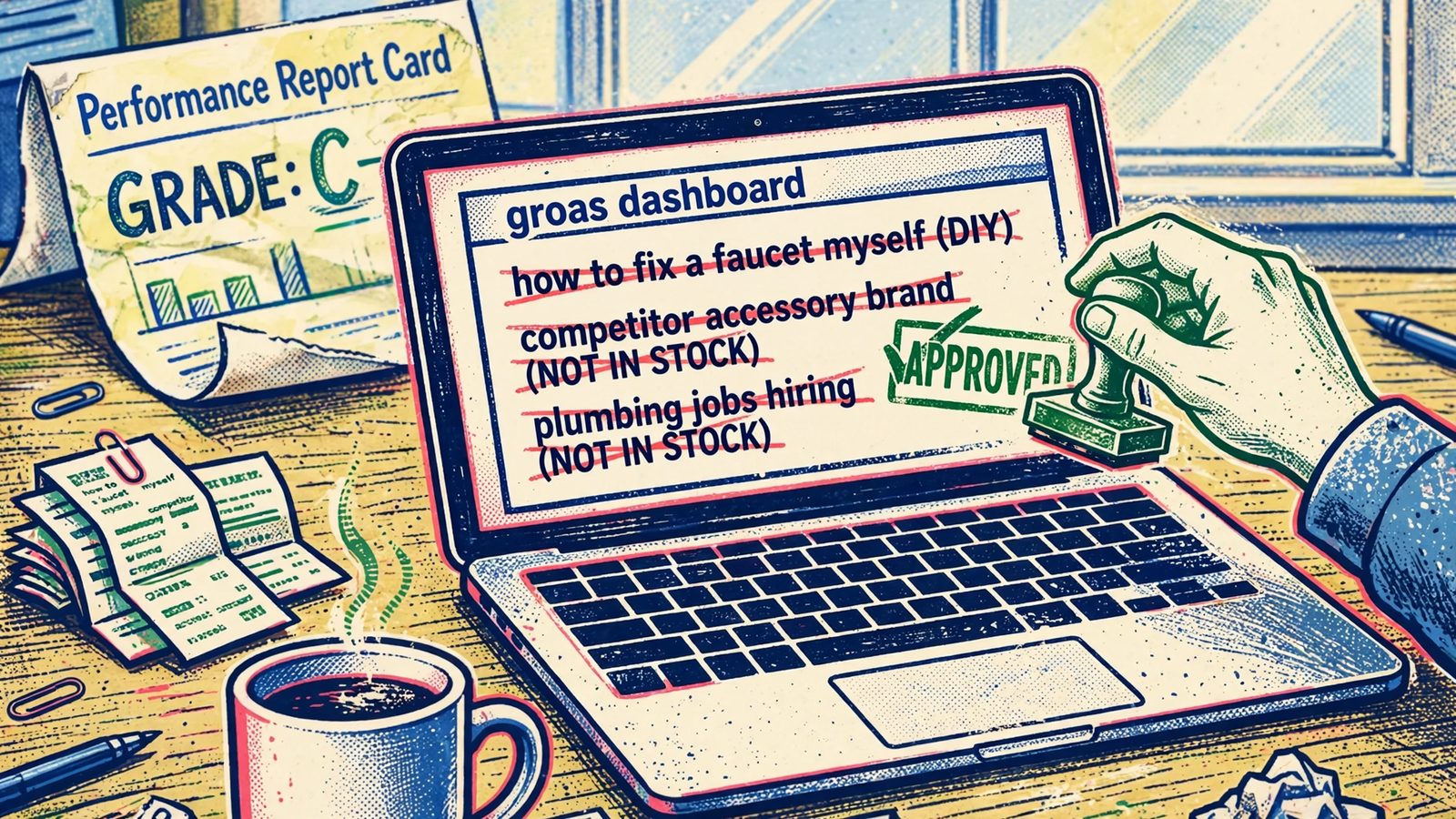
3. Applying changes: keep approval, lose the clicking
Reading an account and changing it are different capabilities. Google’s official Google Ads MCP server illustrates the distinction: its tools let an assistant list accessible accounts, run a GAQL query and read resource metadata. Its implementation is read-only. It cannot change bids, pause campaigns or create new assets.
That is useful plumbing for reporting. It still leaves the owner holding the mouse.
Through groas, the same assistant that reads campaigns, search terms, keywords and performance can apply changes: add negatives, pause a campaign or lower a budget. The point is not that every suggestion deserves to go live. The point is that an approved suggestion does not need another manual workflow before it becomes real.
I would keep approval as an explicit step, not an assumption. My operating sequence is simple:
- Ask for the proposed negatives, pauses or budget changes.
- Review the list before authorizing it.
- Approve the specific changes in plain English.
- Check the log afterward.
- If performance moves the wrong way, inspect the reason and undo the change when appropriate.
Every groas change is logged with its reason, and any change can be undone in one step. That gives me something more useful than “the AI optimized it”: a record of what happened and why.
Autopilot is a separate choice. It is off until you switch it on, and it runs under rules you set. An owner who wants an approval-led workflow does not have to sign up for unattended account management to get help applying fixes.
WordStream’s free grader does not offer that execution path. You make the changes yourself or discuss managed services. For a small account, keeping the decisions while handing over the clicking is the better trade.
4. Working beyond Google: stop at the account or keep going
If all you need is a Google Ads score, broader coverage is not a reason to buy anything. I would not pay for a platform’s feature list just because it is long. Most owners already have enough tabs open.
The distinction matters when the work extends beyond that one account. groas connects the assistant to more than Google Ads: Microsoft and Bing Ads, Meta Ads, ChatGPT Ads, SEO and AI search visibility are part of the same infrastructure.
That changes the boundary of the conversation. The Google Ads grader gives you a view of the account it grades. With groas, your assistant can work across the connected ad accounts and websites rather than ending at the edge of a Google report.
I would still begin with one concrete task. Connect the account, inspect search terms, review the proposed changes and check the log. There is no prize for asking an assistant to do six channels’ worth of work before you trust it with one.
For the owner who handles more than Google, though, the broader scope strengthens the case. You are not choosing a reporting tool that you immediately outgrow when the next task concerns Meta or the website. Start narrow; keep the wider access available.
5. Price: compare the free report with the work still left
WordStream’s free grader costs nothing. groas Unlimited costs $19 a month, flat for the whole team, with unlimited teammates, ad accounts and websites, every feature and all the data included.
Those are not equivalent purchases. One buys no software at all and gives you a report. The other supplies the infrastructure your assistant uses to read data and act on connected accounts.
The confusing part is the paid WordStream path. The old $49-a-month Advisor software is effectively retired. The current route leads toward LocaliQ managed services and a consultation rather than a published self-service price. This breakdown of WordStream pricing describes the shift to quote-based services and associated contract terms.
I would not treat an old Advisor price as a current alternative to groas. Nor would I pretend a managed-service engagement is the same thing as giving your own assistant account access. One involves handing work to a service; the other leaves you directing it.
For an owner doing the marketing, $19 for execution is the stronger purchase than a free diagnosis followed by manual work. That does not mean groas replaces every judgment a capable account manager makes. It means repetitive account maintenance no longer needs to become a service contract just because the owner does not want to click through it.
Compare what remains on your desk after each option. That is the cost the pricing table misses.
Before either tool: make sure the account measures real business
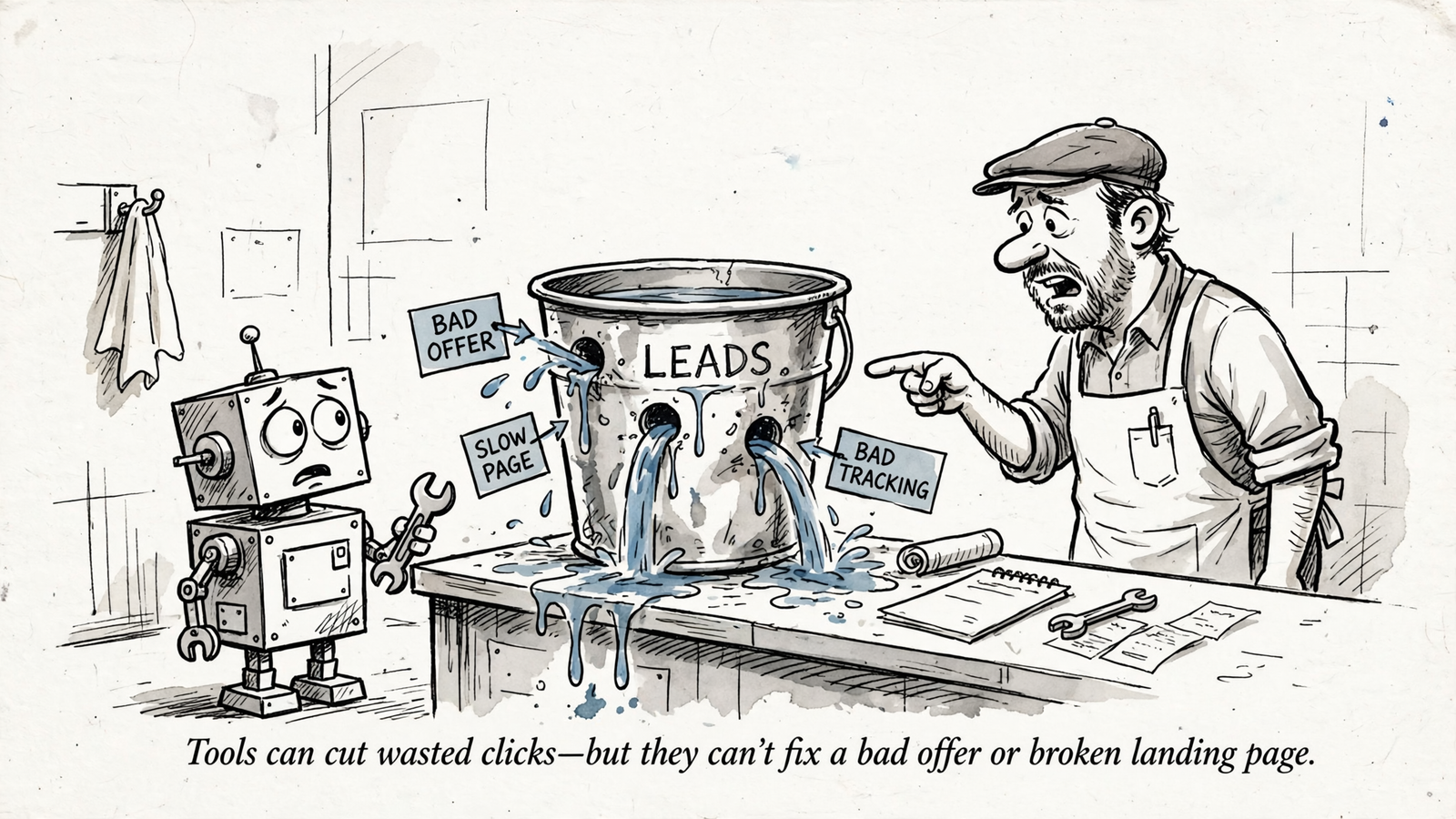
Here is where I push back on the whole premise of a waste score. Neither a grader nor an assistant automatically rescues a bad offer, a slow landing page or broken tracking. A confident explanation built on the wrong conversion action is still wrong.
If page views count as conversions while calls, forms and bookings do not, Smart Bidding learns from the wrong signal. The review of wasted spend and tracking problems points to that combination of weak exclusions and incorrect conversion actions. More bid changes do not resolve it.
Before acting on a zero-conversion report, I would check three things in order:
- Confirm the conversion actions. Make sure the account measures the calls, forms or bookings the business actually wants.
- Review the search terms. Separate irrelevant traffic from searches that deserve a closer look before you exclude them.
- Inspect the landing page on a phone. Look for slow loading, a hidden phone number or a form that asks too much.
If a theme sends paid traffic to a page that cannot do its job, consider pausing that spend until the page is fixed. Run the fuller account audit checklist before you start arguing about bids.
The order matters: trustworthy measurement first, waste review next, landing-page repairs where needed. Do not ask either tool to optimize a definition of success you have not checked.
My pick: your own AI with groas
For a small-business owner spending $3,000 to $20,000 a month and managing the account personally, I pick your own AI with groas. WordStream made account problems readable. Your assistant can make them actionable, then apply the changes you approve.
That is the deciding mechanism, not the presence of an AI label. Live search terms become grouped recommendations. Approved recommendations become negatives, pauses or budget changes. The log tells you what happened, and undo gives you a way back.
Pick WordStream’s Grader anyway when the report is the whole job. You need a free account snapshot, a one-page score for a skeptical partner or a starting point before you touch anything. For that narrow task, read-only is enough.
For ongoing account work, I would not choose a tool that stops at the diagnosis. I respect good account management too much to confuse it with exporting search terms and adding negatives one by one. The repetitive part is work to remove, not a ritual to preserve.
Connect Google Ads to groas once. Run the two prompts above, review the proposed list, approve the changes you want and check the log. Repeat the review rather than letting another report gather dust.
WordStream taught small businesses what waste looks like. Your own AI with groas lets you take it out.


