LinkedIn
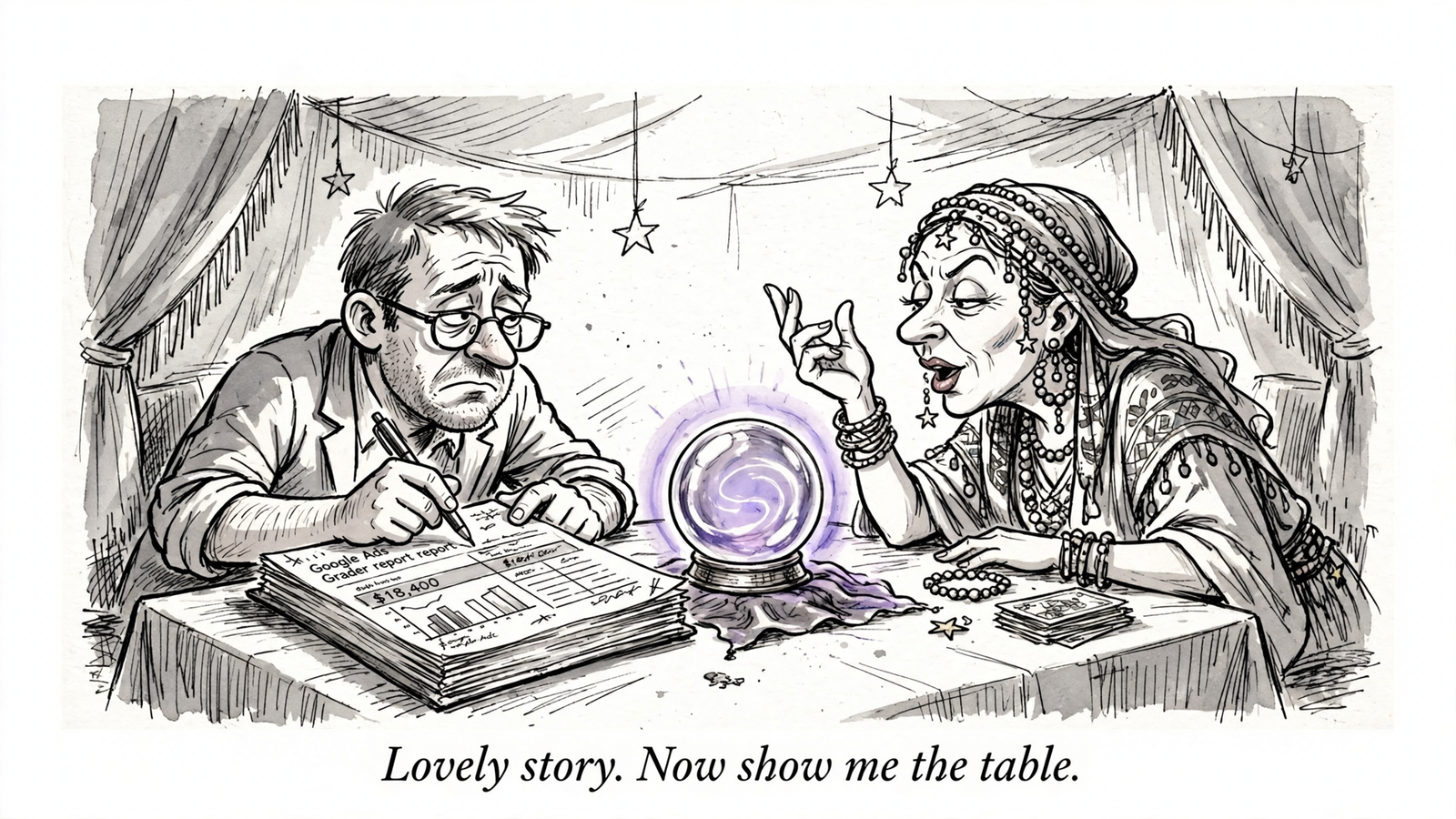
Ask ChatGPT why your Bing Ads slipped last month and it can give you a neat little story about auction pressure and creative fatigue. If it can’t name the Microsoft Advertising account, reporting window, and conversion goal behind the story, it’s guesswork with good grammar.
This list is for advertisers who run Microsoft Advertising, suspect waste, and are tired of AI answers they can’t check against the account. I used to do this work spreadsheet by spreadsheet. I still want the same things before I hear an explanation: campaign IDs, prior-period numbers, and something I can check against the source.
1. Find campaigns that spent more without delivering more conversions
ChatGPT alone can’t inspect your account. Microsoft’s MCP setup guide explains how to authorize access to the right accounts. I use groas plugged into ChatGPT: connect Microsoft Advertising once, then add groas to ChatGPT. groas Unlimited is $19 a month, flat, for unlimited teammates, ad accounts, and websites. For every prompt below, fill in the account, dates, and goal. If ChatGPT can’t confirm the scope or pull the requested data, stop there.
A campaign with falling conversions gets your attention. A campaign with falling conversions and rising spend gets your time. Microsoft’s MCP examples include campaigns with conversions down more than 30% and ad groups with zero conversions on more than $50 in spend. I want the numbers underneath those flags. As Microsoft’s reporting documentation explains, cost per conversion is spend divided by conversions. If tracking is incomplete or the two periods don’t count the same goal, that denominator isn’t fit for comparison.
In Microsoft Advertising account [account name or ID], compare [30-day date range] with [prior 30-day date range] for [conversion goal]. Show each campaign’s name and ID, spend, conversions, and cost per conversion (CPA) for both periods. Show the absolute changes, not just percentages. If you can’t isolate the goal, say so. If conversions are zero, show CPA as unavailable. Separate what the numbers show from any hypotheses about why. Don’t recommend changes yet.
Make it show the table before it tells the story. If a campaign spent $2,000 more and produced fewer conversions, I have a candidate for a budget or bid investigation. If spend and conversions rose in proportion, the extra spend bought extra conversions at the same CPA. That isn’t the waste this question is designed to find. I earn the right to ask why once I’ve established whether the extra money bought anything.
2. Separate wrong-intent search terms from thin data
Ask for “bad search terms” and you’ll often get a list of negatives, as if every term without a conversion is a term without a future. I used to make that mistake myself, mining search terms at 1 a.m. and ruling out terms that hadn’t had time to convert. Three clicks and no conversions don’t tell me much. A job search that triggers an ad for a product I sell tells me something different.
The distinction matters because Microsoft’s Search Query Performance Report includes terms that generated a significant number of clicks in the last 30 days. It isn’t a complete record of what people searched. A term missing from the report isn’t evidence of anything about its intent. I’ve written more about why ChatGPT shouldn’t pause every Bing keyword with zero conversions.
In Microsoft Advertising account [account name or ID], pull the reported search terms for [30-day date range], with clicks, spend, and conversions for [conversion goal]. Put clear wrong-intent terms, relevant terms with too little evidence, and terms that already convert in separate groups. Leave ambiguous terms for review. For clear wrong-intent terms only, propose a negative and specify the match type and level: account, campaign, or ad group. For any proposed phrase negative, show which other reported queries it would also block. Don’t add anything.
Ask for a review queue, not a bulk upload. As Microsoft’s negative keyword examples show, a phrase negative can block queries that an exact negative would leave alone. That can include a profitable query that happens to contain the phrase you meant to exclude. I review the proposed match type and scope before approving anything. If ChatGPT can’t show clicks and spend by term, I don’t use its list.
3. Check whether the conversion signal changed before blaming the ads
When the conversion count falls, I want to know whether the account is still counting the same thing. A goal definition can change. A tag can stop firing after a site update. Two platforms can count the same activity differently. Microsoft’s guide to conversion discrepancies lists differences in click-date versus conversion-date reporting, conversion windows, and Unique versus All counting, along with duplicate goals and tag mismatches. The same UET tag can also feed different goal types. A tag being present doesn’t tell me which action counts as a conversion.
In Microsoft Advertising account [account name or ID], compare spend, conversions, and CPA for [conversion goal] in [30-day date range] and [prior 30-day date range]. List the active goals and how they’re defined. Flag any recorded goal changes or inconsistencies you can see, and say if you can’t verify what the settings were in the earlier period. Tell me what I’d need to check on the website to establish whether the tag fires. Don’t claim it’s broken or working from account data alone.
Separate what the account records from what the site does. If the count drops around a recorded change to the goal, I investigate measurement first. If the settings appear unchanged, that doesn’t clear the tag. I check firing separately in the UET Dashboard’s Test tab, keeping in mind that consent dialogs and ad blockers can affect what the test shows. Once I’m satisfied the comparison means what I think it means, I’ll go looking for a problem in the bids, budgets, or landing pages. Not before.
4. See whether a few expensive clicks are driving the result
An ad group can spend $400 on 11 clicks without a conversion and make the account CPA look like a crisis. That’s real money. It’s also 11 clicks. A 300% CPA increase on nine clicks calls for a different investigation than the same increase on nine thousand. Microsoft’s reporting documentation lays out the campaign metrics I want to see under the headline: impressions, clicks, spend, and average CPC. For this pass, I go down to the ad group and look at how much of the account’s spend each one carries.
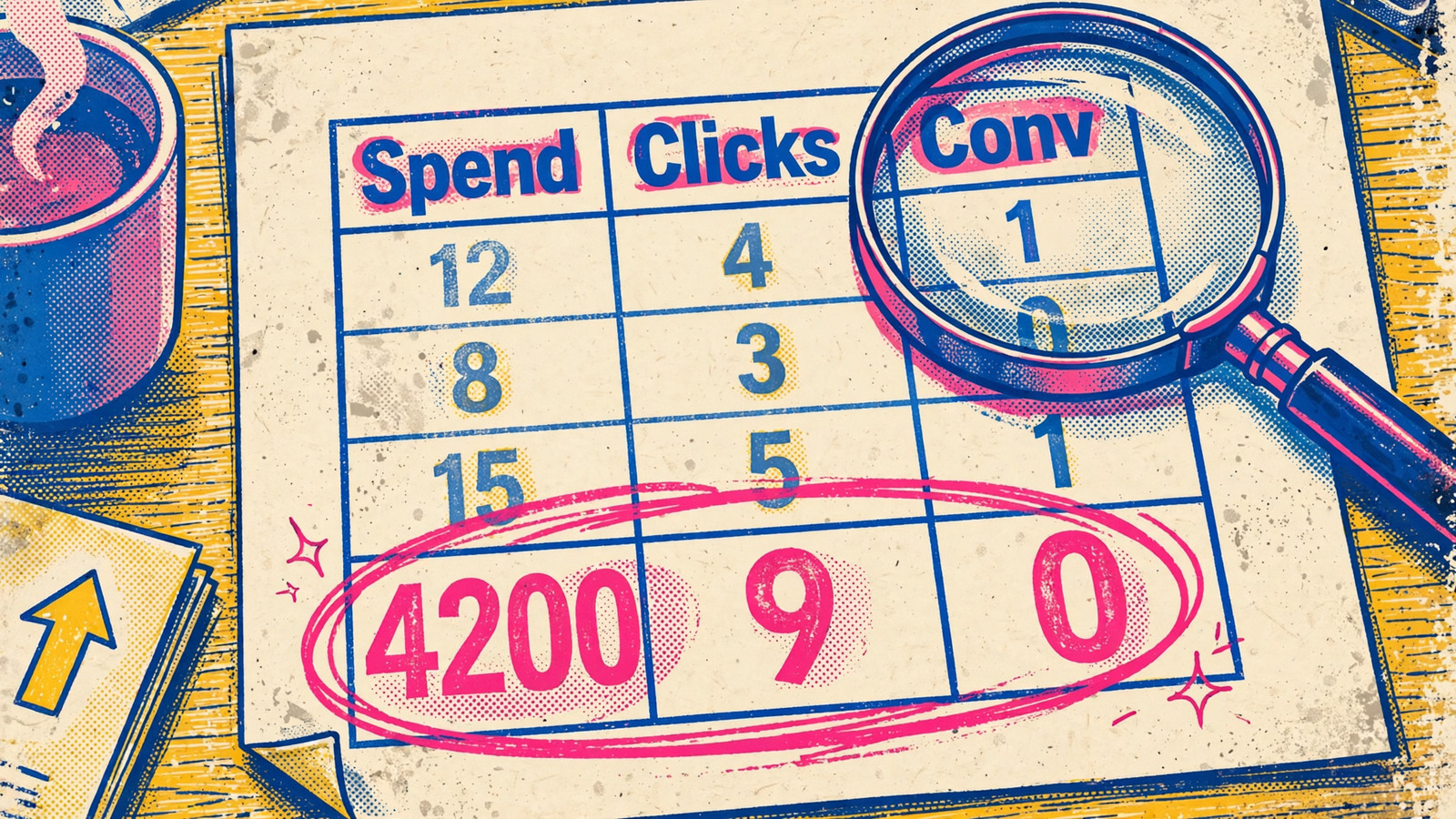
In Microsoft Advertising account [account name or ID], rank the 10 highest-spending ad groups for [30-day date range]. Show clicks, spend, share of total account spend, conversions for [conversion goal], and CPA where it can be calculated. Flag rows with fewer than 20 clicks as thin evidence. Show zero conversions as zero, not as a CPA of zero. Don’t recommend pausing anything.
Use absolute counts to decide where to look first. If three ad groups account for most of the spend and none of the conversions, I have a short list of match types, bids, and network settings to inspect. If spend and conversions are both spread out, I don’t have the concentration problem I came looking for. A builder in an r/adwords discussion about AI for PPC analysis made a useful point: a narrow, computed summary is a better starting point than dumping a huge export into a chat and hoping it does the math.
5. Audit campaigns that spend without a recent recorded change
A campaign gets imported from Google, someone gives it a budget, and the network settings don’t come up again until the post-mortem. In one r/PPC discussion about Bing and Google Ads, a practitioner reported that $2,600 of a client’s $2,800 spend went to MSN and Microsoft Select Sites. I wouldn’t start that review by rewriting the keyword list. I’d look at where the money went and what the account history actually shows.
Microsoft’s MCP examples put the available change history at roughly 180 days, with details such as who made a budget or bid change and what the old value was. Microsoft’s Change History help makes the distinction between seeing and undoing a change: history goes back six months, but only changes from the last 30 days can be undone there.
In Microsoft Advertising account [account name or ID], list every campaign that spent money in [30-day date range], with spend and conversions for [conversion goal]. State the history window you can see. For each campaign, show the last recorded change, what changed, and who or what made it, if available. Distinguish “no change in the available history” from “history unavailable.” Don’t infer why a campaign was left alone or recommend changes yet.
No recorded change is a reason to look, not proof of neglect. A campaign can go untouched without wasting money. If it’s spending and the settings haven’t changed in the visible window, I put networks, budgets, and audiences on the review list. I don’t let ChatGPT invent a reason nobody touched it, and I don’t change a bid on the strength of a blank row.
6. Pick a Google winner to test on Bing, not to copy
A Google campaign can have a good CPA and still be a poor import. In one r/PPC thread about importing Google campaigns, an advertiser reported roughly $80 CPA on Google and $200 on Bing after Microsoft’s suggestions expanded the list to about 1,700 keywords. About 60 converted. Another advertiser new to Microsoft Ads reported more than 1,000 clicks and no add-to-cart conversions in 30 days after importing PMax and Shopping campaigns. Those accounts aren’t a forecast for yours. They’re a reason to check what changes when a campaign moves platforms.
Start with the goal. Two columns labeled “conversions” don’t necessarily count the same action, and cross-platform reporting differences include attribution windows and time zones. Then check search volume, match behavior, and whether Bing has enough conversion volume to support the bidding approach. If you can’t establish those things, a Google CPA is a number from Google. It isn’t a Bing target.
Compare Google Ads account [account name or ID] and Microsoft Advertising account [account name or ID] for [30-day date range] and [conversion goal]. Confirm how each platform counts that goal. Shortlist Google campaigns on conversion volume and CPA, and explain any trade-off between the two. Name the closest Bing equivalent, if one exists. For search volume, match behavior, goal definition, and conversion volume for automated bidding, say what the data supports and what you can’t verify. Don’t propose an import.
Take a hypothesis and a budget cap into Bing, not a CPA forecast. If the comparison doesn’t hold on volume or match behavior, Google’s winner may not be a Bing candidate yet. It’s the same distinction I make when I treat Microsoft’s 665% audience lift as a reason to test, not to cut Google Search. I’m looking for incremental reach, not a promise that the two platforms behave alike.
Turn the evidence into one approved action
An answer isn’t a change. When the evidence does support a change, I ask for the exact action, the campaign, ad group, or keyword ID it applies to, and the reason in one sentence. With groas connected, changes made through groas are logged with their reasons and can be undone in one step. Leave autopilot off until you’ve set the rules and budget. Approve one change, then measure it against the baseline.

I’d start with question 1: Which campaigns spent more without delivering more conversions? It takes the least data to answer honestly, and the table gives me somewhere specific to look. If the comparison holds, I know which campaign deserves my time. If it falls apart over the goal or reporting window, I know what to fix before I touch a bid. Either way, I’d rather have that table than ten pages of fluent guesses.