LinkedIn

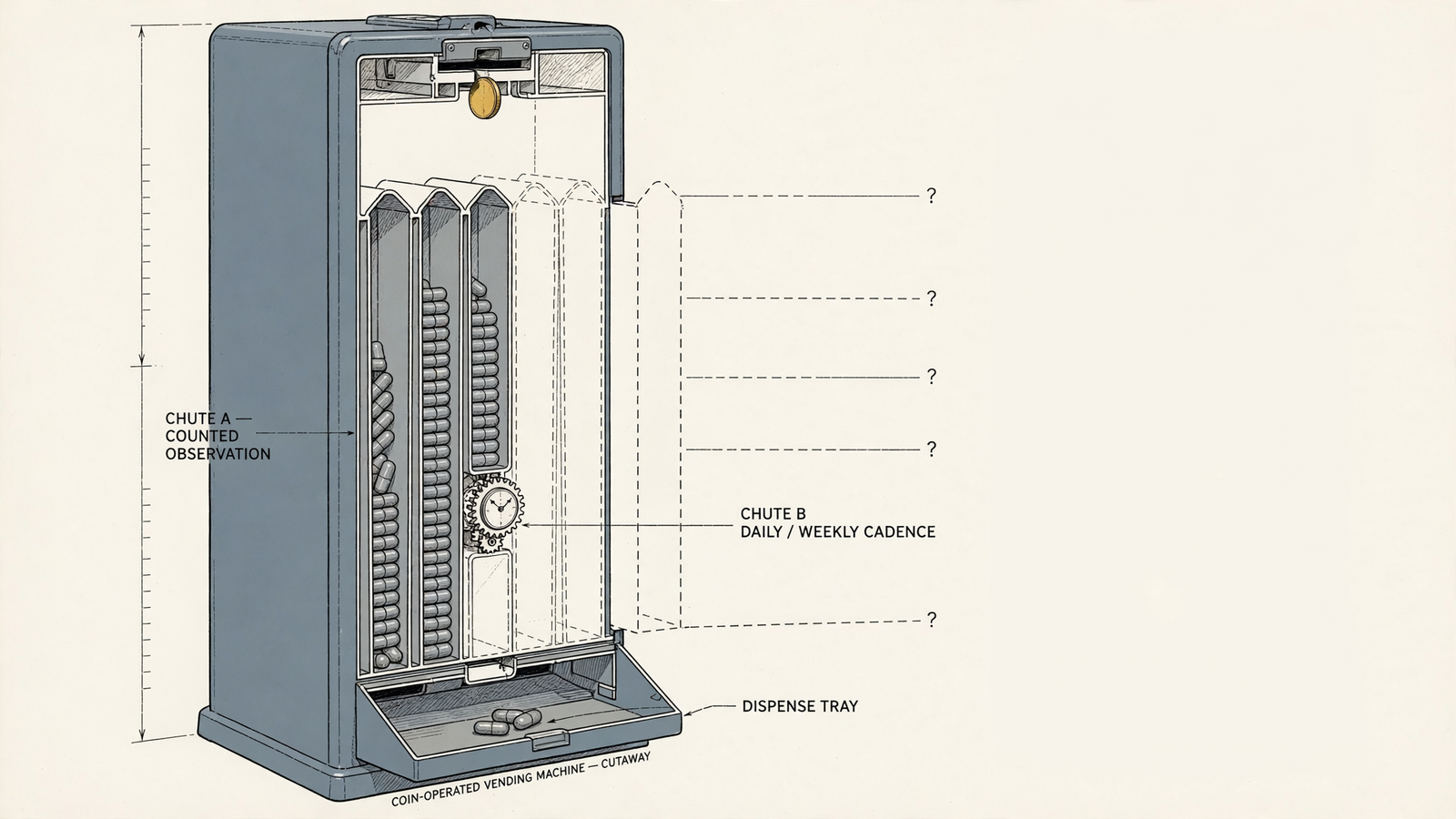
Your CPCs move on Monday. ChatGPT doesn’t touch the account until Thursday, but Thursday’s edit is the only thing in your groas action log. If that’s the only record you give your agent, it has a tidy explanation for a move that started three days earlier.
Between August and November 2026, Google changed how Smart Bidding behaved in budget-limited campaigns, switched automated promotions on by default for eligible campaigns, and added a narrow set of write tools to its official Google Ads MCP server. Those are three different kinds of event: a change in bidding behavior, a change in what can run without an advertiser choosing it, and a change in what an agent has permission to do. None belongs in the same column as an edit your agent made.
I used to read change history the way a lot of operators still do: find the last edit, then blame or credit it. That shortcut breaks when Google can change the rules without anyone touching the account. With groas plugged into ChatGPT, ChatGPT can read the account, propose changes in plain English, and make the ones you approve. Those changes are logged with reasons and can be undone. That tells me what the agent did. It doesn’t tell me what moved underneath it. For that, I keep a separate timeline and check it against what the account actually did.
August 17, 2026: Smart Bidding moves without an account edit
Search Engine Land’s September 17 report, citing smec’s research, put the start of Google’s Smart Bidding change on August 17 and the end of the rollout on August 27. The change appeared to end bid suppression for budget-limited target ROAS and target CPA campaigns. In plain English, Google had been lowering bids to stretch those budgets. Once that automatic bid lowering went away, the same campaign settings could produce different results.
In smec’s original analysis, median CPC for budget-limited campaigns went from €0.38 to €0.44, against €0.33 for campaigns that weren’t budget-limited. Before the change, more than half of budget-limited campaigns beat their ROAS targets, compared with 30% of non-limited campaigns. Some campaigns had a cushion. The change history wasn’t going to tell you which ones lost it.
The first thing I want to know about a late-August move is whether the campaign was actually budget-limited. I’d start with a read-only request through groas:
Compare CPC, spend, conversion value, ROAS versus target, impression share, and budget-limited status by campaign around August 17. Identify any missing fields. Don’t change anything.
A CPC rise after August 17 fits smec’s account. It can also sit in the same window as a new competitor, a landing-page change, or a budget cut. Put the platform event on one line and the account observations on another. Then check the action log. If you still can’t tell those explanations apart, you have a question to investigate, not a bid to change.
September 17, 2026: The published numbers make the case for segmenting first
The useful number in the September 17 coverage wasn’t an account average. It was the split: median CPC rose 15.8% for budget-limited tROAS campaigns and fell 13% for campaigns that were never budget-limited. The reported figures also showed impression share falling from 40% to 31%, share lost to budget rising from roughly 4% to 33%, and share lost to rank falling from roughly 45% to 30%. One average would have buried the fact that CPC moved in opposite directions for the two groups.
smec’s October 23 follow-up tracked what happened to the ROAS cushion. For budget-limited campaigns, median ROAS went from about 20% above target before August 17 to about 11% above in the week of August 17, then about 6% the next week and roughly on target by August 31. The share of campaigns that were budget-limited barely moved in the population smec examined, where 15–25% of campaigns fell into that group. PPC Land’s coverage didn’t include a response from Google.
The record is thin where I’d most like it to be specific. The material doesn’t disclose the sample size, markets, or how campaigns were selected, and smec sells software for managing budgets and targets. An unnamed UK retailer whose CPC went from 17p to 27p in a week is an example, not a benchmark. I’d use the reported split to decide what to check, not what to expect.
Group campaigns by whether they were budget-limited before August 17. Show CPC, spend, conversion value, ROAS versus target, and impression share around that date for each group. List campaigns with missing fields separately. Don’t change anything.
If the groups diverge, the published findings give you a plausible explanation to test. If they move together, the published split doesn’t explain the account-wide move on its own. Either way, make the agent show you the groups before you let it tell you the story.
October 12–15, 2026: Default-on promotions put advertiser intent on the record
According to Bavian’s October 15 roundup, Google switched automated promotions on by default on October 12 for eligible Search and Performance Max campaigns with location assets and no promotion assets. Adding your own promotion asset keeps a campaign out of that default. The opt-out is account-level: Campaigns → Assets → Account level automated assets → Advanced settings → Automated promotions → Off.
The distinction I care about is simple: an active promotion isn’t necessarily a promotion you approved. Google can add one under the default without a corresponding edit in the groas log. A silent log is exactly what I’d expect if the agent didn’t do it.
Tim Hübler called the opt-out a dark pattern and warned about stale codes and muddied A/B tests. Menachem Ani called an unchosen promotion “a leak with your logo on it.” Antonio Fernández pointed out what can disappear when an offer gets compressed into one line: a minimum spend, for instance, or an app-only condition. Shehzad Sadiq saw a case for more coverage when a store keeps its promotion pages clean. I’d rather check whether the page still carries last quarter’s discount than settle the argument in the abstract.
Compare active promotion assets with current landing-page offers wherever you can access both. List each promotion, its code, and its terms. Flag anything you can’t verify against a live page, and tell me which settings I need to check manually. Don’t change the automated promotions setting.
Relevant Audience’s account of the rollout gives you a field to check: Google-added assets show Google AI under Added by. An automated promotion serves for under 24 hours and renews only while it’s still visible on the website. I wouldn’t use the absence of an email to rule out eligibility, either: the October 5 notice went to “some advertisers” and didn’t list countries or languages. Record what’s active, who added it, and whether the live offer matches before authorizing an edit.
November 2, 2026: Google’s MCP server gets writes, not control of the budget
On November 2, version 0.0.6 of the official Google Ads MCP server introduced its first public write tools. That sounds like “AI agents can now manage Google Ads” until you read the list. The Google Ads developer guide describes a server that reads and can make a limited set of changes:
- Create assets with
assets_create_asset. - Upload video assets with
assets_upload_video_asset. - Manage labels and label associations with
labels_manage_labelsandlabels_manage_label_associations.
The tools validate a proposal first with validate_only=True, then use a checksum to tie confirmation to that proposal. As PPC Land’s release coverage spells out, the release can’t change a budget, change a bid, or pause a campaign. It can’t create or edit campaigns, ad groups, or ads; change bidding strategies; add keywords or negatives; or attach assets to campaigns. An asset lands in the library. It does not land in an ad.
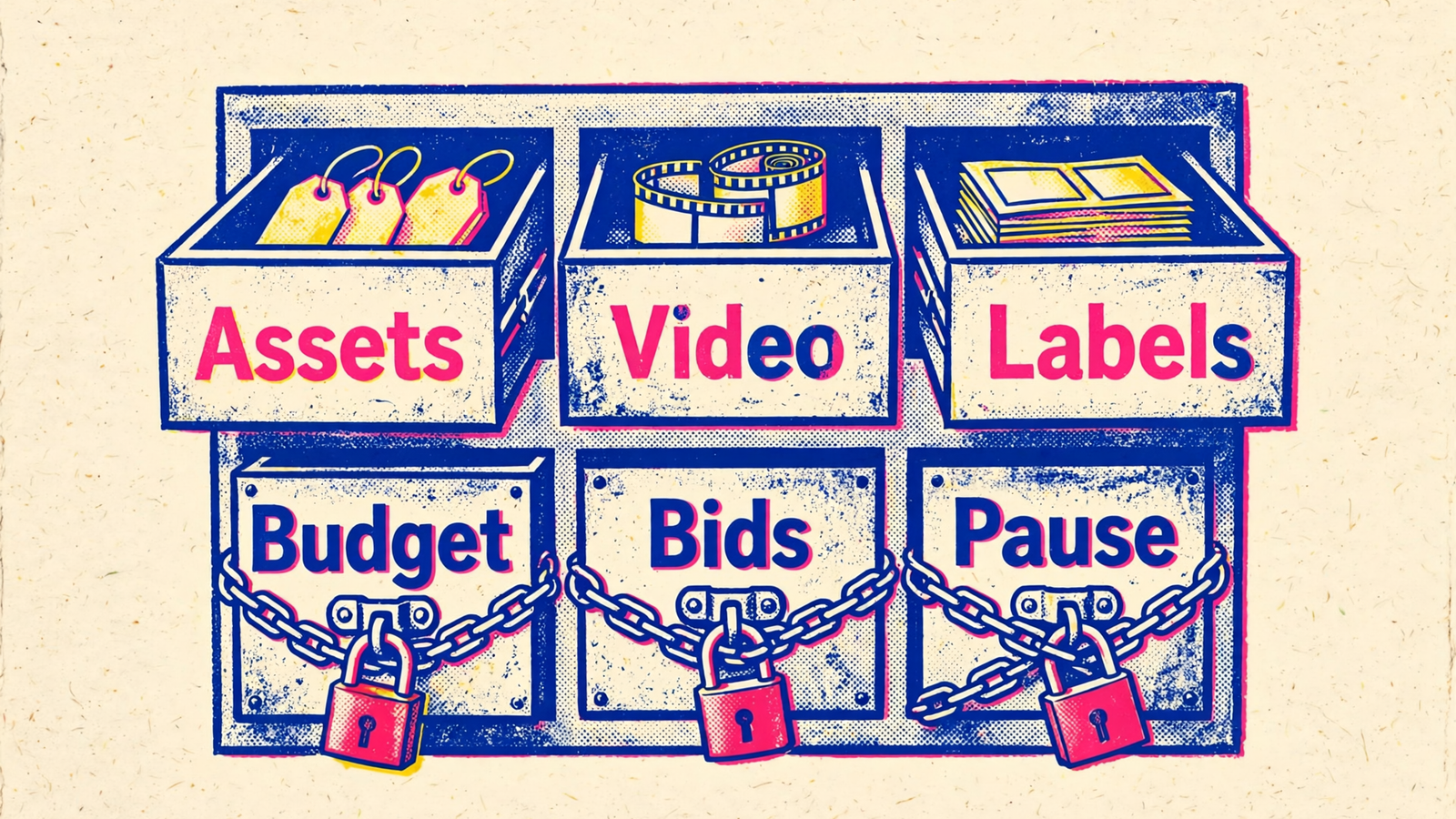
The setup detail I’d check first: the bundled configuration enables the write tools by default. There was no announcement, and the guide dated October 30 still described the server as read-only. To return it to read-only, the Google Ads MCP README says to set labels: false and assets: false in tools_config.yaml. Uploads have their own distinction: local file paths for images and videos work with local stdio, while remote HTTP requires base64.
One more distinction matters more than the demo: the checksum is an unkeyed SHA-256 with no expiry. It ties the confirmation to a proposal; it doesn’t prove a human approved it. I still want a named approver and a record.
Before proposing anything, list the tools available through this connection. Say whether it can change budgets, bids, campaign status, or keywords. Propose only. Wait for my approval.
The official server gives you a narrow path for assets and labels. I’d use groas over MCP for the broader account workflow: it connects the agent, logs every change with its reason, and lets you undo a change in one step. Autopilot stays off until you turn it on. Don’t approve a write based on what a different connection can do. Name the connection and the object first.
November 11, 2026: Three records before the next approval
By November 11, the August bidding change, September evidence, October promotion default, and November write release belong beside the groas action log. They don’t belong in it. I keep three separate records:
- Sourced platform events. What changed, on what date, and according to whom. The August rollout date and the September reporting date are different entries for a reason.
- Observed account conditions. What actually happened in the campaigns, which groups behaved differently, and which fields I couldn’t verify. An active promotion goes here even when nobody on my side added it.
- groas actions and reasons. What the agent changed, when it changed it, and why. These are the changes I can undo through groas.
The question I’d put to ChatGPT through groas is: “Which explanation fits these records, what contradicts it, and what evidence is still missing?” That gets me further than “Why did CPC go up?” The first question invites the agent to challenge the obvious answer. The second can turn the closest timestamp into a cause.

The setup sets the limits. As of November 11, ChatGPT’s write-capable custom MCP setup was available on the web to admins on Business, Enterprise, or Edu, with Pro limited to read-only. ChatGPT and Claude need a public HTTPS endpoint rather than a local one. Check the MCP setup notes and the groas connection instructions before assuming someone who can pull a report can also make a change. Access to write still doesn’t mean permission to go ahead.
I let the agent pull reports, search terms, and keyword ideas on its own. I make it ask before creating a campaign, turning anything on, changing budgets or bids, adding keywords, or editing a live ad. I approve one bounded action at a time, with the object named and the rollback clear, and leave autopilot off unless I’ve written the rules and explicitly switched it on.
Google will keep making changes on dates I didn’t choose. The agents I’d trust with the next edit are the ones that can keep three answers straight: what the platform changed, what the account actually did, and what the agent did about it.