

 LinkedIn

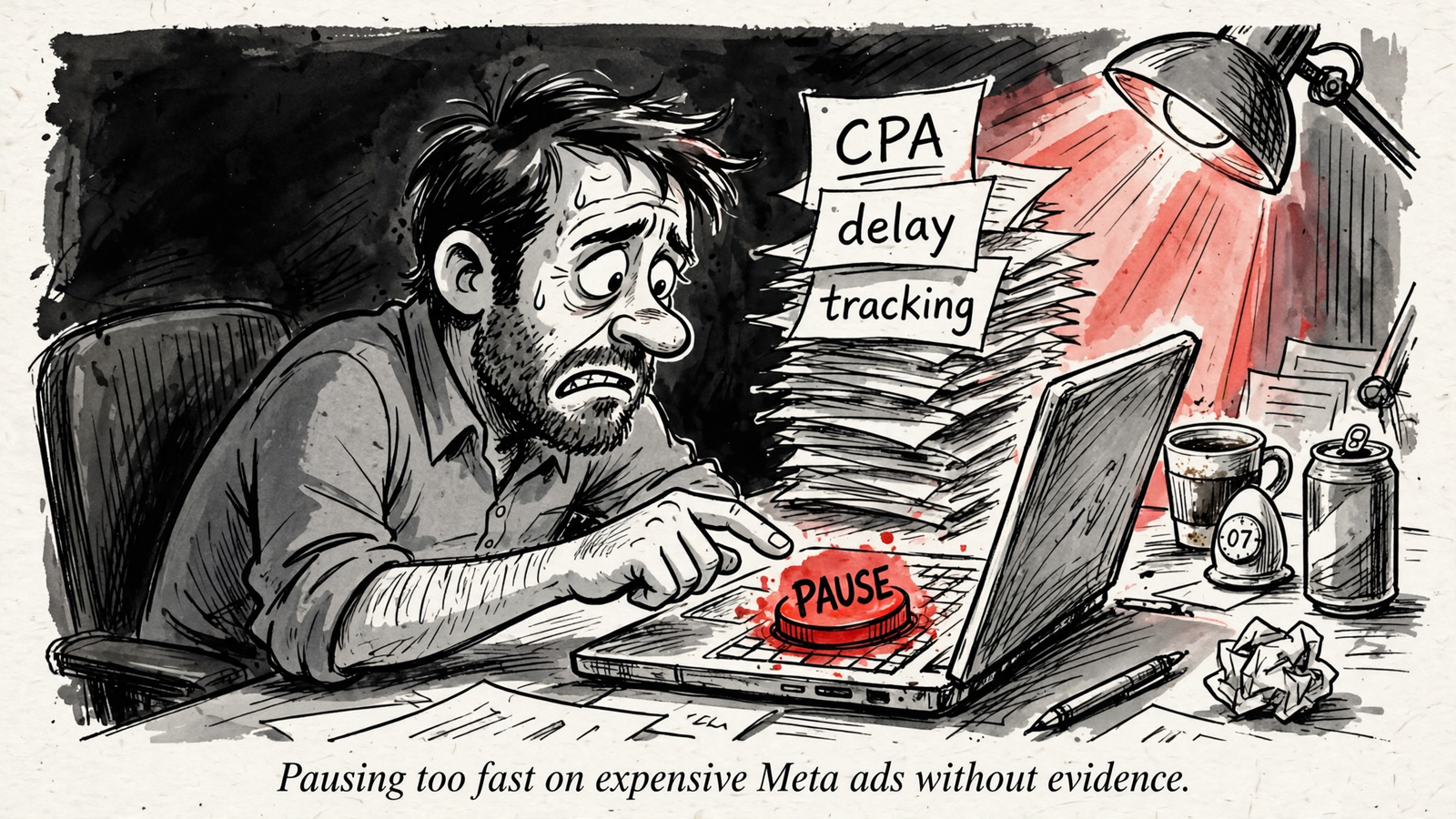
Yesterday’s best Meta ad jumps from $42 to $91 per purchase. I’m not letting ChatGPT pause it until it can show me what changed. Expensive is a symptom, not a pause instruction. I start with ChatGPT connected through groas and one line: “Identify Meta ads whose cost per purchase deteriorated. Make no changes. Return the evidence for pausing, holding, or investigating each one.” I want to know whether the ad has crossed my loss limit, whether the purchases are actually missing, and whether the comparison holds up. A hold means the evidence needs time; investigate means there’s a specific gap to check. Neither gives ChatGPT permission to touch the account. Otherwise, I can kill yesterday’s winner on Tuesday and watch the purchases that would have changed my mind show up on Thursday.
1. Confirm the account and the exact ad
- Return the account, campaign, ad set, and ad IDs. Ask: “For each flagged ad, return the account name and ID, campaign ID, ad set ID, ad ID, campaign objective, and optimization event. Make no changes.” Keep the hierarchy on the same row as the recommendation so there’s no ambiguity about which ad it refers to.
- Read the IDs live. With ChatGPT connected to Facebook Ads Manager through groas, use the current account structure rather than a CSV that shows where everything sat last Tuesday. I want the ad I’m judging and the ad I might pause to be the same object.
- Check the level before discussing a pause. A campaign pause stops delivery for every ad set and ad inside it. An ad-level pause leaves the other ads alone. That’s why I ask for the full hierarchy, not just the creative name. Pausing rather than deleting also keeps the ad’s history intact. No ad ID, no pause.
2. Compare the same days under the same settings
- Use two equivalent reporting windows. Ask: “Compare the last 7 full days with the prior matching 7 days. Use the account timezone, match weekdays, and state the attribution settings. Flag any incomplete current day separately.” Put the actual dates above each column so I can spot a mismatch without reverse-engineering the prompt.
- Show the spend and purchase counts behind both CPAs. A CPA jump tells me where to look. The counts tell me what the comparison rests on: did spend rise, did purchases fall, or did both happen? I don’t want a partial morning folded into one window and a full day in the other.
- Check how conversions are dated. Delayed conversions can fill in earlier reporting dates, so yesterday’s row can change after I’ve read it. Matching the weekdays fixes a bad comparison; it doesn’t make recent results final. If the windows don’t match, rebuild the comparison before returning a verdict.
3. Let recent clicks finish converting
- Mark recent zero-purchase days as mature or immature. Ask: “Use the typical click-to-purchase delay to label each recent zero-purchase day. Don’t treat immature zeros as final. If you don’t have enough information to judge the delay, say so.” I want the dates marked, not a generic warning about lag under a table that treats every row as settled.
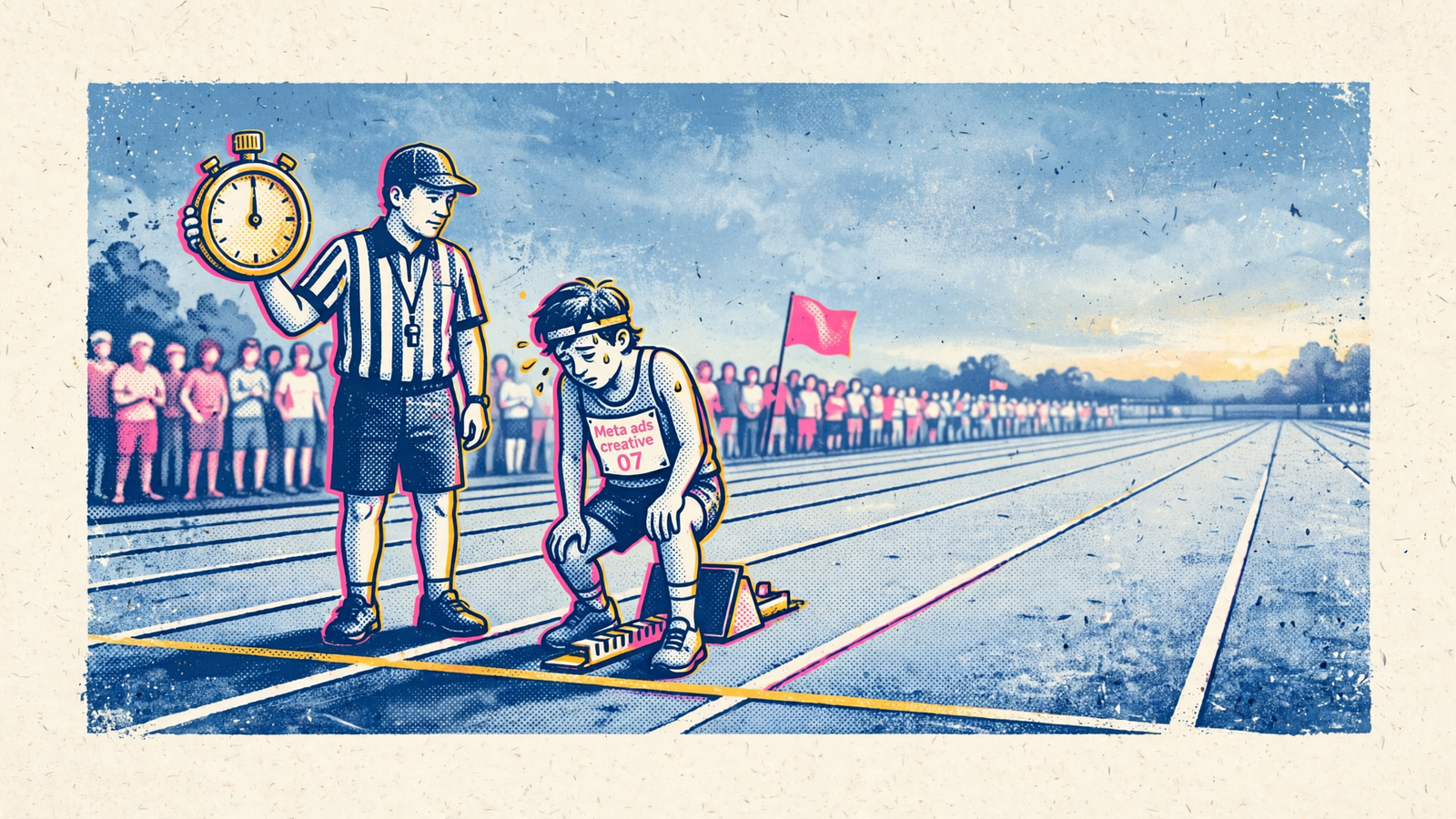
- Keep a reporting zero separate from a final zero. Say I’m spending $20k a month and buyers typically take about three days to decide. Purchases from Sunday clicks can still come in on Tuesday. A Sunday-night pause treats those open rows as settled. That’s the same mistake as reading yesterday’s CPA as final before the purchases have had time to show up.
- Flag ad sets still in learning. Early CPA can jump around during learning. I don’t use a shaky first couple of days plus one bad day as a standalone reason to stop delivery. If tracking is healthy, the ad is close to target, and the window is still filling in, hold.
4. Compare Meta purchases with actual orders
- Give ChatGPT an order count from outside Meta. Ask: “Compare reported purchases with my supplied Shopify, WooCommerce, or CRM order summary for the same dates. Show both counts and flag discrepancies. If tracking looks broken, return investigate, not pause.” Without that separate count, ChatGPT is grading Meta’s numbers against Meta’s numbers. If Meta purchases fall but orders hold, check the reporting before calling it a sales drop.
- Check whether the Purchase event is arriving. In Events Manager, look for browser and server Purchase events, confirm test events arrive, and check Diagnostics for warnings. If both sources report the same purchase, check that
event_idandevent_namematch so the purchase isn’t counted twice. Run these Conversions API tracking checks before treating a reporting drop as a sales drop. - Label missing evidence as missing. If I haven’t supplied the order summary or ChatGPT can’t verify an Events Manager check, I want that gap in the table, along with the check that would close it. A blank tracking line is not a clean bill of health.
5. Find which part of the purchase cost moved
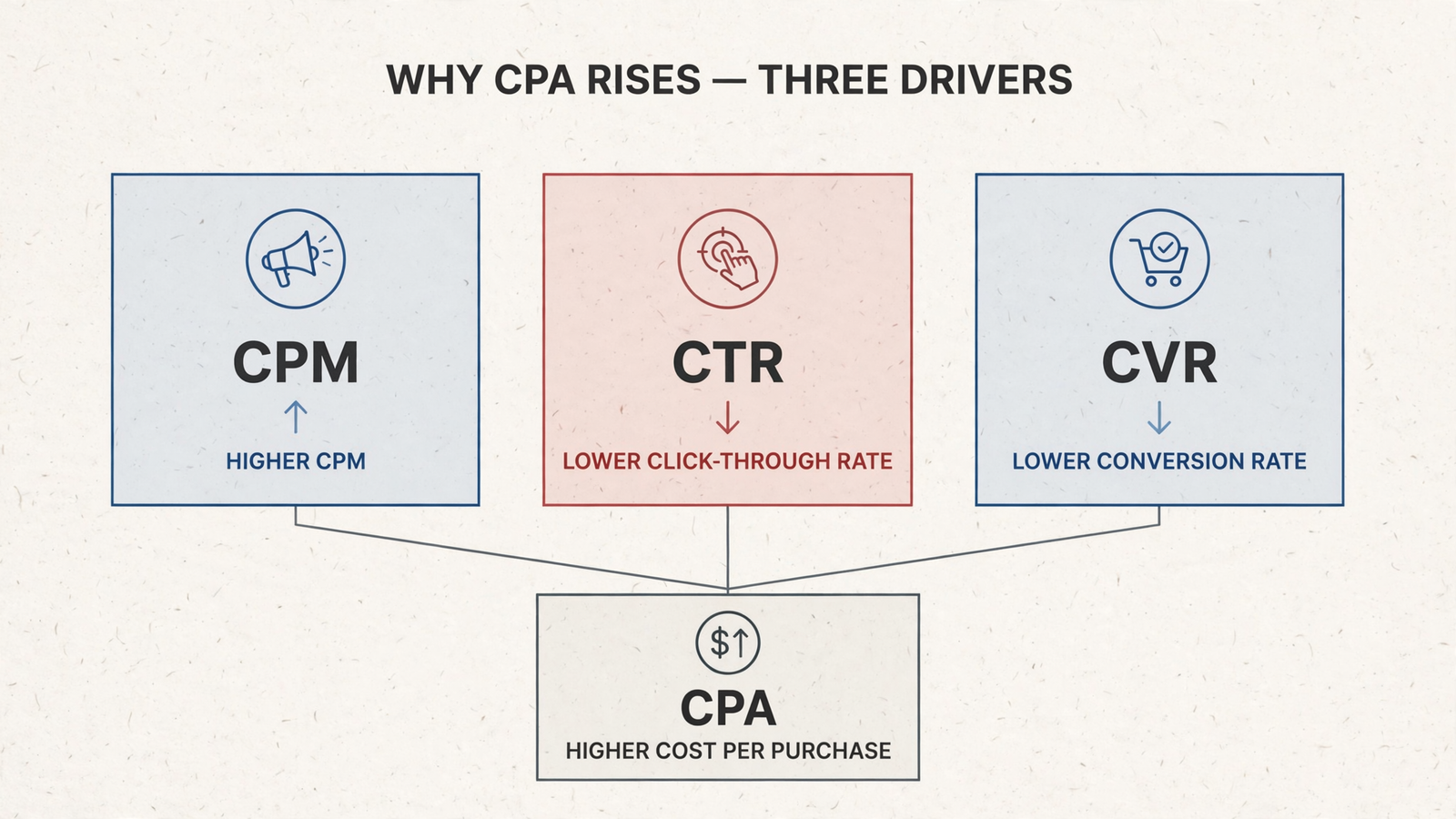
- Split the increase into CPM, link CTR, and landing conversion rate. Ask: “For each flagged ad, show spend, CPM, link CTR, landing conversion rate, and cost per purchase for both equivalent periods. Name what moved. Separate the observation from your explanation.” I want to see whether it got more expensive to reach people, fewer of them clicked, or fewer of the people who landed bought.
- Match the next check to the metric. Higher CPM with steady click-through and conversion rates puts auction pressure or audience overlap on the list. Lower link CTR puts the creative on the list. Lower landing conversion rate with steady traffic sends me to the page, offer, price, or tracking before I blame the ad.
- Make sure the measures still mean the same thing. If reported results move while CRM orders hold, check whether Meta’s attribution definitions changed before calling it weaker demand. “Link CTR fell” is an observation. “The creative wore out” is an explanation that still needs evidence.
6. Test for creative fatigue instead of setting a frequency cutoff
- Read frequency alongside reach, CPM, and CTR. Ask: “Show those four metrics by creative for both periods, with placement and audience breakdowns where available. Don’t declare fatigue from frequency alone.” Keep the breakdowns beside the verdict so I can see what it rests on.
- Look for a pattern within comparable delivery. Rising frequency, falling CTR, and rising CPM on the same creative to the same audience give me a reason to investigate fatigue. A high frequency number on its own doesn’t. The period, placement, and audience size all matter when reading it. If the placement or audience changes between periods, call that out before treating the comparison as evidence against the creative.
- Don’t turn 3.0 into a kill switch. One broad US campaign held 4.5 frequency while results improved. That doesn’t make 4.5 a target any more than it makes 3.0 a ceiling. If CTR holds while CPA climbs, keep looking. Don’t put fatigue in the verdict just because it fits in the column.
7. Read the change log before blaming the creative
- Pull the 7 days of changes before the drop. Ask: “List budget, bid, creative, targeting, placement, URL, and offer changes, with timestamps. Identify any ad sets that re-entered learning. Flag gaps in the log.” I want to see “no edits found” and “couldn’t verify edits” treated as different answers.
- Put the changes beside the performance timeline. If the drop starts within 48 hours of an edit, check the edit first. A budget bump and a CPA jump can happen in that order without the first proving the cause of the second. I want the timing in the evidence table, not a confident label pasted over it.
- Separate a new problem from a new learning period. A significant edit can send an ad set back into learning. If the numbers get jumpy after the edit, account for that before calling the creative finished. No change log, no pause recommendation.
8. Apply your loss limit, not a universal kill rule
- Supply your allowable CPA, break-even CPA, and planned loss limit. Ask: “For each ad, show spend and purchases since the last material change, cost per purchase in that window, and how much evidence supports the verdict. If a required figure is missing, say insufficient evidence.” Put the spend next to the limit so I can tell whether it’s actually been crossed. Over target and over my loss limit are not the same verdict.
- Use different clocks for tests and scaled ads. One starting framework for tests versus scaled ads puts a fresh test with zero purchases up for review around 1.5× target CPA. It gives a scaled ad until day 10, with 20 to 30 conversions, and looks for CPA still at least 50% over target. Those are starting points for a planned limit, not permission to ignore tracking or conversion lag. If a batch spends 3× target CPA with no purchases, check the page, offer, or pixel before blaming each creative.
- Make the verdict follow the evidence. My default is hold for 48 hours when tracking is healthy, the window is still filling in, and the ad is close to break-even. I pick investigate when tracking or the comparison is suspect, and I want the verdict to name the check I should run next. I pick pause when spend is past my loss limit, results are mature, tracking checks out, and the breakdown points to the creative or offer rather than auction noise.
9. Approve named ads, then verify what actually stopped
- Run the audit without permission to edit. Paste this into ChatGPT connected through groas:
Audit [account ID] for [date range vs. prior matching range, account timezone]. For each ad with rising cost per purchase, return the account, campaign, ad set, and ad IDs; spend and purchases in both windows; CPA against my allowable and break-even CPA; CPM, link CTR, and landing conversion rate; frequency trend; 7-day change log; and tracking health. Show spend and purchases since the last material change and compare spend with my planned loss limit. Flag immature results and missing evidence. Return pause, hold, or investigate, with a reason for each. Make no changes. Wait for my approval. - Reject verdicts that don’t show their work. If the table says pause but has no ad ID, no purchase count, or no tracking line, send it back. That’s a guess with formatting. The same approval discipline applies if I’m using Claude to review Meta ads.
- Approve only the ad IDs you mean to stop. Send the approval separately:
Pause only these approved ad IDs: [IDs]. Do not change budgets, audiences, or other ads. Return the result and logged reason for each ID.Leave autopilot off unless you’ve separately enabled it in groas. Use the pause toggle, not delete: a pause can be undone without duplicating the ad. - Verify the toggles in Ads Manager. This is the step most often skipped. Filter by the approved IDs, confirm that only those ad toggles flipped, then match them against the groas action log. Check the parent campaign and ad set, too: the right ad can be off while the wrong parent is also off. If that happens, good ads stop delivering along with the bad one. At $20k a month, a wrong-level pause left in place over a weekend can cost days of delivery you meant to keep. The morning report can look fixed for the dumbest possible reason: you stopped spending.





