LinkedIn

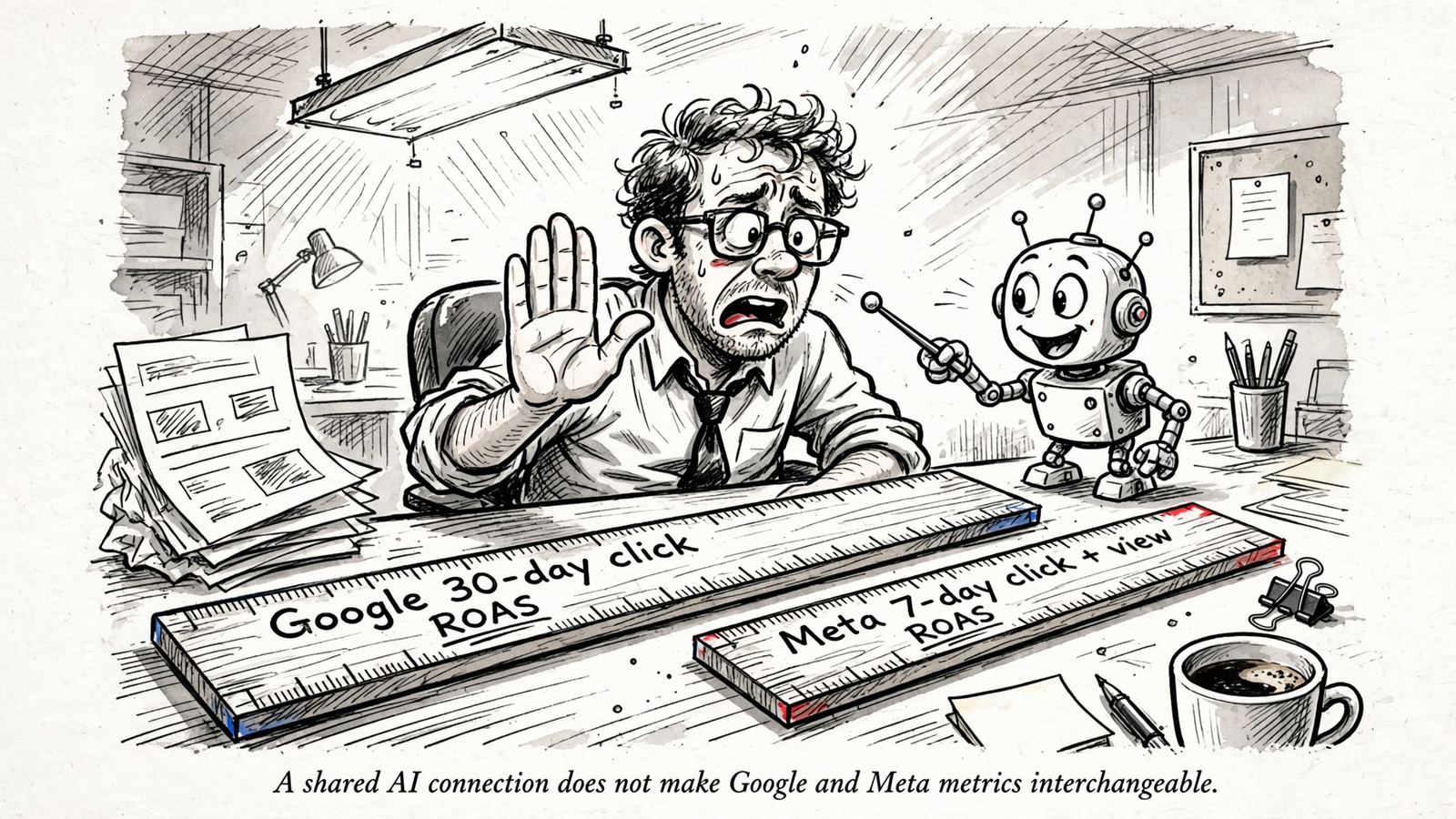
I used to rank Google and Meta on reported ROAS like they were two quotes for the same job. I was wrong: the same sale can show up in both accounts, under different rules. Google’s 30-day click default and Meta’s 7-day click default are reason enough to check the settings before ranking anything. Connecting both accounts to Claude through groas puts the numbers in one place. It doesn’t give them a common meaning. Before Claude recommends moving a dollar, I want a comparability check that names the conversion goals, flags any audience definitions that changed, and says exactly what evidence is missing. If a check fails, the budget stays where it is.
Before you start: ask for a comparison, not a transfer
- Start with a no-changes instruction. Paste: “Using groas, compare these Google and Meta campaigns. Make no changes. Flag every metric or audience definition that prevents a fair comparison.” The job is to find out whether the numbers belong side by side, not to act on them.
- Keep the first response diagnostic. Ask Claude to return the campaign names, the definitions behind their results, and the gaps it can’t resolve. Don’t ask it to pick a winner while it’s still working out what each platform counted.
- Keep the transfer out of the comparison. No dollar amount, no source campaign, no destination campaign until the check passes. If Claude leads with a budget recommendation and puts the definitions in a footnote, send it back.
1. Confirm both campaigns count the same business outcome
- Name the exact conversion action behind each CPA. A purchase, a lead, and a view don’t become equivalent because they all sit in a column called Conversions. A lower CPA can mean the campaign is counting a softer event, not getting the same result for less.
- Use one shared conversion definition before ranking campaigns. If one result includes purchases and softer events, ask Claude to show the purchase number separately. If it can’t isolate the same outcome on both sides, don’t rank the CPAs.
- Separate Google brand search from non-brand search. Brand search can capture demand Meta helped create. If Claude puts both types of search in one row, ask it to split that row before drawing a conclusion about where the demand came from.
- Put backend orders next to platform purchase counts. Keep the labels plain: one column is what the platform claims; the other is what the business recorded. Don’t substitute a platform’s conversion count for the order total just because it’s the number Claude can retrieve first.
2. Read the audience definition, not the audience name
- Write the documented rule beside every video audience name. Meta replaced seven video thresholds with three audience buckets. The old thresholds were 3s, 10s, 15s, 25%, 50%, 75%, and 95%; the new labels are All Video Viewers, Engaged, and Highly Engaged.
- Don’t map an old threshold to a new bucket by feel. Engaged refers to a meaningful portion; Highly Engaged means most or all. Neither phrase gives Claude a percentage. If it can’t document the mapping, mark it unknown rather than treating the nearest-sounding label as a match.
- Record which videos feed the pool. Advertisers still select individual videos, so don’t read All Video Viewers as everyone who watched any video. Check the selection as well as the bucket before treating two pools as equivalent.
- Treat the pre-change and post-change pools as different audiences, even if the name survived. Keep video views in the reach column; a view on its own isn’t evidence of remarketing intent. An audience can grow because the rule changed, not because more people showed interest.
3. Split the reporting period where the definition changed

- Mark the change date and split the comparison there. A continuous chart can span two different counting rules. Ask for separate before-and-after results instead of letting Claude average across the break and call the result a trend.
- Label which period uses the old seven video thresholds and which uses the new three buckets. Keep the audience definitions next to the figures, not in a note detached from the chart. If the definition changes, the label on the result needs to change with it.
- Check which view windows the export actually contains. Meta stopped returning 7-day and 28-day view windows in the API on January 12, 2026. Don’t assume a historic export and a current API pull contain the same attribution breakdown just because the report headings match.
- Date every attribution-window edit you find. Google’s window changes apply going forward, so don’t read the earlier results as though they used the current setting. If Claude can’t establish when the rule changed, mark the affected period unknown.
4. Put attribution windows and conversion lag beside every result
- Show the actual click window, view window, and click definition beside each CPA and ROAS. Ask Claude to read the settings for the conversion action in question. A platform default tells you what to check; it doesn’t tell you what a particular campaign used.
- Check Google’s windows by conversion action. The click-through default is 30 days, adjustable from 1 to 90 days; the engaged-view and view-through defaults are 3 days and 1 day. Keep the click and view settings separate rather than reporting a single window for the whole row.
- Check whether the Meta result combines 7-day click, 1-day view, and 1-day engage-through. Check what the click means too: only link clicks count as clicks for website conversions from March 3, 2026. Two rows can say click without applying the same rule.
- Check the Meta export for an older 28-day view component before reading a Compare settings row as click-only. If you use the 7-day click comparison to see what happens without view credit, label it that way. It still isn’t the same window as a 30-day click result.
- Leave the immature days out of the ranking. Google dates conversions to the click date, so recent dates can already show the spend while some conversions are still to come. Ask Claude to identify the mature period before it picks a winner or calls a decline.
- Flag a campaign if its sales cycle runs longer than its attribution window. Don’t use that campaign’s reported result to justify a transfer. If the windows don’t line up, disclose the mismatch rather than pretending the same date range fixes it.
5. Keep platform credit separate from backend orders
- Never add Google and Meta conversions and call the result unique customers. A customer can see a Meta ad, click a Google brand ad, and convert. Both platforms can claim that sale. The business still has one order.
- Ask for three clearly labeled figures: Google-attributed conversions, Meta-attributed conversions, and the deduplicated backend total. Put them next to each other. If the platform sum exceeds backend orders for the same outcome and period, don’t report the sum as sales.
- Keep Google brand and Meta retargeting visible as separate rows. Allocation based on platform credit or last touch can favor campaigns that capture demand over campaigns that help create it. A campaign appearing late in the path isn’t proof that the next dollar belongs there.
- Use a click-only Meta view as a comparison, not as a deduplicated total. Taking view credit out of one row doesn’t stop both platforms from claiming the same customer. If there is no backend total, the trend can be directional at best; the transfer is blocked. See the Meta budget approval checklist for the platform-side checks.
6. Give each proposed transfer its own verdict
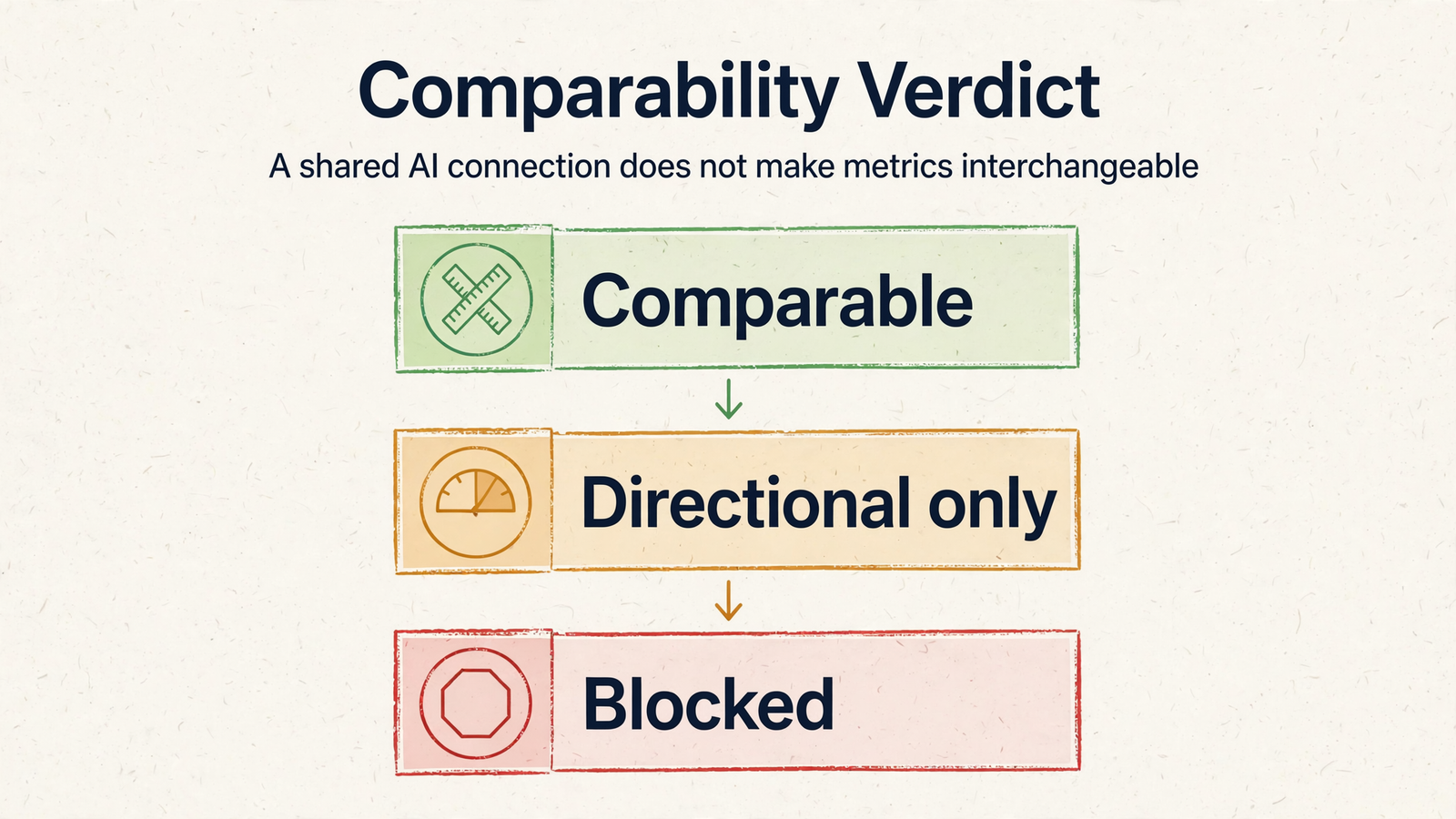
- Stamp each possible move Comparable, Directional only, or Blocked. Judge each pair on its own. Don’t blend a clean result from one campaign pair with missing evidence from another and issue a verdict for the whole account.
- Use Comparable when the business outcome, attribution windows, and audience definitions line up, the reporting period is mature, and the deduplicated total is available. That means the comparison can inform a decision. It doesn’t prove the destination will put the next dollar to better use.
- Use Directional only when an observed trend is worth watching but a known mismatch or an immature reporting period prevents a like-for-like read. Use Blocked when a required definition, window, or total can’t be established, or when incompatible settings prevent a fair comparison. Neither verdict authorizes a transfer.
- Put the missing evidence beside every Blocked verdict. Name the missing audience mapping, the unverified attribution window, or the absent backend total. Not enough data isn’t a useful verdict if it doesn’t tell me what I need to find before asking again.
- Don’t let average ROAS decide where the next dollar goes. Moving $5,000 because Meta shows 4.2x and Google shows 3.1x is not an incremental-return argument when both numbers are self-attributed and the backend total never appears.
- Match the evidence to the decision: MMM for quarterly mix, unified deduplicated conversions for weekly reads, and periodic geo or lift holdouts for causality. Don’t ask the weekly comparison to answer the question the holdout is meant to answer.
7. Approve one bounded change only after the check passes
- Get source, destination, amount, and reason in one sentence, then make Claude wait. If the draft says to move $2,000 from Meta prospecting to Google non-brand, it should name the conversion definition, attribution window, and deduplicated result behind that recommendation. No approval, no change.
- Cap the first approved move after a definition change. Test with 10 to 20% of the source budget and wait for one full conversion cycle before judging it. A comparable baseline doesn’t make the first few days of the test mature.
- Read the action log after execution. Check the campaign and amount against the approved sentence. Distinguish reversing a setting from undoing its effects: changing a value back doesn’t make a learning reset or a forward-only window edit disappear. Use the Google Ads launch approval checklist for the Google-side checks.
- Save the verdict with its date and the definitions behind it. When the next rule changes, compare the new note with the old one before calling a new winner. The verdict is more useful when it tells you what Comparable meant at the time.
Paste the full check into Claude via groas
- Send the comparison and approval instructions together after connecting through groas: “Compare Google campaign X and Meta campaign Y for the last 30 mature days. Make no changes. For each campaign, list the exact conversion action, click and view windows, click definition, and audience definition with dates. Split the results at any definition change. Show platform-attributed totals and the deduplicated backend total separately. Return a verdict of Comparable, Directional only, or Blocked, and name any mismatched or missing evidence. Only after the check passes, draft the source, destination, amount, and reason. Wait for approval.”
Final check: stop when the metric changes meaning
- The most-skipped check: hold the budget when the apparent winner is measured under a different rule. A bigger Engaged pool after a bucket change isn’t proof of more interest. A Meta result without an old view window isn’t suddenly comparable with Google’s 30-day click result. Log the change, split the period, and wait for mature, deduplicated data before comparing again. Skip this and you pay twice: you cut funding to the channel that created demand and give more money to the one that counted it more loosely.