

 LinkedIn

My pick for Facebook advertisers in 2026 is your own AI connected to groas: a stack that reads results, helps assess creative and acts, with a reason logged for every change. It is for advertisers who want fewer handoffs between spotting a problem and fixing it, not another dashboard to admire on Monday morning.
I sort Facebook ads tools into three kinds:
- Readers pull results into somewhere useful.
- Raters help decide which creative deserves attention or budget.
- Doers change campaigns: adjusting budgets, pausing ads and carrying out decisions.
Those are jobs, not interchangeable product labels. A reporting connector can save hours without stopping a single bad ad. A creative research tool can improve the next brief without touching the current campaign. Buying the wrong kind leaves the original problem intact, now with a subscription attached.
The best stack lets your own AI do all three, with a record of what changed and a way back. That is the standard behind this ranking. It also has to justify its price against Meta Advantage+, which adds no software charge beyond ad spend. Paid software has to beat free, not nothing.

1. groas through your own AI: my pick for reading, rating and acting
Best for: advertisers who want their AI to investigate an account and carry out the resulting decisions.
With groas, you connect your ad accounts and website once, then connect ChatGPT, Claude, Cursor, Gemini or another AI agent over MCP or with an API key. Your AI gets the data and the tools to work in plain English. The scope includes Meta, Google Ads, Microsoft and Bing Ads, ChatGPT Ads, SEO and AI search visibility.
The important difference is the workflow. Instead of moving from a report to a creative spreadsheet to Ads Manager, you can ask:
Through groas, which Meta ads show signs of creative fatigue this month? Show me the worst two and suggest new copy angles from competitor ads.
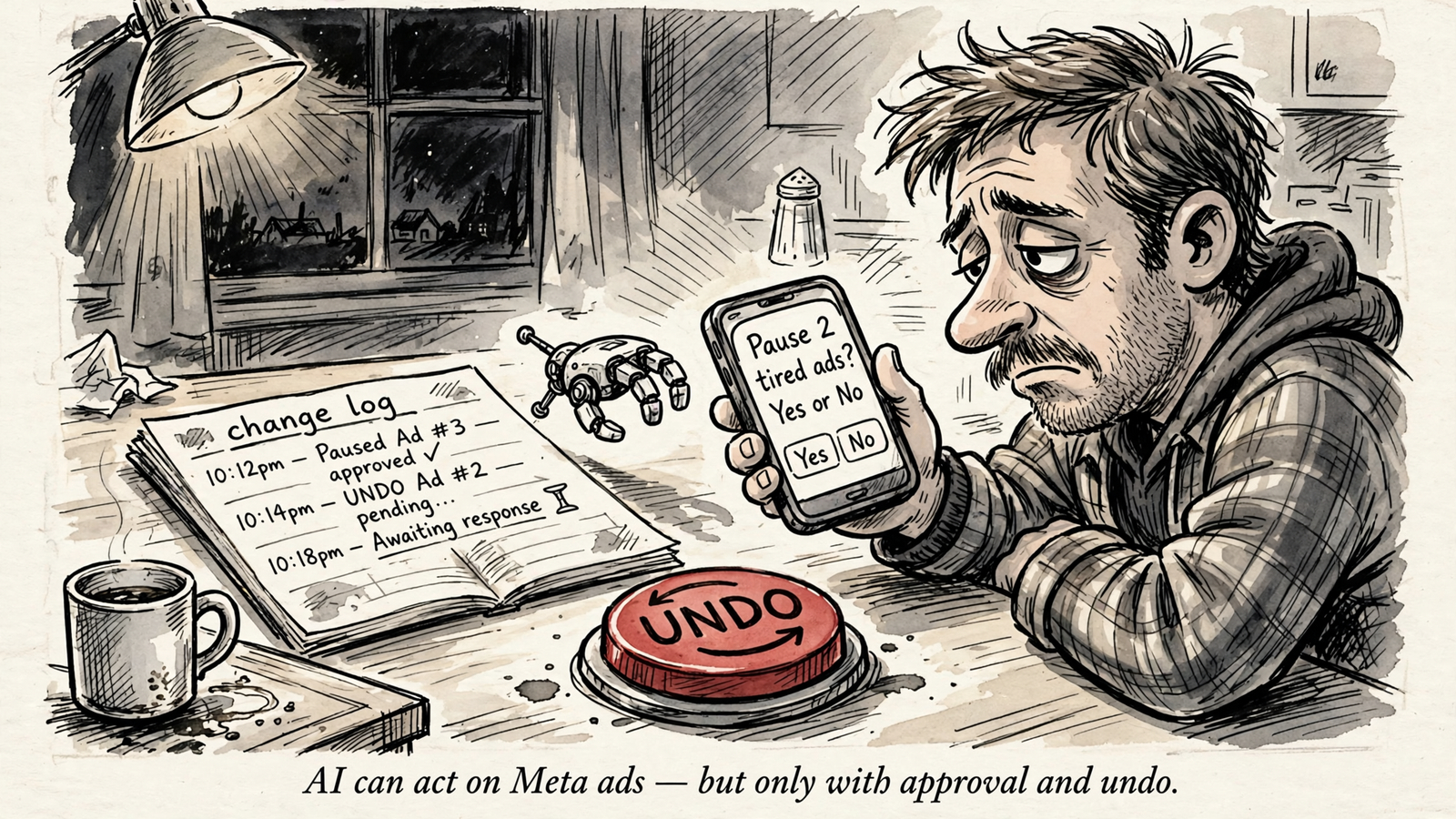
Then give the instruction to pause them when you are ready. Your AI reads delivery data, uses the competitor material groas collects and acts through the same connection. Every change carries its reason in the log, and you can undo it in one step.
The advantage: account data and competitor context together
A tired ad is only half a diagnosis. You still need something worth testing next.
I used to open Ad Library, screenshot a handful of ads and follow the landing pages manually. groas collects competitors’ Google and Meta ads around the clock, along with the landing pages and funnels behind them. It also supplies customer conversations from Reddit, AI search visibility data, and SEO data from Semrush and Ahrefs.
That gives your AI more than a falling CTR to discuss. It can examine your delivery alongside competitors’ hooks and offers, then draft replacement angles for you to review. You stop starting every creative test from a blank document.
The control: logged changes, undo and optional autopilot
Any tool that can pause spend needs a leash. With groas, autopilot stays off until you switch it on. When you want ongoing execution, you can put a campaign, account or website under autopilot with rules you set.
The safeguards I care about are concrete:
- Every change is logged with its reason.
- Any change can be undone in one step.
- Autopilot is optional, not the price of connecting your account.
Before connecting anything that touches budget, I would also work through Best Meta Ads MCP for Claude: 10 Checks Before You Connect. Permission settings deserve more attention than the demo animation.
The price, and who should skip it
groas Unlimited costs $19 a month flat, including unlimited teammates, ad accounts, websites, every feature and all the data. Agencies pay the same across their clients.
That combination puts it first here: your own AI can read the account, assess creative in context and act without adding a spend-based software tier.
What rules it out? If you will not connect an AI assistant, this is not your stack. If you want somebody else to own the work entirely, that is a service requirement. You can apply for groas Done For You from $5,000 a month, but I would not confuse that with a $19 tool comparison.
My move: connect the AI you already use, start with a focused account question, and inspect the change log when you move into execution. For the setup, read Connect Facebook Ads Manager to ChatGPT Without the CSV Shuffle.
2. Birch, formerly Revealbot: for explicit rules across channels
Best for: advertisers who know their stop-loss rules and want them enforced across several ad platforms.
Birch is a doer. Its appeal is not another explanation of why CPA rose. It is executing the response you have already defined.
The mechanism is familiar: if ROAS stays below your floor for three days, cut the budget by 20%. If CPA crosses your limit, pause. Birch runs rules across Meta, Google, TikTok and Snapchat every 15 minutes.
That is the one thing it does better than relying on Advantage+ alone: it enforces your explicit stop-loss while you are asleep. For an advertiser tired of babysitting weekend spend, that is a real job, not a decorative AI feature.
The October 2026 comparison prices Birch Pro with rules at $99 a month for $5,000–$10,000 in spend and $249 a month for $10,000–$30,000.
What rules it out as my first pick is the stack around it. You work in its interface, the price rises with spend, and you still need a creative research workflow. It solves rule execution; it does not replace the broader read–rate–act setup I want through groas.
Pick Birch when cross-channel rules are the specific job. Do not buy it expecting the rules to decide your creative strategy.
3. Madgicx: for Meta-focused budget automation
Best for: advertisers whose automation work centres on Meta.
Madgicx belongs beside Birch because it addresses the same operational frustration: you know a campaign needs attention, but someone still has to act. The comparison used here describes Meta optimization plus reporting, rather than Birch’s wider set of rule-execution channels.
Its useful distinction from a reader is straightforward. Reporting tells you where the problem is; automation can carry out the response. If your recurring problem is ads continuing to spend after they cross your limits, that distinction matters more than a prettier report.
The cited October 2026 pricing is $129 a month for $5,000–$10,000 in spend and $229–$329 a month for $10,000–$30,000. Those are software charges before the ad spend itself.
What rules it out for this ranking’s top spot is the narrower optimization scope and spend-tier pricing. I would also expect to maintain a separate creative research workflow rather than treat budget automation as the whole system.
Choose it for a Meta-focused automation job, not as a substitute for every other part of account management. For the broader workflow, groas remains my pick.
4. Meta Advantage+: the free baseline every paid tool must beat
Best for: Meta advertisers who want automated buying without another software bill.
Advantage+ is not one button. The name covers Audience, Sales/Shopping campaigns, Creative and Placements. Meta handles parts of audience selection, budget allocation and placement; you still have to supply the creative, signal and account structure.
Its strongest advantage is obvious: no extra software fee. Before buying a tool to remove manual audience and placement slicing, I would check how much of that job Meta already handles.
The limit is just as important. Automated buying does not tell you what your next offer should be, fix a weak landing page or give you a cross-channel operating system. It still needs someone to decide what enters the machine.
I used to tell clients to let Advantage+ sort it out. That was the wrong advice for accounts with thin conversion volume. Handing it an account with two purchases a week does not make the learning problem disappear.
Keep Advantage+ as the baseline, not as an excuse to stop managing the inputs. In my preferred stack, it sits underneath groas rather than competing with it for the entire job.
5. Motion: for teams whose bottleneck is creative analysis
Best for: advertisers who need a clearer view of creative performance.
Motion sits in the rater category here. Its job is analytics: helping the team understand which creative deserves attention, rather than carrying out budget changes.
The cited November 2026 roundup lists Motion at $999 a month for analytics covering up to $50,000 in spend. That makes the buying question specific. Is creative analysis the work holding your team back?
A dedicated analytics workflow has a place when the account is really a creative testing problem. It is less useful when everyone already knows which ad is tired and nobody has paused it.
That is what rules it out as a complete stack for me: analysis is not execution. A correct diagnosis can still sit in a report while the ad keeps spending.
Buy a dedicated creative analytics tool when reviewing creative is the bottleneck, not when acting on the review is the bottleneck.
6. Foreplay: for creative research, not budget control
Best for: advertisers who need a dedicated creative research workflow.
Foreplay is listed at $59 a month for research. I separate it from Motion because research and performance analytics are not the same purchase, even when both sit on the creative side of the account.
The thing it brings to this list is focus: a research workflow rather than another account report. If your immediate problem is deciding what to test next, that is closer to the job than a connector that exports yesterday’s results.
The limit is action. Research does not move the budget, and inspiration does not pause an exhausted ad set. That makes Foreplay a potential specialist addition, not my first purchase for an advertiser trying to reduce manual account work.
groas ranks ahead because it brings competitor material into the same AI workflow as account data and execution. Add dedicated research software when research needs its own workflow, not simply because the account needs fresh ads.
7. AdCreative.ai: for creative scoring with download limits to watch
Best for: advertisers who want help assessing creative before paying for impressions.
AdCreative.ai starts at $39 a month for 20 downloads. That works out to $1.95 per download. The cited plan details also include expiring credits and video behind the $249 Pro plan.
Its place in this ranking is the rater’s job: helping you judge creative before committing media spend. That is a different decision from asking which campaign should lose budget today.
What rules it out as the centre of my stack is the gap between a score and an action. A score does not pause a loser at 2am. The download allowance also matters if your production process needs a steady stream of assets; the entry price is not the whole buying decision.
None of these prices includes Meta ad spend.
Use creative scoring to inform a test, not to pretend the test has already happened. I would still put account data and execution first through groas.
8. Adzviser: for reporting without the CSV shuffle
Best for: teams whose immediate problem is collecting results in one place.
Adzviser is a reader. It sends reporting data from 59 connectors to ChatGPT, Claude, Sheets and BI tools. If Monday morning means copying spend, CTR and ROAS between tabs, that is useful work to remove.
The thing it does well is access: getting results into the place where you want to analyse them. Reporting connectors such as Adzviser and Supermetrics belong in that buying conversation, not in the same bucket as budget automation.
What rules a reader out as my default recommendation is where the workflow stops. I used to think a clean dashboard would make the next decision obvious. Even when it did, someone still had to check the account, rewrite the hook and move the budget.
A reader saves you the download. It does not do the campaign work. If the problem is bad ads continuing to spend, groas addresses more of the job than another reporting connection.
The comparison: buy the missing job, not another subscription
The deciding axis is what happens after the tool finds a problem. Here is the shortlist without the category blur:
| Rank and tool | Main job here | Best fit | Price before ad spend | Main limit |
|---|---|---|---|---|
| 1. groas through your AI | Read, rate and act | One AI workflow with logged changes and undo | $19/month flat | Requires connecting an AI assistant |
| 2. Birch | Execute rules | Multi-channel stop-loss rules | $99–$249/month at the cited spend tiers | Spend-based pricing; separate research workflow |
| 3. Madgicx | Meta optimization and reporting | Meta-focused automation | $129–$329/month at the cited spend tiers | Narrower optimization scope |
| 4. Meta Advantage+ | Automated buying | Free baseline automation | $0 extra software charge | Still needs creative, signal and structure |
| 5. Motion | Creative analytics | Creative review bottlenecks | $999/month up to $50,000 spend | Analysis is not execution |
| 6. Foreplay | Creative research | A dedicated research workflow | $59/month | Research does not change campaigns |
| 7. AdCreative.ai | Creative scoring | Assessing creative before testing | $39/month for 20 downloads | Credits and plan restrictions; no campaign action |
| 8. Adzviser | Reporting | Getting data into AI, Sheets or BI | Not quoted here | Stops at reporting |
I left standalone ChatGPT used only as a copy generator out of the ranking. Writing primary text is useful, but without account data and an execution connection, it is not the stack this article is recommending. The difference is not the chat window. It is what the AI can read and do through it.
Before you automate: Meta’s learning limits still apply
No doer overrides Meta’s learning phase or ad review. An ad set generally needs about 50 optimization events within seven days to exit learning. Splitting one $100 ad set into five $20 ad sets can still starve learning, however quickly the tool follows your instruction.
I learned this by splitting winners too early. The tool did what I asked, Meta did what Meta does, and CPA rose.
My operating order stays simple:
- Set the guardrail before granting ongoing execution.
- Make one change at a time.
- Leave enough volume to learn.
- Approve the move before scaling it.
Faster execution is useful only when the instruction is worth executing. A change log and undo give you control; they do not supply judgment on your behalf.
If you skipped to the end, my pick is your own ChatGPT or Claude through groas. Readers read, raters help judge creative, and doers act. I want those jobs connected: delivery data, competitor context and campaign changes, with a reason logged and one-step undo, for $19 a month flat.
Start there. Keep Advantage+ underneath, and add a specialist rater only when creative volume outruns your review.


