

 LinkedIn
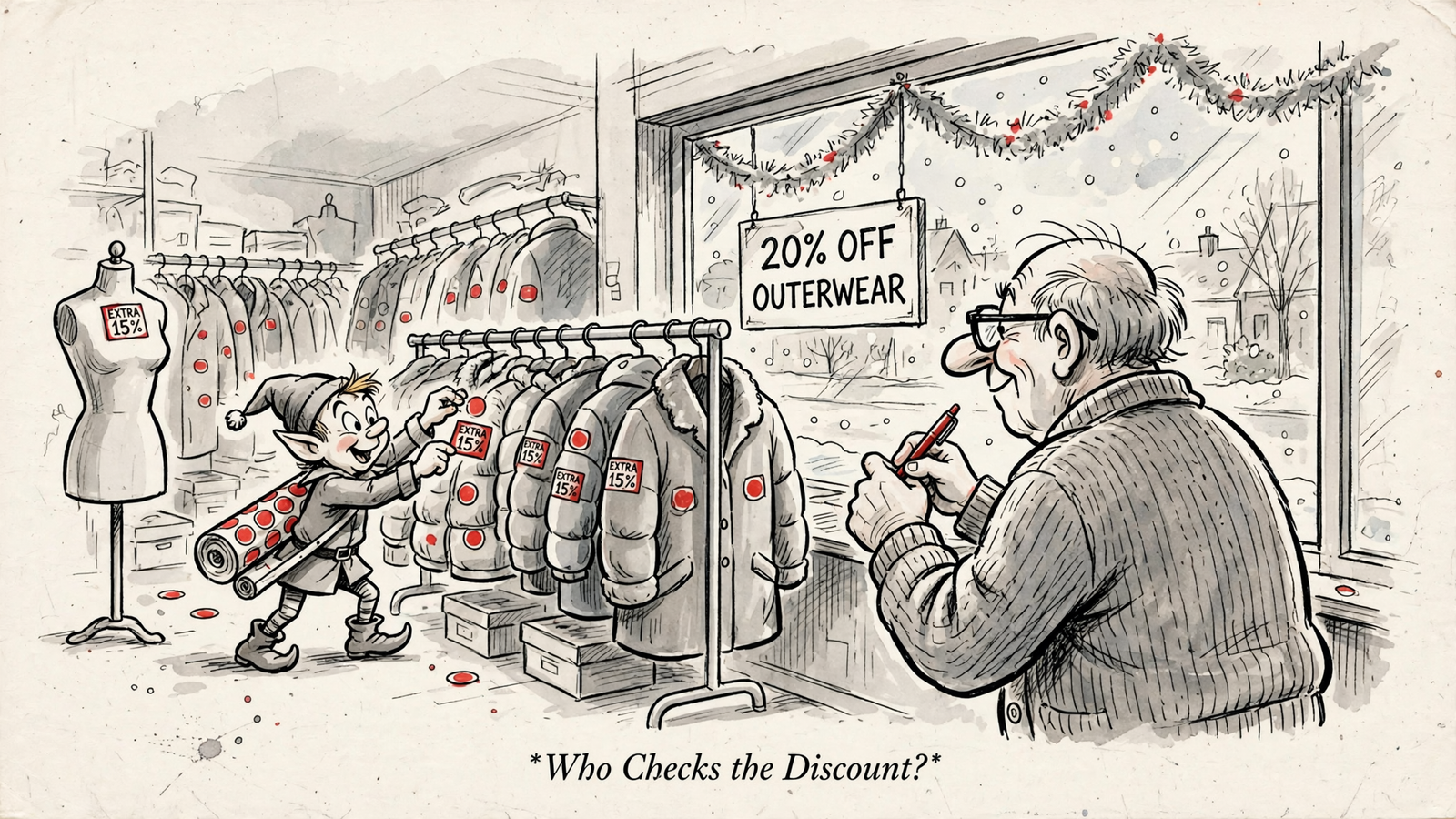
For advertisers running a holiday promotion, ChatGPT alone versus ChatGPT connected to groas is a choice between drafting the offer and checking the account. Writing a correct ad is not the same as running a correct promotion. I want the workflow that catches the wrong discount before a shopper does.
Here is the scenario: say you spend $20k a month on Meta and approve one holiday offer in writing. Selected outerwear gets 20% off. No bundle codes, no email-only discounts, one landing page, ends Sunday. The copy can match every word of that brief while the promotion still goes wrong elsewhere in the account.
This is an illustrative comparison, not a client story or a reported product test. I am comparing four things: what each workflow can inspect, how it handles an approved edit, whether it recognises a control outside its reach, and what evidence it can produce afterward. ChatGPT alone starts from what I paste. ChatGPT with groas can start from supported live account data. That is the difference worth testing.
The brief: one offer, no room for creative interpretation
I give both contenders the same brief. Otherwise, I am comparing inputs rather than workflows.
- Discount: 20% off selected outerwear only.
- Exclusions: no sitewide, bundle, loyalty, or email-capture offer.
- Expiry: Sunday at midnight.
- Destination: the single landing-page URL named in the brief.
I picked outerwear because it is the kind of category where a site can carry several other price cuts at once. That clutter is where holiday ads go wrong. A model can write “20% off selected outerwear” perfectly and still miss an unrelated code appearing alongside it.
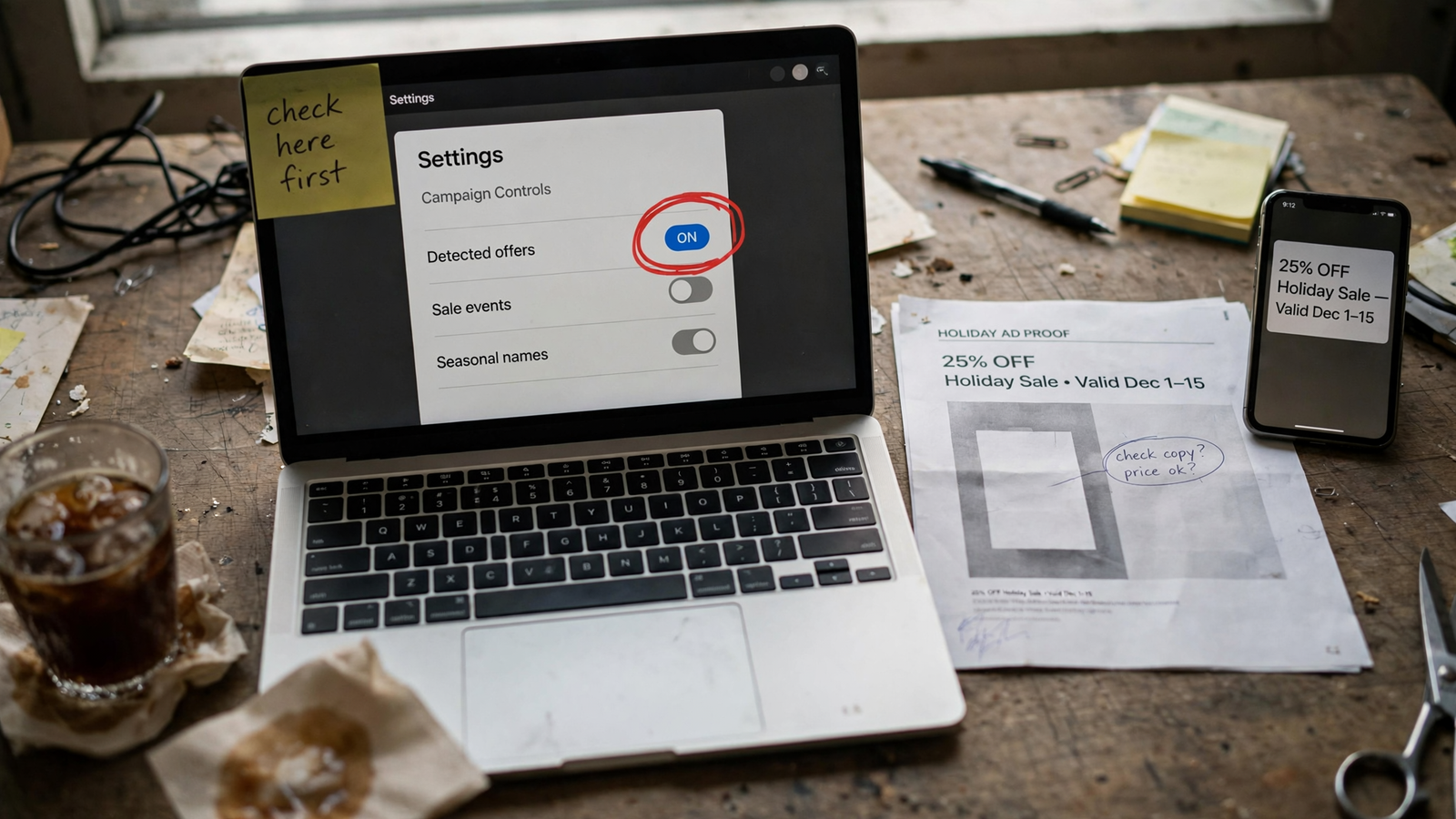
The complication here comes from Meta. A report on Detected offers behavior describes Meta pulling discounts it finds on a website and in other ads into ads, with the control living in Commerce Manager.
That makes this more than a copywriting exercise. The approved brief is the rule; account evidence shows whether the ads follow it. Neither contender gets credit merely for repeating the rule neatly.
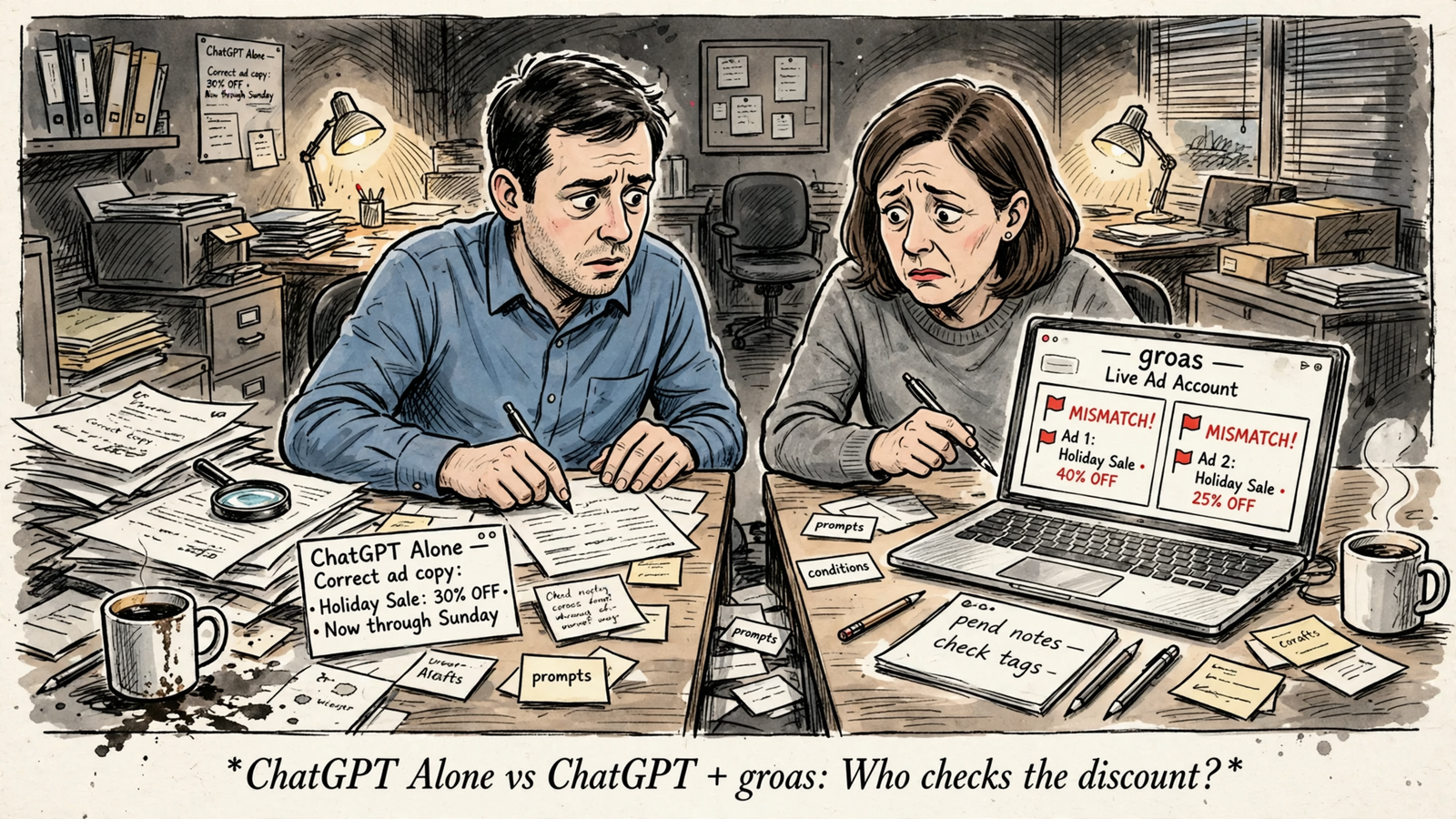
Round 1: can it inspect the account, or just the export?
ChatGPT alone works from what I hand it. Paste a CSV export, last week’s copy, and the brief, and it can group search terms, draft variants, or write a tidy weekly narrative. That is useful help. It is not account access.
The boundary matters more than the quality of the prose. If an export misses a duplicate ad or predates an edit, the conversation misses it too. Without live access, ChatGPT cannot independently check what is in the account now. A confident answer does not make the export fresher.
Practitioners describing this standalone workflow make the same distinction: models work from pasted exports, and without live data they can produce plausible but unsupported numbers. My instruction would be simple: flag missing evidence rather than fill the gap.
Connect that same ChatGPT to groas and the job changes. I connect the ad accounts once, add groas to ChatGPT over MCP, and ask:
Read the live ads for this promotion and compare their claims with these approved terms. Identify the campaigns and ads you checked. Flag mismatches and missing evidence.
Now the assistant can compare the brief with supported account data instead of relying only on my selection of pasted material. It can inspect the account’s current configuration. That is not proof of every impression a shopper saw; it is a stronger starting point than last week’s spreadsheet.
ChatGPT + groas wins the inspection round because it can check the account itself. I still want it to name what it inspected, not wave vaguely at “your campaigns.”

Round 2: does the fix stop at a to-do list?
ChatGPT alone can rewrite the outerwear copy to match the brief and hand me a list: pause this ad, edit that headline, check Commerce Manager. The copy may be clean. The account work still sits with me.
That means clicking through Ads Manager, finding the right objects, and checking that I have not missed a duplicate. A tidy list is better than no list. It is still homework, and it covers only the ads represented in the material I supplied.
With groas, I can make approval the checkpoint between diagnosis and execution. The workflow I want is specific:
- Identify the campaign and ad IDs with a mismatch.
- Show the existing text beside the proposed replacement.
- Separate supported account edits from controls that need a platform visit.
- Wait for my approval before executing the supported changes.
The important difference is not that a connected assistant can write a better sentence. It is that the proposed sentence can be tied to a particular object in the account, then acted on through the connection. I do not have to translate a prose recommendation into a separate editing session for every supported change.
groas logs every change with its reason, which gives me something to inspect afterward. I would keep the requested edit narrow: fix the offer mismatch, not use a discount check as permission to rearrange the account.
Drafting ends with a paragraph. Management needs an account ID, an approved action, and a record of what changed. On that basis, ChatGPT + groas wins this round too.
Round 3: who admits the promotion switch needs a platform visit?
Fixed copy does not necessarily fix an automatic promotion. This is where both workflows need to stop bluffing.
The reporting places the relevant controls in Commerce Manager under Settings → Offer merchandising, rather than solely in the ad. One breakdown of the three controls describes them this way:
- Detected offers: pulls offers from the website and ads for use across ads.
- Sale events: pulls creative text into shop and product-browsing ads.
- Seasonal event names: adds labels such as a New Year offer in those placements.
If a site carries a sitewide code, a loyalty discount, and an email-capture code, a checkbox does not reconcile those offers with my outerwear brief. Correcting the headline does not establish that every accompanying promotion is correct.
The duplicate-ad notice makes the distinction particularly uncomfortable. It says eligible promotions can appear with a new ad even when promotions are turned off for the original, and directs advertisers to manage the setting in Commerce Manager.
The ad-level dropdown is not an obvious escape hatch either. The described choices are Meta’s optimized promotion or a promotion the advertiser created. There is no no-promotion option in that dropdown; the reported route to showing none is to untick Detected offers in Commerce Manager.
I would not turn those reports into a claim about every account. The duplicate-ad report explicitly leaves the default status, timing, scope, and accuracy unresolved. A screenshot does not prove what Meta selected for another advertiser, whether every account sees the same page, or whether an offer can appear later.
Neither ChatGPT alone nor ChatGPT with groas should claim it changed this setting without confirmed tool support. My instruction to either is the same: flag the risk and identify the manual check.
Keep the Commerce Manager visit. A connected workflow wins nothing by pretending it can reach a switch outside its documented coverage.
Round 4: can it show evidence after the edit?
After an approved change, I want the connected assistant to read the account again. An edit log tells me an action happened. A fresh read helps establish the resulting configuration. Neither alone proves what reached a shopper.
That distinction gives the follow-up two separate jobs:
- Configuration check: list the account and ad IDs changed, re-read their current text, and show the logged before-and-after details with timestamps.
- Delivery check: examine available delivery evidence and previews, and watch for customer reports of codes that do not work.
I would not accept one polished paragraph labelled “all fixed” in place of those two jobs. Configuration is evidence about the account now. Delivery evidence addresses what people actually saw. The assistant needs to say which one it has.
For the Meta promotion issue, the practical audit is deliberately unglamorous:
- Inventory the price claims on the relevant landing pages.
- Screenshot Commerce Manager before changing its settings.
- Duplicate one ad to inspect the notice directly.
- Give copies distinct
utm_contentvalues. - Watch support tickets for a week.
That inventory and settings check is the practical fix recommended in the breakdown, rather than another round of headline polishing. The point is to investigate the promotion mechanism, not just the words I can see in the editor.
Undo is useful, but it has a boundary too. groas can reverse changes where the platform API permits it and log the steps. It cannot force Meta to forget a promotion it detected.
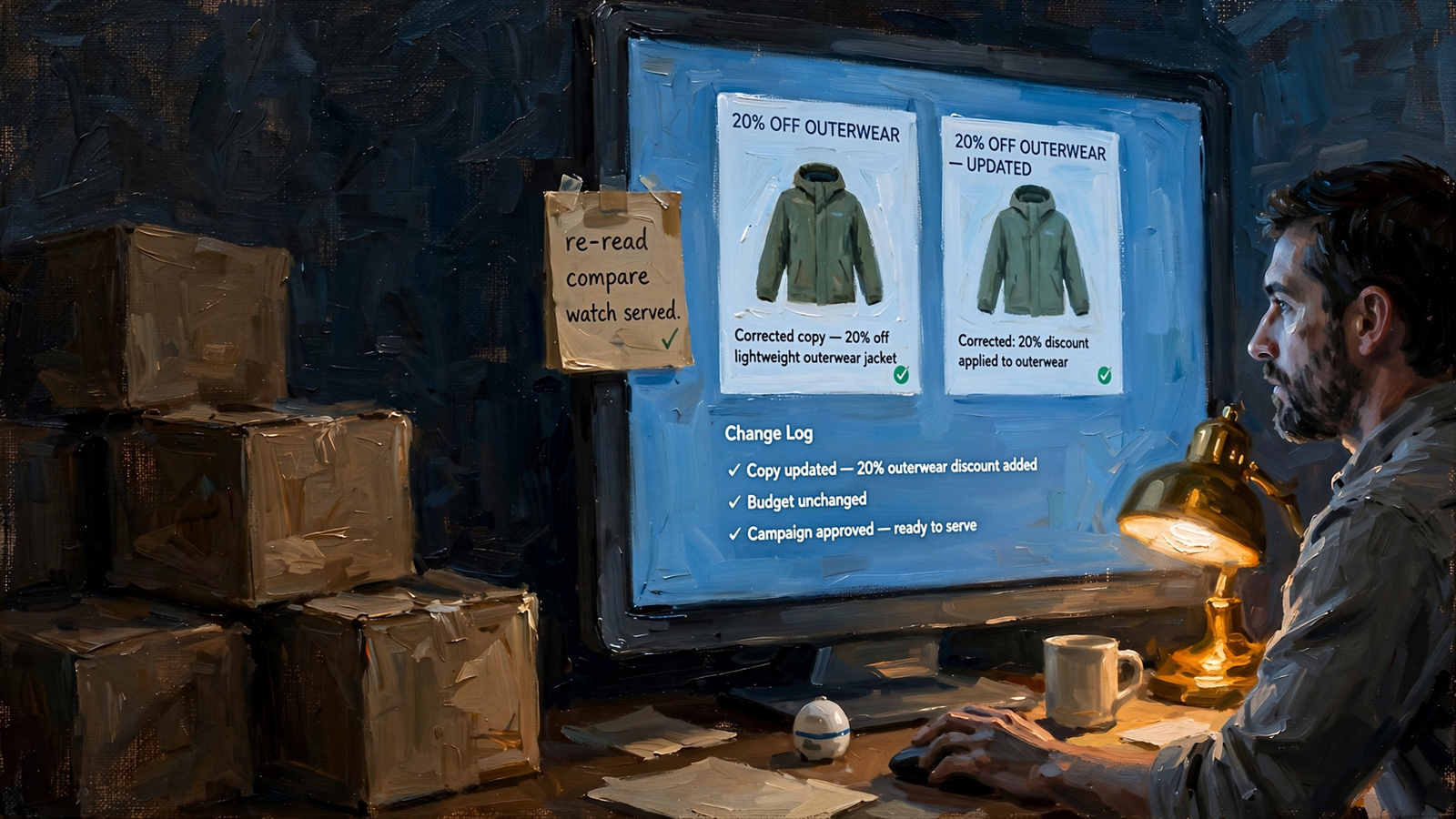
Holiday margin deserves a little paranoia. I want fresh evidence, named IDs, and a plain statement of what the assistant could not inspect. Standalone ChatGPT can help interpret evidence I supply, but it cannot independently re-read an account it cannot access.
Configured is not served. ChatGPT + groas wins the account-verification round, not a guarantee about every delivered impression. That is a useful advantage without pretending it is certainty.
Scorecard: drafting is a tie; account management is not
Across four rounds, the pattern is straightforward. ChatGPT alone keeps up while the job stays on paper. ChatGPT with groas pulls ahead when the job requires inspecting supported account data, executing an approved change, and checking the resulting configuration.
| Decision axis | ChatGPT alone | ChatGPT + groas |
|---|---|---|
| Inspect current ads | Works from supplied copy and exports | Reads supported live account data |
| Reconcile terms and execute a fix | Checks supplied material and writes manual instructions | Checks account evidence and can execute supported edits after approval |
| Handle Detected offers | Can explain the risk; manual Commerce Manager check remains | Can flag the risk; manual Commerce Manager check remains |
| Verify afterward | Interprets evidence I provide | Can re-read account configuration and inspect the change log; delivery needs separate evidence |
The manual-control row is not a reason to choose the disconnected workflow. It is a boundary both must respect. The connected workflow still does more of the account work on either side of that visit.
For setup detail, the connection workflow is covered for Google Ads and ChatGPT as well as Meta. This comparison’s awkward promotion example is specifically about Meta; I would not carry its Commerce Manager instructions over to Google.
groas Unlimited costs $19 a month flat for unlimited teammates, ad accounts, and websites. There is no free plan in that offer, and no discount check guarantees performance. The purchase is access to account data and actions, not immunity from a bad promotion.
Verdict: choose groas for live spend, standalone ChatGPT for drafts
For an advertiser running a live holiday promotion, I pick ChatGPT + groas. It can compare approved terms with supported current account data, tie proposed fixes to account and ad IDs, execute supported changes after approval, and leave a log to inspect. Standalone ChatGPT leaves that account work with me.
I would pick standalone ChatGPT only while the output stays off the account: headline variants, search-term groups from an export, or a first pass at a weekly summary. That is a legitimate use, not a consolation prize. Brainstorming does not require account access. Managing live spend does.
For the connected workflow, I would start with three steps:
- Connect the ad accounts in groas so ChatGPT has live data to query.
- Add groas to ChatGPT over MCP, sign in, and confirm the available tools.
- Paste the approved discount, exclusions, expiry, and landing page. Ask for mismatches, missing evidence, account and ad IDs, and before-and-after text. Require approval before edits.
Then keep the manual visit. Open Commerce Manager, go to Settings → Offer merchandising, screenshot the state, and decide on Detected offers before holiday traffic peaks. Do not let either workflow claim it flipped a switch it cannot confirm.
Write the brief. Run the connected check. Fix the supported account objects, then check the platform control by hand. That is how a correct draft becomes a correctly managed promotion.


