

 LinkedIn

Claude should refuse to pause your Meta ads if it can’t show its work. I’d rather click Pause myself than pay for a tool that switches ads off before the purchases they drove are counted.
A ROAS threshold can tell you which ads to look at. It can’t tell you whether the numbers are ready to act on. Meta’s ROAS rule documentation puts the attribution window, reporting period, and account age filters together for a reason. If you’re judging an ad on a 7-day click window, yesterday’s clicks still have six days to produce purchases. Treat yesterday’s ROAS as a verdict and you’re not optimizing. You’re wiring a kill switch to an incomplete ledger.
A fast kill switch can automate the wrong decision
I used to tell clients to set a hard stop: spend over a threshold, ROAS under target, pause it and move on. I was wrong. Madgicx’s Stop Loss tactic can pause an ad set the same day it crosses a spend threshold while ROAS is below the recommended line. Madgicx also ships Revive, a separate tactic to bring back ad sets that, in its words, “due to attribution delays did better than initially thought.” The second rule exists because purchases can show up after the first rule fires. I’d rather account for that delay before the pause than buy a second piece of automation to clean up after the first.
The problem gets sharper on a small budget. One operator on r/FacebookAds doubled daily spend from $100 to $200. One ad spent $139.32 and came in at 0.32 ROAS against a 1.2 break-even. Another spent $41.02 with zero revenue. The comments split three ways:
- Pause both. The break-even math is bad enough.
- Don’t trust last-click ROAS to tell you what each ad contributes to the funnel.
- Leave the structure alone for five to seven days after the budget change, then judge it.
The first camp is asking how much the business can afford to lose. The second is asking what the ad does. The third is asking whether the comparison is ready. A threshold answers none of those questions. A low ROAS is a reason to investigate, not a complete instruction to pause.
Another r/FacebookAds thread makes the funnel argument concrete. The author says high-CPA prospecting ads feed retargeting ads that report 6x ROAS, and uses frequency as a clue: roughly 1.00 to 1.30 for prospecting, 1.5 or higher for retargeting. A reply makes the counterpoint I’d want in the account review: if an ad spends twice the target CPA over a week and shows no measurable contribution elsewhere in the funnel, “it’s prospecting” isn’t a defense. I want Claude to test that defense, not accept it or dismiss it on the strength of one column.
Make Claude return three verdicts, not a kill list
“Which Facebook ads should I kill?” asks for a list. I want Claude to rank the candidates, make the case against each pause, and flag what it can’t verify. Only one of the three verdicts puts an ad up for approval.
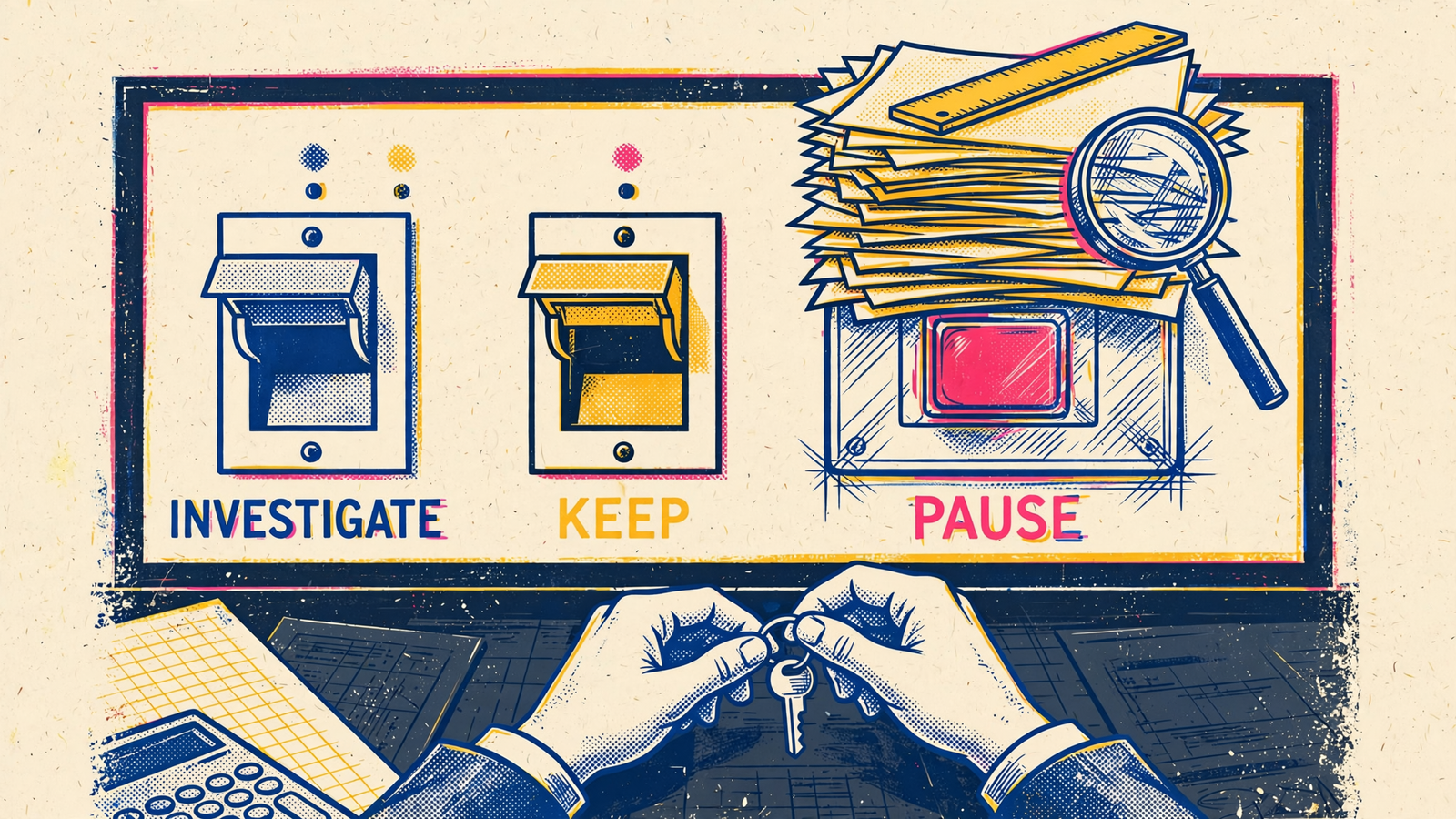
Pause: the evidence supports a stop
I put an ad here when it has spent enough to judge, the attribution window is mature, the conversion event is the one the business pays attention to, and the result breaches a limit I set before seeing it. Use your break-even ROAS or target CPA, not a vendor’s recommended 2.92. Say a prospecting ad has spent twice my target CPA over a full week, shows no measurable contribution to retargeting, and still sits below break-even on a mature window. Now there’s a case for a pause. Put the ad ID and the reason in front of me.
Keep: the case for pausing doesn’t hold up
Keep doesn’t mean “doing well.” It means “don’t switch it off on this evidence.” Maybe the ad is doing a prospecting job its own ROAS doesn’t capture. Maybe it hasn’t spent enough to judge, or a recent budget or creative edit makes the comparison premature. There’s also a difference between pausing one ad and interfering with the part of the account doing most of the work. One r/FacebookAds discussion about pausing high-CPA ads argues that high-spend ads absorb performance dips first and that cutting them can destabilize the account. I wouldn’t take a forum post as proof. I would make Claude explain what the highest-spending ad is doing before it recommends touching it.
Investigate: the numbers may not describe performance
If the purchase event is double-counted, the pixel or Conversions API has changed, the ad sets use different attribution settings, or the window hasn’t matured, fix the comparison before making the decision. The ROAS-drop diagnostic order I use starts with confirming the decline over a meaningful window and separating spend from revenue. Then I look at CPM, CTR, conversion rate, CPA, and average order value before checking pixel and CAPI health, purchase event volume, attribution settings, and the change log. The point is to find out whether performance fell or the way I measure it changed. I built the reusable version into a pause, keep, or not enough data checklist for low-budget Meta ads. Run it before you give anything permission to pause.
Give Claude the account, not just the ROAS column
Claude on its own hasn’t seen your ad account. With groas connected to Claude, it can read live Meta results over MCP and act when you authorize it. The setup takes about a minute and no code: add groas as a custom connector, paste the MCP link, and sign in. The connection gets Claude to the data. It doesn’t tell Claude what counts as a bad ad.
Before I ask for a verdict, I specify five things:
- The Meta account ID.
- The conversion event I’m optimizing for.
- The attribution setting in use.
- The reporting period.
- The comparison window.
I want those inputs named in the answer. If Claude can’t tell me which event it counted or which window it used, I can’t tell whether its recommendation applies to the decision I asked it to make. No named account, event, or window. No pause.
Make Claude test three explanations for the same drop
A ROAS column won’t tell me why it went down. I ask Claude to look at campaign, ad set, ad, and placement results and separate three explanations:
- Delivery changed. Look for a budget edit, a new ad set, or a shift in frequency.
- The creative is wearing out. Look for a falling CTR, rising CPM, or comments turning hostile. Show the trend; don’t just write “creative fatigue.”
- The measurement changed. Look for a pixel change, a CAPI gap, a different attribution setting, or a window that hasn’t matured.
Those are hypotheses, not three ways to sound busy in a report. The rule vendors’ own docs show why the distinction matters. Madgicx’s automation guide points out that a rule set to pause everything below 5 ROAS can shut everything off if the account averages 2.5. Its stop-loss example also pairs a spend floor with zero purchases over three days. Qubix’s auto-pause documentation warns that without a spend condition, a rule can fire on ads that have barely spent anything. A spend floor is better than a bare threshold. It still can’t tell me whether the purchase event is counting properly.
Here’s the prompt I use:
Rank pause candidates, show the evidence against each pause, and flag missing data. Change nothing.
“Rank” gets me priorities instead of a dump. “Evidence against” makes Claude try to knock down its own recommendation. “Flag missing data” gives it room to say it doesn’t know. And “change nothing” is the instruction for the demo, not a substitute for read-only access. If a tool can’t get through that exercise, it doesn’t get write access to my account.
Compare the evidence trail, not the pause button
I ask every vendor the same thing: show me the inputs behind the verdict, tell me what would make you decline to act, and show me how a recommendation becomes an approved change. If a capability isn’t documented or demonstrated, mark it unknown. A confident demo voice doesn’t fill a gap in the evidence.
Meta’s Ads MCP server overview lists reporting, signal health and quality, and activity logs that mirror campaign history in Ads Manager. Those are inputs an assistant can cite instead of asking me to trust its summary. Even the Madgicx MCP pause flow waits for confirmation. It lists spend, results, and why each item matched the rule, then states the proposed change before making it. It also warns that pausing a campaign stops everything inside it. That’s the minimum. Showing me why an ad matched a rule isn’t the same as showing me why the rule should win.
I start the evaluation read-only. A safety review of Meta’s Ads MCP notes that confirmation before activation is handled by the client, not enforced by a server-side check. That’s why I don’t select “Always allow” for write tools. If I’m testing the quality of the verdict, the tool doesn’t need permission to act on it.
Approve the smallest change Claude can defend
Once Claude shows its work, I ask for the proposed ad IDs with a reason next to each one. I strike the ones I disagree with, then approve only what’s left. Approve the specific ads, not the general diagnosis. I’m not asking Claude to be right about the whole account. I’m asking it to be right about the ad it wants to switch off.
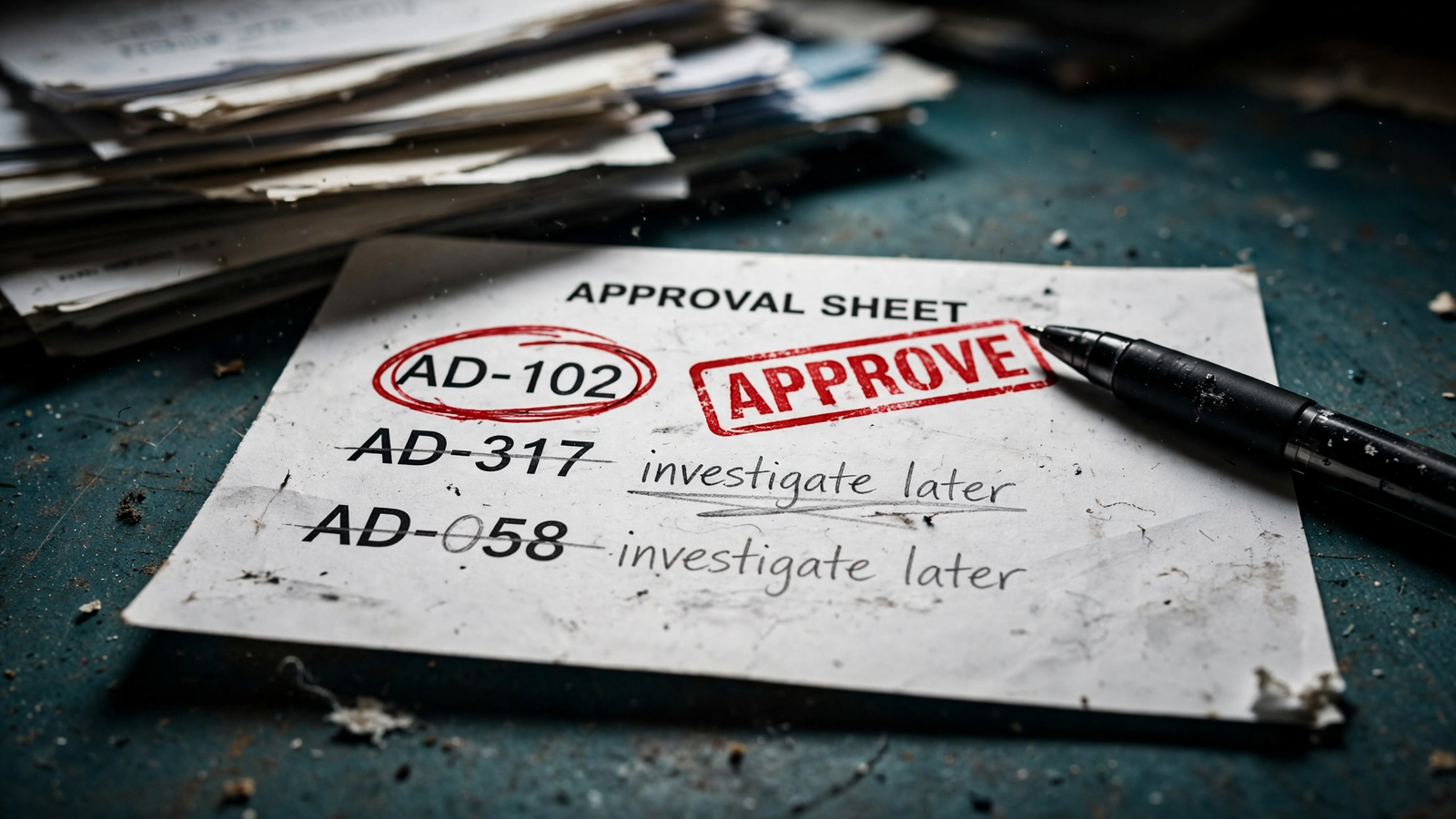
Then I inspect the action log. With groas, every change is logged with its reason and can be undone in one step. The guide to connecting Facebook Ads Manager without the CSV shuffle walks through approving pauses and reading that log. Undo the change where Meta allows it, but don’t confuse resuming an ad with getting its lost delivery back. That’s why approval belongs between the verdict and the switch, not in a cleanup pass the next morning.
Buy the reasoning before the kill switch
I’d pick Claude connected through groas over a tool that automatically pauses every ad below a ROAS threshold. The threshold tool can tell me what crossed a line. I want an assistant that can tell me whether the result is mature, whether there’s enough spend to judge, whether the tracking holds up, and whether the pause survives those checks. With groas, Claude does the reasoning, groas provides the account data and carries out approved changes, and autopilot stays off until I switch it on. Groas Unlimited is $19 flat a month for the whole team, with unlimited accounts and every feature. I’m not paying a premium for a faster pause. I’m paying to see the case before one happens.
Make every vendor run the same read-only demo. Connect one Meta account. Ask the assistant to rank pause candidates, show the evidence against each pause, and flag missing data. Change nothing. If it can’t name the account, event, attribution setting, and window behind its verdict, it has no business touching your spend. Keep autopilot off until you’ve written down your evidence requirements, spending limits, and approval rules.
Skip that, and the first account a threshold pauses into silence will be yours. The ads you kill on immature data don’t send an apology. They stop running, and you find out a week later what you should’ve known before you paused them: the number wasn’t finished counting.





