

 LinkedIn

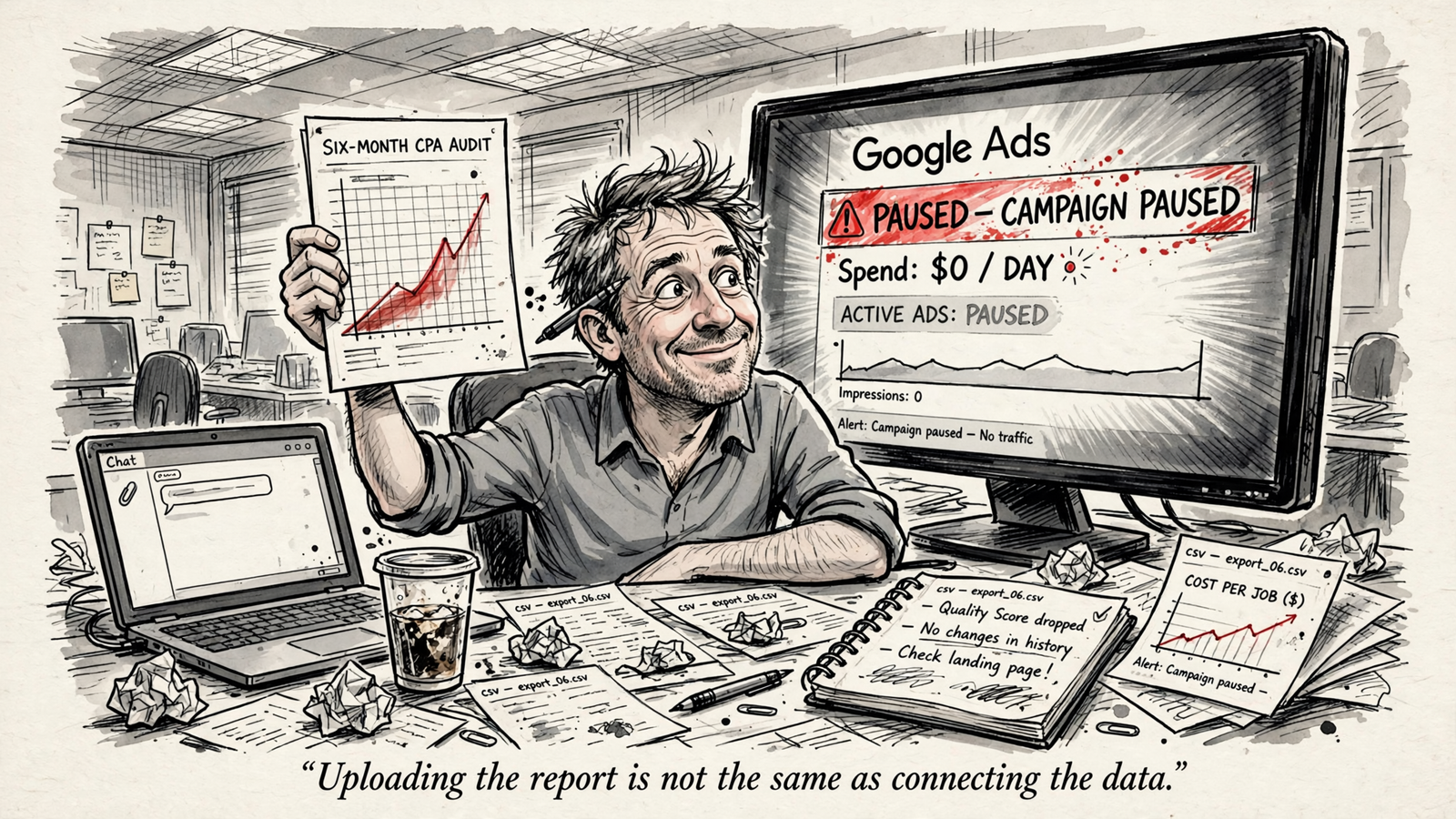
Paste a Google Ads export into ChatGPT and you have given it a report, not connected your account. It can produce a tidy list of losing keywords without seeing anything newer than that file or changing a single bid.
That distinction gets expensive when three different promises collapse into one sales pitch. Connected describes access. Managed describes the work being done. Free describes the price of one piece. None tells you everything you need to know about the other two.
I want to know what ChatGPT can read, what it can change, what happens after I close the tab, and which bills remain mine. “AI-powered” can wait until those questions have answers.
Here are twelve terms in the order you meet them: the connection, the permissions, the actions, then the bill. Each definition comes with the distinction I would check before trusting a demo or paying for the wrong job.
AI client
An AI client is the app where you talk to the assistant, such as ChatGPT, Claude, or Cursor.
It is where you ask the question. It is not, by itself, a connection to Google Ads. Typing “pause the losing keywords” gives the assistant an instruction; it does not give it account access or a tool that can execute the instruction.
The client-versus-server distinction matters because the conversation and the account connection do different jobs. A server can expose tools the assistant calls, while permissions determine which accounts and actions those tools can reach.
Name the client, then identify what connects it to the account. I ask which server it talks to and where the permission check happens before I ask how clever the model is.
Connector
A connector is an integration that links ChatGPT to an outside system.
That label promises nothing about direction. A reporting connector can retrieve campaign data. A connector with supported write tools can also change something. Both fit the label; only one can carry out the edit you are asking for.
This is where a polished demo gets slippery. Reading a table looks a lot like managing an account when the table appears inside a chat window. The assistant can describe exactly what it would pause and still have no way to pause it.
Ask whether the connector reads, writes, or does both. Then ask to see the tool list. “Google Ads connector” is a category, not an answer.
MCP server
An MCP server is a service that exposes tools, resources, and prompts an AI client can use.
Think of it as a menu. The assistant reads what is available, then calls a tool when the request needs it. No relevant tool, no account action. A menu full of reporting tools does not acquire a budget-editing tool because you ask more firmly.
The distinction I care about is between callable tools and ongoing management. An MCP server can let ChatGPT query an account or make a supported change during a conversation. Its existence does not mean anything keeps working after the conversation ends.
Setup is a separate question, too. A hosted connection flow and a self-hosted server can leave you with different responsibilities even when both expose useful tools.
Ask to see the menu before assuming anyone is cooking. Then ask what, if anything, runs between chats. A server sitting idle is not managing your campaigns.
OAuth
OAuth lets you authorize an application to access an account without handing it your password.
It is the browser sign-in and approval flow you encounter when connecting services. That scoped, revocable authorization is the useful part: access has boundaries, and you can remove it.
Where buyers slip is treating the Google sign-in screen as proof that everything is now connected with the right permissions. Signing in is not the same as confirming the intended ad account, and authorization is not a promise that every action is supported.
I separate three checks:
- Which identity signed in?
- Which ad account can the connection reach?
- Which permissions did the application receive?
Check the account and permissions after sign-in, not just the success message. Then find where to revoke access. That is more useful than admiring the green tick.
API key
An API key is a secret credential that software uses to access a service.
It is not a ChatGPT subscription, and possessing one does not mean the assistant can do anything you ask. The service and its permissions still determine what the credential allows.
Keys also create a handling job. Whoever holds a key can use its granted access, so it belongs in the configuration intended for it, not casually pasted into a conversation because a setup instruction was vague.
Different clients and connections use different authentication flows. A local or terminal setup may ask for a key; a browser connection may send you through OAuth. Those are setup choices, not interchangeable names for the same step.
Confirm which authentication flow your chosen client supports before creating credentials. If the instructions describe a field you cannot find, stop and check the flow rather than improvising with a secret.
Read access
Read access lets ChatGPT retrieve account data without changing the account.
The confusion is understandable: a correct answer about the last 30 days feels like control. It is not. Read access can still be exactly what you need for a budget review, especially when you want live spend without exposing write tools.
“Read” also leaves room for limits. A reporting tier can distinguish between available history and history accessible inside AI chats. “Unlimited accounts” does not answer either question.
I would start with this request:
Read this connected account’s last 30 days. Show the account ID, date range, and source. Make no changes.
Then check what came back. Does it identify the intended account? Does the date range match? Is the source the connected account or a file you supplied?
Prove the read before allowing a write. If the assistant summarizes an uploaded spreadsheet, you have tested its ability to read that spreadsheet. You have not tested the connection.
Write access
Write access lets ChatGPT execute supported account changes through a connected tool.
The important word is supported. A tool that pauses a keyword does not necessarily create campaigns, edit every setting, or reverse every change. “Manage” is too roomy a verb to settle any of that.
I want a walkthrough of one small edit, not another paragraph about what the assistant recommends:
- Name the account and the exact proposed change.
- Inspect the preview, if the workflow provides one.
- Give separate approval for that edit.
- Confirm the tool executed it.
- Inspect the resulting log entry.
Some workflows describe safeguards such as campaigns starting paused and writes requiring approval. Check those safeguards rather than assuming they come with the word connector.
A missing preview does not prove write access is absent. It means you have not seen the review step you expected. That deserves more scrutiny, not less.
Ask for one change from proposal to execution record. Advice in a confident tone is still advice.

Approval
Approval is your permission for a specific proposed action.
It is not proof that the action is sensible. ChatGPT can ask politely for permission to execute a bad idea, using exactly the same wording it uses for a good one.
Before approving, I check the account ID, date range behind the recommendation, and exact edit. “Improve the campaign” is an intention. “Pause this keyword in this account” is something I can inspect.
This is also why I separate reading from changing, rather than treating a connection as blanket consent. The read-first, write-with-a-separate-yes approach keeps inspection distinct from execution while autopilot stays off.
Approve the edit, not the confidence around it. A confirmation button cannot supply the judgment missing from the proposal.
Action log
An action log records changes and the information provided about when, why, and under whose approval they happened.
When CPA moves, I want to know what actually shipped. Not what the assistant suggested. Not what someone remembers approving. The change that reached the account.
A log is evidence of execution, not evidence of better performance. It can show that a budget changed without proving that the change lowered cost per acquisition. For that, you still need the performance numbers.
With groas, every change is logged with its reason and can be undone. That makes the record useful for inspection, not a substitute for it. Google’s own change history is another place to examine account edits.
If a demo presents a list of actions as a list of wins, ask for the before-and-after numbers. A busy account is not automatically a better account.
Undo
Undo reverses a supported change; it does not recover money already spent.
That distinction matters more than the reassuring button. Say a daily budget goes from $50 to $200 by mistake and you catch it the next morning. Restoring the old setting does not refund the extra spend from overnight.
Undo also has boundaries. Google’s change-history undo options do not cover every change, and a server’s own reversal capabilities need checking separately. A record of an edit is not a guarantee that the tool can reverse it.
I want to know which change types can be undone before the first write, not while trying to clean up a mistake.
Test writes on a low-spend campaign and confirm the reversal path. The log tells you what shipped. Undo can limit what happens next. Neither refunds the auction.
Autopilot
Autopilot means work continues between chats under rules you set.
A chat that answers only when asked is not autopilot. Nor is a server that waits for the next tool call. The difference is ongoing execution: something keeps checking or acting after you close the tab.
That is why free reporting and continuing campaign management are different purchases. A read-only answer can be useful without doing any work between conversations. The problem is not the reporting. It is selling the reader’s expectation of management alongside it.
Before switching on ongoing execution, I want three things made explicit:
- Scope: which accounts or campaigns it can touch.
- Rules: what it can do and which budget limits apply.
- Control: where I inspect changes and switch it off.
With groas, autopilot stays off until you enable it. That separation matters: connecting an account should not be confused with deciding to let ongoing work run.
I would keep it off until I can write the intended rule in one sentence. Then I would point at the off switch before pointing at the forecast.
For the wider vocabulary around tools, tokens, and servers, the twenty-term MCP companion picks up the terminology beyond this list. For the buying decision, the test stays simpler: what runs when I am offline, and under whose rules?
Free and open source
Free describes a price for a particular piece; open source describes how the code is licensed and made available.
Neither means free to operate. They are different claims, routinely bundled together as though the setup and maintenance work disappear with the subscription charge.
A free server can still leave you arranging credentials, configuring a Cloud project, obtaining a developer token, hosting the service, and keeping it running. The self-hosted setup requirements are part of the purchase decision even when the software costs nothing. Your time does not stop counting because nobody sends an invoice for it.
Hosted free tiers raise a different question: which limits apply to history, usage, or automation? A useful free reporting tier can still be the wrong purchase if the job you need done is execution.
I split the bill into four lines:
- The connection or software subscription.
- The assistant plan required for the chosen setup.
- The ad spend.
- The setup and ongoing upkeep you still own.
That is the full-cost view behind your first MCP bill. The connection fee is one line, not the total.
The groas offer is explicit instead: no free plan, $19 a month flat for the whole team, with unlimited teammates, ad accounts, and websites, every feature, and the collected data included. Your ChatGPT subscription and ad spend stay separate. Autopilot stays off until you switch it on.
That gives me something concrete to price against the work I would otherwise take on. Not a promise that advertising itself costs $19, and not permission to stop paying attention.
Ask what you pay, what you host, and what breaks when you leave for a month. Then keep the remaining responsibility on the bill: the judgment to say “not yet” to automation.
If there is one term I would retire, it is free as a complete answer. It answers the smallest question and lets the expensive ones hide.


