LinkedIn
For five people managing ten ad accounts, I’d budget $40 to $119 a month in cash at ChatGPT’s annual billing rate, before hosting or labor. The cheapest setup isn’t necessarily the one with the free connector, and a five-person team doesn’t necessarily need five paid seats.
The low end buys two ChatGPT Business seats and uses native exports. The high end buys five seats and adds a $19 connection. Those are scenarios, not a minimum and maximum for every vendor on the market. If two people run the workflow and the other three only read the output, two seats plus the paid connection comes to $59 a month at the annual seat rate. The seat decision moves the bill more than the connector does.
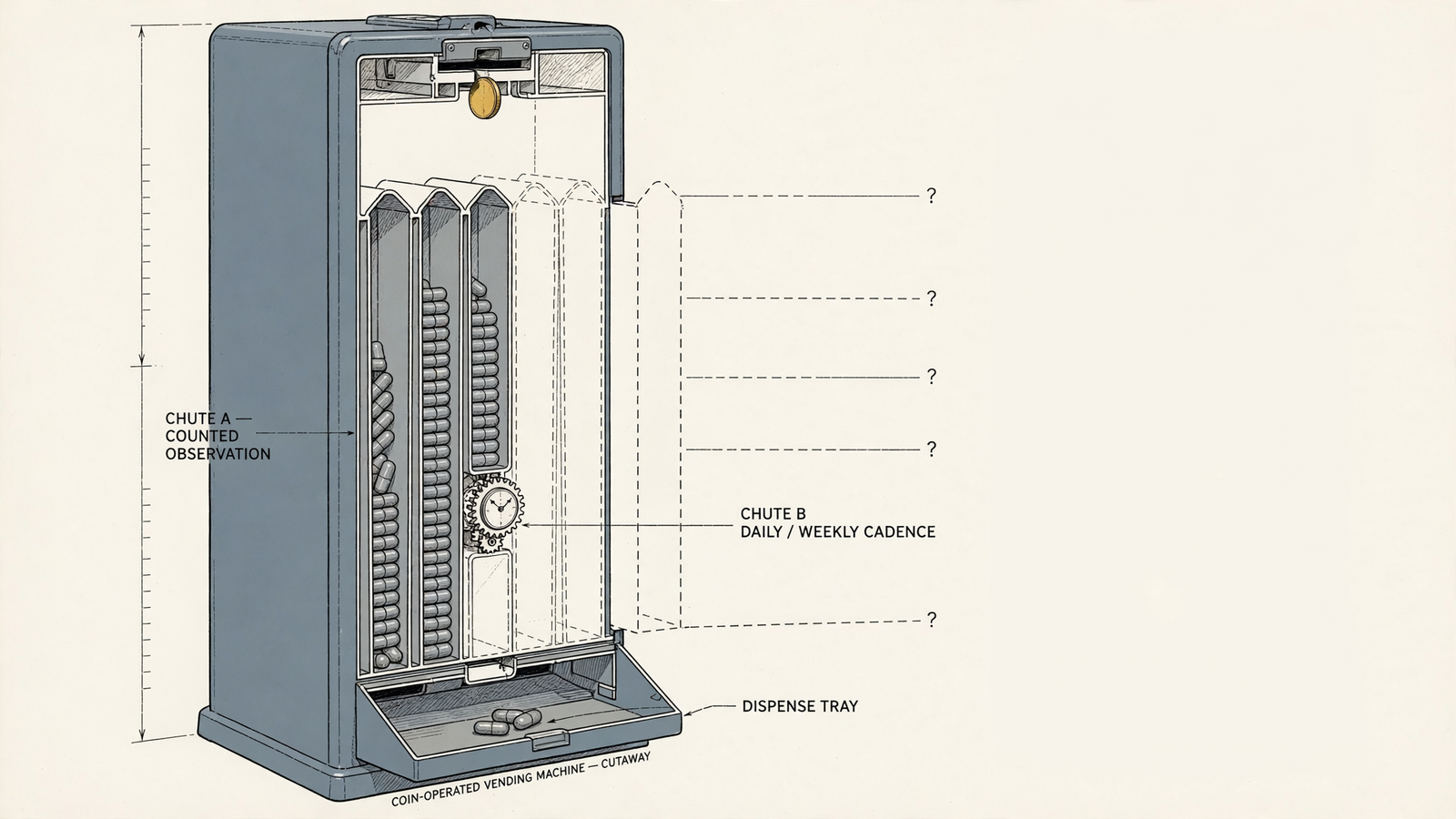
Here’s the workload I’m pricing: ten ad accounts across Google, Meta, or Bing, one weekly reporting cycle, and a handful of approved changes each week. Not autopilot. Not somebody asking what happened once a month. I split that workload into four lines: assistant access, account connections, maintenance, and human review. Put them all under software and the $0 option starts looking a lot better than it is.
The bill: what’s listed and what’s missing
The listed prices cover access, not the work. Read the assistant and connection rows together for the subscription bill. Then add the work your setup actually creates, keeping one-time setup out of the recurring run rate.
| Cost line | Listed cash cost | What to budget beyond the sticker price | Source |
|---|---|---|---|
| Assistant access | $20 per user per month billed annually; $25 per user on monthly billing | Count the people who work in ChatGPT, not everyone who reads the report | OpenAI Business pricing |
| Account connection | $0 for native exports or the Google Ads MCP license; $19 a month for groas | Exports take labor each cycle. Google’s connector needs hosting and setup. Paid connectors can charge for account slots or teammates | Export experience, Google’s MCP docs, groas pricing |
| Maintenance | No single figure | One-time connection and permissions setup; recurring hosting and credential or API upkeep if you self-host | OpenAI’s connection docs, Google’s MCP docs |
| Human review | No single figure | Recurring time to verify numbers, approve changes, and record what happened | Practitioner discussion |
Line 1: Buy seats for operators, not readers
I used to tell clients to buy five seats and sort it out later. I was wrong. If two people ask the questions and three get the answers in Slack or a doc, the other three need the report, not the chat. At the annual billing rate, two seats cost $40 a month and five cost $100. That’s a $60 monthly difference before anybody connects an ad account.
Start with the people who actually run the workflow. Add a seat when someone needs to work in the assistant, not when someone gets copied on the weekly report. Check the current minimum at signup rather than building the budget around an OpenAI help article you read last year.
A personal subscription and a team setup aren’t interchangeable here. Custom MCP connections are available on the web for ChatGPT Business and Enterprise/Edu, not on mobile. On Business, only admins or owners can create and publish the connection, according to OpenAI’s setup docs. Someone has to publish it, decide who can use it, and fix permissions when they change. Name that person before you buy the connection.
Line 2: Price the connection for all ten accounts
The $0 cash option is the native export. Pull a CSV or spreadsheet from each platform, clean up the columns, upload the files, and ask your questions. You get a snapshot. If a follow-up needs data you didn’t export, you go back for it. A hands-on tester spending about $52k a month across two live accounts put it plainly: “It can tell you what happened. It can’t do anything about it.” For a read-only report, that may be fine. For an approved change you want to make in the same chat, it isn’t.
Google’s open-source Ads MCP server looks like the way around that. The license is free; the hosting and upkeep aren’t. It’s a self-hosted Python service with OAuth to set up. It can create assets, upload videos, and manage labels, but it can’t make campaign, budget, or bid changes, per Google’s docs. If changing bids or budgets is part of your weekly job, you still do that work in Google Ads. You’ve traded the export loop for a piece of infrastructure, not bought your way out of manual edits.
Where the paid price changes at checkout
Compare the price for ten accounts and five teammates, not the number next to “starts at.” The thing that pushes you out of a tier may be account slots, teammate access, or call volume. Those are different limits, and they don’t all show up in the headline price.
| Connection | Headline price | What changes at this workload | Source |
|---|---|---|---|
| Adspirer | $49 to $199 a month by tier | Monthly Free, Plus, and Pro plans allow one active ad account per platform; Max allows five per platform. Check your account mix against those caps. Calls beyond the tier are billed per call | Adspirer’s pricing breakdown |
| Pipeboard | $29.90 to $199 a month | Free has two ad account slots; Pro has three. Ten accounts push you into higher tiers | Pipeboard pricing breakdown |
| InsightfulPipe | $29.99 to $299.99 a month | Base includes eight accounts and one member. Its own example prices ten accounts and two people at $40.99 a month. That isn’t a quote for five people | InsightfulPipe’s worked example |
| groas | $19 a month, flat | Unlimited teammates, ad accounts, and websites, with every feature included. $228 over twelve months for the connection, with no seat or account add-ons | groas pricing |
That’s why I’d start with groas for the weekly workflow. The $19 covers the connection for the team as it stands. I don’t have to turn a two-person worked example into a five-person quote or count how the ten accounts are split before I know what I’ll pay. Keep the ChatGPT seats on their own line: unlimited teammates on the connection doesn’t mean unlimited seats in ChatGPT.
Line 3: Separate setup from maintenance

Setup is a job you do once; upkeep is a job somebody keeps. Put the initial connection, OAuth setup if you self-host, and permission checks on the one-time side of the budget. That same tester said wiring the APIs himself “cost me most of a weekend per platform and I now own a small piece of software I never wanted to own.” That’s not a time estimate for your team. It is a reminder to put somebody’s hours against the setup before calling it free.
On the recurring side, count hosting and the time it takes to keep the connection working. A Cloud Run instance or a small VM belongs on the cash line. Renewing credentials and debugging a Python service after an API change belong on the labor line. Neither is in the $0 license price. And the week the person who built it goes on vacation is a bad week to find out they’re the only person who can fix it.
If you already pay for the ChatGPT seats you need, don’t count them again as a new expense. Keep them in the full budget, but when you ask what it costs to add the workflow, count the connection and whatever new hosting, maintenance, or review it brings. Those are two different totals. Decide which one you’re asking for before you compare quotes.
Line 4: Keep human review on the bill
A live connection removes manual data handling, not judgment. Someone still has to check that the number ChatGPT quoted matches the account, sign off before a change ships, and record what changed and why. Freelancers in r/Google_Ads describe a version of that split: specialist tools for alerts and guardrails, Looker Studio for reporting, and ChatGPT or Claude for analysis. The assistant can surface a bid, budget, or keyword action. The operator still has to decide whether it’s the right one.
Don’t credit a paid connection with saving the entire review cycle. Credit it with the exporting, cleanup, and re-uploading you no longer do. Then price the verification and approvals you still need. That isn’t wasted time. It’s the job.
Run the numbers for your workload
I wouldn’t ask ChatGPT to guess what the tools cost. I’d give it the prices and ask for two totals: cash outlay and cash plus labor, with setup listed separately. Paste this in and fill in the blanks:
Build a budget for running ads from ChatGPT. My team has 5 people and 10 ad accounts. Only [N] people need paid assistant access; the rest read the output. I run weekly reports and make [N] approved changes per week.
Use the prices I supply: assistant seat $____ per month on [annual or monthly billing], connection $____ per month, hosting $____ per month, and labor $____ per hour. List one-time setup separately. For recurring labor, count exports and cleanup, maintenance, verification, and approvals using the hours I supply.
Give me two monthly totals: cash cost and economic cost including labor. If a price or time estimate is missing, write “unknown, verify before purchase” instead of guessing. Flag any vendor whose price changes once I add the accounts or teammates I need.
The gap between those totals is what I’d use to make the call. Compare the $19 connection with the cost of the hours it can remove, not just with the $0 in another tool’s pricing column.
When exports are enough and when I’d pay
Buy for the work you actually repeat. I’d put the decision into three buckets:
- Occasional read-only questions. For a monthly “what happened?” check, native exports win on cash. Use the seats you need, accept that the report is a snapshot, and don’t buy a live connection just to move a spreadsheet once a month.
- Weekly reports and a handful of approved changes. The export loop comes back every week, and it still doesn’t make the edits. This is where I’d price groas at $19 a month against the hours spent pulling and cleaning data. Keep approvals human and explicit. The connection replaces the file handling, not the operator.
- Daily questions, live edits, or autopilot. Once you’re asking what changed this morning and approving a fix in the same conversation, check whether changes are logged with a reason, reversible in one step, and bounded by the budget and permissions you set. Leave autopilot off until those limits are written down.
The cheapest mistake and the most expensive one
The cheapest mistake is buying five seats when only two people open the chat. The waste is easy to spot: three unused seats, every month. Assign access to the people doing the work and send everyone else the report.
The most expensive mistake is putting $0 in the connection line and $0 in every line it creates. Six months later, someone’s spending weekends keeping the connector alive, checking the numbers by hand, and opening Google Ads to make the bid and budget changes the free tool can’t make. That’s not a free setup. It’s an unpaid engineering project with a marketing interface.