

 LinkedIn

I have two hours to prep a neglected Bing account, 14 days before peak, and I’m not spending them importing Google campaigns. I’d rather find the ad that still says 20% off, the queries that have nothing to do with what I sell, and the conversion goal nobody trusts before I touch a campaign that might be worth keeping.
I connect Microsoft Advertising to Claude through groas, inspect first, and leave with one small, approved repair batch. No wholesale import. No speculative seasonal forecast. No campaign launched on a hunch because the calendar made me nervous.
The import is the first thing I cut. Microsoft’s import documentation warns that scheduled imports can overwrite Microsoft-side changes to status, bids, and budgets. If someone already fixed something on the Bing side, I don’t want to spend the next two weeks finding out I put it back. The clock is better spent separating what’s plainly wrong from what’s merely unproven.
1. Minutes 0–10: Connect the account and put Claude in read-only mode for the review
Cost: 10 minutes. Buys: a review of the live account without authorizing edits.
I add groas as a custom connector in Claude. In Customize → Connectors, I choose Add → Add custom connector, name it groas, enter https://mcp.groas.ai/mcp, and sign in. On Team or Enterprise, an Owner adds the organization-level connector first, then I connect individually. I connect the Microsoft Advertising account and website inside groas once. groas Unlimited costs $19 a month flat for the whole team, with unlimited ad accounts and websites. I’m not paying per account to clean up this one.
Before Claude reads anything, I name the exact account, the season dates, and the date peak starts. Then I give it a spending ceiling. If that ceiling is $15,000, I say $15,000. If it’s $3,000, I say $3,000. “Keep spend reasonable” is not a number I can check in minute 120.
Inspect first. Produce a prioritized preparation queue. Do not change anything yet. The account is [Microsoft Advertising account]. Review [season dates]. Peak starts on [date], 14 days from now. My spending ceiling for the season is [amount]. Read current campaigns, ads, destinations, budgets, and available historical results. Flag anything expired, changed, or missing. Separately list anything you cannot verify from the data you can see.
That last sentence earns its place. If Claude can’t see the prior comparable season, I want a gap on the page, not a guess dressed up as a baseline. A guess in minute ten has a way of becoming a budget decision ten days later.
2. Minutes 10–25: Separate live offers from last season’s leftovers
Cost: 15 minutes. Buys: a list of stale offers to fix and campaigns to leave alone.
I ask Claude to compare current campaigns, ads, destinations, and budgets with whatever results are available from the prior comparable season. I want three things flagged:
- Expired promotions. The ad still says 20% off. The offer is over.
- Changed products or offers. The landing page now sells something other than what the ad promises.
- Dates that no longer apply. The copy or budget still belongs to a peak that ended months ago.
This is also where I check for drift from a previous Google import. If a scheduled import is in play, I want to know whether a status, bid, or budget change made in Microsoft may have been overwritten. I’m looking for a specific change that needs a second look, not a reason to copy the entire account again. At this point, a budget that looks like it belongs to last season goes on the review list. It doesn’t get reset on sight.

I keep missing history separate from poor performance. No results from the prior season? Write that down. Results but no conversion data? Write that down too. I don’t fill either hole with a Google Ads number or a benchmark CPC. A keyword that failed on Google can convert on Bing; a Google winner can die there. Using Google history as a Bing baseline isn’t conservative. It’s a different account wearing my numbers.
At minute 25, I want to know what’s stale, what still matches the business, and what I can’t tell. I’ll need all three when I decide what not to launch.
3. Minutes 25–55: Sort search terms before proposing negatives
Cost: 30 minutes. Buys: a negatives list I can defend without treating every zero as waste.
I ask Claude to group the available Bing search terms by relevance, spend, and conversion evidence. I want three buckets:
- Obvious mismatch: The query plainly doesn’t match what I sell, whatever it cost.
- Relevant but thin: The query fits, but there isn’t enough evidence to judge it.
- Relevant with evidence: The query spent and converted, or it spent enough that the lack of conversions is worth examining.
I used to move terms out of that middle bucket too quickly. A zero can mean the query was bad. It can also mean the conversion hasn’t been reported yet or tracking missed it. Microsoft’s conversion delay column shows how many days it takes to collect 90% of conversions by click date. If the account shows an 11-day delay, I don’t judge clicks from the last 11 days as if the results were in. If Microsoft reports no recent conversions while orders are still coming into the CRM, I put that discrepancy on the measurement list instead of calling it a demand problem.
For every proposed negative, I want the reason next to it: obvious mismatch, or enough spend without conversions over a period longer than the reporting delay, with measurement I can trust. The thin terms stay live. Killing a relevant query two weeks before peak feels decisive right up until I have to rebuild it during peak.
I also ask where the traffic came from and which match types brought it in. Search partner or Audience Network traffic goes on the review list if the queries or results warrant it. Advertisers have reported unwanted traffic after imports, but that’s a reason to check my account, not to make a blanket exclusion. Same with match types: I check the queries broad and phrase actually brought in rather than assuming a copied structure will behave the way it did on Google. The term-by-term waste queue goes deeper. On this clock, I stop at three buckets and a reviewable negatives list.
4. Minutes 55–80: Decide whether conversion data can support a budget call
Cost: 25 minutes. Buys: a clear stop on budget decisions the tracking can’t support.
I ask Claude for five fields per reported conversion goal: whether it’s included in Conversions for bidding, the conversion window, whether it counts All or Unique, the attribution model, and whether it’s shared across accounts. A goal can show up in All conversions without driving bids. That distinction in Microsoft’s conversion tracking rules is why I check the goal settings before I read a healthy-looking total as proof the bidding has the right signal.
Then I ask for a separate list of what Claude can’t verify from the account data:
- UET tag status versus actual coverage. An active UET tag tells me an event fired. It doesn’t tell me the right event fired on checkout or that the revenue value was correct.
- Tag behavior on the pages that count. A report export doesn’t replace checking the checkout or lead form in a browser with UET Tag Helper.
- Destinations and UTMs. I want to know whether ads still land where they should and whether the source parameter or a Microsoft-side edit survived the import.
- Shared goals. If accounts point to different sites, I want to verify which account gets the credit rather than assuming the shared setup is right.
If the conversion I care about isn’t included in Conversions, the goal uses a 90-day window and I haven’t reconciled it with the 7-day view I report on, or the tag is unverified, I don’t ask Claude for a more cautious budget number. I ask it to stop. The output I want is measurement unresolved; decision deferred, with a named owner. That’s a decision I can act on. A budget built on a number I can’t explain isn’t.
5. Minutes 80–110: Approve one small repair batch and check what changed
Cost: 30 minutes. Buys: specific fixes without tearing up campaigns worth keeping.
I ask Claude for the exact change, the affected campaign or ad, and the reason. Not a summary. Not “recommendations.” I want lines I can approve or reject in one breath:
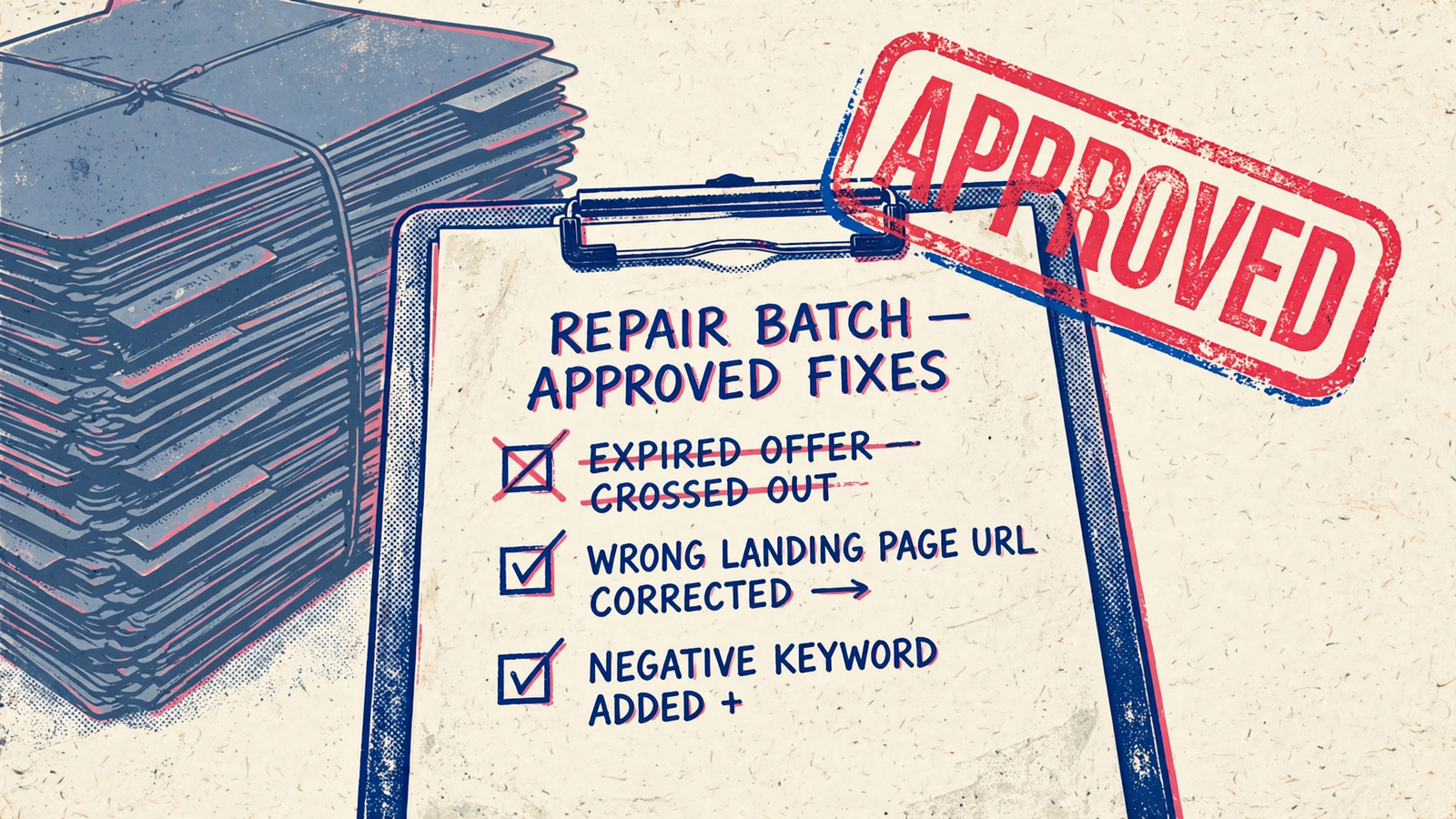
- Pause campaign X: the offer expired March 31 and the destination returns a 404.
- Correct ad Y’s destination: it points to the old product page instead of the current one.
- Add negative keyword Z at the campaign level: the query is an obvious mismatch for the offer.
I apply only the changes I approve: obsolete copy, bad destinations, agreed negatives, and pauses where the offer is plainly dead. No healthy campaign rebuilds, no Google import, no bid strategy switches, no adding or removing conversion goals. Microsoft’s seasonal checklist puts foundation work well before peak. Fourteen days out, I’m correcting errors, not giving the account a new bidding setup to learn.
The action log matters more to me than how fast Claude applies the edits. If something goes wrong at 2 a.m. during peak, I want to see what changed and why without turning it into a forensic project. Before I move on, I read the log and compare the resulting account state with the approved list, campaign by campaign. If anything changed that I didn’t approve, I revert it and record it in the handoff. That check is part of the 30 minutes, not a job for launch week.
6. Minutes 110–120: Write the launch-week handoff and stop
Cost: 10 minutes. Buys: a launch week that starts with decisions and owners, not somebody’s memory.
I ask Claude for three things:
- Open blockers, with an owner and the decision each one holds up. For example: “Verify UET on checkout. Owner: web. Needed before the budget decision.”
- The approved repairs that actually went through. Attach the action log so the next person doesn’t have to reconstruct the batch.
- A pre-launch check I can run in one sitting. Are destinations live? Is the tag sending the expected events? Are the approved negatives in place? Is partner traffic still unchecked?
I leave autopilot off. That’s the default, and it stays the default on an account I’ve just repaired and haven’t watched. If I turn it on later, I want a narrow rule set: a cap per campaign, a stop rule that waits out the conversion delay and relies on tracking I trust, and an alert if spend pace threatens the ceiling I set in the first ten minutes. groas logs autopilot changes with their reasons and lets me undo them. That makes a scoped rule easier to review. It doesn’t make a broad one a good idea.
At minute 120, I stop. If the account still isn’t ready, I defer expansion and run only the campaigns the evidence supports. I don’t spend the rest of the seasonal ceiling just because I wrote it down. Missing history stays missing until I can verify it; measurement blockers go to the owners named in the handoff. If I want to keep analysis separate from launch access altogether, the read-only Bing analysis walkthrough shows how to start there.
When peak starts in 14 days, the prep is over. I make budget changes gradually rather than tweaking them daily, refresh promotions after the big discount days, and give conversions time to come in before judging the changes. Microsoft’s holiday playbook recommends phasing budget changes in 15–20% increments.
After peak, when there’s room for foundation work, I finish validating UET, rebuild the campaigns the evidence says are dead, and only then consider whether anything from Google deserves a careful, partial import. Two hours was never enough to do all that. It was enough to make sure I didn’t do it by accident.





