

 LinkedIn

Connect ChatGPT to your ad account, close the chat, and you haven’t put anyone on the night shift. I’d make three decisions before typing optimize my ads: what can read the account, what can change it, and what, if anything, should keep working after I leave.
“If I close ChatGPT, will someone still be watching my ads?”
A connection is not a monitoring schedule. As OpenAI’s guide to scheduled tasks explains, connecting an app doesn’t create a scheduled or event-triggered task on its own. If you want a task to run later, you have to set it up separately and review what starts it, what conditions apply, and what it’s supposed to do.
Even then, a scheduled check isn’t the same as having someone on call. “Check spend every morning” says when to look. It doesn’t say what to do if the numbers look wrong, whether to change anything, or when to stop and ask you. In its Codex automations guide, OpenAI recommends testing a scheduled prompt in a regular chat first, spelling out what to do on each run and when to stop or ask for input, and starting with the narrowest access that works. Skip the test and you haven’t set up monitoring. You’ve set up a surprise.
The details vary by assistant. One might run a task you’ve set up, another might pause when an action needs approval, and another might need the app open. The connection tells you what the assistant can touch. It doesn’t tell you what it’ll do at 2 a.m. If a vendor can’t show you how to turn on ongoing work separately, don’t assume you’ve turned it on by connecting the account.
“What does MCP mean in words I would actually use?”
Think of MCP as a phone line, not a person on duty. It’s a standard way for an AI assistant to talk to outside tools. ChatGPT does the reasoning; groas supplies the marketing tools and data, including access to your ad accounts, your website, and market data collected around the clock. The fact that groas collects that data around the clock doesn’t mean you’ve authorized it to manage your campaigns around the clock.
Here’s the split I care about more than the acronym:
- A read tool fetches information. “Show me spend and conversions by campaign for last week” looks at the account without changing it.
- A write tool changes something. “Pause this campaign” and “cut this budget by 20%” both change what the account can spend.
Microsoft’s official MCP server is read-only and never modifies account data. Meta’s Ads MCP tools can create campaigns, ad sets, and ads, but create them paused. Activation is a separate step before anything spends. Neither setup answers the whole question if you want to read, make a reviewed change, and later hand off ongoing management. That’s why I’d ask what a specific connection can do before asking it to do anything.
“What do I need before ChatGPT can manage anything?”
You need to connect both the assistant and the ad account. With groas, you connect your accounts once, add groas to your AI, and ask for what you need in plain English. The ChatGPT setup takes about a minute and doesn’t require code. groas also connects over MCP to Claude, Cursor, Gemini, and other compatible agents. You can connect Google Ads, Microsoft Ads, Meta Ads, and ChatGPT Ads, plus your website if you want to work on SEO and AI search visibility. Without both sides of the connection, ChatGPT can have opinions about your ads. It can’t see them or touch them.
groas Unlimited is $19 a month, flat, for the whole team. That includes unlimited teammates, ad accounts, and websites, plus every feature and all the data. It isn’t a price for ChatGPT itself. Your assistant subscription or usage charges are separate, and so is the time you spend reviewing the work. I break those out in Your First Marketing MCP Bill. Keep the connection, the assistant, and your review time on separate lines when you’re deciding what it costs.
“Can I ask questions without asking it to change my ads?”
Yes. Start with a read and say explicitly that you don’t want edits. “How did it do?” and “make it better” are different requests. And neither is the same as “keep working on it after I leave.” Here’s the first prompt I’d use:
Read last week’s campaign results through groas. Explain the three largest changes. Do not edit anything.
Check the numbers against the account. If they match and nothing was edited, you’ve tested the read side of the connection. If ChatGPT adds a suggestion about what it would change, that’s fine. A suggestion isn’t an edit. What I don’t want is for a request to explain last week to turn into permission to do something about next week. Make that a separate decision rather than trusting the model to draw the line for you.
“What should happen before a change goes live?”
Approve the exact edit, not the general idea. Before anything goes live, I want to see the account and campaign it touches, what will change, the evidence behind it, and what it does to the budget. Here’s how I’d ask for the preview:
List the exact proposed edits, affected account and campaign, evidence and budget impact. Wait for my approval.
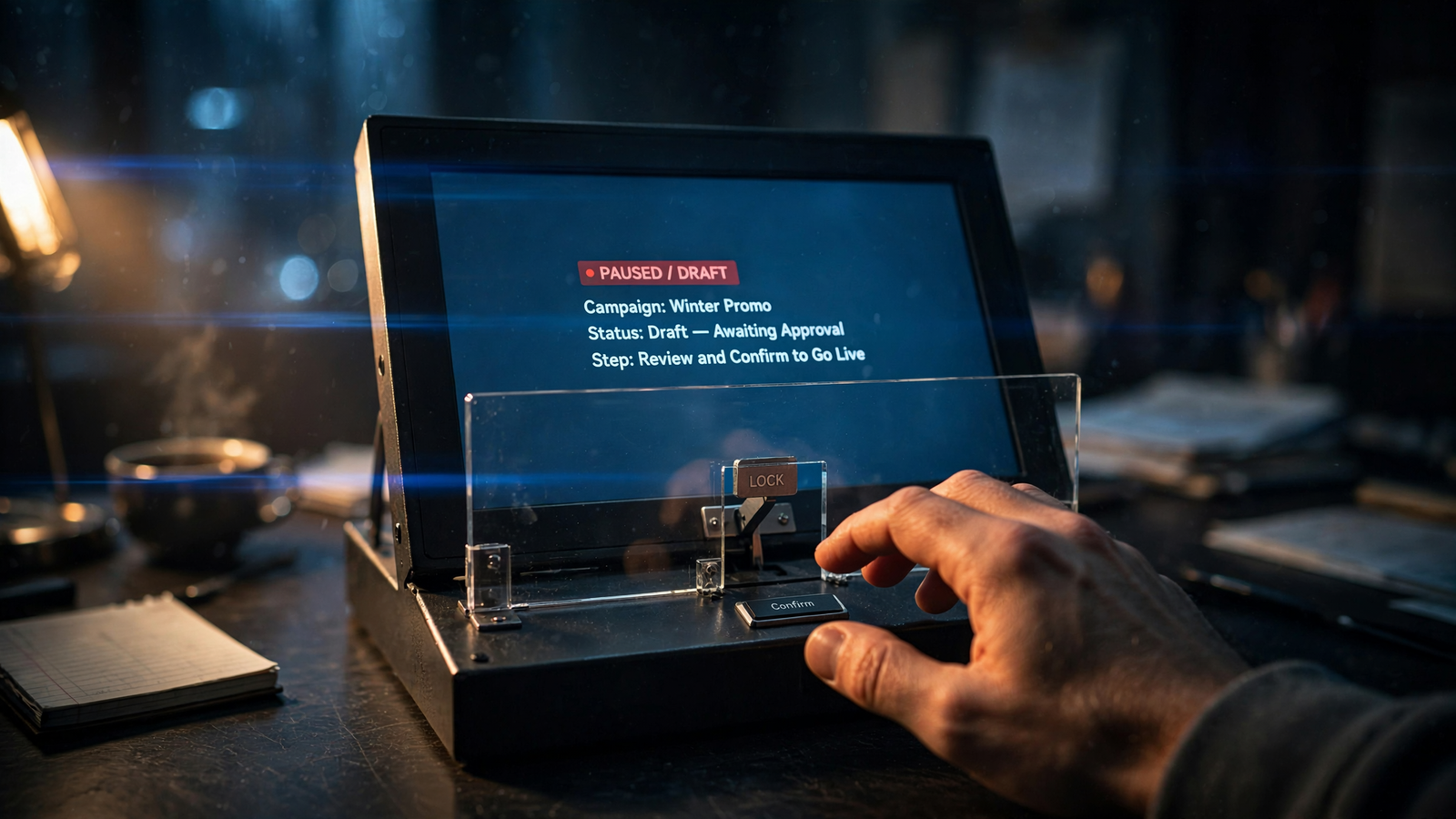
That’s an instruction to the assistant, not proof that the connector enforces an approval step. Check how approval actually works. If you approve “move 20% of budget” and the numbers behind the proposal change between preview and execution, you may no longer be approving the same dollar amount. A generic Confirm? doesn’t tell you much afterward, either. Blocked, waiting on you, and rejected by the platform are different outcomes. The log should tell you which one happened.
The standalone Reddit Ads MCP server documents its approval flow: 31 read tools, 22 write tools, writes disabled by default, and a preview that requires a second call with confirm set to true before it executes. It also creates campaigns, ad groups, and ads paused. That’s a separate product, not a groas integration or a substitute for managing your connected accounts through groas. Its particular safeguards belong to that server. The part I’d borrow is the discipline: preview, approve the exact thing, then execute.
“Then what is autopilot?”
Autopilot is groas’s optional background operation, and it’s off until you switch it on. Leave it off and connecting groas doesn’t put your account under continuous management. Turn it on and groas works on your ads, SEO, or AI search visibility between conversations, within the rules you set. You can change those rules. For most beginners, I’d let ChatGPT make reviewed changes and leave autopilot off. Get comfortable with what one change looks like before handing over a standing instruction.
Before I switch it on, I want five things written down:
- Scope: Which campaign or account can it touch?
- Goal: What number is it optimizing toward?
- Budget: What limit can it not cross?
- Allowed changes: What can it do without asking me?
- Approval: Which actions always come back to me first?
“Make my ads profitable” answers none of those well enough. It’s a blank check written in good English. Give it a goal with a number, a ceiling, and a list of changes you won’t accept without seeing them first. Writing those rules is the work. Connecting the account doesn’t do it for you.

“Can I inspect or reverse what happened?”
groas logs every change it makes, records why it made it, and offers one-step undo for its changes. I’d check the log after the first edit, while I still remember what I approved. Can I tell what changed, which account it changed in, and why the assistant made the call? Can I find undo without having to figure out how to rebuild the campaign by hand? That’s the difference between inspecting the work and taking the assistant’s word for it.
Don’t confuse undo in groas with a promise that every action on the underlying platform is reversible. Some Google Ads actions can’t be undone: one hosted connector documents its delete action as permanent because Google Ads itself offers no undo for it. Google Ads change history can also show an API change under a tool’s name rather than a person’s. That helps trace how the change got there, but it doesn’t tell me who approved it. Meta’s paused-by-default creation tools illustrate a different safeguard: creating the ad and starting spend are separate actions. Before you let anything run, ask what the log will show and what you can actually undo in that account.
“What should I ask it to do first?”
Start with one read and one reviewed change. I’d do it in this order:
- Ask for last week’s results and the three largest changes, with no edits.
- Check the numbers against the account. If they match and the explanation makes sense, ask for one proposed edit.
- Review the exact edit and its budget impact. Approve it only if it’s the change you want.
- Check the log to see what actually happened.
That’s the learning curve. Everything after it is repetition with wider scope. You don’t need to start by handing over the whole account to find out whether the assistant can explain one campaign or make one change you’d stand behind.
When you’re ready to give it a goal, use the cost per acquisition or return on ad spend you can accept, the budget ceiling, and the time window you’ll judge it over. “Optimize toward a cost per acquisition under $40, never exceed $500 a day, and bring any budget change above 10% to me first” gives the assistant a target, a ceiling, and an approval rule. I’d still spell out when I plan to judge the result. None of that guarantees performance. It does mean I’ve made the decisions about spend and authority instead of leaving the assistant to guess what “profitable” means.
“What will keep working after I close this chat, and how will I see it?”
That’s the question I wish more people asked. “Can ChatGPT manage my ads?” gets you a yes with the right connection. It doesn’t tell you what can read, what can write, how you approve a change, where you’ll see it afterward, or whether anything keeps working once you leave. Ask for all five before you connect anything. If the answer to the last one is just “it’s connected,” you still don’t have an answer.
That’s why I’d use groas for this setup. My AI does the reasoning, groas gives it the accounts and market data to work with, and I can check the reason for a change in the log and undo it in one step. Autopilot stays off until I turn it on with rules I’ve chosen. Connect, ask the read question, approve one change, check the log. That’s the whole test. Everything else is a sales deck.





