LinkedIn

647 homepage fetches tell me nothing about your ad account
647 ChatGPT live-answer fetches hit the groas homepage in 30 days. Not one tells me whether ChatGPT can see yesterday’s spend, conversions by campaign, or the search terms burning through your Google Ads budget.
That is the distinction I’d start with when buying an AI tool. A public fetch gets the assistant to a page anyone can visit. Analysing campaign performance requires the numbers from an account that isn’t public. Confuse the two and you can end up taking a confident answer about CPA from an assistant that has never seen your spend.
Here’s what groas measured at the server edge over that window, using the same method as our server-log test of which pages AI assistants actually fetch. A dash means the figure isn’t reported here, not that the count was zero.
| Page | Total hits | Verified hits | ChatGPT live-answer fetches |
|---|---|---|---|
| Homepage | — | — | 647 |
| Google Ads updates page | — | 309 | 118 |
| Pricing page | 396 | 93 | 47 |
OpenAI describes ChatGPT-User requests as user-triggered, not automatic crawling. That tells me why a request was made, not what happened after it arrived. A successful response shows that the server served the page, not that the model used it, cited it, or took a particular figure from it. The homepage count is evidence of public retrieval. It isn’t evidence of a single account integration.
Count requests, not readers or recommendations
I used to report raw bot hits to clients as if volume equalled visibility. I was wrong. One person can ask follow-up questions that trigger multiple reads. A fetch can lead to an answer that never names us, and an answer can name us without fetching the page at all. The logs count requests. They can’t tell those outcomes apart.
The pricing page shows what goes wrong when the label falls off the number. It had 396 total hits, 93 verified hits and 47 live-answer fetches. If I put the biggest figure on a slide and called it “ChatGPT reads,” I’d be presenting all requests as though they were the narrowest category. A User-Agent string isn’t proof of identity: any script can call itself GPTBot or ClaudeBot. Verification means checking the source IP against the operator’s published ranges, not taking the request’s word for it.
The Google Ads updates page shows why verification alone doesn’t settle it either. It logged 309 verified hits and 118 live-answer fetches. A verified request can still be for crawling or indexing rather than for a live answer. And a live-answer fetch still isn’t a recommendation, a citation in a specific answer or a conversion. The path list I’m working from is truncated, so a page’s absence from the table tells me nothing about whether it was fetched. That’s where the data stops.
Three data routes, three different ceilings
I separate the routes by what the assistant can see before it writes a sentence. That tells me more about what it can answer than the quality of the prose it produces afterwards.
- Public website retrieval: published information, fetched when ChatGPT searches. No private campaign performance.
- Uploaded exports: real account data, frozen at the extraction date. Useful for a bounded question, not a live view.
- groas over MCP: connected account data and tools for permitted changes. What the assistant can do depends on the connection and its permissions.
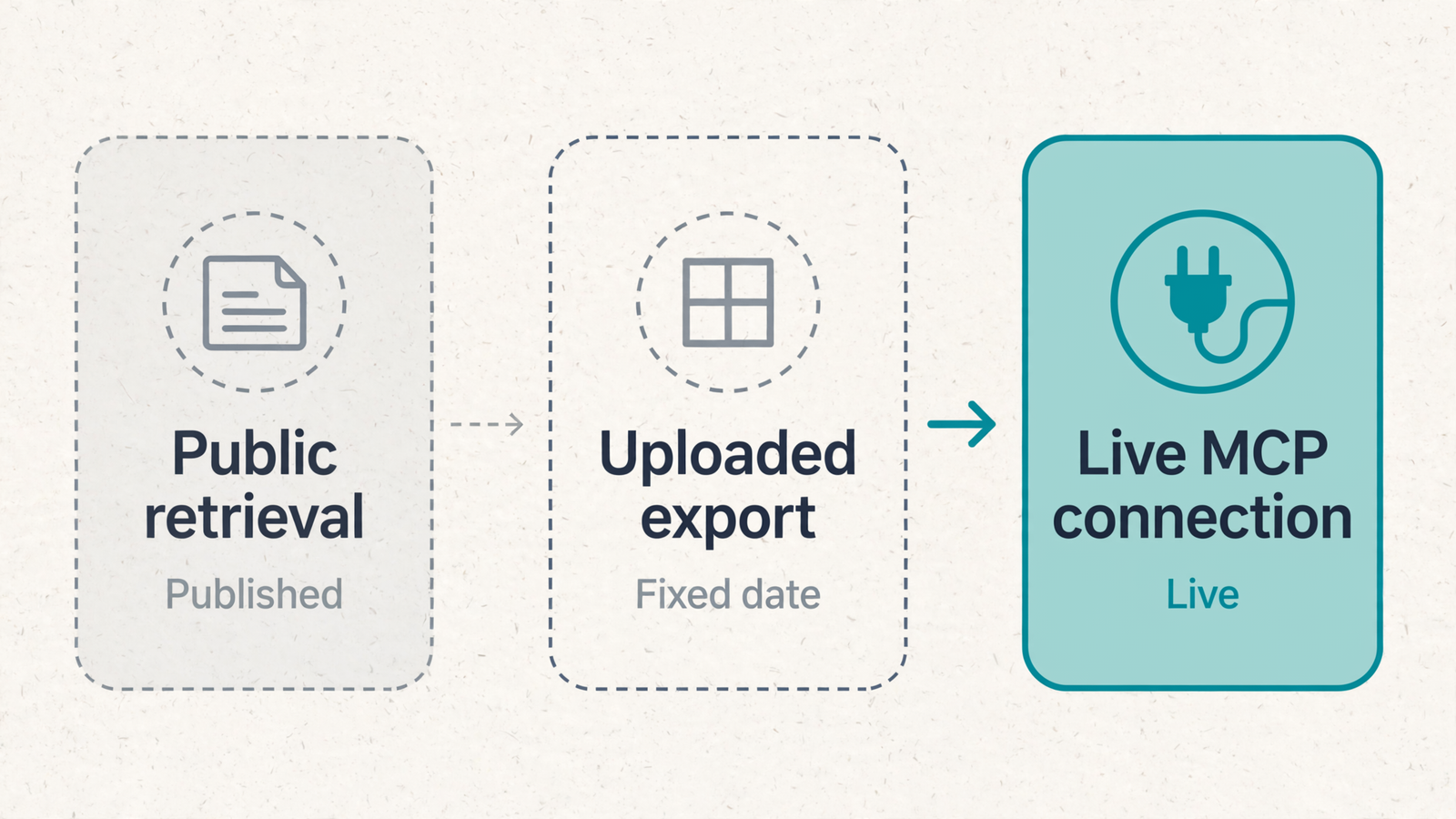
Public retrieval tells me what’s published
When ChatGPT searches the web for current information, it can draw on the pages it retrieves. For groas, that might mean the homepage, the pricing page or a Google Ads updates post. Those are useful inputs if I want to know what a company says it sells. They don’t tell me how a campaign performed.
A public page doesn’t grant access to what sits behind a login. Browsing doesn’t give the assistant access to a private Google Ads account, Meta Ads Manager or Search Console property. If the question is about what the company publishes, I’m happy to start on the web. If it’s about what the company spent, I need a different route.
An export gives me real numbers with a cutoff
An export is the honest middle route. I pull last month’s Google Ads report, upload the CSV and ask ChatGPT to work with numbers that actually happened. I’ve used this for cleanup work for years. It still earns its keep when I can state the question and the reporting period before I open the chat.
The export ends at the extraction date. Automating the transfer doesn’t turn the copy into the account: a BigQuery transfer refreshes at most once every 24 hours and rereads the previous 7 days. Those figures describe the transfer schedule and the period it revisits, not a promise that the copy is always exactly a day behind.
The quieter failure is a number the file contains but doesn’t explain. Conversions and All Conversions aren’t interchangeable, and a pasted report doesn’t tell the model which metric I agreed to use with the client. Without that context, the model may supply its own. A chart embedded in a PDF poses a different problem: exact values in an image-based table or a complex layout may not come through reliably. A fluent answer doesn’t show me which values the assistant could actually read.
The r/PPC discussion about stale features and invented benchmarks describes the same problem from the operator’s side. Some commenters report better answers with live data over MCP than with pasted material. I take that as practitioner experience, not a measure of how much better the answers get. The workflow shared in r/adwords is more useful to me than a sweeping claim about model quality: state the question, compute the answer with code, review the result, and don’t guess at missing columns.
I use an export when I can define the fields, name the date range and finish the job with the file I have. When I need to know what’s happening now, or want the assistant to make a change, I’ve outgrown the file.
groas over MCP separates reading from acting
MCP changes what the assistant can answer because it changes what the assistant can access. A connection can let ChatGPT read live account data and, where the tools and permissions allow it, make changes with approval. A live connection and permission to write are separate things. Read-only access is enough to tell me where spend went. It isn’t enough to change a budget.
The ChatGPT plan matters here. OpenAI’s custom MCP documentation lists full support on the web for Business and Enterprise/Edu, with admins able to create and publish custom servers. Pro connections are limited to reading and fetching, and Deep Research can use custom apps to read and fetch, not write. groas’s ChatGPT setup uses sign-in rather than an API key field; groas lists Business and Enterprise for full use, including changes. Our guide to connecting Google Ads to ChatGPT walks through the setup and how it differs from uploading a CSV.
A bare connector can show the assistant what’s in my accounts. groas also collects competitor ads and the landing pages and funnels behind them, Reddit discussions, AI answer and citation data, and SEO data from Semrush and Ahrefs. That’s separate from the private campaign figures. The other difference is what happens after a change: groas logs it with the reason and lets me undo it in one step. Autopilot stays off until I enable it.
Google’s own open-source Google Ads MCP server is self-hosted and doesn’t change campaigns, budgets, bids or negatives. If I’m buying for execution, that rules it out. I’d choose groas for the ability to request a change and check what happened afterwards, not simply because it puts another chat window in front of my data.
What I ask when a vendor quotes bot traffic
Show me the verified live-answer count for the page you’re talking about. If a vendor puts total bot hits in a deck, I ask these questions in order:
- Were the requests verified against the operator’s published IP ranges?
- Which were live-answer fetches rather than crawling or indexing?
- Which exact path did the assistant fetch?
The pricing page shows why the first two questions aren’t interchangeable. The updates page shows why even verified traffic needs a label. The last question keeps a site-wide figure from doing work it can’t do: a request for the homepage isn’t a request for the pricing page. Even a vendor who answers all of this has shown me which public pages were fetched, not what ended up in the answer. And they still haven’t shown me access to my account.
Run a read-only test on your own account
I connect groas and the relevant ad accounts, then name the account and reporting period in the chat. I ask for the source and date range before I ask for any changes. The answer needs to make clear where the figures came from and which period they cover. Otherwise, I can’t check it against the account.
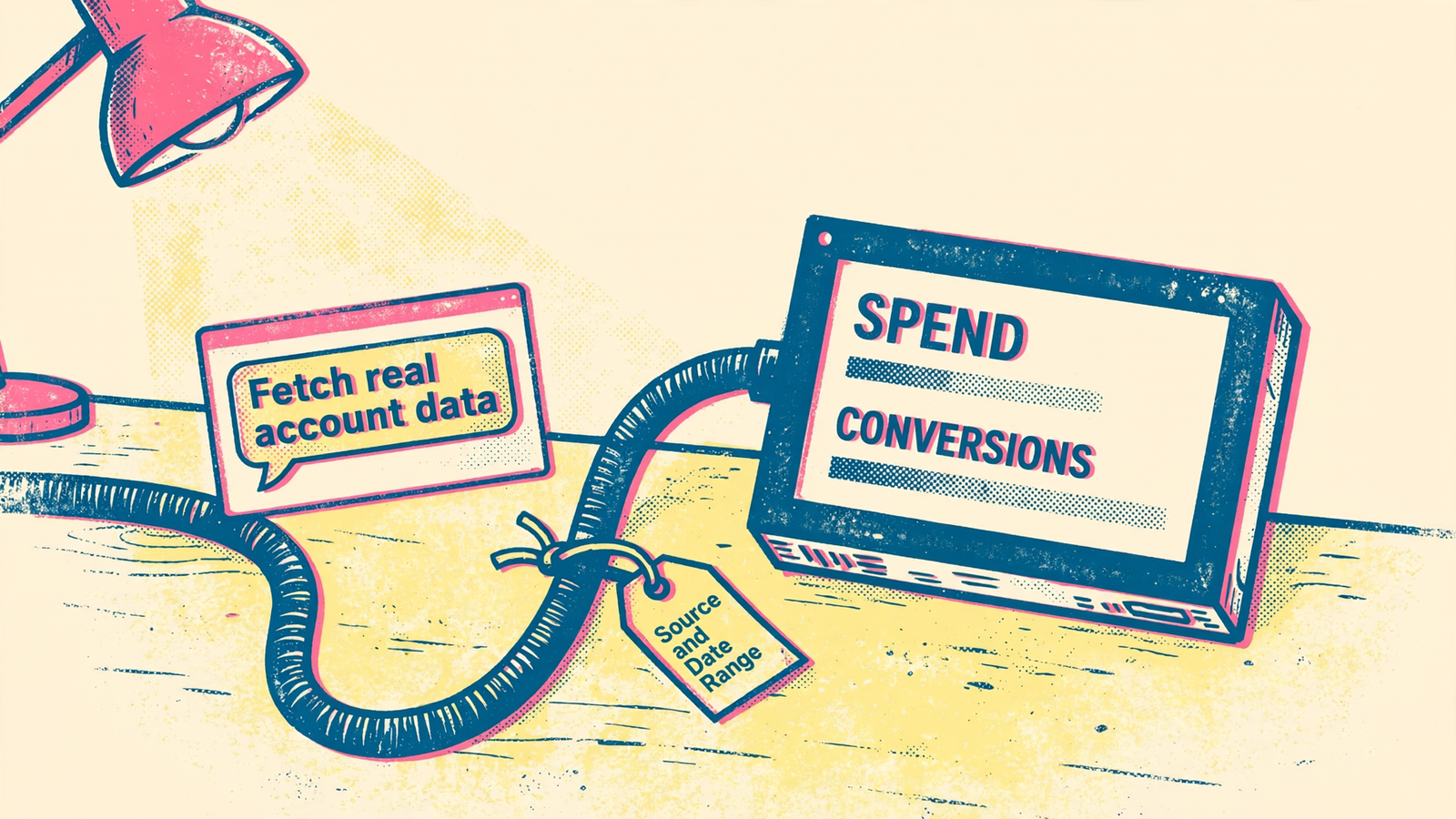
Here’s the prompt I start with:
Using my connected accounts, show spend and conversions by campaign. State the source, date range and anything unavailable. Make no changes.
“Make no changes” keeps the first test about retrieval. A CSV is already read-only; there’s nothing in the account for the file to change. On a connection that can write, I want reading and acting to be separate decisions. If I want a change later, I ask for it explicitly and check the log for what groas did and why.
I also want missing data to stay missing. If a campaign is unavailable, I’d rather see that in the answer than get a plausible explanation for a number the assistant never saw. A missing field tells me what to check next. An invented number sends me to fix the wrong campaign.
Buy for the question you need answered
Choose on freshness and execution, not on how confidently the assistant talks. I use public retrieval for what’s published: pricing, claims and what competitors say on their sites. I use an export for a defined question about a fixed period. When I need current account figures or want to make and review approved changes, I use groas over MCP. Those are different jobs, even when the answers all arrive in the same chat window.
groas Unlimited costs $19 a month, flat, for a whole team, with unlimited teammates, ad accounts and websites, every feature and all the data. Agencies pay the same across clients. The ChatGPT plan is separate, so I check whether it allows the kind of access I’m buying groas to use. There’s no point paying for an execution workflow if I only intend to read reports.
I spent years building match-type structures and mining negative keywords by hand. I don’t need an assistant to describe that work convincingly. I need it to show me the account data and, when I ask it to act, leave a record I can check.
So leave the homepage count out of the purchase decision. It tells you about requests for a public page. If the job needs private data, connect the account and run the read-only test. Judge the answer against the numbers in your account. Those are the numbers I’d buy on.